
1. Вступ
This manual provides detailed instructions for the setup, operation, and maintenance of your BINNIFA Play 6D Sound Bar. Please read this manual thoroughly before using the product to ensure proper function and to maximize your audio experience. Keep this manual for future reference.

Image 1.1: The BINNIFA Play 6D Sound Bar, a sleek, silver-colored audio device designed to enhance television sound.
2. Інформація про безпеку
- Не піддавайте саундбар впливу дощу, вологи або екстремальних температур.
- Забезпечте належну вентиляцію навколо пристрою, щоб запобігти перегріванню.
- Не відкривайте casing; звертайтеся до кваліфікованого персоналу з усіма видами обслуговування.
- Використовуйте лише наданий адаптер живлення.
- Тримайте саундбар подалі від сильних магнітних полів.
3. Вміст упаковки
Перевірте наявність усіх елементів в упаковці:
- BINNIFA Play 6D Sound Bar
- Пульт дистанційного керування
- Адаптер змінного струму
- Оптичний кабель
- Комплекти для настінного монтажу
4. Продукт закінчивсяview
4.1 Передня та верхня частини View
Зображення 4.1: спереду view of the sound bar, featuring a silver grille and a subtle BINNIFA logo on the left.
4.2 Підключення задньої панелі
The rear panel of the sound bar provides various input ports for connecting to your television and other audio sources.

Image 4.2: Close-up of the rear panel showing input ports: Coaxial (COX), Optical (OPT), HDMI ARC, USB, AUX, and DC IN.
5. Налаштування
5.1 Варіанти розміщення
The BINNIFA Play 6D Sound Bar offers flexible placement options:
- Розміщення на столі: Розмістіть саундбар на рівній, стійкій поверхні безпосередньо перед телевізором. Переконайтеся, що він не загороджує датчик дистанційного керування телевізора.
- Настінне кріплення: Use the included wall mounting kits to attach the sound bar to a wall below your television. Refer to the wall mounting template for precise drilling locations.

Image 5.1: The sound bar positioned on a media console beneath a television, demonstrating tabletop placement.
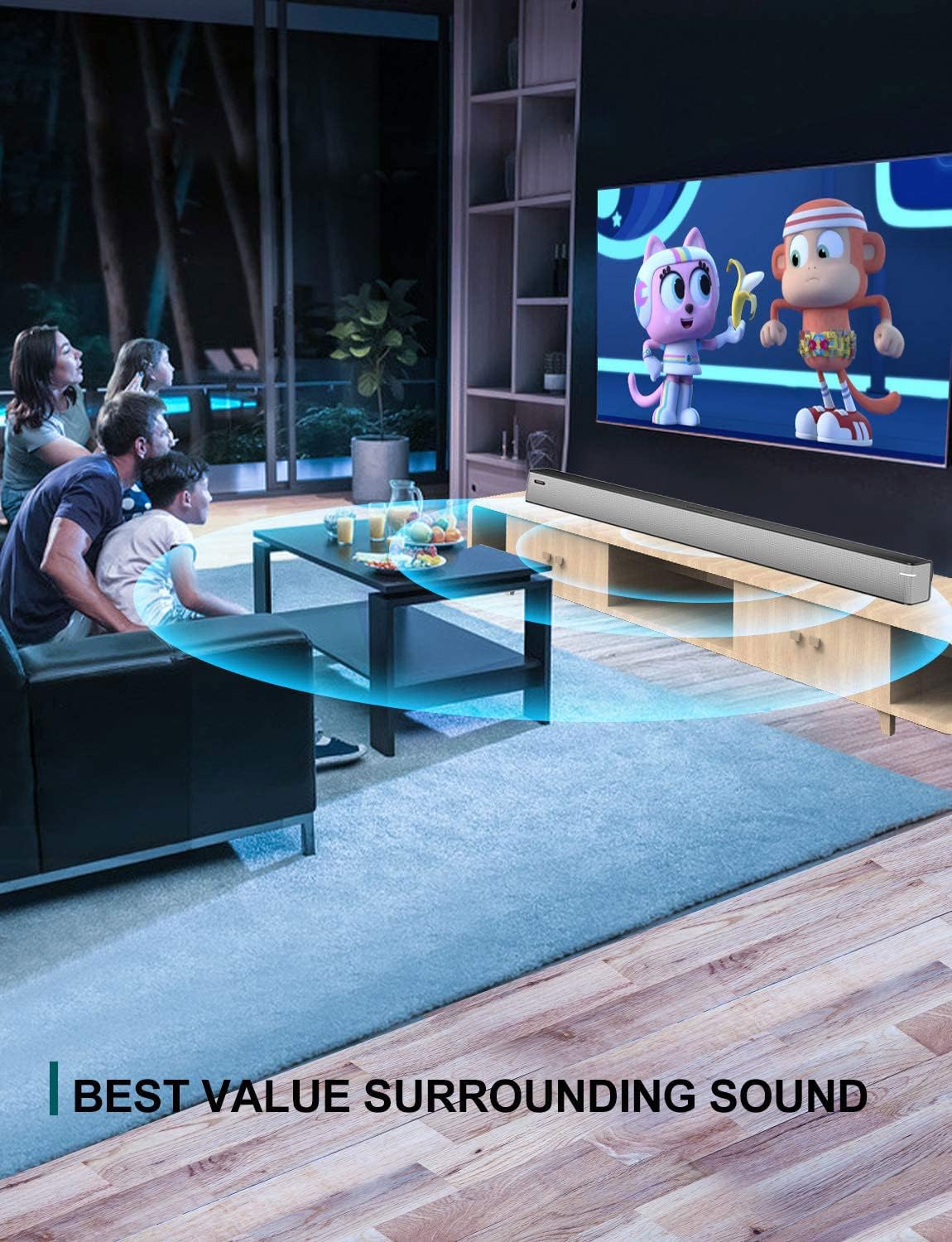
Image 5.2: The sound bar mounted on a wall directly below a television, illustrating wall-mount installation.
5.2 Підключення до телевізора або аудіоджерела
The sound bar supports multiple connection types. Choose the method that best suits your television or audio device.
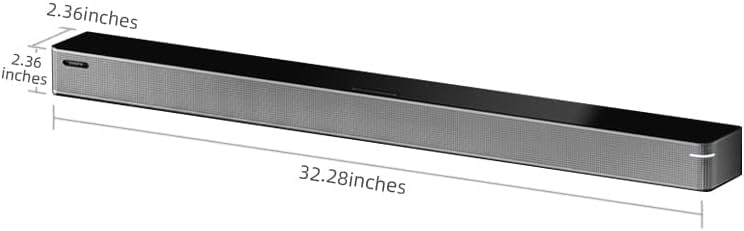
Image 5.3: A diagram illustrating the available connection methods: HDMI ARC, USB Media, and Bluetooth.
- Підключення HDMI ARC (рекомендовано):
- Підключіть один кінець кабелю HDMI (не входить до комплекту) до порту HDMI ARC на телевізорі.
- Підключіть інший кінець до HDMI ARC порт на звуковій панелі.
- Переконайтеся, що функція HDMI ARC вашого телевізора ввімкнена в його налаштуваннях.
- Оптичне підключення:
- Connect the included optical cable to the OPT порт на звуковій панелі.
- Connect the other end to the optical digital audio output port on your TV.
- Set your TV's audio output to 'Optical' or 'PCM'.
- Підключення AUX:
- Connect a 3.5mm audio cable (not included) to the ДОП порт на звуковій панелі.
- Connect the other end to the headphone jack or AUX output on your TV or audio device.
- Підключення USB:
- Вставте USB-накопичувач із аудіо files в USB порт на звуковій панелі.
- Саундбар автоматично перейде в режим USB та розпочне відтворення.
- Коаксіальне з'єднання:
- Connect a coaxial cable (not included) to the ЦОГ порт на звуковій панелі.
- Connect the other end to the coaxial digital audio output port on your TV.
5.3 Підключення живлення
Connect the AC power adapter to the DC IN port on the sound bar, then plug the adapter into a wall outlet.
6. Інструкція з експлуатації
6.1 Увімкнення/вимкнення живлення
Натисніть потужність кнопку на пульті дистанційного керування або на саундбарі, щоб увімкнути або вимкнути пристрій.
6.2 Вибір входу
Натисніть Введення button on the remote control to cycle through the available input sources: HDMI ARC, Optical, AUX, USB, and Bluetooth.
6.3 Створення пари Bluetooth
Щоб підключити пристрій Bluetooth:
- Увімкніть саундбар і виберіть режим Bluetooth за допомогою Введення кнопка. Індикатор блиматиме.
- Увімкніть Bluetooth на своєму мобільному пристрої (смартфоні, планшеті тощо).
- шукати available devices and select "BINNIFA Play 6D" from the list.
- Once paired, the indicator light on the sound bar will stop flashing and remain solid.
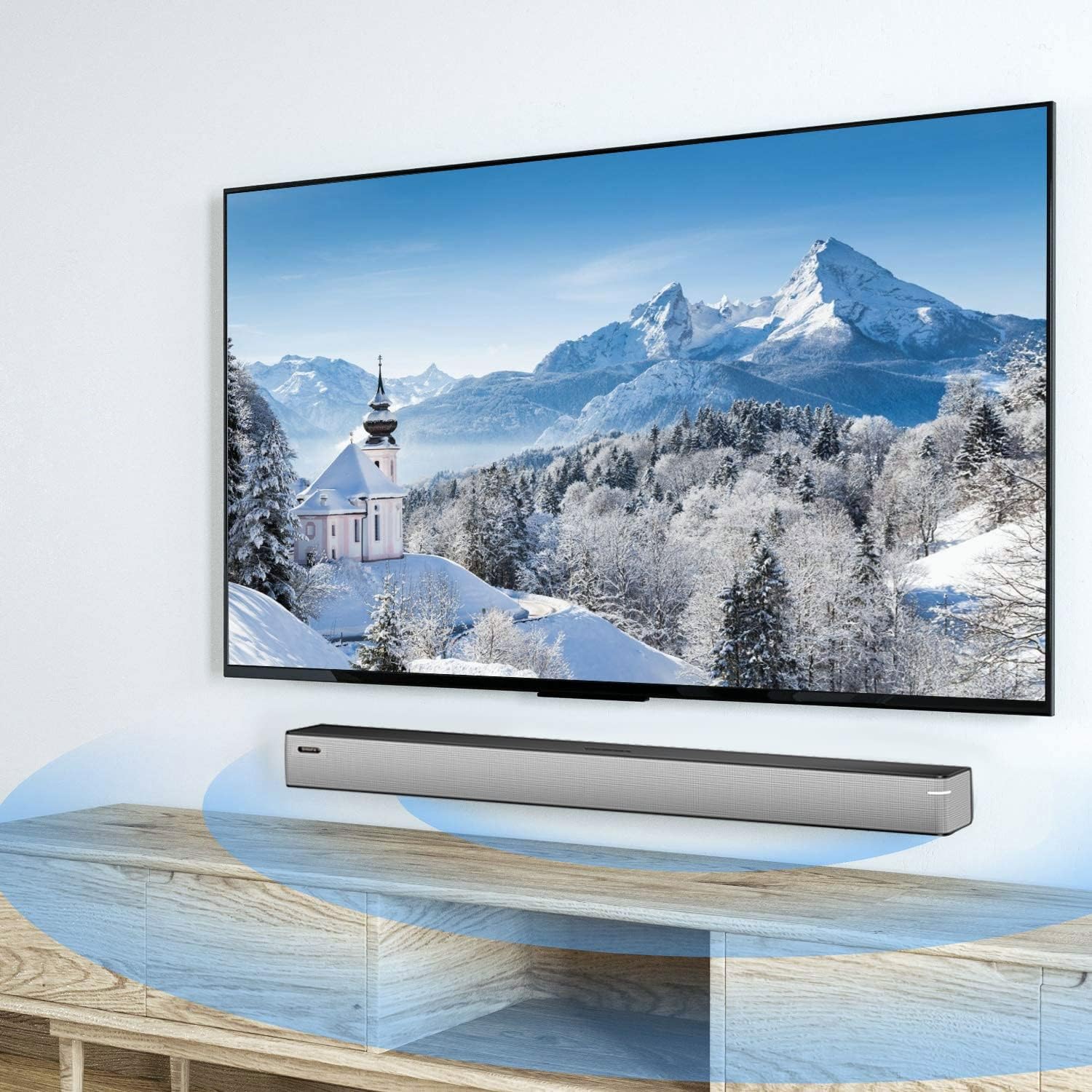
Image 6.1: A smartphone displaying music playback, wirelessly connected to the sound bar via Bluetooth, illustrating simple connectivity.
6.4 режими звуку
The sound bar features three optimized sound modes:
- Музичний режим: Ideal for pop music, providing balanced audio.
- Режим фільму: Enhances movie and TV show audio with heavy bass for an immersive experience.
- Режим новин: Optimizes vocal clarity for news broadcasts and talk shows.
Press the corresponding button on the remote control to switch between modes.
6.5 Регулювання гучності
Використовуйте Збільшення гучності (+) і Зменшення гучності (-) buttons on the remote control or on the sound bar to adjust the volume level.
7. Технічне обслуговування
To ensure the longevity and performance of your sound bar:
- Прибирання: Wipe the surface of the sound bar with a soft, dry cloth. Do not use liquid cleaners or abrasive materials.
- Зберігання: Якщо пристрій зберігатиметься протягом тривалого часу, від’єднайте його від живлення та зберігайте у прохолодному сухому місці.
- Вентиляція: Ensure that the vents are not blocked to prevent overheating.
8. Вирішення проблем
If you encounter issues with your BINNIFA Play 6D Sound Bar, refer to the following common problems and solutions:
| проблема | Можлива причина | Рішення |
|---|---|---|
| Немає звуку із саундбара. |
|
|
| Не вдається підключити пристрій Bluetooth. |
|
|
| Не працює пульт дистанційного керування. |
|
|
9. Технічні характеристики
Detailed technical specifications for the BINNIFA Play 6D Sound Bar:
- модель: Play 6D
- Бренд: БІННІФА
- Розміри продукту: 32.3 дюйма Г x 2.36 дюйма Ш x 2.36 дюйма В (82 см x 6 см x 6 см)
- Вага товару: 4.19 фунтів (1.9 кг)
- Тип динаміка: Саундбар
- Тип монтажу: Настінне кріплення, настільне
- Технологія підключення: Допоміжний, Bluetooth, Коаксіальний, HDMI ARC, Оптичний, USB
- Технологія бездротового зв'язку: Bluetooth 5.0
- Діапазон Bluetooth: До 10 метрів (33 футів)
- Максимальна вихідна потужність динаміка: 30 Вт
- АЧХ: 60 Гц
- Коефіцієнт сигнал-шум: 75 дБ
- Джерело живлення: Corded Electric (AC adapter)
- Метод контролю: Пульт дистанційного керування
- колір: Срібло
- UPC: 791200396207

Image 9.1: Diagram illustrating the dimensions of the sound bar: approximately 32.28 inches long, 2.36 inches deep, and 2.36 inches high.
10. Гарантія та підтримка
BINNIFA products are designed for reliability and performance. For warranty information or technical support, please refer to the warranty card included with your product or visit the official BINNIFA webсайт. Зберігайте чек про покупку як підтвердження покупки для гарантійних претензій.