
вступ
This manual provides detailed instructions for the installation, operation, and maintenance of your Veise KS02D Fingerprint Keyless Entry Door Lock Set. Please read this guide thoroughly before installation and use to ensure proper functionality and security.
Що включено
Перед початком встановлення перевірте наявність усіх компонентів:
- Блокування дверних відбитків
- Ручка
- Ручка важеля
- Інструкції (цей посібник)
- Посібник користувача (цей посібник)
- Засувка
- Страйк
- 2 резервні ключі
- Монтажна пластина
- гвинти
Продукт закінченийview
Ключові характеристики:
- Кілька методів розблокування: Supports up to 20 fingerprints, 20 passwords, and 2 physical keys. One-time passwords can be generated for temporary access.
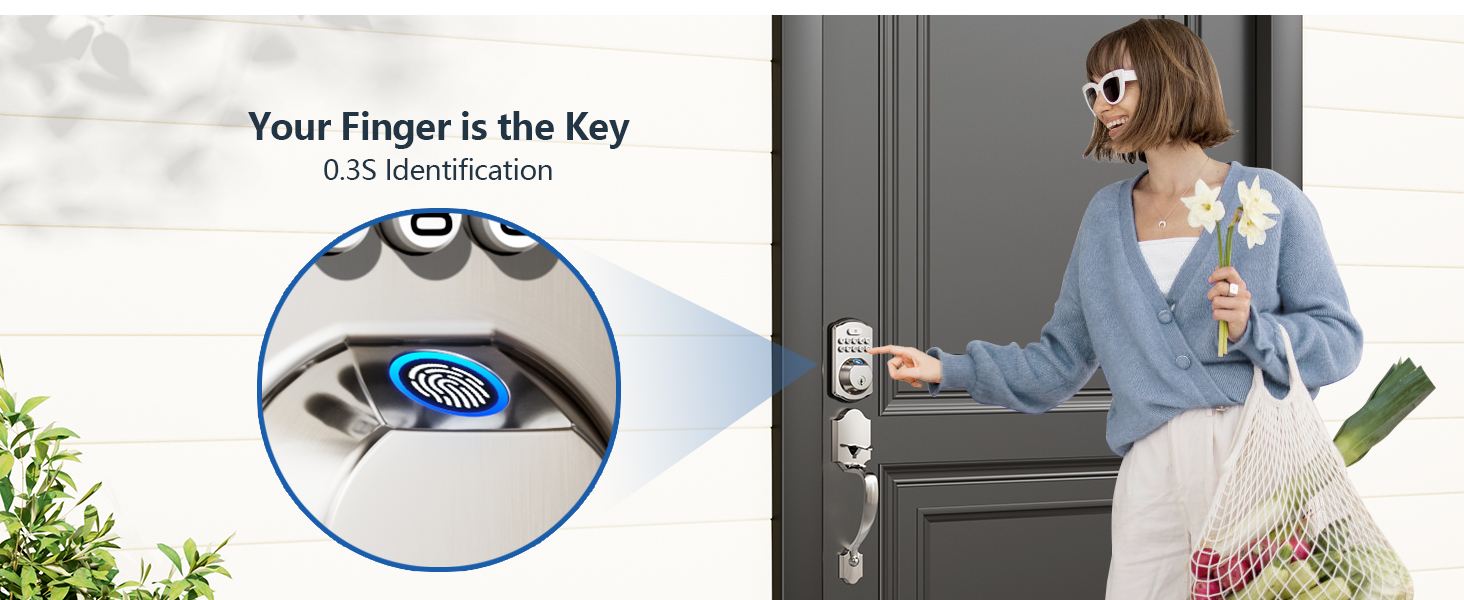
- Швидке розпізнавання відбитків пальців: Built-in sensor with 99.99% recognition rate and 500 DPI resolution, unlocking in approximately 1 second.
- Автоматичне блокування та блокування одним дотиком: Configurable auto-lock delay (10-99 seconds). Instant locking by pressing and holding any key for 2 seconds from the outside.
- Міцна конструкція: Made from solid, premium zinc alloy, ANSI Grade 3 and BHMA tested, with IP54 water and dust resistance. Tested over 200,000 cycles.
- Anti-Peeping & Intrusion Protection: Decoy digits can be added before or after the actual code. The lock disables for 3 minutes after 10 incorrect entries.
- Long Battery Life & Alerts: Operates on 4 AA batteries (not included) for over a year. Features a low-battery alert on the backlit keypad.
- Режим відпустки: Disables all user codes except the master password and triggers an alarm if opened from inside using the thumb turn.
- Режим тиші: Mutes keypad tones for quiet operation, while still allowing low-battery and security alerts to be audible.
Door Compatibility & Dimensions
Before installation, confirm your door dimensions and type:
- Товщина дверей: від 1-3/8 дюйма до 2 дюймів (35 мм-50 мм)
- Hole Diameter (Main): 2-1/8 дюйма (54 мм)
- Назад: 2-3/8 дюйма або 2-3/4 дюйма (60 мм або 70 мм)
- Hole Diameter (Latch): 3/8 дюйма (10 мм)
- Minimalist Distance (between holes): 4" (101.6mm) - Cannot be installed if less than 4"
- Довжина ручки: 7-7/8" to 9-7/8" (200mm-225mm)
The lock is suitable for U.S. standard left and right-handed doors. Ensure your door has a chiseled latch hole and is a single cylinder type. It is not compatible with Mortise, Integrated, or Rim Cylinder lock types.

Image: Detailed diagram showing door lock dimensions, hole diameters, backset, and compatibility for left-handed and right-handed doors, including warnings for incompatible door types.
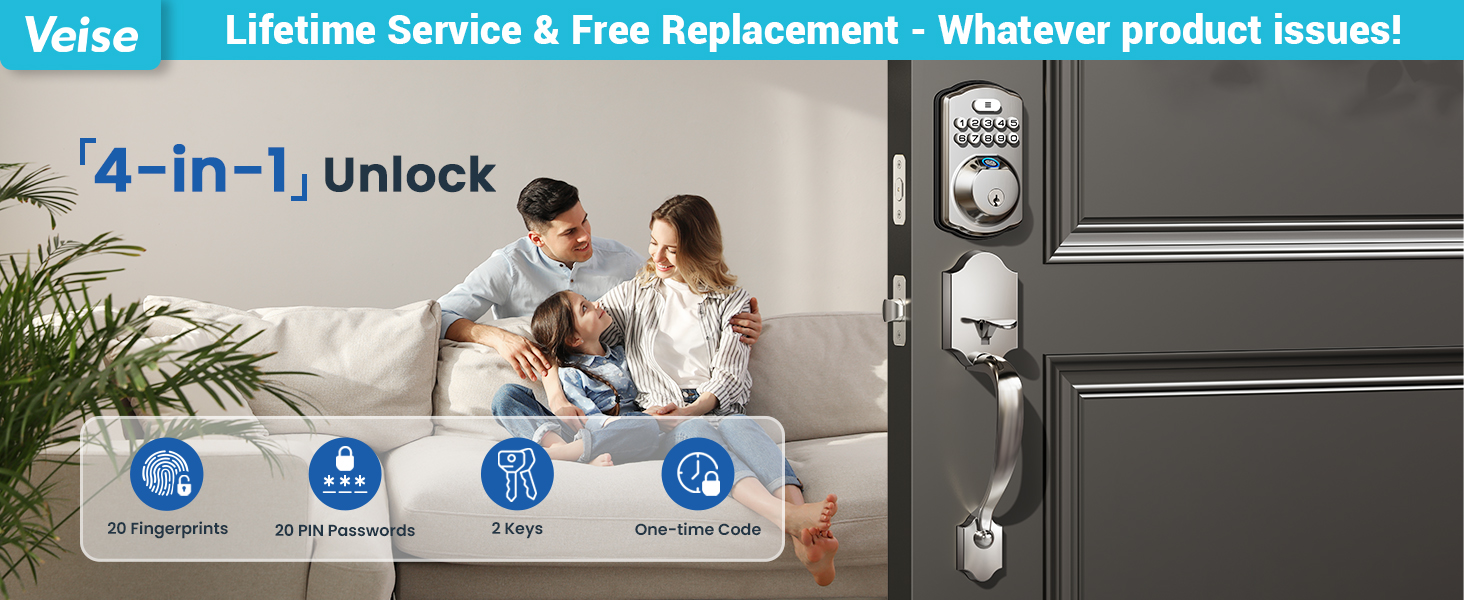
Image: Visual guide to check door size before purchase, illustrating hole diameter, backset, spacing between holes, and door thickness requirements.
Зображення: Прamples of incompatible 3-hole spacing that will prevent installation, highlighting minimum distance requirements.
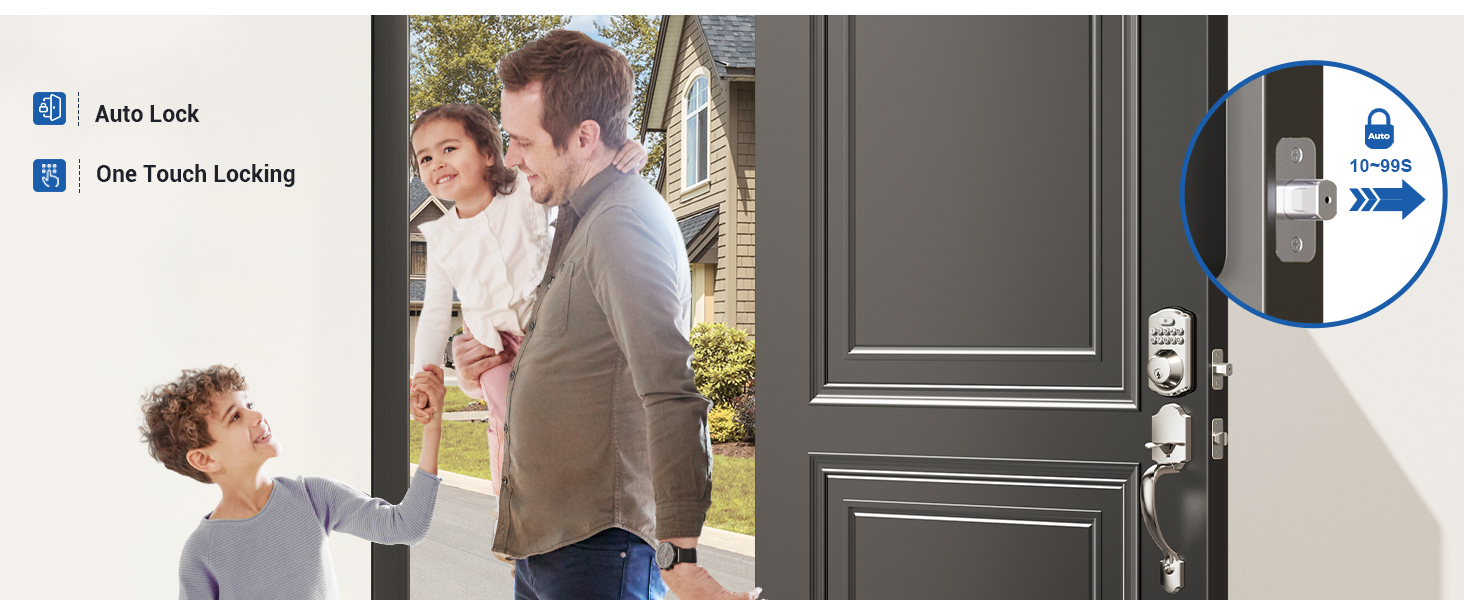
Image: Visual guide for checking latch hole type (chiseled vs. not chiseled) and door compatibility (single cylinder vs. mortise/integrated/rim cylinder).
Налаштування
Установка:
The Veise KS02D lock set is designed for quick, tool-friendly installation. Only a screwdriver is typically required. Follow the detailed instructions provided in the included user manual for visual assistance.
Установка батареї:
The lock requires 4 AA batteries (not included). When installing batteries, ensure you press and hold the reset button before inserting the last battery. The lock mechanism will automatically adjust to the correct locking position.
Programming Fingerprints and Passcodes:
The lock supports up to 20 fingerprints and 20 passcodes. Refer to the "Quick Set Up" section in your physical manual for detailed programming steps. Generally, programming involves pressing the top button twice, entering the master code, pressing the top button again, and then following the prompts for adding fingerprints (scanning 8 times) or user codes.

Image: Illustrates the capacity for up to 20 fingerprints and codes, including one-time codes for various users like family, friends, pet sitters, and repairmen.
Інструкція з експлуатації
Способи розблокування:
- відбитків пальців: Прикладіть зареєстрований відбиток пальця до датчика. Замок розблокується приблизно через 1 секунду.
- пароль: Enter your programmed 4-8 digit passcode on the keypad.
- Фізичний ключ: Use one of the two provided backup keys to manually unlock the deadbolt.
- Одноразові коди: Generate temporary codes for guests or service providers. These codes expire after a single use.

Image: Close-up of the fingerprint sensor on the Veise KS02D lock, highlighting 0.3s biometric identification, 99.9% recognition rate, and 500 DPI resolution.

Image: Illustration of the one-time password feature, showing a person receiving a code via phone and another person using it to enter the home.
Методи блокування:
- Автоблокування: The smart keypad can be set to automatically lock 10-99 seconds after the door closes.
- Блокування одним дотиком: From the outside, press and hold any key on the keypad for 2 seconds to instantly lock the door.

Image: Depicts the auto-lock feature with a timer (10-99s) and a person leaving the house, indicating the lock will automatically engage.
Спеціальні режими:
- Режим відпустки: Disables all user codes except the master password. An alarm will trigger if the lock is opened from the inside using the thumb turn.
- Режим тиші: Mutes keypad tones for quiet operation, while still allowing low-battery and security alerts to be audible.
Пароль проти підглядання:
To prevent others from guessing your code, you can enter random digits before or after your actual passcode. The lock will still recognize the correct sequence within the longer string of numbers.
Технічне обслуговування
Заміна батареї:
The lock will provide a clear low-battery alert on the backlit keypad when the batteries are running low. Replace all 4 AA batteries promptly to ensure continuous operation. Always use fresh, high-quality alkaline batteries.
Прибирання:
Clean the keypad and fingerprint sensor with a soft, dry cloth. Avoid using abrasive cleaners or solvents that could damage the finish or electronic components.
Усунення несправностей
- Замок не відповідає: Перевірте рівень заряду батарей. Замініть батареї, якщо вони низькі.
- Incorrect Entry Limit: After 10 incorrect entries, the lock will shut down for 3 minutes to deter unauthorized access. Wait for the lockout period to end before trying again.
- Відбиток пальця не розпізнано: Переконайтеся, що ваш палець чистий і сухий. Спробуйте повторно зареєструвати свій відбиток пальця, якщо проблеми не зникнуть.
- Автоматичне блокування не вмикається: Verify that the auto-lock feature is enabled and the delay time is set correctly in the programming settings.
- Door Handle Issues: If the door handle does not operate smoothly, check for proper alignment and installation. The adjustable design of the handle should accommodate most standard door setups.
Технічні характеристики
| Особливість | Деталь |
|---|---|
| Бренд | Veise |
| Назва моделі | KS02D |
| Тип замка | Біометричний, Засув, Клавіатура |
| матеріал | Aluminum, Metal, Zinc |
| Колір | Сатин Нікель |
| Розміри предмета (Д x Ш x В) | 18 x 7 x 4 дюймів |
| Вага товару | 4.93 фунта |
| Джерело живлення | Battery-Powered (4 AA batteries, not included) |
| Особливості | Alarm, Battery Indicator, One-Touch Lock, Weather Resistant, Anti-Peeping Password, Auto-Lock, Back-Lit Keypad, Passcode Unlock |
| Сертифікація довговічності | ANSI Grade 3, BHMA tested, IP54 water and dust resistance |
| Спосіб встановлення | Закручування |
Гарантія та підтримка
Veise offers a 2-year full-unit warranty and lifetime maintenance for mechanical components. For assistance, please contact Veise customer support:
- Підтримка по телефону: Available Monday-Friday 9 AM-5 PM PST, and Saturday 7 AM-3 PM PST.
- Служба електронної пошти: 24/7 email support from the Veise professional team.

Image: Graphic detailing US-based support hours and contact information for Veise products.


