
вступ
The Keychron C2 is a full-size (104-key) wired mechanical keyboard designed for both Mac and Windows operating systems. It features durable Red mechanical switches and retro-colored ABS keycaps, providing a comfortable and responsive typing experience. This manual provides essential information for setting up, operating, maintaining, and troubleshooting your Keychron C2 keyboard.

Image: The Keychron C2 Full Size Wired Mechanical Keyboard connected to a computer setup.
Вміст упаковки
Переконайтеся, що всі предмети присутні в упаковці:
- Keychron C2 Full Size Wired Mechanical Keyboard
- Кабель USB-C – USB-A
- Знімач ключів
- Додаткові ковпачки клавіш для операційних систем Mac та Windows
Налаштування
- Підключення клавіатури: Plug the USB-C end of the provided cable into the keyboard's USB-C port and the USB-A end into an available USB port on your computer. The keyboard is a wired-only device and does not require batteries.
- Виберіть режим операційної системи: Locate the operating system switch on the back or side of the keyboard. Slide the switch to the appropriate position for your computer (Mac or Windows). This ensures correct function key mapping.
- Налаштування кута нахилу клавіатури: The keyboard features 2-level adjustable feet. Flip out the feet on the underside of the keyboard to achieve your preferred typing angle for ergonomic comfort.
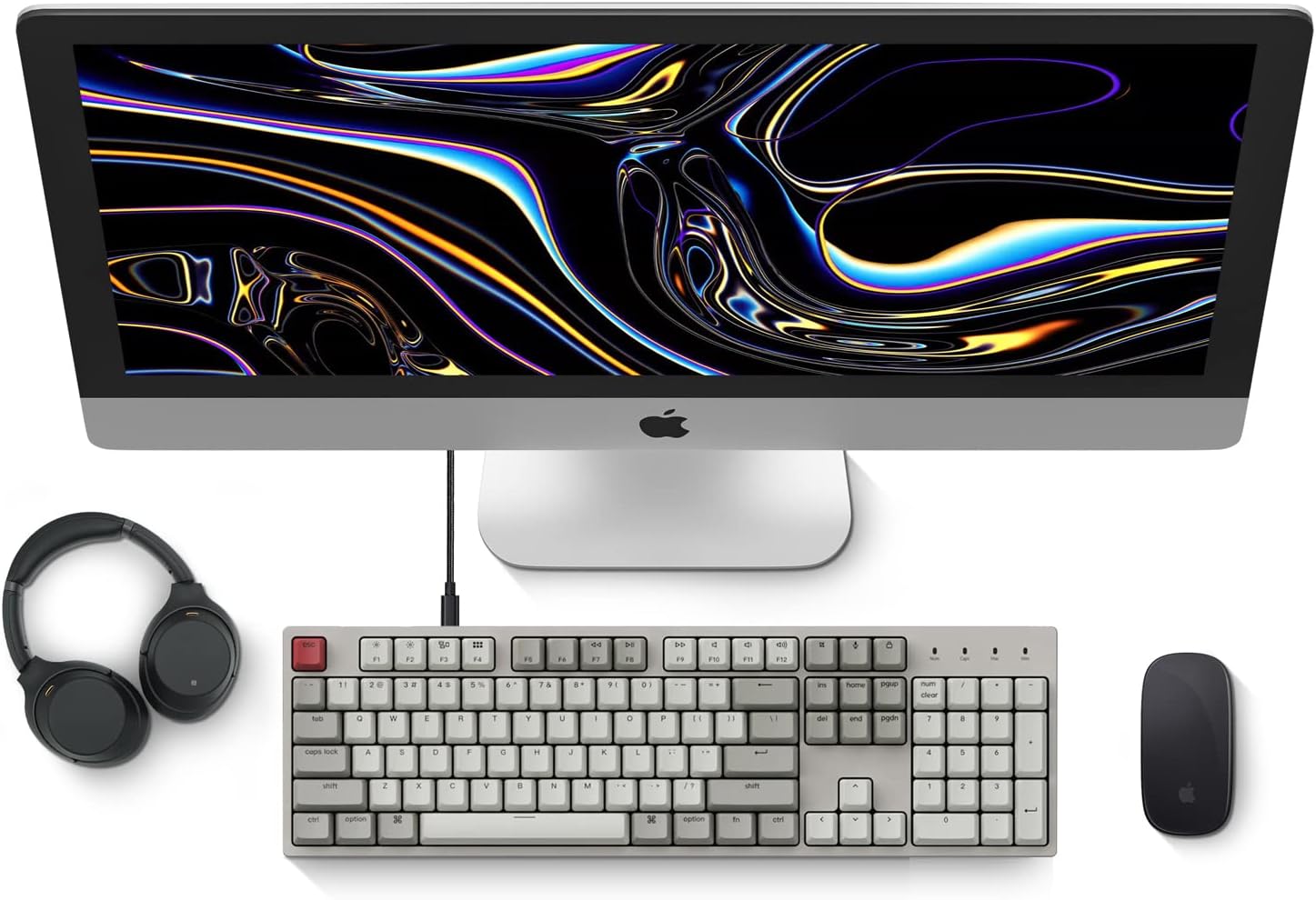
Image: Diagram showing compatibility with Mac and Windows operating systems.

Зображення: Збоку view of the Keychron C2 keyboard illustrating the adjustable feet for angle customization.
Інструкція з експлуатації
Основні функції
- Введення: The keyboard features a standard 104-key full-size layout.
- Мультимедійні клавіші: The top row of function keys (F1-F12) includes multimedia controls. These functions are optimized for Mac but are also compatible with Windows.
- Siri/Cortana Key: A dedicated key is provided for activating Siri (on Mac) or Cortana (on Windows).
Заміна ковпачка клавіш
The Keychron C2 comes with extra keycaps for both Mac and Windows layouts. To replace keycaps:
- Use the provided keycap puller to gently remove the desired keycap by hooking it onto the keycap and pulling upwards.
- Зіставте новий ковпачок клавіші зі штоком перемикача та міцно натисніть, доки він не зафіксується на місці.

Зображення: Крупний план view of the Keychron Red mechanical switches beneath removed keycaps.
Технічне обслуговування
- Прибирання: Regularly clean your keyboard to prevent dust and debris buildup. Use a soft brush or compressed air to remove particles between keycaps. For surface cleaning, use a slightly damp, тканина без ворсу. Уникайте агресивних хімікатів.
- Догляд за ковпачками клавіш: While durable, avoid excessive force when removing or installing keycaps to prevent damage to the keycap stems or switches.
- Управління кабелем: Ensure the USB-C cable is not bent sharply or placed under heavy objects to prolong its lifespan.

Image: Close-up of the ABS keycaps on the Keychron C2 keyboard.
Усунення несправностей
- Клавіатура не реагує:
- Check the USB-C cable connection at both the keyboard and the computer. Ensure it is securely plugged in.
- Спробуйте підключити клавіатуру до іншого USB-порту на комп'ютері.
- Verify that the operating system switch on the keyboard is set correctly (Mac/Windows).
- Перезавантажте комп'ютер.
- Певні клавіші не працюють:
- Carefully remove the non-functional keycap using the keycap puller. Inspect the mechanical switch for any visible damage or debris.
- Clean around the switch with compressed air.
- Re-seat the keycap firmly.
- Неправильний вивід клавіші:
- Ensure the operating system switch is set to the correct mode for your computer.
- Check your computer's keyboard settings to ensure the correct layout is selected.
Технічні характеристики
| Особливість | Деталь |
|---|---|
| Бренд | Keychron |
| Назва моделі | Keychron C2 |
| Номер моделі | HS-C2K1Z |
| Технологія підключення | USB-C (дротовий) |
| Сумісні пристрої | Ноутбук, ПК |
| Сумісне сімейство операційних систем | MacOS, Windows |
| Кількість клавіш | 104 |
| Тип перемикача | Linear (Red Switch) |
| Матеріал кепки | ABS (акрилонітрилбутадієнстирол) |
| Розкладка клавіатури | QWERTY |
| Особливість | Backlit (Single Color) |
| Вага товару | 5390 грамів |
| Джерело живлення | Провідний електричний |
Гарантія та підтримка
For warranty information, technical support, or further assistance, please visit the official Keychron website or contact Keychron customer service. Details regarding product registration and specific warranty terms can be found through official Keychron channels.