
1. Вступ
Thank you for choosing the XTREMTEC Wireless Keyboard and Mouse Combo. This ultra-slim, retro-style peripheral set is designed for comfortable and quiet operation across various devices. This manual provides essential information for setup, operation, maintenance, and troubleshooting to ensure optimal performance.
2. Вміст упаковки
- XTREMTEC Wireless Keyboard
- XTREMTEC Wireless Mouse
- 2.4G Nano USB Receiver (stored inside the keyboard's battery compartment)
- USB-C адаптер
- Силіконовий чохол для клавіатури
- Посібник користувача
3. Налаштування
Follow these steps to set up your XTREMTEC Wireless Keyboard and Mouse Combo:
- Встановіть акумулятори:
- For the mouse: Open the battery compartment on the underside of the mouse and insert 1 AA battery (not included), ensuring correct polarity.
- For the keyboard: Open the battery compartment on the back of the keyboard and insert 2 AAA batteries (not included), ensuring correct polarity.
- Підключіть USB-приймач:
- Locate the 2.4G Nano USB receiver stored inside the keyboard's battery compartment. Remove it.
- Plug the USB receiver into an available USB port on your computer. If your device only has USB-C ports, use the provided USB-C adapter.
- Увімкнення:
- Slide the ON/OFF switch on the bottom of the mouse to the 'ON' position.
- Slide the ON/OFF switch on the back of the keyboard to the 'ON' position.
- Автоматичне підключення: The keyboard and mouse should automatically connect to your computer. No additional drivers are typically required.

Image: The 2.4GHz wireless connection setup, showing the USB receiver plugged into a laptop.
Video: A demonstration of the XTREMTEC Slim Wireless 2.4G Keyboard and Mouse Combo setup process.
4. Інструкція з експлуатації
Maximize your productivity and comfort with these operating features:
- Досвід тихого друку: The keyboard features noise-reduced scissor switches and vintage typewriter-inspired round keycaps for a comfortable and quiet typing experience. The mouse also offers noiseless clicks.
- Регулювання DPI: The optical wireless mouse allows you to adjust the DPI (dots per inch) sensitivity between 3 different levels with a single click, adapting to your preference.
- Мультимедійні скорочення: Access common functions quickly with 15 multimedia shortcuts integrated into the keyboard. These include controls for music, volume, homepage, email, and more.
- Функція блокування екрана: The keyboard includes a dedicated button to quickly lock your screen for privacy and security.
- Автоматичний режим сну: Both the keyboard and mouse feature an auto-sleep mode to conserve battery life when not in use. They will wake instantly with a single click or key press.

Image: Detail of the keyboard showcasing whisper-quiet keys and noiseless mouse technology.
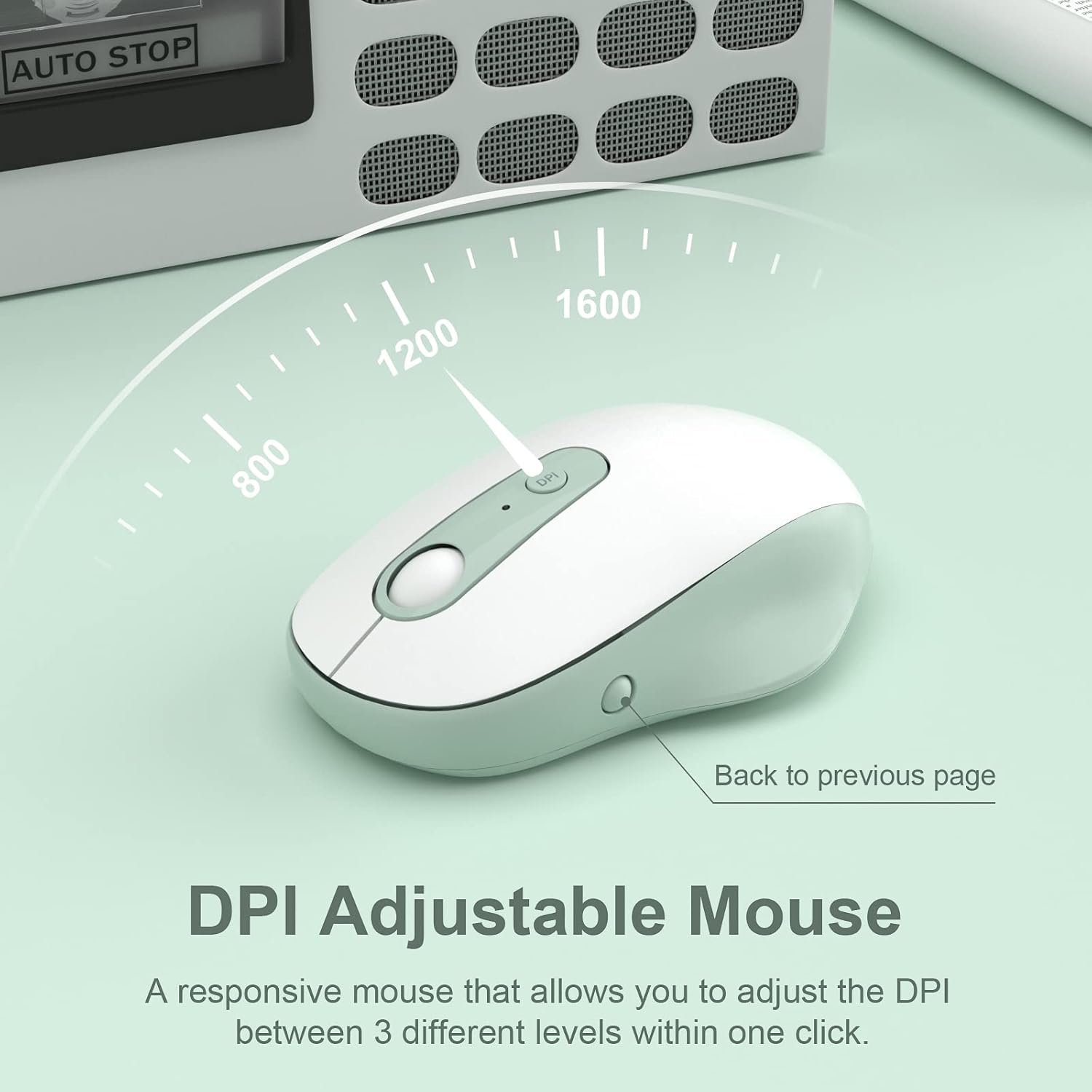
Image: The DPI adjustable mouse, illustrating its responsiveness and settings.
Video: A demonstration of the XTREMTEC Wireless Keyboard and Mouse Combo, highlighting its quiet round keys.
5. Технічне обслуговування
To ensure the longevity and optimal performance of your XTREMTEC combo:
- Силіконовий чохол: Use the provided soft silicone cover to protect your keyboard from dust, spills, and scratches when not in use.
- Durable Keys: The keys are designed to withstand up to 3 million presses and feature a UV coating to prevent letters from fading or scratching easily.
- Прибирання: Regularly wipe down the surfaces with a soft, dry cloth. For deeper cleaning, carefully remove the silicone cover and clean the keyboard keys.

Image: The keyboard with its water and dust resistant silicone cover, also showing a USB-C adapter.
6. Вирішення проблем
If you encounter any issues, please try the following steps:
- Немає з'єднання:
- Переконайтеся, що і клавіатура, і миша увімкнені.
- Check that the USB receiver is securely plugged into your computer's USB port. Try a different USB port if necessary.
- Verify that the batteries in both devices are correctly installed and not depleted. Replace batteries if needed.
- Затримка або переривчасте з'єднання:
- Перемістіть клавіатуру та мишу ближче до USB-приймача.
- Avoid placing the receiver near other electronic devices that might cause interference (e.g., Wi-Fi routers, other wireless devices).
- Переконайтеся, що операційна система вашого комп’ютера оновлена.
- Курсор миші не рухається:
- Check the mouse's power switch and battery.
- Ensure the mouse is on a suitable surface (a mouse pad is recommended).
7. Технічні характеристики
| Номер моделі | КБ-К101А |
| Розміри продукту | 15.31 x 5.3 x 0.16 дюймів |
| Вага товару | 1.3 фунта |
| Потрібні батареї | 1 AA battery (for mouse), 2 AAA batteries (for keyboard) |
| Технологія підключення | 2.4G USB Wireless Technology |
| Сумісні пристрої | Mac OS, Windows, PC, Desktop computer, Laptop |
| Особливість | Round Key, Scissor Switch, DPI Adjustment |
8. Гарантія та підтримка
For warranty information and customer support, please refer to the documentation included with your product or visit the official XTREMTEC website. You may also contact XTREMTEC customer service directly for assistance.