
1. Вступ
Thank you for choosing the HXSJ L800 3-Mode 61-Key RGB Mechanical Gaming Keyboard. This keyboard offers versatile connectivity options including 2.4GHz wireless, Bluetooth 5.0, and wired USB-C, making it suitable for various devices and usage scenarios. Its compact 61-key layout is designed for portability and efficiency, providing ample space for mouse movement. The keyboard features durable two-color injection molded ABS keycaps and vibrant RGB backlighting for an enhanced user experience. This manual provides detailed instructions for setup, operation, maintenance, and troubleshooting to ensure optimal performance.
2. Вміст упаковки
- 1 x механічна ігрова клавіатура HXSJ L800
- 1 x USB Receiver (for 2.4GHz wireless connection)
- 1 x Type-C Cable (for wired connection and charging)
- 1 х посібник користувача

3. Налаштування
3.1 Режими підключення
The HXSJ L800 keyboard supports three connection modes: 2.4GHz wireless, Bluetooth 5.0, and wired USB-C. You can switch between these modes based on your device and preference.
3.1.1 Бездротове з'єднання 2.4 ГГц
- Знайдіть USB-приймач, що входить до комплекту.
- Підключіть USB-приймач до вільного USB-порту на вашому комп’ютері або сумісному пристрої.
- Ensure the keyboard's mode switch (usually on the back or side) is set to 2.4G wireless mode.
- The keyboard should automatically connect. If not, press and hold the Fn + R keys simultaneously for a few seconds to initiate pairing.
3.1.2 З’єднання Bluetooth 5.0
Клавіатура може підключатися до трьох пристроїв Bluetooth одночасно.
- Ensure the keyboard's mode switch is set to Bluetooth mode.
- На своєму пристрої (комп’ютері, планшеті, смартфоні) увімкніть Bluetooth та почніть пошук нових пристроїв.
- To connect to the first device, press and hold Fn+Z (BT1) until the indicator light flashes rapidly.
- To connect to the second device, press and hold Fn + X (BT2) until the indicator light flashes rapidly.
- To connect to the third device, press and hold Fn + C (BT3) until the indicator light flashes rapidly.
- Select "HXSJ L800" or a similar name from your device's Bluetooth list to pair.

3.1.3 Дротове підключення USB-C
- Підключіть один кінець наданого кабелю Type-C до порту Type-C клавіатури.
- Під’єднайте інший кінець кабелю до USB-порту комп’ютера.
- Клавіатура автоматично перейде в дротовий режим і почне заряджатися.
3.2 Сумісність системи
The HXSJ L800 keyboard is compatible with a wide range of operating systems, including IBM PC, Win98SE, Me, 2000, XP, VISTA, WIN 7, and WIN10. It also supports Mac OS, iOS, and Android systems.

4. Інструкція з експлуатації
4.1 Основні функції
The 61-key layout is compact but retains all essential functions. Many keys have secondary functions accessible via the Fn key. Refer to the keyboard's keycap legends for specific Fn combinations (e.g., Fn + number row for F1-F12, Fn + arrow keys for page navigation).
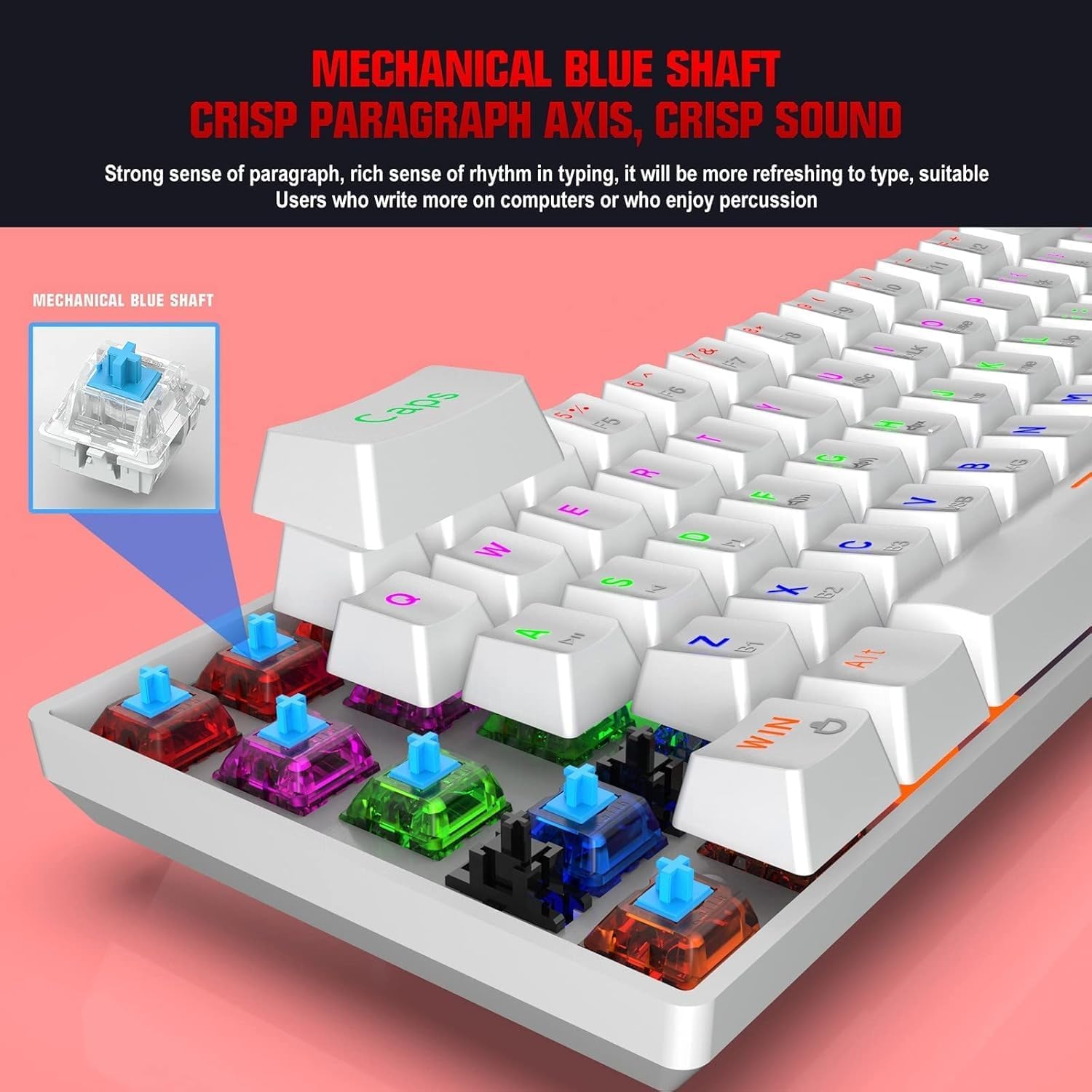
4.1.1 Blue Mechanical Switches
The keyboard is equipped with blue mechanical switches, known for their distinct tactile bump and audible click. This provides clear feedback for each keystroke, preferred by many for typing and gaming.
4.2 Підсвічування RGB
The keyboard features dynamic RGB backlight effects. Use specific Fn key combinations (e.g., Fn + \|) to cycle through different lighting modes, adjust brightness, or change colors. Consult the full user manual for a complete list of lighting controls.
4.3 Заряджання клавіатури
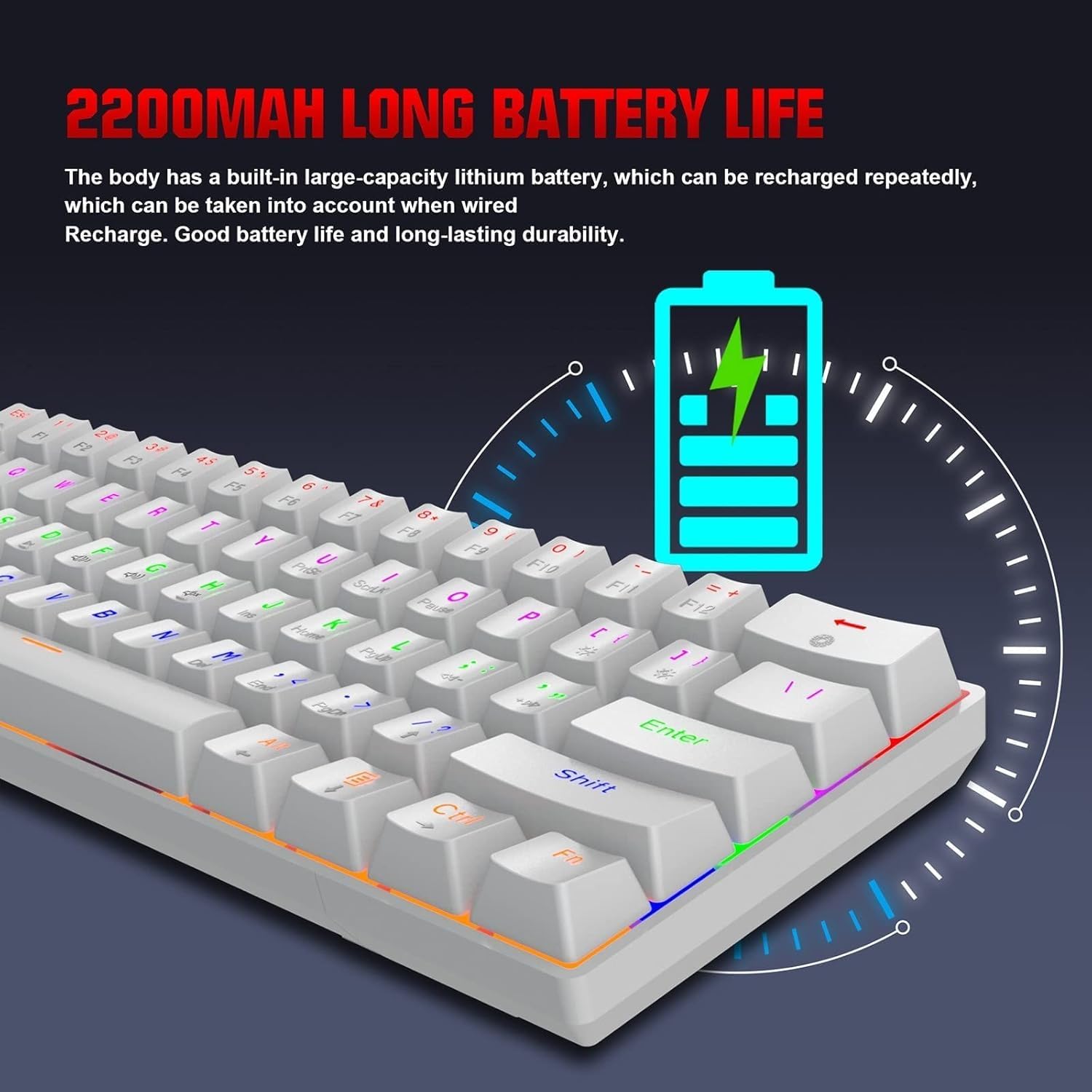
The HXSJ L800 has a built-in 2200mAh rechargeable lithium battery. When the battery is low, the indicator light may flash or change color. Connect the keyboard to a USB power source using the provided Type-C cable to charge. The indicator light will typically show charging status and turn off or change color when fully charged.
5. Технічне обслуговування
To ensure the longevity and optimal performance of your HXSJ L800 keyboard, follow these maintenance guidelines:
- Прибирання: Regularly clean the keyboard with a soft, dry cloth. For deeper cleaning, use compressed air to remove dust and debris from between the keycaps. You may carefully remove keycaps using a keycap puller (not included) for thorough cleaning, but ensure to reattach them correctly.
- Клавіатури: The two-color injection molded ABS keycaps are designed for durability and resistance to fading. Avoid using harsh chemicals or abrasive materials that could damage the keycap surface.
- Зберігання: Зберігайте клавіатуру в прохолодному, сухому місці, подалі від прямих сонячних променів та екстремальних температур.
- Вплив рідини: Avoid spilling liquids on the keyboard. If a spill occurs, immediately disconnect the keyboard, turn it upside down to drain, and allow it to dry completely before reconnecting.
6. Вирішення проблем
If you encounter issues with your HXSJ L800 keyboard, refer to the following common troubleshooting steps:
| проблема | Можливе рішення |
|---|---|
| Клавіатура не реагує (дротова) | Переконайтеся, що кабель USB-C надійно підключено як до клавіатури, так і до комп’ютера. Спробуйте інший порт USB або кабель. |
| Keyboard not connecting (2.4GHz wireless) | Ensure the USB receiver is plugged in and the keyboard is in 2.4G mode. Try re-pairing by pressing Fn + R. Check battery level. |
| Клавіатура не підключається (Bluetooth) | Ensure the keyboard is in Bluetooth mode and discoverable (Fn + Z/X/C). Check your device's Bluetooth settings. Forget and re-pair the device. Check battery level. |
| RGB-підсвічування не працює або зависає | Ensure the backlight is not turned off. Use Fn key combinations to cycle through modes or adjust brightness. Check battery level. |
| Клавіші не реєструються або друкуються двічі | Clean under the affected keycap. Ensure the switch is not damaged. Try updating keyboard drivers if available. |
| Короткий час автономної роботи | Ensure the keyboard is fully charged. Reduce backlight brightness or turn it off when not needed. |
7. Технічні характеристики
| Особливість | Деталь |
|---|---|
| Бренд | HXSJ |
| Модель | L800 |
| Тип продукту | 3-Mode Mechanical Gaming Keyboard |
| Підключення | Type-C Wired + 2.4GHz Wireless + Bluetooth 5.0 |
| Колір | Білий |
| Підсвічування | RGB Backlight Effect |
| Розкладка клавіш | 61 ключі |
| Ключове життя | 50 мільйонів разів |
| Механічний перемикач | Синій перемикач |
| Матеріал кепки | ABS |
| Технологія ковпачків клавіш | Two-color Injection Molded Keycaps |
| Ємність вбудованої батареї | 2200 мАг |
| Робочий випtage | DC 5V + 5% |
| Номінальний струм | 150 мА (макс.) |
| Порт інтерфейсу | Тип-C |
| Довжина кабелю | 1.75м |
| Розміри (Д×Ш×В) | Прибл. 289 × 101 × 38 мм |
| вага | 590г |
| Підтримка операційної системи | IBM PC Win98SE/Me/2000/XP/VISTA/WIN 7/WIN10, Mac OS, iOS, Android |
8. Інформація про гарантію
This product is covered by a standard manufacturer's warranty against defects in materials and workmanship. The warranty period typically begins from the date of purchase. Please retain your proof of purchase for warranty claims. The warranty does not cover damage caused by misuse, accident, unauthorized modification, or normal wear and tear. For specific warranty terms and conditions, please refer to the documentation provided at the time of purchase or contact your retailer.
9. Підтримка
If you require further assistance or have questions not covered in this manual, please contact the seller or manufacturer's customer support. You may find contact information on the product packaging or the retailer's website. When contacting support, please have your product model (L800) and purchase details ready.