
вступ
Дякуємо за покупкуasing the Cuifati A100 Mini Cartoon Kids Camera. This camera is designed for children aged 3-12, offering a fun and safe way to explore photography and videography. Its compact, lightweight, and durable design, made from food-grade ABS material, ensures a comfortable and secure grip for small hands. This manual provides essential information for setting up, operating, and maintaining your camera.
The camera features a 2.0-inch color display, 20MP photo resolution, 720P video recording, and includes various photo frames and filters to enhance creativity. It is equipped with a built-in 400mAh rechargeable battery for extended use.
Інформація про безпеку
- This product is intended for children aged 3-12. Adult supervision is recommended during use.
- The camera is made from food-grade ABS material, ensuring it is safe for children.
- Do not expose the camera to extreme temperatures, direct sunlight for prolonged periods, or moisture.
- Уникайте падіння камери та сильних ударів.
- Keep small parts, such as memory cards, out of reach of very young children to prevent choking hazards.
- Use only the provided charging cable or a compatible DC5V 1A charger.
- The battery is built-in and non-detachable. Do not attempt to replace it.
Вміст упаковки
Будь ласка, перевірте упаковку, щоб переконатися в наявності всіх елементів:
- 1 x Cuifati A100 Children Camera
- 1 x Fixing Strap
- 1 x Anti-lost Rope
- 1 x USB-кабель для зарядки

малюнок 1: Package contents including the camera, straps, and charging cable.
Продукт закінченийview
The Cuifati A100 camera features a user-friendly design with a durable, rounded body for comfortable handling.

малюнок 2: The camera's light and round design.
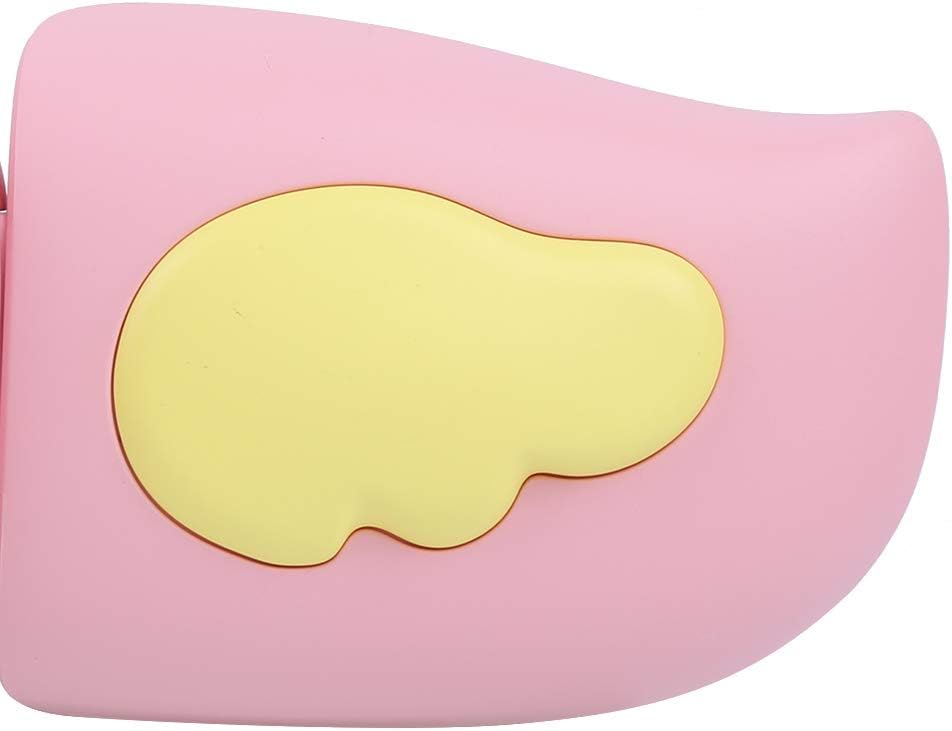
малюнок 3: Detail of the camera's ergonomic design.
Ключові характеристики:
- 2.0-дюймовий кольоровий дисплей: для viewперегляд фотографій, відео та навігація по меню.
- Фіксований об'єктив: 100° viewing angle for capturing wide scenes.
- Зручні кнопки: Інтуїтивно зрозуміле керування для легкої роботи.
- Інтерфейс USB: Для зарядки та передачі даних.
- Слот для карти пам'яті: Підтримує до 32 ГБ (карта не входить до комплекту).
Налаштування
1. Зарядка камери
Before first use, fully charge the camera's built-in 400mAh battery. The camera features a large capacity battery for strong endurance.
- Connect the provided USB charging cable to the camera's USB port.
- Connect the other end of the USB cable to a DC5V 1A USB power adapter (not included) or a computer's USB port.
- The charging indicator light will illuminate. Once charging is complete, the light may change color or turn off.
2. Вставлення карти пам'яті
A memory card (MicroSD card, up to 32GB) is required to save photos and videos. It is not included in the package.
- Знайдіть гніздо для карти пам’яті збоку камери.
- Gently insert a MicroSD card into the slot with the metal contacts facing the front of the camera until it clicks into place.
- Щоб вийняти карту, обережно знову натисніть на неї, доки вона не вискочить.
Інструкція з експлуатації
1. Увімкнення/вимкнення живлення
- Щоб увімкнути: Натисніть і утримуйте кнопку живлення (зазвичай позначену Ⓜ or a similar icon) for a few seconds until the screen lights up.
- Щоб вимкнути: Знову натисніть і утримуйте кнопку живлення, доки екран не вимкнеться.

малюнок 4: Camera in hand, showing the display and control buttons.
2. Фотографування
- Увімкніть камеру. Зазвичай за замовчуванням вона перемикається в режим фотозйомки.
- Frame your shot using the 2.0-inch color display.
- Press the Shutter button (often a prominent button on top or side) to take a picture.
- Камера підтримує роздільну здатність фотографій 20 МП.
- Utilize the 4 types of photo stickers and 9 kinds of filters for creative effects.
- Time-lapse shooting for selfies can be set for 3 or 5 seconds.
3. Запис відео
- From photo mode, navigate to video mode using the mode button (usually marked 'M' or a video camera icon).
- Press the Shutter button to start recording. A recording indicator will appear on the screen.
- Натисніть кнопку затвора ще раз, щоб зупинити запис.
- The camera records videos in 720P (1080x720) resolution.
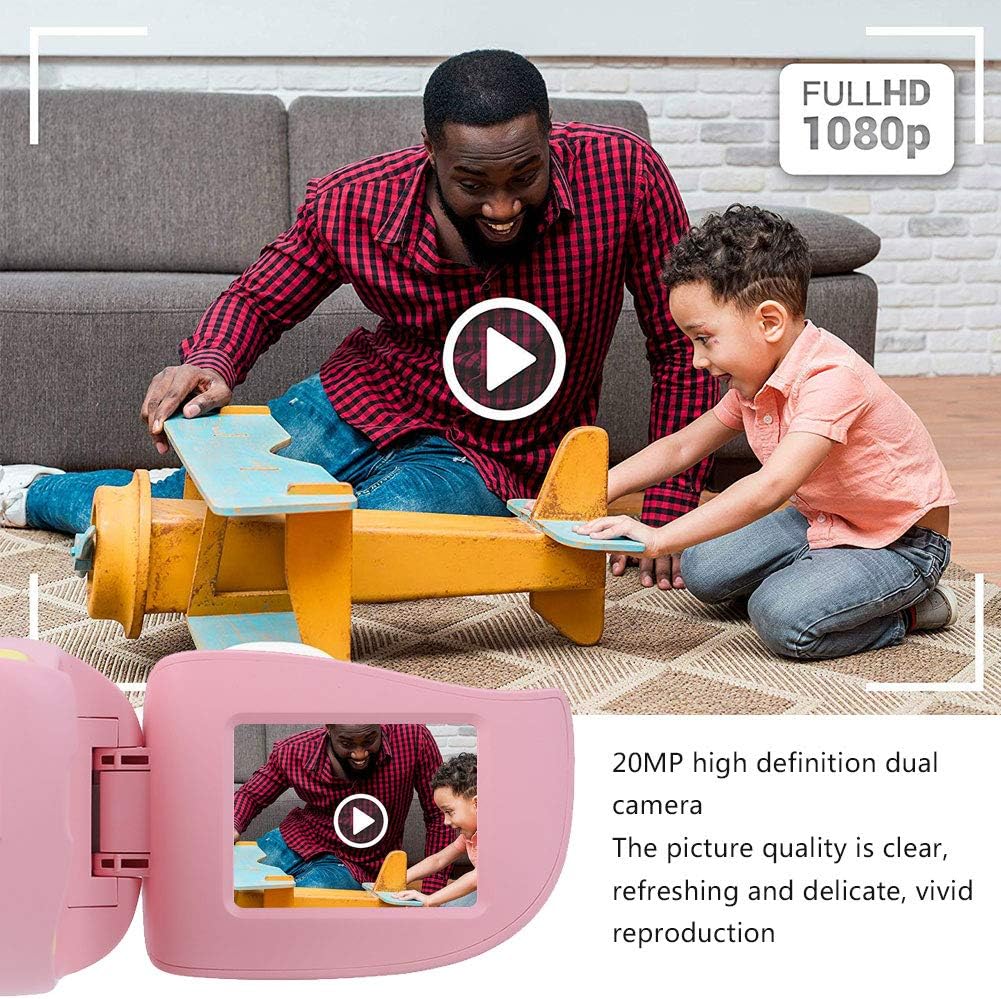
малюнок 5: Illustrating the camera's 20MP photo and 720P video capabilities.
4. Режим відтворення
- Enter playback mode using the mode button.
- Use the navigation buttons (up/down or left/right arrows) to browse through your photos and videos.
- Press the OK/Shutter button to view фото або відтворення відео.
5. Settings and Games
- Access the settings menu via the mode button or a dedicated menu button. Here you can adjust language (Chinese, English, Russian, Korean, Japanese), date/time, and other camera parameters.
- The camera supports a variety of built-in games for entertainment. Navigate to the game section through the menu.
Технічне обслуговування
- Прибирання: Use a soft, dry cloth to clean the camera body. For the lens, use a specialized lens cleaning cloth. Do not use liquid cleaners or abrasive materials.
- Зберігання: Зберігайте камеру в прохолодному, сухому місці, подалі від прямих сонячних променів та вологи, коли вона не використовується.
- Догляд за акумулятором: Щоб подовжити термін служби акумулятора, уникайте частого повного розряджання акумулятора. Регулярно заряджайте камеру, навіть якщо вона не використовується протягом тривалого часу.
Усунення несправностей
| проблема | Можлива причина | Рішення |
|---|---|---|
| Камера не вмикається. | Батарея низького заряду або розряджена. | Charge the camera using the USB charging cable. |
| Не вдається робити фотографії/записувати відео. | Карта пам’яті не вставлена або карта заповнена/пошкоджена. | Insert a compatible MicroSD card (up to 32GB). Check if the card has sufficient space or try formatting it (this will erase all data). |
| Зображення/відео розмиті. | Об'єктив брудний або освітлення погане. | Clean the lens with a soft cloth. Ensure adequate lighting for your shots. |
| Камера зависає або перестає реагувати. | Збій програмного забезпечення. | Press and hold the Power button for an extended period (e.g., 10-15 seconds) to force a restart. If the issue persists, ensure the battery is charged. |
Технічні характеристики
| Модель | A100 |
| матеріал | Харчовий ABS |
| Екран | 2.0 Inch Color Display Screen (LCD) |
| Об'єктив | Fixed Lens, 100° Viewкут нахилу |
| Носій даних | Memory Card (MicroSD), Maximum Support 32GB (Not Included) |
| Формат зображення | JPG |
| Формат відео | JPEG |
| Роздільна здатність відео | 720P (1080x720) |
| Фото пікселі | 20 MP Effective Still Resolution |
| Photo Frames | 4 Типи |
| Ефекти фільтра | 9 видів |
| Вхідний об'ємtage | DC5V 1A |
| Функції | Taking Pictures, Video Recording, Games |
| Підтримувані мови | Chinese, English, Russian, Korean, Japanese |
| Акумулятор | Built-in, Non-Detachable 400mAh Lithium Battery |
| вага | прибл. 220г |
| Розміри (прибл.) | 13 x 11 x 7 см (розміри посилки) |
| Підключення | USB, Wi-Fi |
| Технологія фотосенсора | CMOS |
| Контроль впливу | Інструкція |
| Режими зйомки | спорт |
| Безперервна зйомка | 30 FPS |
| Віковий діапазон | Дитина (3-12 років) |
Гарантія та підтримка
Specific warranty information is not provided in this manual. For details regarding warranty coverage, technical support, or service, please refer to the documentation included with your purchase or contact the retailer where the product was acquired. You may also visit the official Cuifati brand store for additional information.
Cuifati Brand Store: Відвідати магазин