
1. Вступ
Thank you for choosing the ACT AC5105 Wireless Optical Mouse. This device is designed for comfortable and efficient use at home, in the office, or while traveling. It features a compact Nano USB receiver and an intelligent power-saving mode to extend battery life. This manual provides detailed instructions for setup, operation, and maintenance of your new wireless mouse.
2. Вміст упаковки
- ACT AC5105 Wireless Optical Mouse
- Приймач Nano USB
- 1x батарея AA (в комплекті)
3. Посібник із налаштування
- Вставте батарею:
Open the battery compartment cover located on the underside of the mouse. Insert the included AA battery, ensuring correct polarity (+/-). Close the battery compartment cover securely.

Figure 3.1: Battery and Nano Receiver Storage
This image illustrates the underside of the mouse with the battery compartment open, showing where to insert the AA battery and store the Nano USB receiver. The on/off switch is also visible.
- Connect the Nano USB Receiver:
Remove the Nano USB receiver from its storage slot inside the battery compartment. Plug the receiver into an available USB-A port on your computer. Your operating system will automatically detect and install the necessary drivers.
- Увімкнення миші:
Locate the On/Off switch on the underside of the mouse and slide it to the "ON" position. The mouse is now ready for use.
4. Інструкція з експлуатації
4.1 Основні функції
- Клацніть лівою кнопкою миші: Primary function, typically for selecting items or opening links.
- Клацніть правою кнопкою миші: Додаткова функція, зазвичай для відкриття контекстних меню.
- Колесо прокрутки: Прокручуйте документи вгору або вниз і web сторінки. Коліщатко прокручування також можна натиснути для функції клацання середньою кнопкою миші.

Figure 4.1: Mouse Features Overview
This diagram highlights key features such as silent click buttons, the scroll wheel, the USB-A wireless receiver, the 1600 DPI optical sensor, and the use of recycled materials in its construction.
4.2 Налаштування DPI
The ACT AC5105 mouse features an adjustable DPI (Dots Per Inch) setting, allowing you to change the cursor speed and sensitivity. You can cycle through 800, 1200, and 1600 DPI settings by pressing the DPI switch button located behind the scroll wheel.
- 800 DPI: Slower cursor movement, suitable for precise tasks.
- 1200 DPI: Standard cursor movement, suitable for general use.
- 1600 DPI: Швидший рух курсора, що підходить для швидкої навігації по великих екранах.
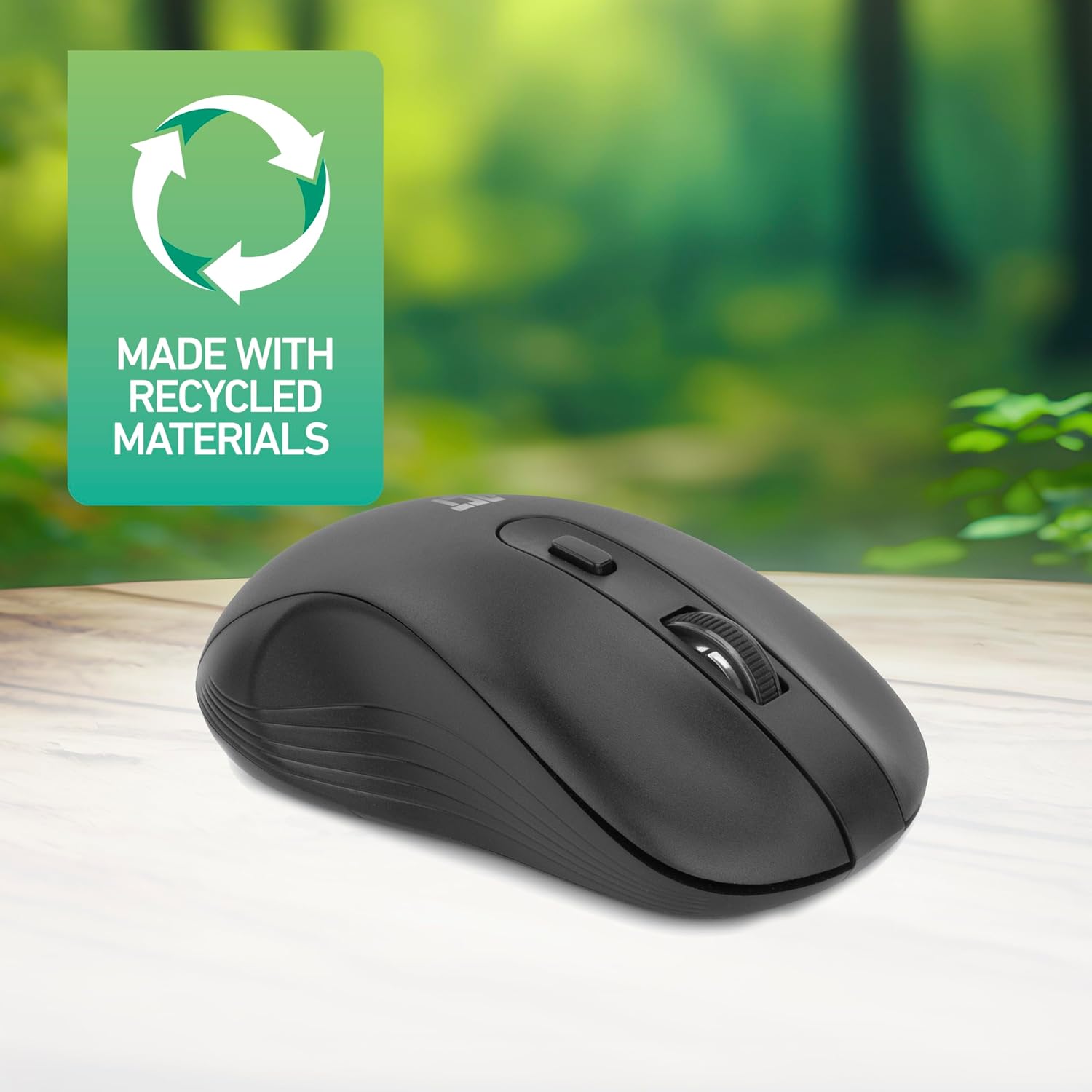
Figure 4.2: DPI Switch Location
This image shows the mouse in use on a desk, highlighting the DPI switch button for adjusting sensitivity between 800, 1200, and 1600 DPI.
4.3 Режим енергозбереження
The mouse is equipped with an intelligent power-saving feature. If the mouse is inactive for a period, it will automatically enter standby mode to conserve battery power. To wake the mouse, simply move it or click any button.
For extended periods of non-use, it is recommended to switch the mouse off using the On/Off switch on the underside of the device.
5. Технічне обслуговування
- Прибирання: Використовуйте м’яку суху тканину для очищення миші. Уникайте використання агресивних хімікатів або абразивних матеріалів.
- Заміна батареї: When the mouse performance degrades or it stops responding, replace the AA battery with a new one. Follow the steps in Section 3.1.
- Зберігання: When not in use, especially during travel, you can store the Nano USB receiver inside the mouse's battery compartment to prevent loss.
6. Вирішення проблем
| проблема | Рішення |
|---|---|
| Миша не відповідає |
|
| Рух курсора нерівномірний або повільний |
|
| Проблеми з бездротовим підключенням |
|
7. Технічні характеристики
| Особливість | Деталь |
|---|---|
| Номер моделі | AC5105 |
| Технологія підключення | 2.4GHz Radio Frequency Wireless |
| Дальність бездротового зв'язку | До 10 метрів |
| Технологія виявлення руху | Оптичний |
| Налаштування DPI | 800 / 1200 / 1600 DPI (регульована) |
| Кількість кнопок | 4 (Left, Right, Scroll Wheel Click, DPI Switch) |
| Орієнтація руки | Двосторонній (підходить як для лівшів, так і для правшів) |
| Джерело живлення | 1x батарея AA |
| Розміри продукту (Д x Ш x В) | 10.5 х 6.5 х 3.5 см |
| вага | 60 г |
| Сумісні пристрої | PC |
| Операційна система | ChromeOS, Linux Mint 22 (minimum required version) |
| Особливості | Wireless, Intelligent Power Saving, Silent Click |

Рисунок 7.1: Розміри миші
This image provides a top-down and side view of the mouse, clearly indicating its physical dimensions: 105mm in length, 65mm in width, and 35mm in height.
8. Гарантія та підтримка
ACT products are manufactured to high quality standards. This product comes with a 2-year warranty from the date of purchase against defects in materials and workmanship.
For technical support, warranty claims, or further assistance, please refer to the official ACT webсайт або зверніться до місцевого продавця.
Будь ласка, збережіть підтвердження покупки для гарантійних цілей.