
вступ
The Yoqanr 360° Rotation Monitor Swivel Base is designed to provide versatile viewing angles for various devices. Constructed from durable aluminum alloy, this stable and easy-to-clean base features a 360-degree rotation capability, allowing you to effortlessly adjust your screen or item for optimal viewing and sharing. Its non-scratch silicone feet protect your desk surface, making it suitable for monitors, laptops, tablets, potted plants, and other items.
Налаштування
- Unpack the Swivel Base: Carefully remove the Yoqanr 360° Rotation Monitor Swivel Base from its packaging.
- Виберіть стабільну поверхню: Place the swivel base on a flat, stable, and level surface where you intend to use your device. Ensure the surface can support the combined weight of the base and your device.
- Розташуйте свій пристрій: Gently place your monitor, laptop, tablet, or other item directly onto the center of the swivel base. Ensure the device is securely seated and balanced on the base.
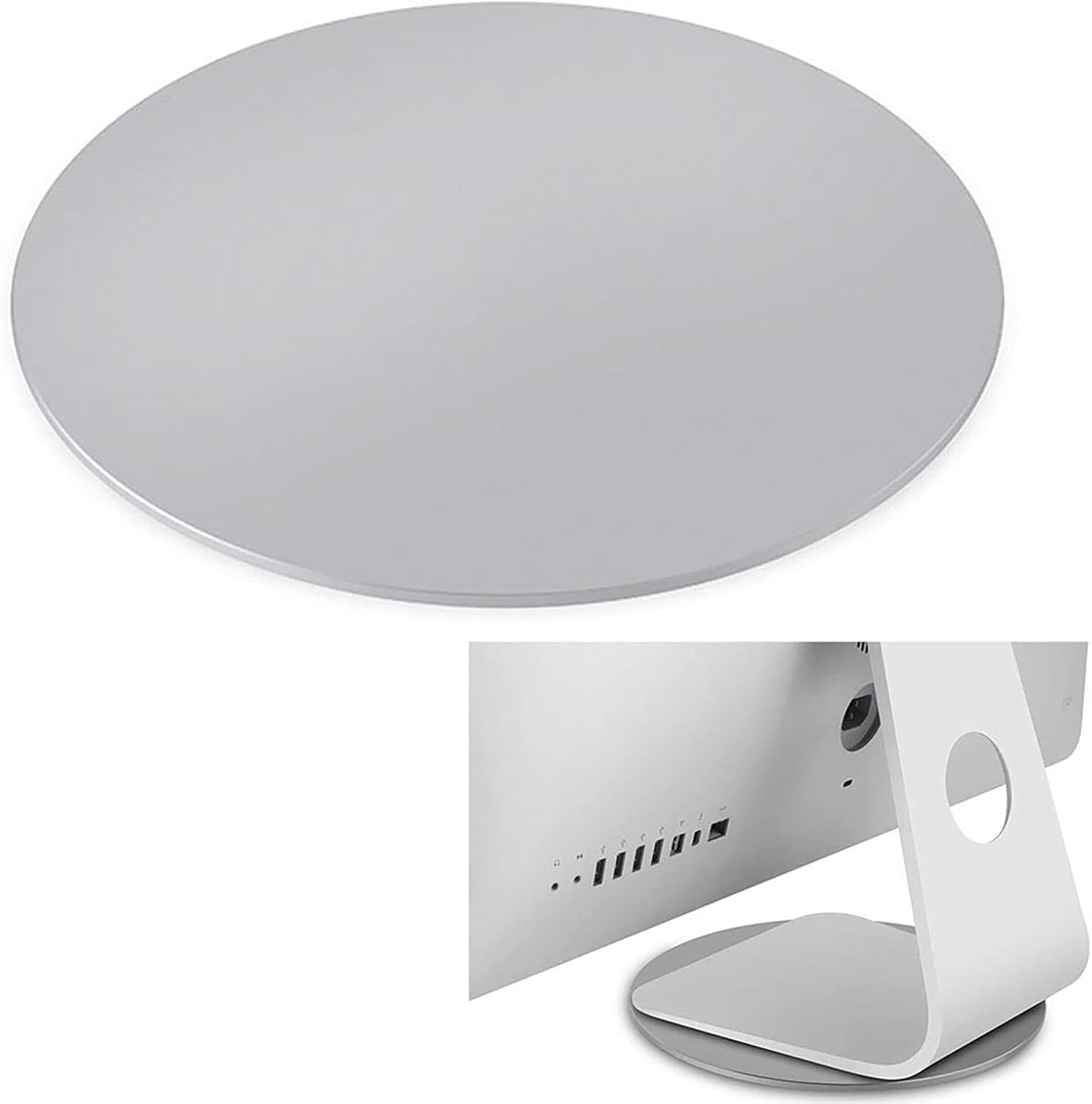
Image: The Yoqanr 360° Rotation Monitor Swivel Base, ready for device placement.
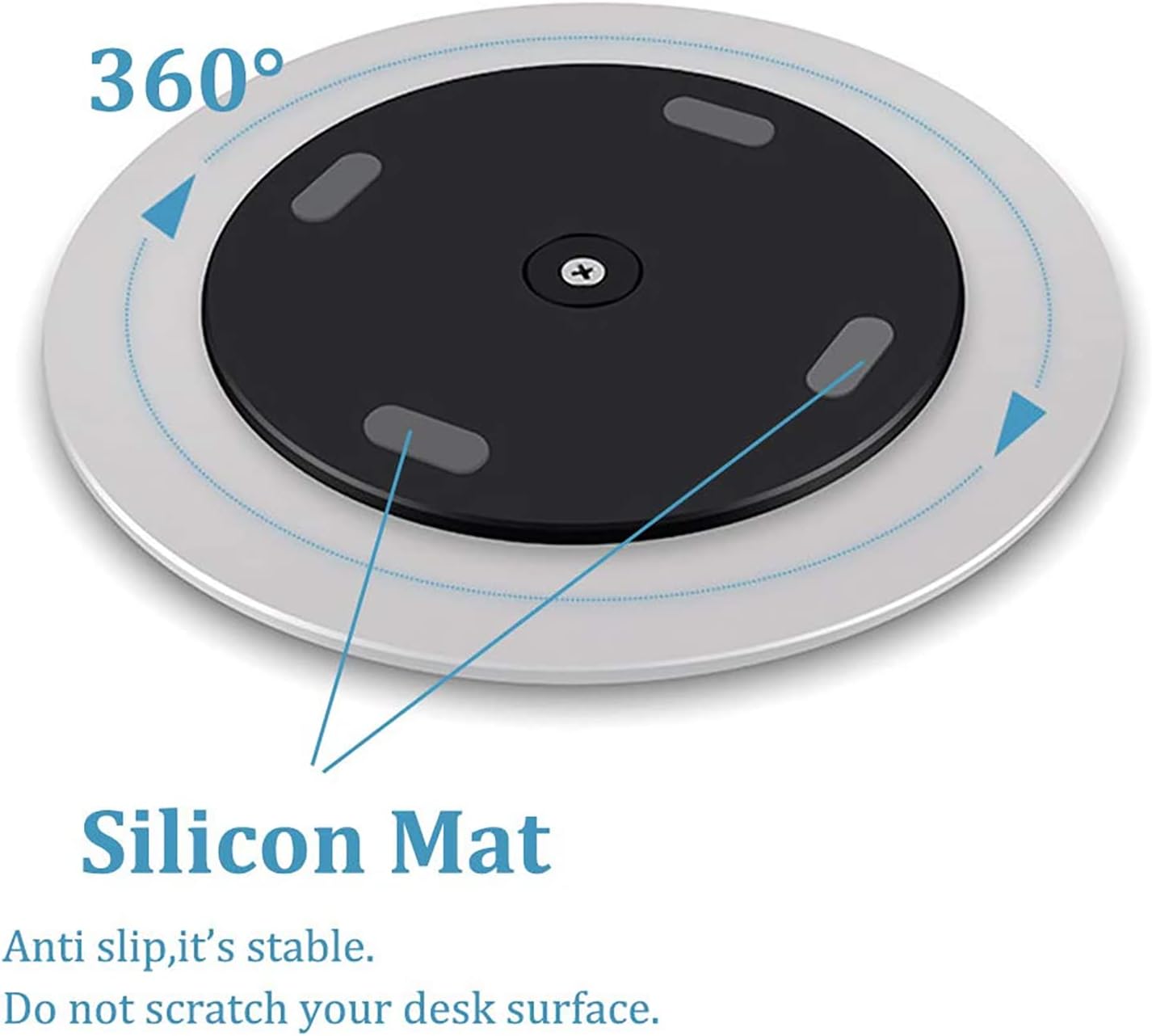
Image: An iMac monitor securely placed on the Yoqanr swivel base.
Інструкція з експлуатації
The Yoqanr 360° Rotation Monitor Swivel Base allows for smooth and easy rotation of your device. To operate:
- Rotate Your Device: With your device placed on the base, gently grasp the device or its stand and rotate it to the desired viewing angle. The base is designed for 360-degree rotation in either direction.
- Обмін вмістом: When sharing your screen with others, simply rotate the device towards them.
- Налаштування View: Adjust the angle as needed for personal comfort or to reduce glare.

Image: The underside of the swivel base, highlighting the silicone feet for stability and the 360° rotation mechanism.

Image: Demonstration of the 360° rotation feature with a monitor.
Video: This video demonstrates the Yoqanr 360° Rotation Monitor Swivel Base in various office and home settings, showcasing its smooth rotation for monitors, laptops, and tablets, facilitating screen sharing and ergonomic adjustments.
Технічне обслуговування
The Yoqanr 360° Rotation Monitor Swivel Base is designed for durability and ease of cleaning.
- Прибирання: To clean the surface, simply wipe it with a soft, damp тканиною. Для стійких плям можна використовувати м’який мильний розчин, а потім протерти чистою сухою тканиною.
- Уникайте агресивних хімікатів: Do not use abrasive cleaners, solvents, or harsh chemicals, as these may damage the aluminum alloy finish.
- Регулярна перевірка: Periodically check the base for any signs of wear or damage. Ensure the silicone feet are intact to prevent scratching your desk surface.

Image: The aluminum alloy surface of the swivel base, demonstrating its resistance to water and ease of cleaning.
Усунення несправностей
If you encounter any issues with your Yoqanr 360° Rotation Monitor Swivel Base, please refer to the following common solutions:
- Base Not Rotating Smoothly:
- Ensure the base is placed on a completely flat and level surface.
- Check for any debris or obstructions underneath or around the rotating mechanism.
- Verify that the weight of the device placed on the base does not exceed its intended capacity (refer to specifications).
- Device Feels Unstable:
- Confirm that the device is centered on the swivel base.
- Ensure all four silicone feet on the bottom of the base are making full contact with the desk surface.
- Check if the desk surface itself is stable and not wobbly.
- Scratches on Desk Surface:
- Inspect the silicone feet on the bottom of the base. If any are missing or damaged, contact customer support for assistance.
- Ensure no abrasive particles are trapped between the base and the desk surface.
Технічні характеристики
| Особливість | Деталь |
|---|---|
| Тип | Поворотна основа |
| Обертання | 360 градусів |
| матеріал | Aluminum Alloy + PA + Silicon |
| Колір | Срібло |
| Діаметр | 8.66 дюйма / 220 мм |
| Товщина | 0.35 дюйма / 9 мм |
| Вага товару | 1.15 фунта |
| Розміри упаковки | 8.98 x 8.9 x 0.67 дюймів |
| Сумісні пристрої | Laptops, Monitors, Tablets, Telephones, Potted Plants, Arts & Crafts |

Image: Detailed dimensions of the swivel base.
Гарантія та підтримка
For warranty information or technical support regarding your Yoqanr 360° Rotation Monitor Swivel Base, please contact the manufacturer directly through their official webсайт або роздрібний продавець, у якого було придбано продукт. Будь ласка, збережіть підтвердження покупки для будь-яких гарантійних претензій.