
Akko 3068B
Akko 3068B Mechanical Gaming Keyboard User Manual
Model: 3068B | Brand: Akko
вступ
This manual provides comprehensive instructions for the Akko 3068B Hot-swappable Mechanical Gaming Keyboard. Designed for versatility and performance, this 65% RGB keyboard offers multiple connectivity options and customizable features for an enhanced user experience across Mac and Windows systems.

Figure 1: Akko 3068B Mechanical Gaming Keyboard with vibrant RGB backlighting.
Що в коробці
Upon unboxing your Akko 3068B keyboard, please ensure all the following items are present:
- Akko 3068B Mechanical Gaming Keyboard
- USB-кабель Type-C
- Бездротовий приймач 2.4G
- Знімач ключів
- Знімач перемикача
- Additional Novelty Keycaps (20 pieces)

Figure 2: The Akko 3068B keyboard shown with a selection of its included novelty keycaps.
Посібник із налаштування
Параметри підключення
The Akko 3068B keyboard supports three modes of connection: Bluetooth 5.0, 2.4G Wireless, and Wired Type-C.
- Провідний режим: Connect the keyboard directly to your computer using the provided USB Type-C cable. The keyboard will be automatically recognized.
- Бездротовий режим 2.4G: Insert the 2.4G wireless receiver into an available USB port on your device. The keyboard should connect automatically. Ensure the keyboard's mode switch (usually on the back or side) is set to 2.4G.
- Режим Bluetooth:
- Переконайтеся, що перемикач режимів клавіатури встановлено на Bluetooth.
- On your device (PC, Laptop, Phone), navigate to Bluetooth settings.
- шукати available devices. The keyboard should appear as "Akko 3068B" or similar.
- Select the keyboard to pair. Follow any on-screen prompts to complete the pairing process.
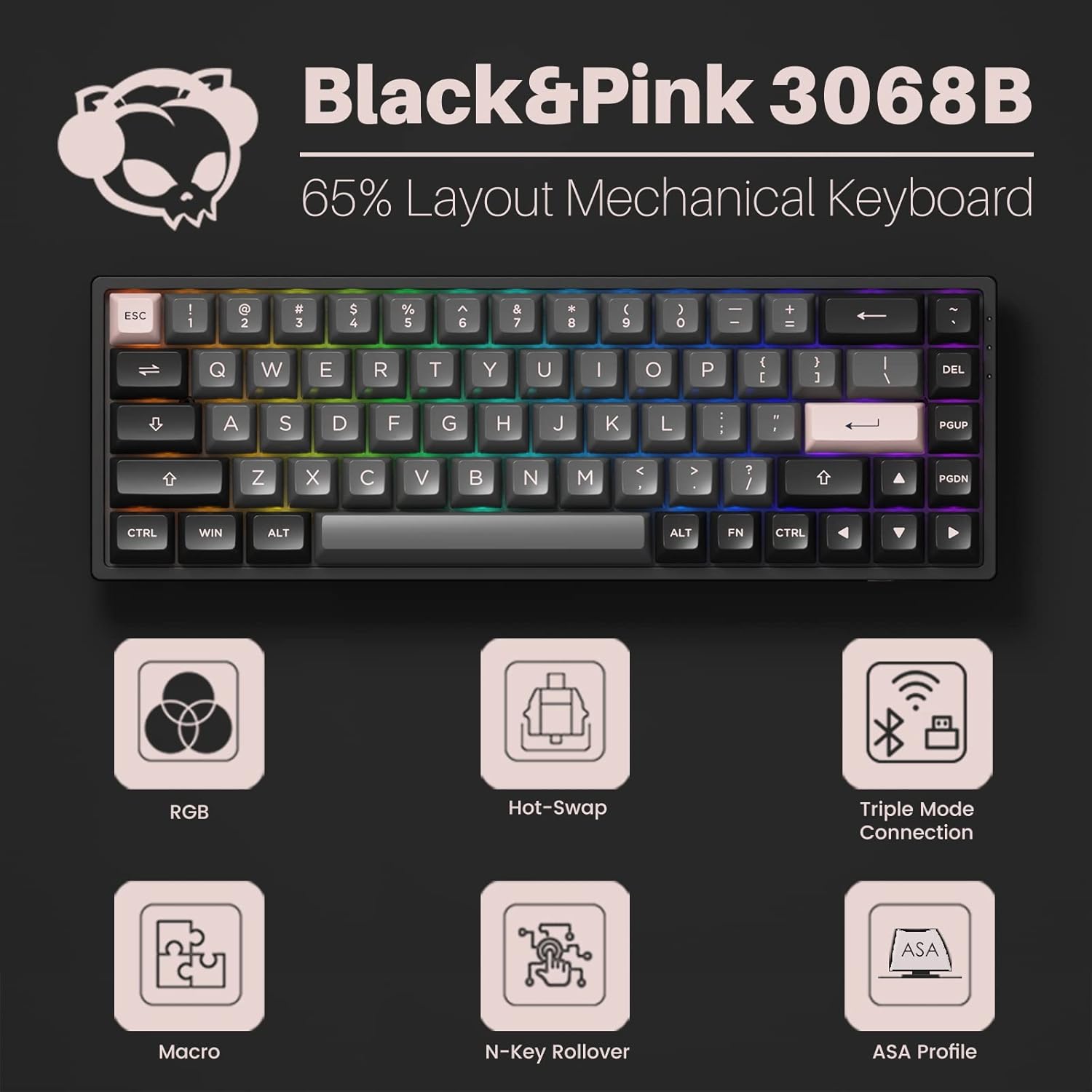
Figure 3: The Akko 3068B keyboard highlighting its multi-device and three-mode connection capabilities.
Перемикачі з можливістю гарячої заміни
The Akko 3068B features premium TTC gaming 5-pin hot-swappable sockets, allowing users to easily change switches without soldering. This provides flexibility for customizing typing feel and sound.
- To remove a switch, use the provided switch puller to gently grip and pull the switch upwards.
- To install a new switch, align the pins of the new switch with the holes on the PCB and press down firmly until it clicks into place. Ensure pins are not bent.
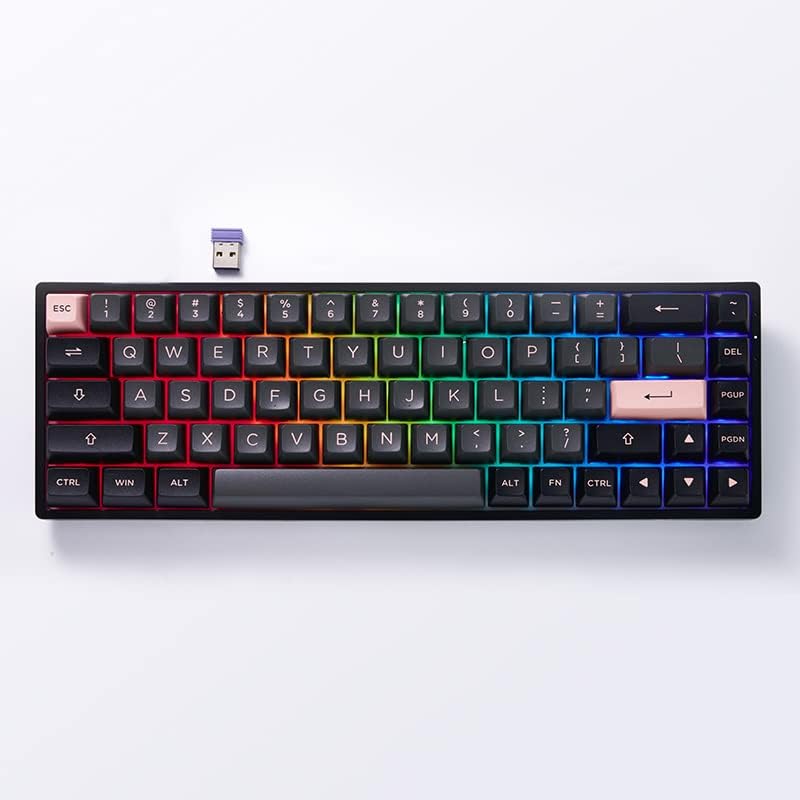
Рисунок 4: Крупний план view of the Akko 3068B keyboard demonstrating its hot-swappable switch capability.
Інструкція з експлуатації
Налаштування RGB-підсвічування
The keyboard features built-in RGB backlighting with customizable light animation effects. Per-key RGB is supported through the Akko Cloud driver software.
- Download and install the Akko Cloud driver from the official Akko webсайт.
- Use the software to select various lighting modes, adjust brightness, speed, and color.
- The backlit can also be programmed as audio visualizer effects.

Figure 5: The Akko 3068B keyboard showcasing its customizable RGB lighting effects.
Key Remapping and N-Key Rollover (NKRO)
All keys on the Akko 3068B can be re-mapped through the provided Akko Cloud driver software, offering extensive personalization. The N-key rollover (NKRO) feature ensures that all simultaneous key presses are registered without conflicts, which is crucial for gaming.
- Use the Akko Cloud driver to assign new functions or macros to any key.
- NKRO is automatically active, ensuring every keystroke is recognized during rapid input.
Battery Life and Compatibility
Equipped with a large 1800mAh battery, the keyboard provides long-lasting performance in wireless modes. It is universally compatible with both Mac and Windows systems.
- To switch between Windows and Mac layouts, press Fn + Q для Windows та Fn + O для Mac.
- The battery life will vary based on usage and RGB lighting settings. Charge via the USB Type-C cable.
Технічне обслуговування
Ковпачки клавіш PBT Double Shot
The Akko ASA profile keycaps are made from PBT double-shot material, designed for maximum comfort and durability. This material helps resist the shine that occurs from oils and sweat on the fingers, ensuring legends remain clear over time.
- Clean keycaps regularly with a soft, damp cloth. For deeper cleaning, remove keycaps using the provided puller and wash with mild soap and water. Ensure they are completely dry before reattaching.
- Avoid using harsh chemicals or abrasive materials that could damage the keycap surface or legends.

Figure 6: A close-up of the durable PBT double-shot keycaps on the Akko 3068B keyboard.
Усунення несправностей
- Keyboard not connecting in wireless mode: Ensure the 2.4G receiver is properly inserted or Bluetooth is paired. Check the mode switch on the keyboard. Ensure the keyboard battery is charged.
- Bluetooth disconnection issues: Some users have reported Bluetooth disconnections. Ensure your device's Bluetooth drivers are up to date. Try re-pairing the keyboard. Minimize interference from other wireless devices.
- RGB-підсвічування не працює: Check the Akko Cloud driver software for lighting settings. Ensure the keyboard is powered on and connected.
- Клавіші не реагують: If individual keys are not responding, try re-seating the switch using the switch puller. If the issue persists, the switch may need replacement.
- Keyboard not recognized by computer: Try connecting via a different USB port or cable. Restart your computer.
Технічні характеристики
| Особливість | Деталь |
|---|---|
| Бренд | Акко |
| Номер моделі | 3068B |
| Технологія підключення | USB/Bluetooth/2.4G |
| Опис клавіатури | Механічний |
| Особливість | Підсвічування (RGB) |
| Колір | Black&Pink |
| Кількість клавіш | 68 |
| Матеріал кепки | Полібутилентерефталат (PBT) |
| Акумулятор | 1 літій-іонний акумулятор (у комплекті) |
| Вага товару | 2.46 фунта |
| Розміри упаковки | 14.45 x 7.91 x 2.64 дюймів |
Гарантія та підтримка
For warranty information, technical support, or further assistance, please refer to the official Akko webсайт або зверніться безпосередньо до служби підтримки клієнтів. Зберігайте чек про покупку для гарантійних претензій.
Official Akko Webсайт: www.akkogear.com