
1. Продукт закінчивсяview
The REXING HS01 is a 1080p wireless smart home security camera system designed for both indoor and outdoor use. It features a rechargeable battery, solar panel charging capability, two-way intercom, motion activation, infrared night vision, and cloud storage options. The camera connects to your home WiFi network and is managed via a mobile application.
Ключові характеристики:
- Відео 1080p Full HD: Records clear video with a 120-degree wide-angle lens.
- Бездротові та акумуляторні: Operates wirelessly with a 6000mAh rechargeable battery.
- Сонячна енергія: Can be continuously charged by the included solar panel.
- Двосторонній домофон: Allows for real-time communication via the mobile app.
- Водонепроникний дизайн: IP65 rated for outdoor weather resistance.
- Виявлення руху: PIR motion sensor with adjustable sensitivity up to 33ft.
- Інфрачервоне нічне бачення: Provides clear visibility up to 33ft in low light conditions.
- Хмарне сховище: Offers free 3-day cloud storage with options for extended plans.
- Контроль мобільних додатків: Manage and monitor the camera from your smartphone.
2. Вміст упаковки
Будь ласка, перевірте упаковку на наявність наступних предметів:
- Камера безпеки REXING HS01
- Панель сонячних батарей
- Монтажний кронштейн і гвинти
- USB-кабель для зарядки
- Посібник користувача
3. Посібник із налаштування
3.1 Початкове заряджання
Before first use, fully charge the camera's internal 6000mAh battery using the provided USB cable. Connect the cable to the camera's charging port and a standard USB power adapter (not included). The charging indicator will show the charging status.
3.2 Встановлення програми
Завантажити Rexing Home application from your smartphone's app store (available on iOS and Android). шукати "Rexing Home" and install the application.
3.3 Підключення Wi-Fi
- Open the Rexing Home app and create an account or log in.
- Дотримуйтесь інструкцій у додатку, щоб додати новий пристрій.
- Переконайтеся, що ваш смартфон підключено до Wi-Fi мережа 2.4 ГГц. The HS01 camera does not support 5GHz Wi-Fi.
- Scan the QR code displayed on your phone with the camera lens when prompted.
- Wait for the camera to connect to your Wi-Fi network. A voice prompt will confirm successful connection.
3.4 Монтаж камери та сонячної панелі
The REXING HS01 camera and solar panel can be mounted indoors or outdoors. Choose a location that provides the desired viewing angle and ensures the solar panel receives ample direct sunlight throughout the day for optimal charging.

Image: The REXING HS01 camera with its solar panel mounted on an exterior wall, highlighting its 100% wireless and solar-powered operation. The camera is designed for outdoor use and is weatherproof.
- Use the provided mounting bracket and screws to securely attach the camera to a wall or desired surface.
- Mount the solar panel in a location that receives maximum direct sunlight. Connect the solar panel cable to the camera's charging port.
- Відрегулюйте кут камери, щоб охопити потрібну зону спостереження.
4. Інструкція з експлуатації
4.1 Живий View and Remote Playback
Once connected, open the Rexing Home app to access the live video feed from your camera. You can view foo в режимі реального часуtage from anywhere with an internet connection. The app also allows you to review записано відео footage stored in the cloud.

Image: A smartphone screen showing a live view from the REXING HS01 camera, with icons for remote playback and indicating motion alerts. This demonstrates complete control from the Rexing Home App.
4.2 Двосторонній аудіозв'язок
The HS01 camera features a built-in microphone and speaker, enabling two-way audio communication. From the live view in the Rexing Home app, you can speak to individuals near the camera and hear their responses.
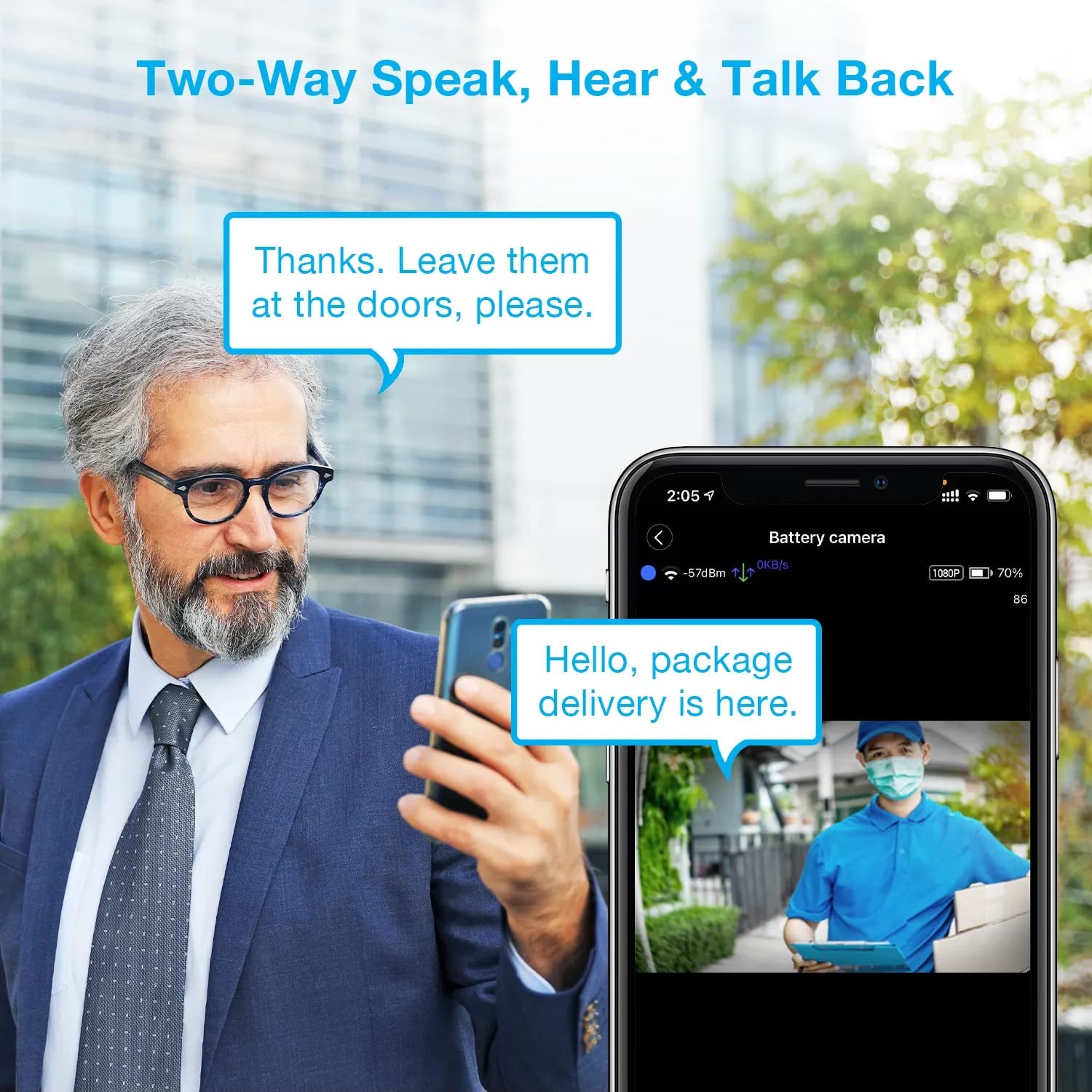
Image: A man using his smartphone to communicate with a delivery person visible on his screen, demonstrating the two-way speak and talk-back functionality of the REXING HS01 camera.
4.3 Виявлення руху та сповіщення
The camera utilizes a PIR (Passive Infrared) motion sensor to detect movement. When motion is detected, the camera will begin recording and send instant notifications to your smartphone via the Rexing Home app.
- Регулювання чутливості: You can adjust the PIR motion sensitivity settings within the app, with options up to 33ft.
- Налаштування сповіщень: Customize alert preferences in the app to receive notifications for every detected motion.
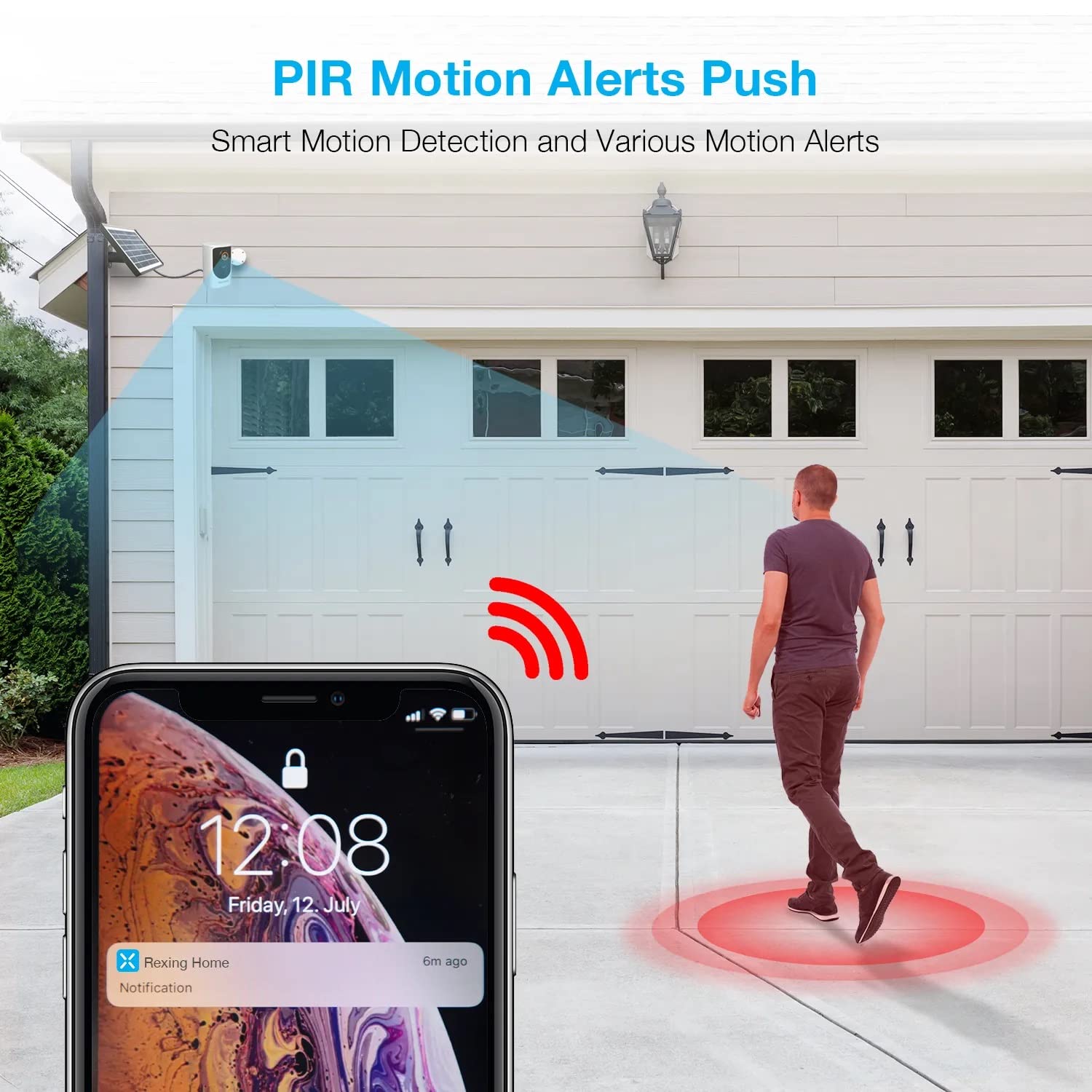
Image: A smartphone screen showing a notification from the Rexing Home app indicating a motion alert, with a visual representation of a person walking into the camera's detection zone.
4.4 Нічне бачення
The HS01 camera is equipped with 8 built-in 850nm Infrared LEDs and enhanced CMOS imaging sensors, providing clear night vision up to 33ft. The night vision mode activates automatically in low-light conditions.
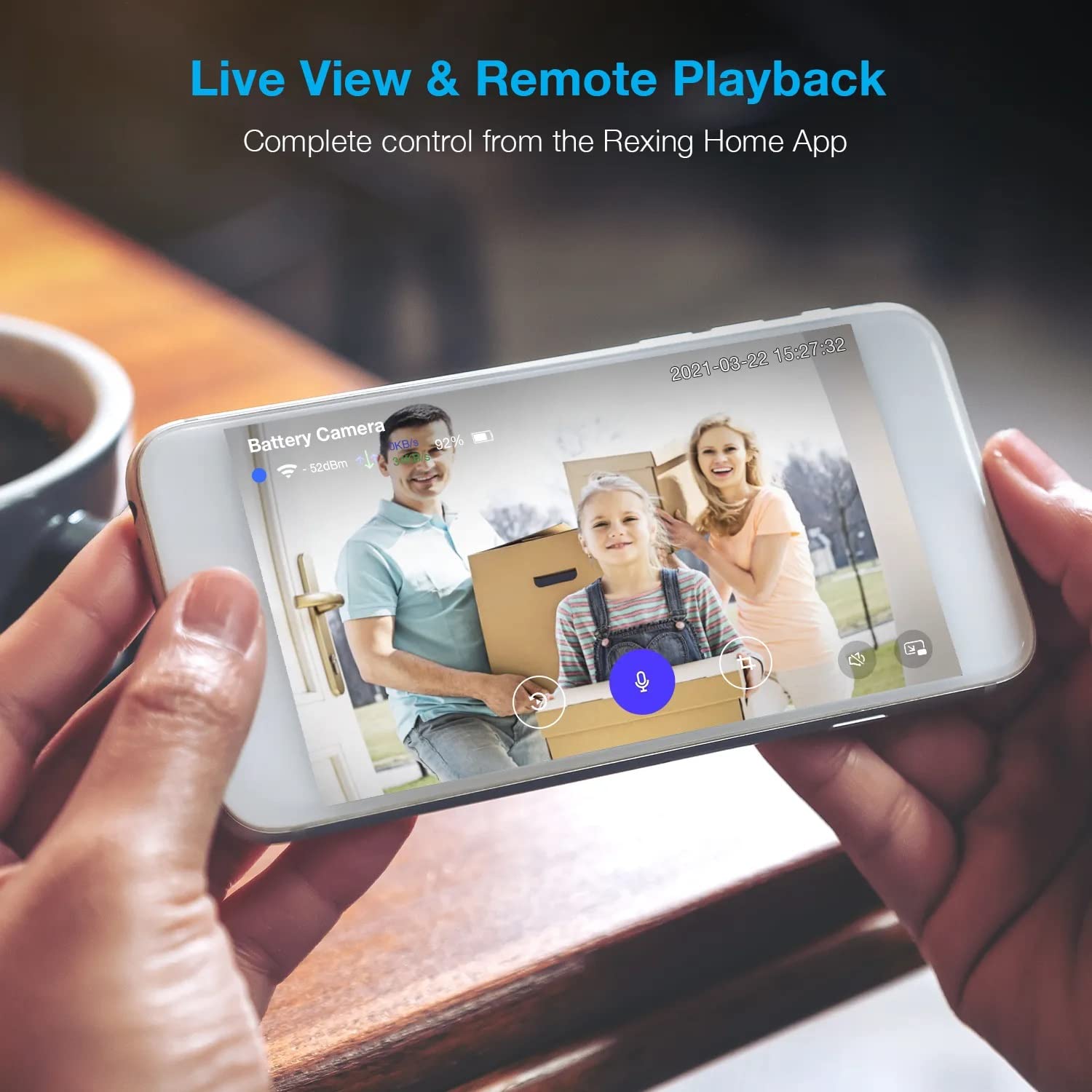
Image: A smartphone displaying a split screen, with one side showing a daytime view of a house in full color and the other side showing the same house in enhanced infrared night vision, demonstrating the camera's 1080p HD and night vision capabilities.
4.5 Хмарне сховище
The camera offers secure cloud storage for recorded video footage. You can access the past 3 days of video recordings for free. Extended cloud storage plans are available for purchase through the Rexing Home app.
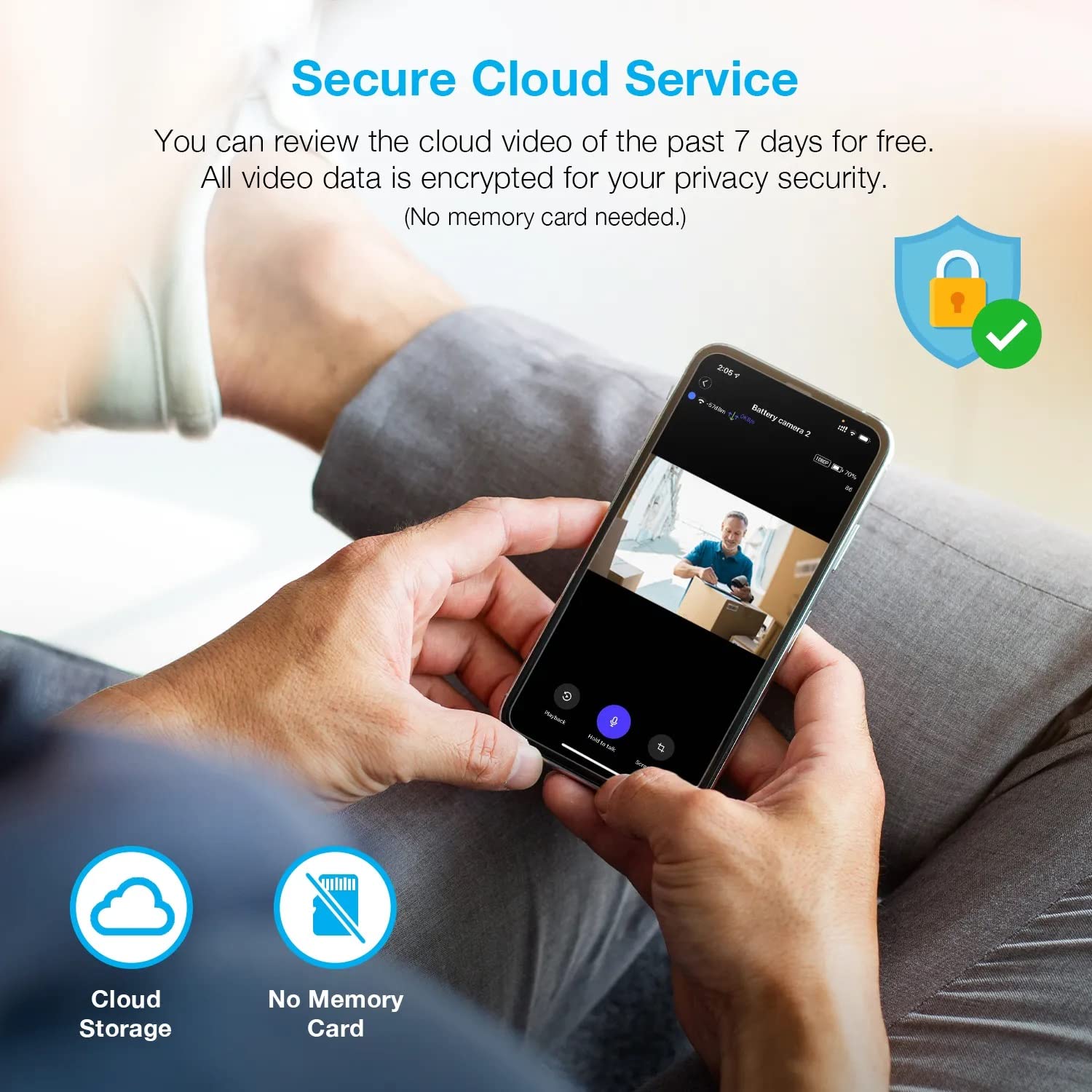
Зображення: Людина viewing recorded camera footage on a smartphone, accompanied by icons for cloud storage and indicating that no memory card is needed, highlighting the secure cloud service feature.
5. Технічне обслуговування
5.1 Керування батареєю
The HS01 camera is powered by a 6000mAh rechargeable battery. For continuous operation, ensure the solar panel is positioned to receive adequate direct sunlight. If the camera is used in an area with limited sunlight, periodic manual charging via the USB cable may be required.
5.2 Очищення
To maintain optimal performance, periodically clean the camera lens and the solar panel surface with a soft, damp cloth. Avoid using abrasive cleaners or solvents that could damage the surfaces.
6. Вирішення проблем
- Камера не підключається до Wi-Fi:
- Переконайтеся, що ваша мережа Wi-Fi працює на частоті 2.4 ГГц. Камера не підтримує мережі 5 ГГц.
- Перевірте силу сигналу Wi-Fi у місці розташування камери.
- Перевірте правильність пароля Wi-Fi, введеного в додатку.
- Перезавантажте роутер і камеру.
- Погана якість відео:
- Ensure a strong Wi-Fi signal. Weak signals can affect streaming quality.
- Очистіть об’єктив камери, якщо він брудний або розмазаний.
- Motion detection not working or too sensitive:
- Adjust the PIR motion sensitivity settings in the Rexing Home app.
- Переконайтеся, що немає перешкод, що блокують камеру view or the PIR sensor.
- Check the camera's battery level. Low battery can affect sensor performance.
- Battery not holding charge or solar panel not working:
- Ensure the solar panel is positioned to receive direct sunlight for several hours daily.
- Clean the solar panel surface to remove any dirt or debris.
- Verify the solar panel cable is securely connected to the camera.
- If issues persist, try charging the camera directly via USB.
- No audio or poor two-way audio:
- Check the volume settings on your smartphone and in the Rexing Home app.
- Переконайтеся, що мікрофон вашого телефону ввімкнено для програми.
- Verify a stable internet connection for both the camera and your smartphone.
7. Технічні характеристики
| Особливість | Специфікація |
|---|---|
| Номер моделі | HS01 |
| Роздільна здатність відео | 1080p Full HD |
| Поле в View | 120 градусів |
| Діапазон нічного бачення | 33 футів |
| Ємність акумулятора | 6000 мАг |
| Підключення | Бездротовий зв'язок (Wi-Fi 2.4 ГГц) |
| Рейтинг водонепроникності | IP65 |
| Сумісні пристрої | Smartphone (Amazon Alexa, Google Assistant) |
| Розміри предмета | 8.5 x 7.25 x 3.75 дюймів |
| Вага товару | 1 фунт |
| Джерело живлення | Rechargeable Battery, Solar Panel |
8. Гарантія та підтримка
8.1 Інформація про гарантію
For detailed warranty information regarding your REXING HS01 Smart Home Security Camera System, please refer to the warranty card included with your product or visit the official REXING webсайт. Гарантійні умови можуть відрізнятися залежно від регіону та продавця.
8.2 Підтримка клієнтів
If you encounter any issues or have questions about your REXING HS01 camera, please contact REXING customer support. You can typically find support contact information on the official REXING website or within the Rexing Home mobile application.
For the latest updates, FAQs, and additional resources, please visit the official REXING webсайт: www.rexingusa.com