
1. Вступ
The Qilmy 1080P Wireless WiFi Home Security Camera is designed to provide reliable surveillance for your home. This device combines a high-definition camera with motion detection, night vision, and remote viewing capabilities, all integrated into a standard light bulb form factor for easy installation. This manual will guide you through the installation, setup, and operation of your new security camera.
2. Ключові характеристики
- Роздільна здатність Full HD 1080P: Забезпечує чітке та детальне відео footage.
- Wireless WiFi Connectivity: Easy connection to your home network for remote access.
- Motion Detection & Instant Alarm: Automatically detects movement and sends alerts to your connected device.
- Чітке нічне бачення: Забезпечує видимість в умовах низької освітленості.
- Дистанційний Viewing: Monitor your property from anywhere using a smartphone app.
- Integrated Flood Light: Features 3 built-in flood lights that can activate automatically upon motion detection.
- Легка установка: Screws into a standard E27 light socket.
- Слот для карти Micro SD: Для локального зберігання записів.

Зображення: Оверview of the Qilmy Home Security Camera's key features, including 1080P resolution, video recording, 360 panoramic viewing, Wi-Fi connection, light function, motion detection, remote viewing, and Micro SD card slot.
3. Що в коробці
- Qilmy 1080P Wireless WiFi Home Security Camera (Bulb-shaped)
- E27 Light Socket Adapter (for mounting)
- Монтажні гвинти та анкери для стіни
- Короткий посібник

Image: Contents of the Qilmy Home Security Camera package, showing the camera, an E27 socket adapter, mounting hardware, and a quick start guide.
4. Налаштування
4.1 Фізичне встановлення
- Виберіть місце розташування: Select a location with a standard E27 light socket that provides the desired viewкута та знаходиться в межах дії вашої мережі Wi-Fi 2.4 ГГц.
- Вимкнення живлення: Ensure the power to the light socket is turned off at the circuit breaker before installation.
- Встановити камеру: Carefully screw the Qilmy security camera into the E27 light socket. If no existing socket is available, use the provided E27 adapter and mounting hardware to install it on a wall or ceiling.
- Увімкнення: Restore power to the light socket. The camera will power on and emit a voice prompt indicating it is ready for configuration.

Image: A person's hands installing the Qilmy Home Security Camera into a ceiling light fixture, demonstrating its easy and quick installation process.
4.2 Підключення до Wi-Fi та налаштування програми
- Завантажити додаток: Download the recommended mobile application (e.g., "iCSee" or similar as indicated in the Quick Start Guide) from your smartphone's app store.
- Реєстрація облікового запису: Open the app and register a new user account if you don't already have one.
- Додати пристрій: Follow the in-app instructions to add a new device. This typically involves scanning a QR code on the camera or selecting the device type and following prompts.
- Підключіться до Wi-Fi: Connect the camera to your 2.4GHz Wi-Fi network. Ensure your smartphone is also connected to the same 2.4GHz network during the setup process.
- Конфігурація: The camera will confirm successful connection with a voice prompt. Once connected, you can access live video and adjust settings through the app.

Image: A smartphone displaying the live feed from the Qilmy Home Security Camera, illustrating Wi-Fi connection and remote viewing capabilities from anywhere, anytime.
5. Інструкція з експлуатації
5.1 Живий Viewзаписування та записування
- Open the mobile app to view пряма трансляція з вашої камери.
- Використовуйте інтерфейс програми, щоб вручну записувати відео або робити знімки екрана.
- Доступ до записаного footage stored on the Micro SD card or cloud storage (if subscribed).
5.2 Виявлення руху та сповіщення
- Увімкніть виявлення руху в налаштуваннях програми.
- Налаштуйте рівні чутливості, щоб мінімізувати хибні тривоги.
- Отримуйте миттєві push-сповіщення на свій смартфон, коли виявляється рух.
- The camera can automatically activate its floodlights and siren alarm upon detecting motion, deterring intruders.
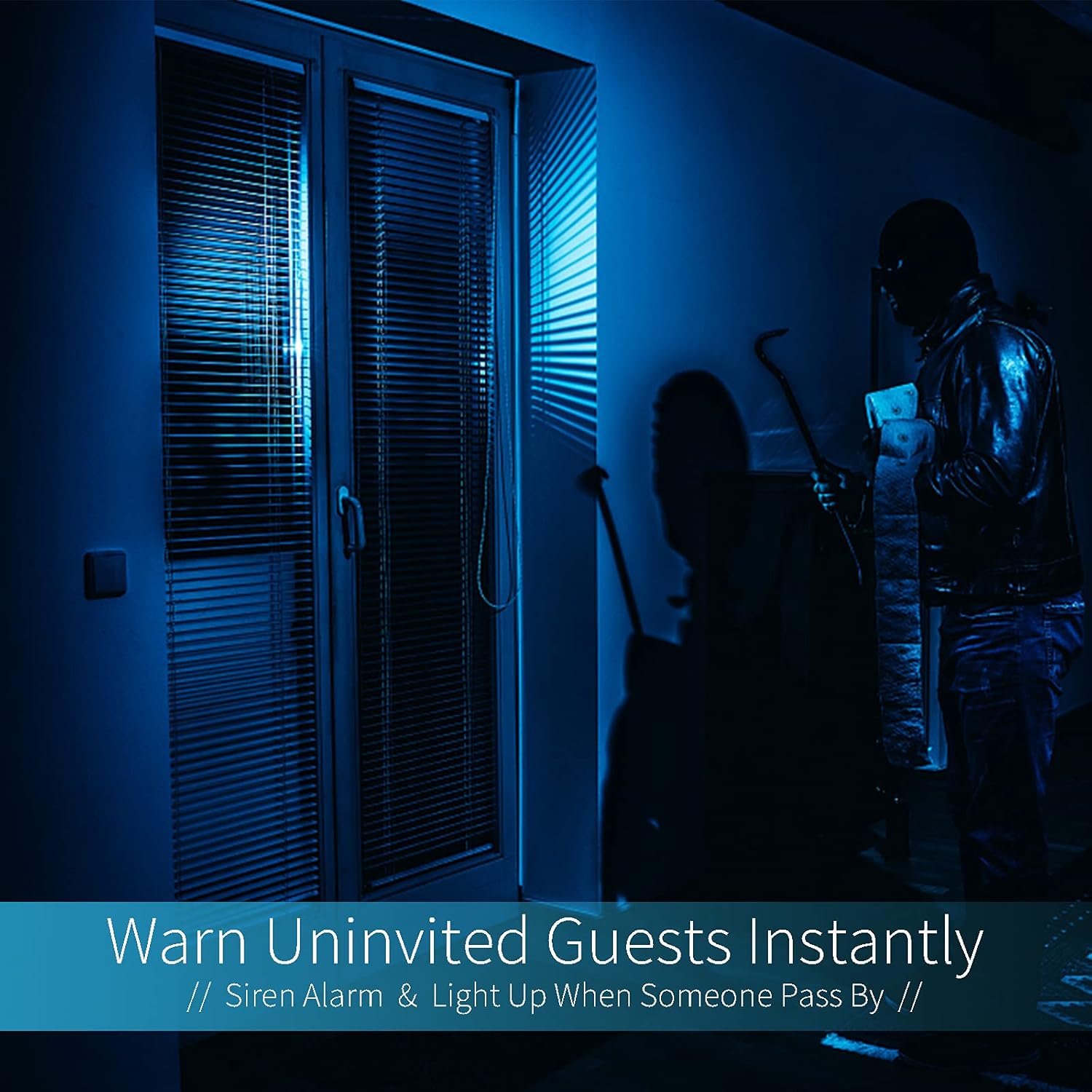
Image: A dark room with a security camera's light illuminating a figure, depicting the camera's ability to warn uninvited guests instantly with a siren alarm and light activation upon motion detection.
5.3 Функція освітлення
- The camera features built-in floodlights.
- Control the floodlights manually through the app.
- Configure the floodlights to turn on automatically when motion is detected, especially during nighttime.

Image: A comparison of a standard light bulb and the Qilmy Home Security Camera, highlighting its dual function as both a light bulb and a security camera with 3W consumption.
6. Технічне обслуговування
- Прибирання: Обережно протріть об’єктив та корпус камери м’якою сухою тканиною. Не використовуйте агресивні хімікати або абразивні засоби для чищення.
- Оновлення прошивки: Regularly check the mobile app for available firmware updates to ensure optimal performance and security.
- Управління SD-карткою: Якщо ви використовуєте карту Micro SD, періодичноview і видалити старий footage to free up space, or enable loop recording if supported by the app.
- Стабільність мережі: Переконайтеся, що ваша мережа Wi-Fi стабільна та потужна для безперебійної роботи камери.
7. Вирішення проблем
| проблема | Можлива причина | Рішення |
|---|---|---|
| Камера не вмикається. | No power to the light socket; camera not screwed in properly. | Check the circuit breaker. Ensure the camera is securely screwed into the E27 socket. |
| Неможливо підключитися до Wi-Fi. | Incorrect Wi-Fi password; camera too far from router; 5GHz Wi-Fi network used. | Verify Wi-Fi password. Move camera closer to router. Ensure you are connecting to a 2.4GHz Wi-Fi network. |
| Немає сповіщень про виявлення руху. | Motion detection disabled; sensitivity too low; app notifications blocked. | Enable motion detection in the app. Increase sensitivity. Check app notification settings on your phone. |
| Погана якість відео. | Слабкий сигнал Wi-Fi; брудний об'єктив. | Покращте силу сигналу Wi-Fi. Протріть об’єктив камери м’якою тканиною. |
| Дистанційний viewне працює. | Internet connection issue on camera or phone; app not updated. | Check internet connectivity for both camera and phone. Update the app to the latest version. |
8. Технічні характеристики
- Номер моделі: ZXL2023011
- Роздільна здатність захоплення відео: 1080p Full HD
- Технологія підключення: Бездротовий (Wi-Fi)
- Технологія бездротового зв'язку: Wi-Fi (лише 2.4 ГГц)
- Джерело живлення: AC/DC (E27 light socket)
- Wattage: 3 Вт
- Особливості: Motion Sensor, Night Vision, Integrated Flood Light
- Форм-фактор: Dome (Bulb-shaped)
- Тип монтажу: Wall Mount (via E27 adapter)
- Розміри предмета (Д x Ш x В): 6.45 x 4.1 x 3.54 дюймів
- Вага товару: 7.8 унції (222 грама)
- Міжнародний рейтинг захисту: IP67
- Сумісні пристрої: Смартфон
- UPC: 605660998393
9. Гарантія та підтримка
Specific warranty information and detailed support contact details are typically provided with the product packaging or on the manufacturer's official website. Please refer to the documentation included with your purchase for the most accurate and up-to-date warranty terms and customer support options.