
вступ
This manual provides essential information for the safe and efficient use of your Apple 11-inch iPad Pro (2021 Model). It covers setup, operation, maintenance, and troubleshooting to help you maximize your device's capabilities. The iPad Pro features the Apple M1 chip, an 11-inch Liquid Retina display, advanced camera systems, and high-speed Wi-Fi connectivity.
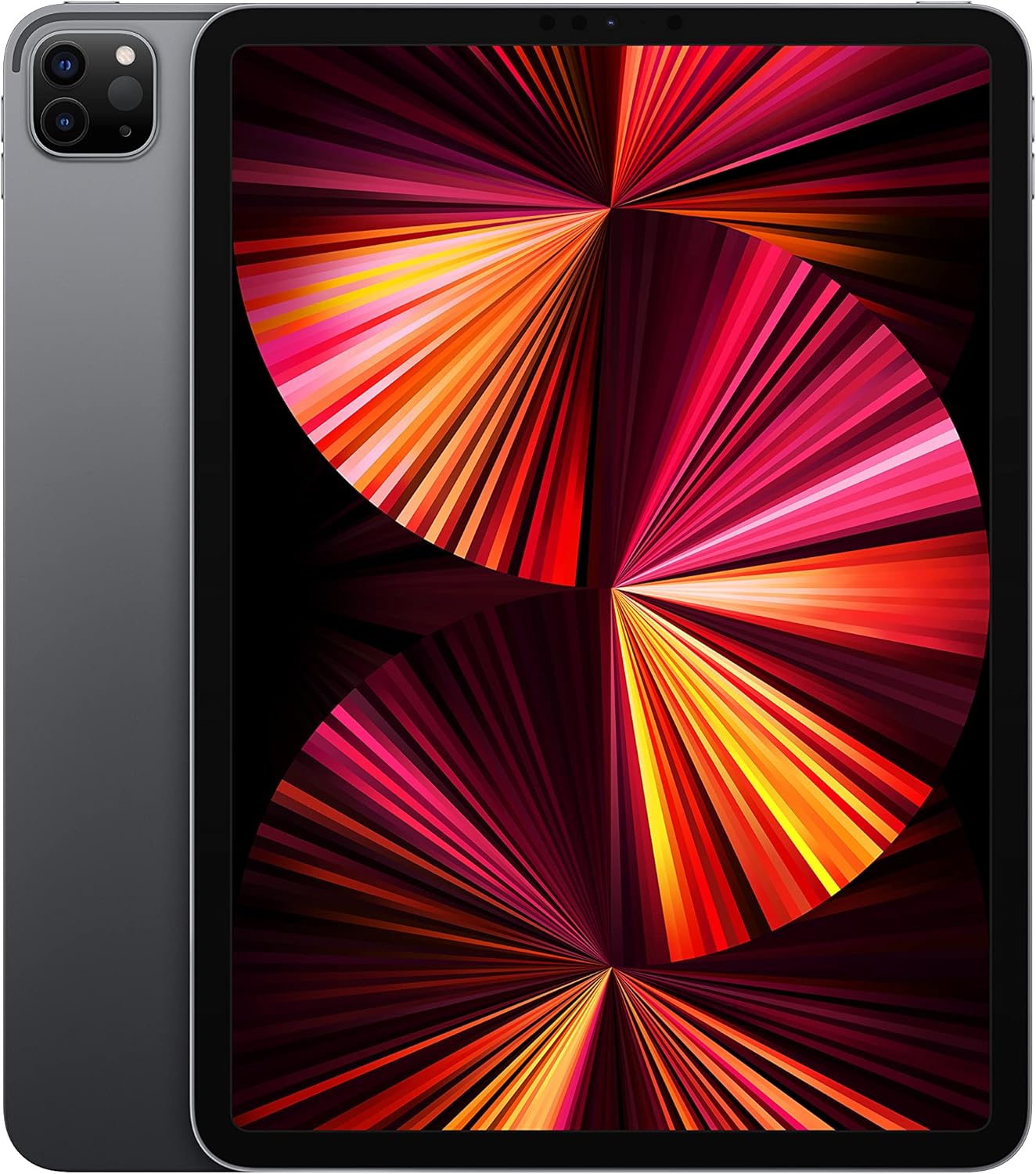
Image: The Apple 11-inch iPad Pro (2021 model) in Space Gray, showcasing its sleek design with the display active and the rear camera module visible.
Налаштування
1. Розпакування та вміст
Carefully remove all items from the packaging. Verify that the following components are included:
- iPad Pro
- Зарядний кабель USB-C (1 метр)
- 18 Вт адаптер живлення USB-C
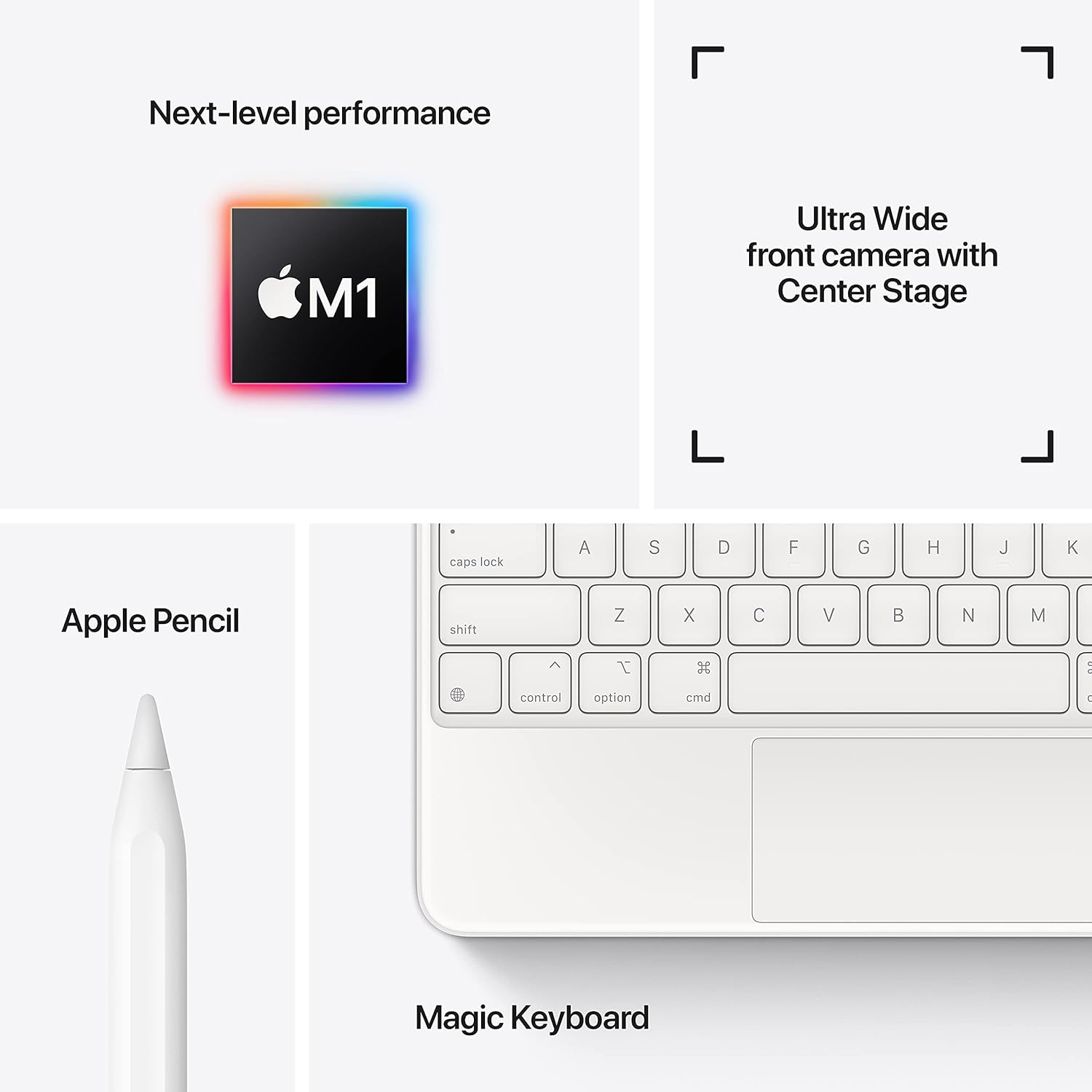
Image: A visual representation of the items included in the iPad Pro packaging: the iPad Pro device, a USB-C charging cable, and a USB-C power adapter.
2. Початковий платіж
Before first use, connect your iPad Pro to the power adapter using the provided USB-C cable and charge it until the battery indicator shows a full charge. This ensures optimal battery calibration.
3. Увімкнення/вимкнення живлення
- Щоб увімкнути: Натисніть і утримуйте верхню кнопку, поки не з'явиться логотип Apple.
- Щоб вимкнути: Press and hold the top button and either volume button simultaneously until the power off slider appears. Drag the slider to shut down the device.
4. Початкові кроки налаштування
Follow the on-screen instructions to configure your iPad Pro:
- Виберіть свою мову та регіон.
- Підключіться до мережі Wi-Fi.
- Set up Face ID for secure authentication.
- Sign in with your Apple ID or create a new one.
- Configure data and privacy settings.
Операційна
1. Основна навігація
The iPad Pro uses intuitive multi-touch gestures for navigation:
- Головний екран: Проведіть пальцем угору від нижнього краю екрана.
- Перемикач програм: Swipe up from the bottom edge and pause in the middle of the screen.
- Центр управління: Swipe down from the top-right corner of the screen.
- Сповіщення: Swipe down from the top-left corner or center of the screen.
2. Face ID
Face ID allows you to securely unlock your iPad, authorize purchases, and sign in to apps using facial recognition. Ensure your face is clear and visible to the TrueDepth camera.
3. Підключення аксесуарів
The iPad Pro supports various accessories to enhance productivity and creativity:
- Apple Pencil (2nd Generation): Attach the Apple Pencil magnetically to the side of your iPad Pro to pair and charge it.
- Magic Keyboard / Smart Keyboard Folio: Attach the keyboard magnetically to the Smart Connector on the back of your iPad Pro. No pairing is required.

Image: A user engaged in creative work on an iPad Pro, utilizing both the Magic Keyboard and Apple Pencil for enhanced interaction.

Image: An infographic illustrating the core features of the iPad Pro, including the M1 chip for performance, the Ultra Wide front camera with Center Stage, and compatibility with Apple Pencil and Magic Keyboard.
4. Використання камер
The iPad Pro features a 12MP Wide camera, 10MP Ultra Wide camera, and a LiDAR Scanner on the rear, and a 12MP Ultra Wide TrueDepth front camera with Center Stage. Center Stage автоматично тримає вас у кадрі під час відеодзвінків.
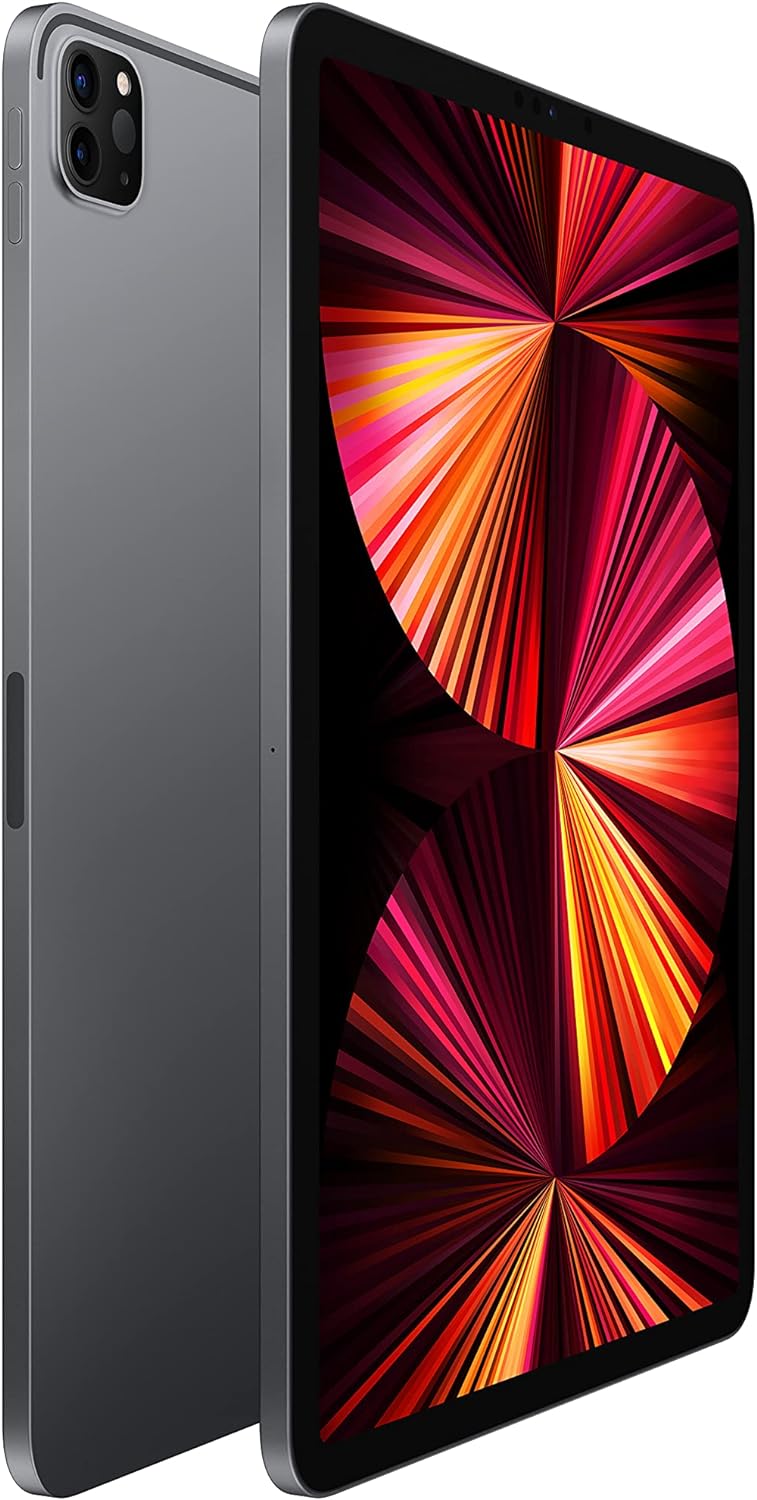
Image: A detailed close-up of the iPad Pro's advanced camera system and its sleek side design, with a glimpse of the Magic Keyboard in the background.
5. Підключення Wi-Fi
Щоб підключитися до мережі Wi-Fi, перейдіть до Налаштування > Wi-Fi, select your desired network, and enter the password if prompted. The iPad Pro supports ultrafast Wi-Fi for reliable internet access.
Технічне обслуговування
1. Очищення дисплея
Use a soft, lint-free cloth to clean the display. For stubborn smudges, slightly dampen the cloth with water. Avoid using abrasive materials or chemical cleaners.
2. Догляд за акумулятором
Щоб продовжити термін служби акумулятора:
- Уникайте екстремальних температур.
- Keep the software updated.
- Optimize settings such as screen brightness and background app refresh.
The iPad Pro offers up to 10 hours of web surfing on Wi-Fi or video playback.
3. Оновлення програмного забезпечення
Regularly check for and install software updates to ensure your iPad Pro has the latest features, security enhancements, and performance improvements. Go to Налаштування > Загальні > Оновлення програмного забезпечення.
Усунення несправностей
1. Пристрій не відповідає
If your iPad Pro is unresponsive, perform a force restart:
- Press and quickly release the Volume Up button.
- Press and quickly release the Volume Down button.
- Press and hold the Top button until the Apple logo appears.
2. Проблеми з підключенням до Wi-Fi
- Переконайтеся, що Wi-Fi увімкнено в Налаштування > Wi-Fi.
- Перезавантажте свій Wi-Fi роутер.
- Забудьте про мережу та підключіться знову: Settings > Wi-Fi > (i) icon > Forget This Network.
3. App Not Working Correctly
- Закрийте та знову відкрийте програму.
- Перевірте наявність оновлень програм у App Store.
- Delete and reinstall the app.
4. Скидання до заводських налаштувань (крайній засіб)
If issues persist, you may need to erase all content and settings. This will delete all data on your iPad. Go to Settings > General > Transfer or Reset iPad > Erase All Content and Settings. Перш ніж продовжити, зробіть резервну копію своїх даних.
Технічні характеристики
| Особливість | Деталь |
|---|---|
| Номер моделі | MHQR3LL/A |
| Бренд | Яблуко |
| Назва моделі | iPad Pro |
| Розміри продукту | 9.74 x 7.02 x 0.23 дюйма (247.6 x 178.5 x 5.9 мм) |
| Вага товару | Модель Wi-Fi вагою 1.03 фунта (466 грамів). |
| Розмір екрана | 11 дюймів |
| Дисплей | Liquid Retina display with ProMotion technology and True Tone |
| Максимальна роздільна здатність дисплея | 2388-by-1668-pixel resolution at 264 pixels per inch (ppi) |
| Чіп | Apple M1 chip (8-core CPU, 8-core GPU, 16-core Neural Engine) |
| Ємність | 128GB (as per this model variant) |
| Задня камера | 12MP Wide and 10MP Ultra Wide cameras with Smart HDR and LiDAR Scanner |
| Відеозапис | 4K video at 24 fps, 30 fps, or 60 fps |
| Фронтальна камера | 12MP Ultra Wide TrueDepth front camera with Portrait mode, Portrait Lighting, and Smart HDR 3 |
| Термін служби батареї | До 10 год web surfing on Wi-Fi, watching video, or listening to music |
| Роз'єм | USB-C |
| Акумулятори | 1 літій-полімерна батарея (у комплекті) |
| Дата першої доступності | 30 квітня 2021 р |
Гарантія та підтримка
Your Apple iPad Pro is covered by Apple's standard limited warranty. For detailed warranty information, please refer to the documentation included with your purchase or visit the official Apple webсайт.
For technical assistance, troubleshooting, and service, please visit the Підтримка Apple webсайт or contact Apple customer service directly.