
1. Вступ і даліview
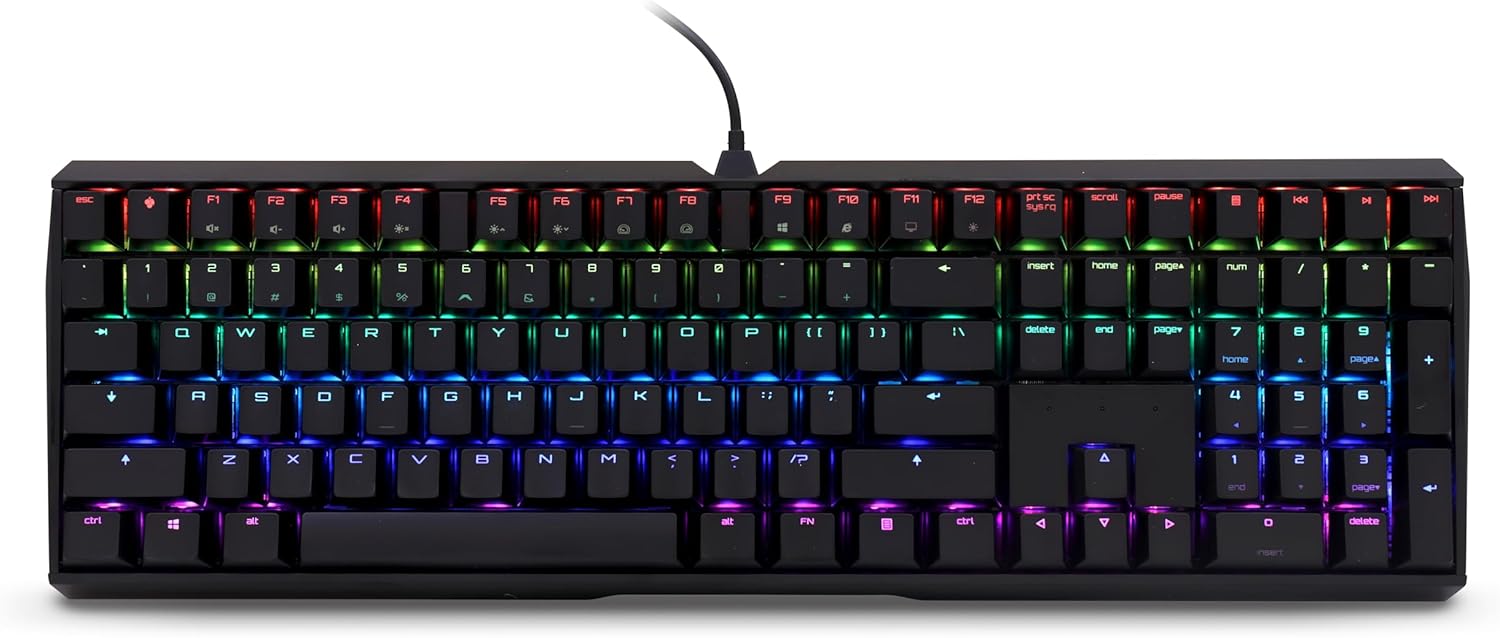
The CHERRY MX Board 3.0 S is a high-performance wired mechanical keyboard designed for both gaming and professional office environments. It features genuine CHERRY MX Red Silent switches, known for their quiet operation and linear actuation, providing a smooth and responsive typing experience. The keyboard is built with a robust aluminum housing, ensuring durability and stability during intense use. Its advanced features include full N-key rollover, anti-ghosting, and customizable RGB backlighting, making it a versatile tool for any user.
2. Що в коробці
Upon unboxing your CHERRY MX Board 3.0 S, please ensure all components are present:
- CHERRY MX Board 3.0 S Wired Mechanical Keyboard
- USB Cable (USB-A to Micro-USB)

3. Налаштування
Setting up your CHERRY MX Board 3.0 S is straightforward:
- Locate the Micro-USB port on the top edge of the keyboard.
- Connect the Micro-USB end of the provided cable to the keyboard's port. Ensure it is securely inserted.
- Підключіть кінець кабелю USB-A до вільного порту USB на вашому комп’ютері.
- Ваш комп’ютер має автоматично виявити та встановити необхідні драйвери. Для базової функціональності зазвичай не потрібне встановлення додаткового програмного забезпечення.
4. Операційна
4.1 Key Features and Design
The CHERRY MX Board 3.0 S is engineered for precision and durability. It features original CHERRY MX Red Silent switches, which provide a linear feel with patented damping to minimize actuation noise. The keyboard's textured aluminum housing and screw-in metal legs ensure solid support and prevent flexing or sliding. Abrasion-resistant keycaps, either double plastic-injected or lasered, guarantee long-lasting legibility. The keyboard also supports full N-key rollover and anti-ghosting for accurate input during fast-paced typing or gaming, and includes a Win Key Lock function to prevent accidental interruptions.


4.2 Налаштування RGB-підсвічування
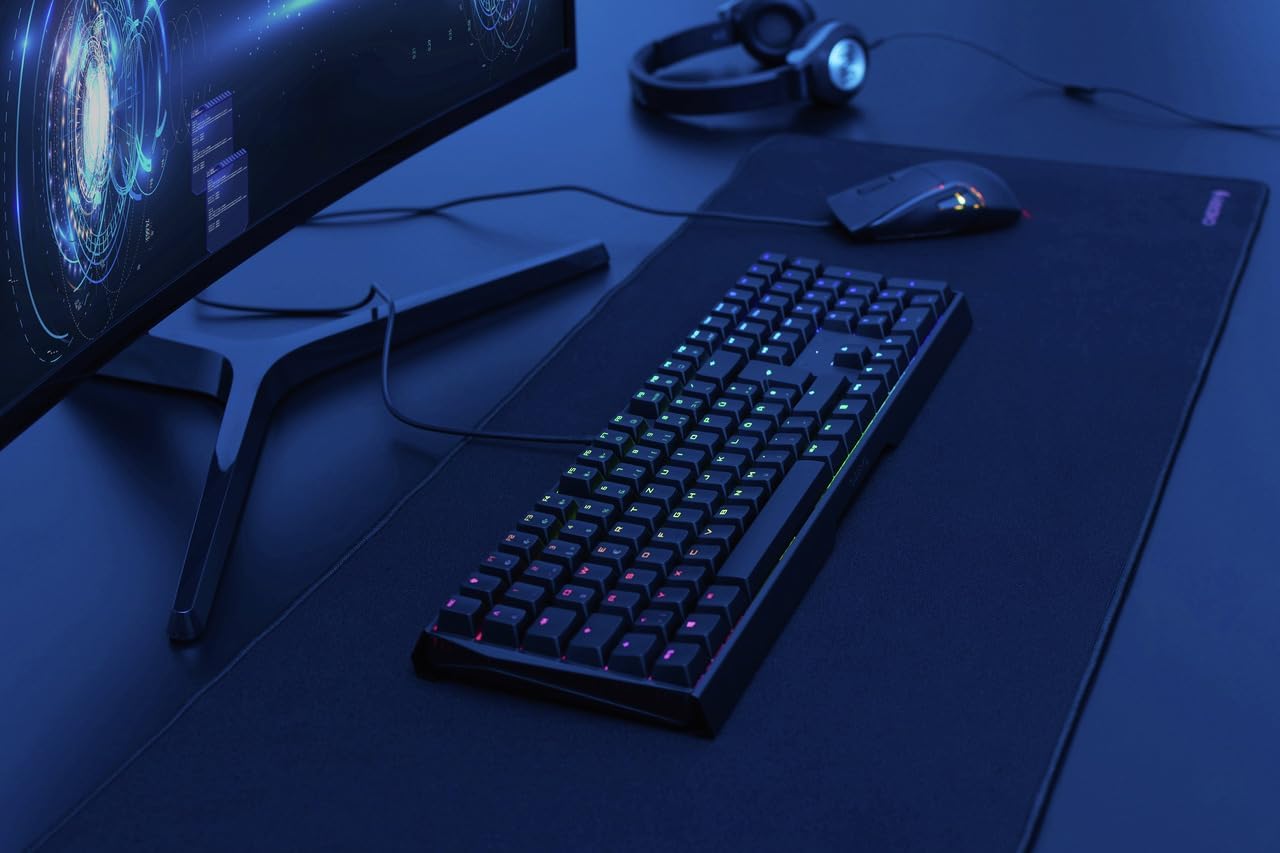
The CHERRY MX Board 3.0 S features dynamic RGB backlighting with color routines in over 16 million colors. You can customize lighting effects and colors through the dedicated CHERRY software, which can be downloaded from the official CHERRY website. This software allows for various lighting modes, including static colors, breathing effects, ripples, and more, to personalize your keyboard's appearance.

5. Технічне обслуговування
To ensure the longevity and optimal performance of your CHERRY MX Board 3.0 S, regular maintenance is recommended:
- Прибирання: Use a soft, lint-free cloth to wipe down the keyboard surface. For deeper cleaning, you may use a can of compressed air to remove dust and debris from between the keycaps. Avoid using harsh chemicals or abrasive materials.
- Догляд за кабелем: Handle the detachable USB cable with care. Avoid sharp bends or excessive pulling to prevent damage to the cable or the keyboard's port.
6. Вирішення проблем
If you encounter issues with your CHERRY MX Board 3.0 S, try the following troubleshooting steps:
- Клавіатура не реагує: Ensure the USB cable is securely connected to both the keyboard and the computer. Try connecting the keyboard to a different USB port on your computer.
- Проблеми з освітленням: If the RGB lighting is not functioning as expected, verify that the CHERRY software is installed and running correctly. Check the lighting settings within the software.
- Key Malfunction: If a specific key is not responding, gently remove the keycap (if applicable and designed for removal) and check for any obstructions beneath it. Reattach the keycap firmly.
- Проблеми з драйверами: In rare cases, driver conflicts may occur. Try uninstalling and reinstalling the keyboard drivers through your computer's Device Manager.
7. Технічні характеристики
| Особливість | Деталь |
|---|---|
| Розміри продукту | 16.93 x 5.51 x 1.42 дюймів |
| Вага товару | 2.26 фунта |
| Виробник | ВИШНЯ |
| ASIN | B08YRRLV25 |
| Країна походження | Китай |
| Номер моделі товару | G80-3874LWAUS-2 |
| Сумісні пристрої | PC |
| Технологія підключення | USB-A |
| Опис клавіатури | Ігри |
| Рекомендоване використання | Office, Programming, Home Office, Gaming |
| Особливість | Підсвічування |
| Колір | чорний |
| Кількість клавіш | 109 |
| Підсвічування клавіатури | RGB |
| Стиль | класичний |
8. Гарантія та підтримка
Щоб отримати інформацію про гарантію та технічну підтримку, зверніться до офіційного представника CHERRY. website or contact CHERRY customer service directly. Keep your purchase receipt as proof of purchase for any warranty claims.