
1. Продукт закінчивсяview
The HDWR HD6600 is a compact, portable 1D/2D barcode scanner designed for efficiency and convenience. Its ergonomic design, resembling a car key, makes it easy to carry and use in various environments. This device supports both 1D and 2D barcode types, including QR codes, and offers flexible connectivity options.
Ключові характеристики:
- Компактний і портативний: Designed for easy handling and pocket storage, optimizing space in any workplace.
- Dual Wireless Communication: Connects via radio using the included USB micro-receiver or via Bluetooth.
- Інтегрована пам'ять: Stores up to 5000 standard codes for later transmission, enhancing operational flexibility.
- Універсальне сканування: Capable of high-quality reading for 1D and 2D barcodes, including QR codes, even if they are difficult to read or damaged.
- Проста операція: Features an illuminated scan button and an on/off button for straightforward use.
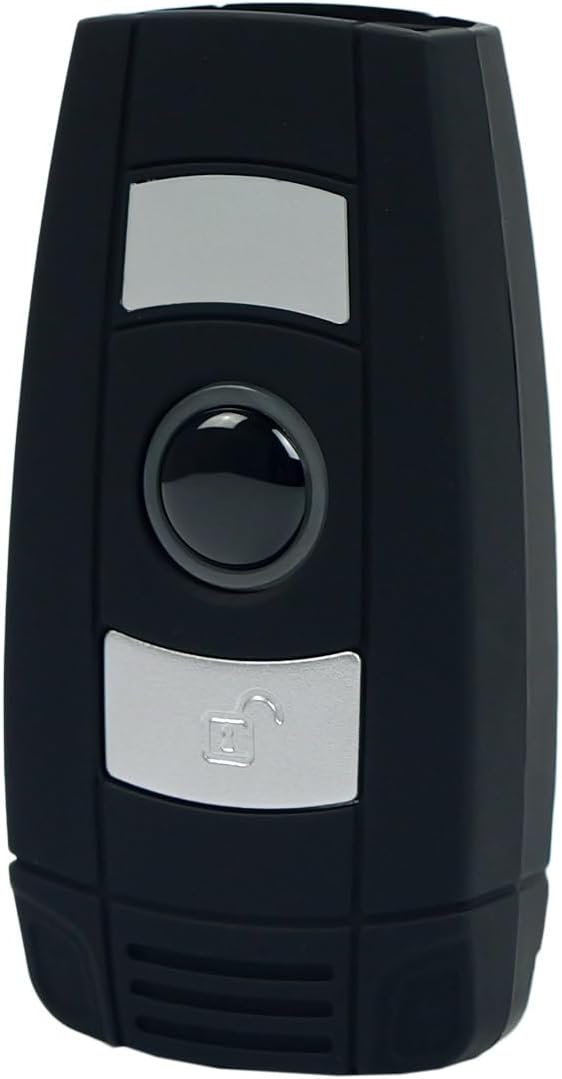
Малюнок 1: Спереду view of the HDWR HD6600 barcode scanner, showing the scan and function buttons.
2. Вміст упаковки
Перевірте наявність усіх предметів у вашій упаковці:
- HDWR HD6600 Barcode Scanner
- USB-кабель для зарядки
- USB Micro-Receiver (for radio communication)
- Посібник користувача (цей документ)
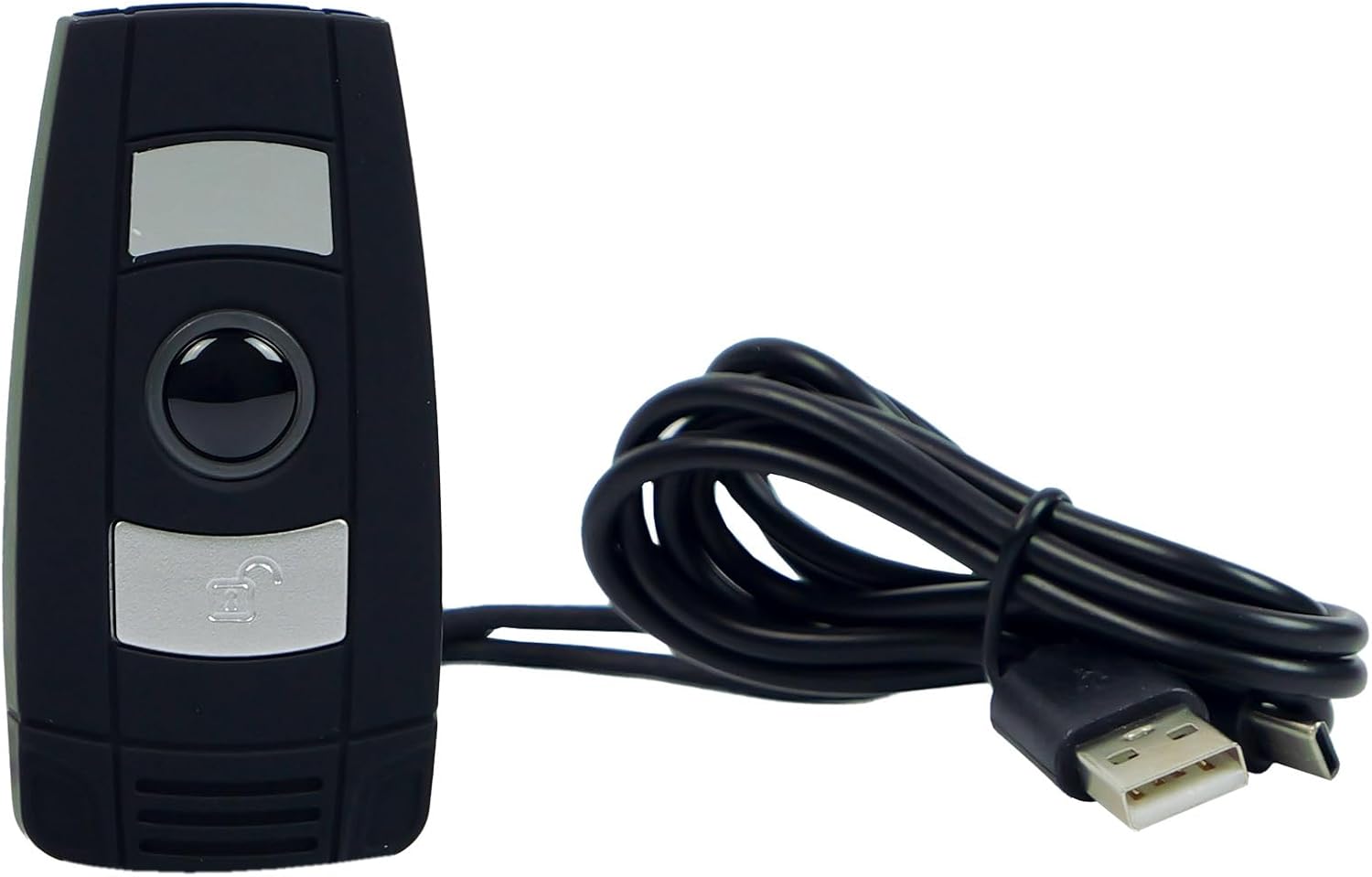
Figure 2: The HDWR HD6600 barcode scanner shown with its USB charging cable.
3. Початкове налаштування
3.1 Зарядка пристрою
Before first use, fully charge the scanner. Connect the provided USB charging cable to the scanner's USB-C port and to a power source (e.g., computer USB port or USB wall adapter). The charging indicator light will show the charging status.
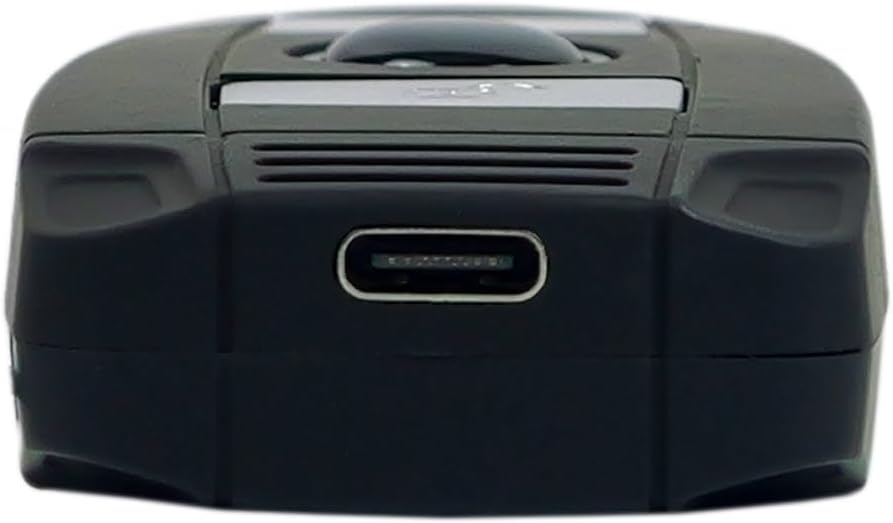
Figure 3: The USB-C charging port located at the bottom of the scanner.
3.2 Увімкнення/вимкнення
To power on the scanner, press and hold the On/Off button until the indicator light illuminates. To power off, press and hold the On/Off button again until the indicator light turns off.
3.3 Підключення до пристрою
The HD6600 offers two primary connection methods:
3.3.1 USB Micro-Receiver (Radio Communication)
- Plug the USB micro-receiver into an available USB port on your computer or host device.
- The scanner will automatically attempt to pair with the receiver. A successful connection is indicated by a specific sound or light pattern (refer to device indicators).
3.3.2 Зв'язок Bluetooth
- Переконайтеся, що сканер увімкнено.
- To switch to Bluetooth mode, press and hold the scan button for 8 seconds. The scanner will emit a sound or show a light pattern indicating it is in Bluetooth pairing mode.
- On your host device (computer, tablet, smartphone), enable Bluetooth and search for available devices.
- Select "HD6600" from the list of found devices to pair.
- Після сполучення сканер готовий до використання.
4. Інструкція з експлуатації
4.1 Сканування штрих-кодів
Щоб сканувати штрих-код:
- Point the scanner's lens at the barcode you wish to read.
- Press the illuminated scan button.
- A successful scan will be indicated by a beep and/or a green light. The scanned data will be transmitted to your connected device.
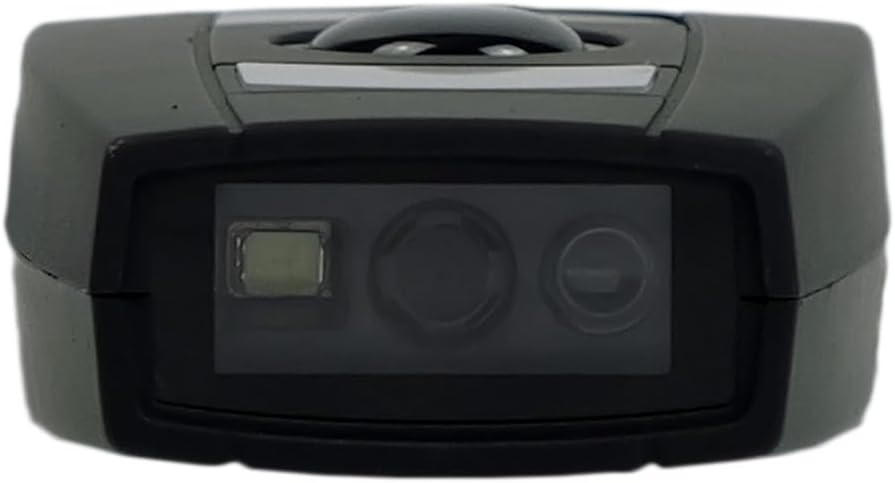
Figure 4: The scanning lens of the HDWR HD6600 barcode scanner.
4.2 Використання вбудованої пам'яті
The HD6600 can store up to 5000 standard barcodes when not connected or when operating in inventory mode. To retrieve stored data, connect the scanner to your host device and follow the instructions for data transfer (usually by scanning a specific function code or entering a data upload mode).
4.3 Switching Communication Modes
To switch between radio (USB micro-receiver) and Bluetooth communication modes, press and hold the scan button for 8 seconds. The scanner will confirm the mode change with an audible alert or indicator light change.
Video 1: Demonstration of the HDWR HD6600 barcode scanner's features and operation, including its compact design and scanning capabilities.
5. Догляд і технічне обслуговування
- Прибирання: Use a soft, dry cloth to clean the scanner's exterior. For the scanning lens, use a lens cleaning cloth and solution. Avoid abrasive cleaners or solvents.
- Зберігання: Store the scanner in a cool, dry place away from direct sunlight and extreme temperatures. The maximum storage temperature is 60 degrees Celsius.
- Батарея: The device contains a Lithium-ion battery. Do not attempt to replace the battery yourself. Dispose of the device according to local regulations for electronic waste.
- захист: While durable, avoid dropping the scanner or exposing it to excessive moisture or dust.
6. Вирішення проблем
| проблема | Можлива причина | Рішення |
|---|---|---|
| Сканер не вмикається. | Низький заряд батареї. | Зарядіть сканер за допомогою USB-кабелю, що постачається в комплекті. |
| Scanner does not connect to host device. | Incorrect communication mode; not paired; out of range. | Ensure correct mode (radio/Bluetooth). Re-pair the device. Move scanner closer to the host device. |
| Не вдається сканувати штрих-коди. | Barcode damaged; scanner lens dirty; insufficient lighting. | Try scanning a different barcode. Clean the scanner lens. Ensure adequate lighting. |
| Відскановані дані неправильні або неповні. | Partial scan; incorrect symbology settings. | Ensure the entire barcode is within the scanning area. Check scanner configuration for supported barcode types. |
7. Технічні характеристики
| Особливість | Деталь |
|---|---|
| Номер моделі | HD6600 |
| Бренд | HDWR |
| Технологія підключення | Bluetooth, USB, Wi-Fi |
| Сумісні пристрої | комп'ютер |
| Тип батареї | 1 літій-іонні (у комплекті) |
| Робочий випtage | 5 вольт |
| Вага товару | 130 грамів |
| Максимальна температура зберігання | 60 градусів Цельсія |
| Кількість предметів | 1 |
| Наявність запасних частин | Інформація недоступна |
| Гарантія оновлень програмного забезпечення до | Інформація недоступна |
8. Інформація про гарантію
The HDWR HD6600 barcode scanner comes with a Гарантія 2 рік з дати покупки. Ця гарантія поширюється на виробничі дефекти та несправності за умов нормального використання. Вона не поширюється на пошкодження, спричинені неправильним використанням, нещасними випадками, несанкціонованими модифікаціями або неправильним обслуговуванням. Будь ласка, збережіть підтвердження покупки для пред'явлення гарантійних претензій.
9. Підтримка клієнтів
For further assistance, technical support, or warranty inquiries, please contact HDWR customer service. Refer to the product packaging or the official HDWR webсайт для отримання найактуальнішої контактної інформації.
Інтернет-ресурси: Visit the official HDWR website for FAQs, updated drivers, and additional support materials.