
1. Вступ
Thank you for choosing the AUNA Stealth Base Connect Soundbase. This manual provides important information regarding the safe operation, installation, and maintenance of your device. Please read this manual carefully before use and keep it for future reference.
The AUNA Stealth Base Connect is a versatile sound system offering high-quality audio with multiple connectivity options, including Internet Radio, DAB+/FM radio, Bluetooth, USB, optical, coaxial, and AUX inputs. It features a 2.8-inch LC display and can be controlled via remote or the AirMusic Control App.
2. Техніка безпеки
- Перед використанням пристрою уважно прочитайте всі інструкції.
- Тримайте пристрій подалі від води, вологи та прямих сонячних променів.
- Не блокуйте вентиляційні отвори. Встановлюйте відповідно до інструкцій виробника.
- Не встановлюйте поблизу будь-яких джерел тепла, таких як радіатори, обігрівачі, печі або інші пристрої (включаючи ampліфікатори), які виробляють тепло.
- Захищайте шнур живлення від наступання або защемлення, особливо біля вилок, розеток і в місці виходу з пристрою.
- Використовуйте лише насадки/аксесуари, зазначені виробником.
- Відключайте цей пристрій від мережі під час грози або якщо він не використовується протягом тривалого часу.
- Зверніть усі послуги до кваліфікованого обслуговуючого персоналу. Технічне обслуговування вимагається, якщо прилад будь -яким чином пошкоджений.
3. Вміст упаковки
Будь ласка, перевірте наявність усіх предметів та їх належний стан:
- 1 x AUNA Stealth Base Connect Soundbase
- 1 x Пульт дистанційного керування
- 1 x Wire Antenna
- 1 x Multilingual Instruction Manual (this document)
4. Продукт закінчивсяview
4.1 Передня панель та дисплей
The front panel features the main controls and the 2.8-inch LC display for easy navigation and status updates.

Figure 1: Clear 2.8-inch LCD display for easy navigation.

Figure 2: Front panel with USB port for universal connection.
- Кнопка живлення: Вмикає/вимикає пристрій.
- Кнопка меню: Доступ до головного меню.
- Регулятор гучності: Adjusts the volume. Press to confirm selections.
- Попередні кнопки: Для збереження та виклику улюблених станцій.
- Порт USB: For playing media from USB storage devices.
- 2.8" LC Display: Shows current status, menu, and track information.
4.2 Підключення задньої панелі
The rear panel provides various input and output options for connecting external devices.

Figure 3: Rear panel with optical and coaxial inputs for home theater sound.
- Оптичний вхід: Для цифрового аудіопідключення з телевізора або іншого пристрою.
- Коаксіальний вхід: Для цифрового аудіопідключення.
- Вхід AUX (3.5 мм): For analog audio connection from portable devices.
- Лінійний вхід (RCA): For analog audio connection from other audio sources.
- Лінійний вихід (RCA): Для підключення до зовнішнього amplifier або активні колонки.
- Роз'єм антени: For connecting the included wire antenna for DAB+/FM reception.
- Споживана потужність: Для підключення кабелю живлення.
4.3 Пульт дистанційного керування
Пульт дистанційного керування, що входить до комплекту, дозволяє зручно керувати всіма функціями на відстані.

Figure 4: Remote control for convenient function selection.
Familiarize yourself with the buttons on the remote control for power, volume, menu navigation, source selection, and preset management.
5. Налаштування
5.1 Розміщення
Place the soundbase on a stable, flat surface. Ensure adequate ventilation around the unit. Avoid placing it near heat sources or in direct sunlight.

Рисунок 5: Розміри виробу для оптимального розміщення.
Dimensions: Approximately 53.5 cm (Length) x 10 cm (Width) x 10 cm (Height).
5.2 Підключення живлення
- Connect the power cable to the power input on the rear of the soundbase.
- Plug the other end of the power cable into a suitable wall outlet (100-240 V~ | 50/60 Hz).
5.3 Підключення антени
For optimal DAB+ and FM radio reception, connect the included wire antenna to the antenna connector on the rear panel.
5.4 Initial Setup (Wi-Fi and Language)
- Turn on the soundbase using the power button.
- Follow the on-screen instructions on the LC display to select your preferred language.
- Navigate to the Wi-Fi setup menu. The device will scan for available networks.
- Select your Wi-Fi network and enter the password using the remote control or front panel controls. Press OK immediately after entering the last character of the password.
- Once connected, the device will confirm the Wi-Fi connection.
6. Інструкція з експлуатації
6.1 Основні елементи керування
- Увімкнення/вимкнення живлення: Натисніть кнопку живлення на пристрої або пульті дистанційного керування.
- Регулювання гучності: Rotate the volume knob on the front panel or use the VOL+/- buttons on the remote.
- Вибір джерела: Use the 'Mode' button on the remote or navigate through the menu to select input sources (Internet Radio, DAB, FM, Bluetooth, USB, AUX, Optical, Coaxial).
6.2 Інтернет-радіо
Access over 27,000 international radio stations via Wi-Fi, categorized by country, genre, and popularity.

Figure 6: Enjoy a wide range of stations with Internet Radio, DAB+, and FM.
- У головному меню виберіть «Інтернет-радіо».
- Переглядайте станції за місцем розташування, жанром або шукайте певні станції.
- Виберіть станцію, щоб розпочати відтворення.
6.3 DAB+/FM-радіо
Tune into digital (DAB+) and analog (FM) radio broadcasts.
- Select 'DAB Radio' or 'FM Radio' from the main menu.
- The device will automatically scan for available stations.
- Use the navigation buttons to select a station.
- Натисніть і утримуйте кнопку попередньої налаштування, щоб зберегти поточну станцію.
6.4 Підключення Bluetooth
Бездротова потокова передача аудіо зі смартфона, планшета або інших пристроїв із підтримкою Bluetooth.

Figure 7: Wireless Bluetooth function for audio playback from smart devices.
- Select 'Bluetooth' as the input source. The soundbase will enter pairing mode.
- On your smart device, enable Bluetooth and search for 'AUNA Stealth Base Connect'.
- Select the soundbase to pair. Once paired, you can play audio from your device.
6.5 Відтворення з USB
Відтворити аудіо files безпосередньо з USB -накопичувача.
- Insert your USB device into the USB port on the front panel.
- Виберіть «USB» як джерело вхідного сигналу.
- Переглядайте свої files and select the desired audio to play.
6.6 AUX / Line In
Connect external audio devices using the 3.5mm AUX or RCA Line In ports.
- Connect your external device (e.g., MP3 player, CD player) to the appropriate input on the rear panel.
- Select 'AUX' or 'Line In' as the input source.
- Керуйте відтворенням з підключеного пристрою.
6.7 Optical / Coaxial Input
Connect your TV or other digital audio sources for enhanced sound quality.
- Connect an optical or coaxial cable from your TV/device to the corresponding input on the soundbase.
- Select 'Optical' or 'Coaxial' as the input source.
- Ensure your TV's audio output is set to PCM if experiencing issues.
6.8 AirMusic Control App
Control your soundbase conveniently using the AirMusic Control App on your smartphone or tablet.
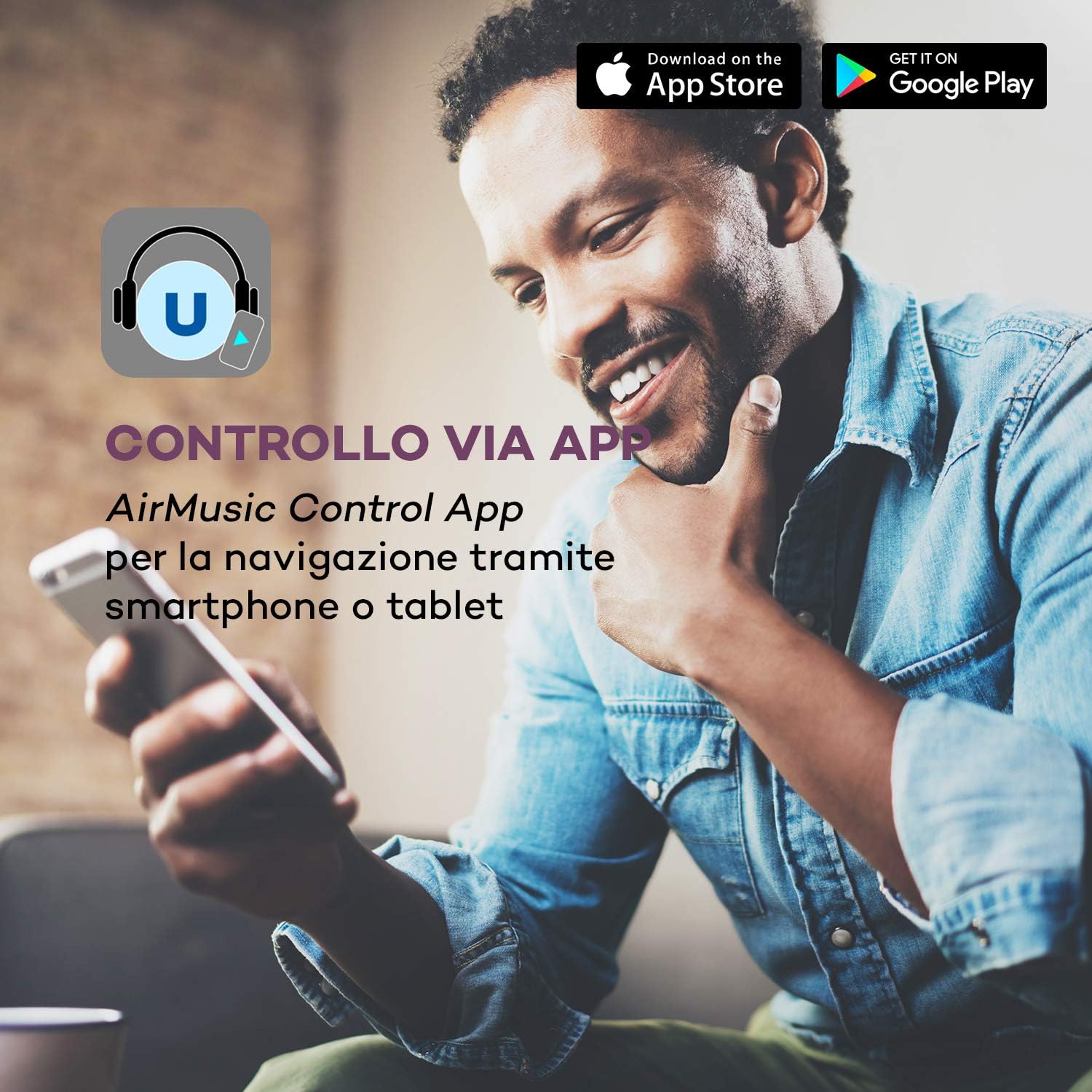
Figure 8: Control via AirMusic Control App for smartphone or tablet navigation.
- Download the AirMusic Control App from the App Store (iOS) or Google Play Store (Android).
- Ensure your smartphone/tablet is connected to the same Wi-Fi network as the soundbase.
- Open the app, and it should automatically detect your soundbase.
- Use the app to switch between sources, manage music, and control settings.
7. Технічне обслуговування
- Прибирання: Use a soft, dry cloth to clean the surface of the soundbase. Do not use liquid cleaners or abrasive materials.
- Зберігання: If not in use for an extended period, unplug the device and store it in a cool, dry place.
- Вентиляція: Переконайтеся, що вентиляційні отвори не засмічені, щоб запобігти перегріванню.
8. Вирішення проблем
| проблема | Можлива причина | Рішення |
|---|---|---|
| Немає живлення | Кабель живлення не підключено; розетка не працює. | Перевірте підключення кабелю живлення; спробуйте іншу розетку. |
| Ні звуку | Volume too low; Incorrect input source selected; Cables not connected properly. | Increase volume; Select correct input source; Check all audio cable connections. |
| Проблеми з підключенням Wi-Fi | Неправильний пароль; маршрутизатор занадто далеко; мережеві перешкоди. | Re-enter Wi-Fi password carefully; Move soundbase closer to router; Restart router. |
| Пульт не працює | Розряджені батарейки; Перешкода між пультом дистанційного керування та пристроєм. | Замініть батарейки; видаліть будь-які перешкоди. |
| DAB+/FM reception poor | Antenna not connected or positioned incorrectly; Weak signal in area. | Ensure antenna is connected and fully extended; Reposition antenna for better signal. |
9. Технічні характеристики
| Особливість | Специфікація |
|---|---|
| Вихідна потужність | 2 x 15 W RMS (stereo speakers) + 30 W RMS (subwoofer) |
| Підключення | Bluetooth, Wi-Fi (801.11 b/g/n), USB, Optical In, Coaxial In, 3.5mm AUX In, RCA Line In, RCA Line Out |
| Радіо тюнер | Internet Radio, DAB+ (174 MHz - 240 MHz), FM (87.5 MHz - 108 MHz) |
| Дисплей | 2.8-inch LC Display |
| Протоколи потокового передавання | UPnP, DLNA |
| КОНТРОЛЬ | Remote Control, AirMusic Control App |
| Споживана потужність | Макс. 50 Вт |
| Джерело живлення | 100-240 В змінного струму | 50/60 Гц |
| Розміри (ДxШxВ) | Прибл. 53.5 x 10 x 37 см |
| вага | прибл. 5.1 кг |
10. Гарантія та підтримка
AUNA products are covered by a manufacturer's warranty. For detailed warranty information, please refer to the warranty card included with your product or visit the official AUNA website. For technical support, troubleshooting assistance, or service requests, please contact AUNA customer service through their official channels.
Зберігайте підтвердження покупки для гарантійних претензій.
