
вступ
Thank you for choosing the GLARRY 61-Key Portable Electronic Piano Keyboard. This manual provides essential information for setting up, operating, and maintaining your new instrument. Please read it thoroughly to ensure proper use and to maximize your musical experience.
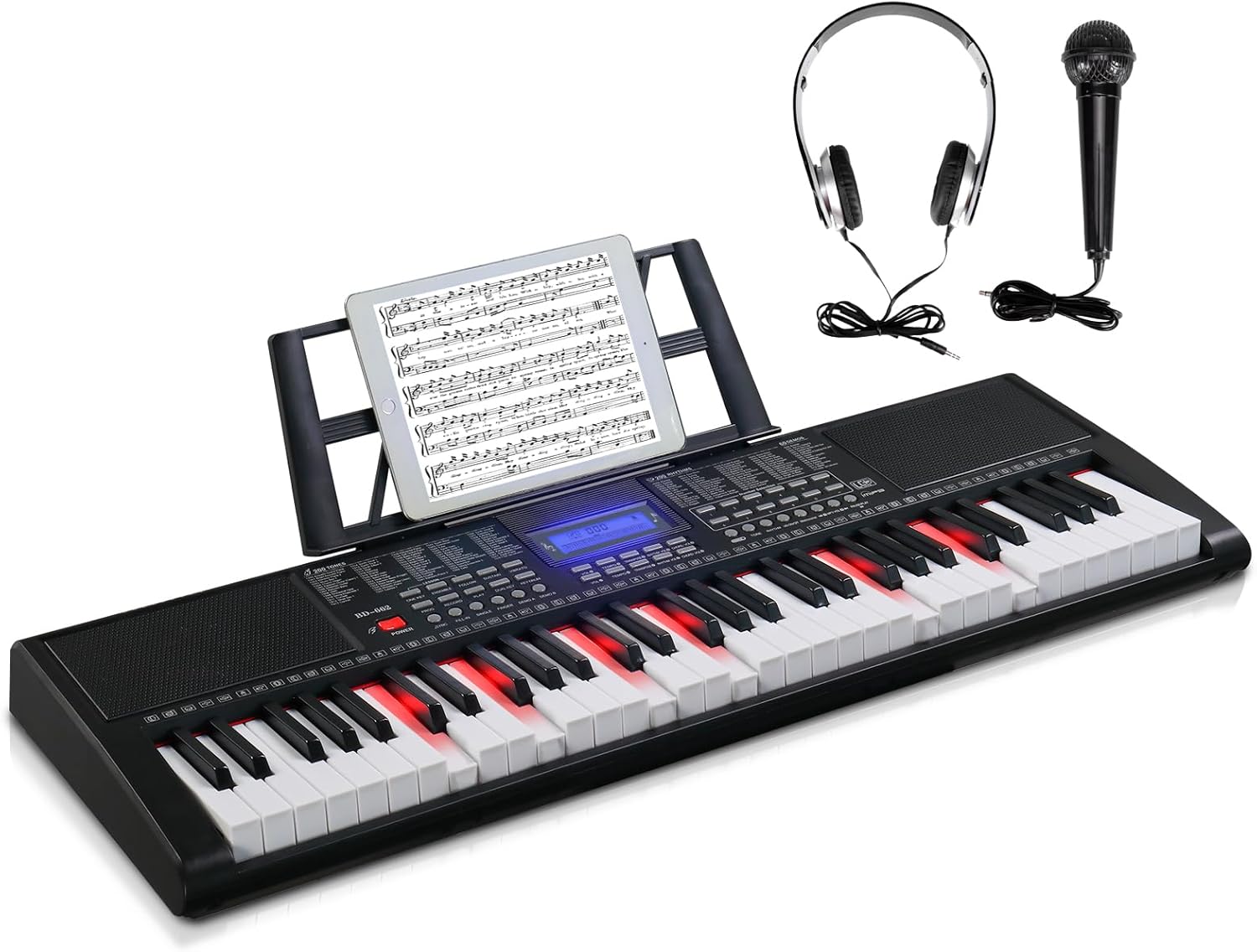
Figure 1: GLARRY 61-Key Portable Electronic Piano Keyboard with accessories.
1. Налаштування
1.1 Вміст упаковки
Перевірте наявність усіх елементів в упаковці:
- GLARRY 61-Key Electronic Piano Keyboard
- Адаптер живлення (DC 12 В)
- Навушники
- мікрофон
- Пюпітр
- Інструкція з експлуатації
1.2 Живлення клавіатури
The keyboard can be powered using the included power adapter or batteries.
- Використання адаптера живлення: Connect the DC 12V power adapter to the DC IN port on the back of the keyboard and plug it into a standard electrical outlet.
- Використання батарей: (Batteries not included) Locate the battery compartment on the underside of the keyboard. Insert the required number of AA batteries, ensuring correct polarity.
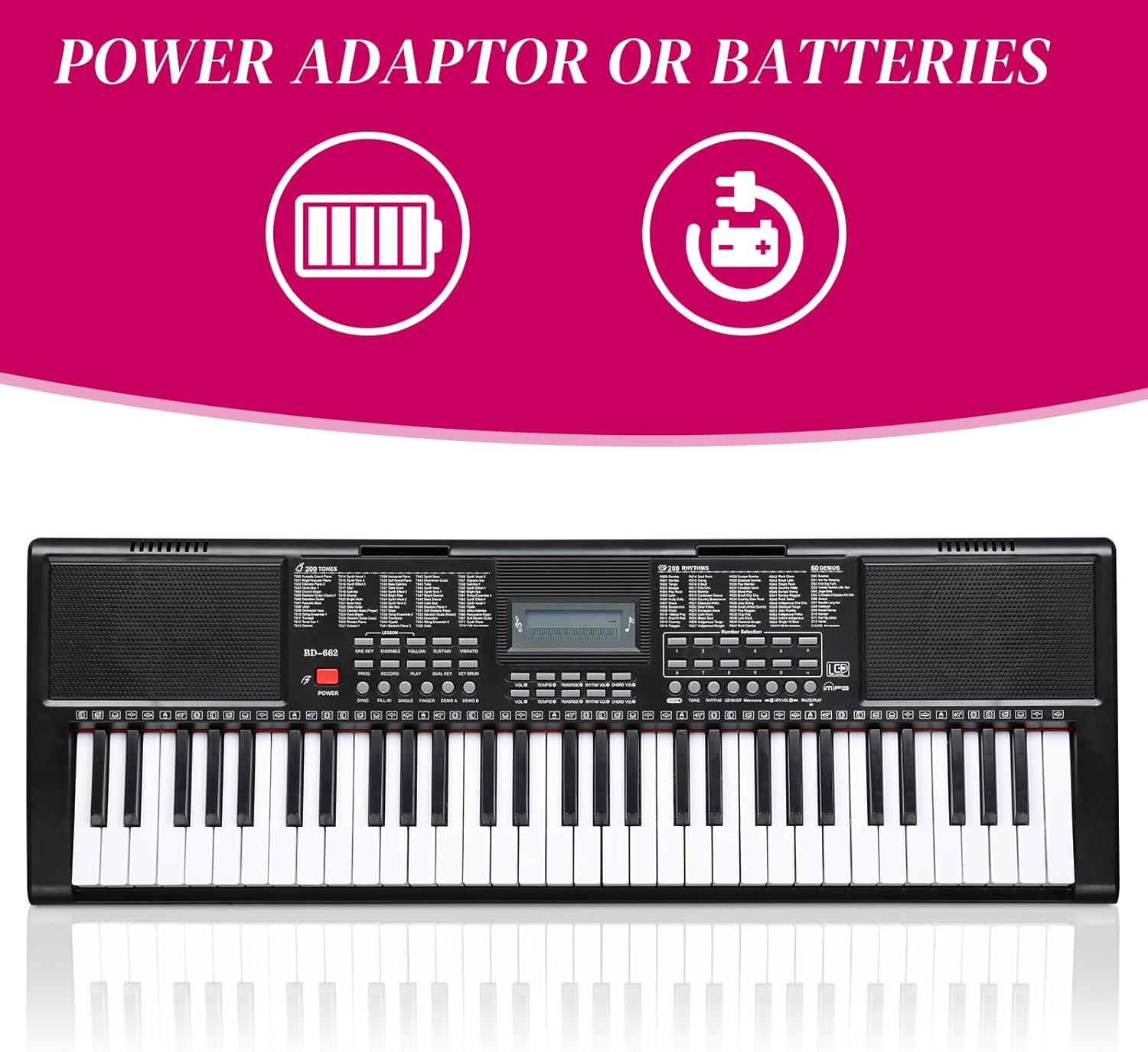
Figure 2: Power options for the keyboard.
1.3 Підключення аксесуарів
Connect the headphones and microphone to their respective 3.5mm jacks on the keyboard. The music stand can be attached to the designated slots on the top panel.

Figure 3: Headphones and microphone accessories.
2. Інструкція з експлуатації
2.1 Basic Controls and LCD Display
The keyboard features an LCD display that shows the status of various functions. Use the dedicated buttons to adjust volume, tempo, and other settings.

Figure 4: Keyboard control panel and connectivity options.
2.2 Tone and Rhythm Selection
The keyboard offers 510 timbres (tones) and 300 rhythms. Use the number selection buttons to choose your desired tone or rhythm. The LCD display will show your current selection.
2.3 Lighted Keys Function
For beginners, the 61 lighted keys provide visual guidance. Keys will light up to indicate which notes to play. This feature can be toggled ON/OFF using the dedicated button.
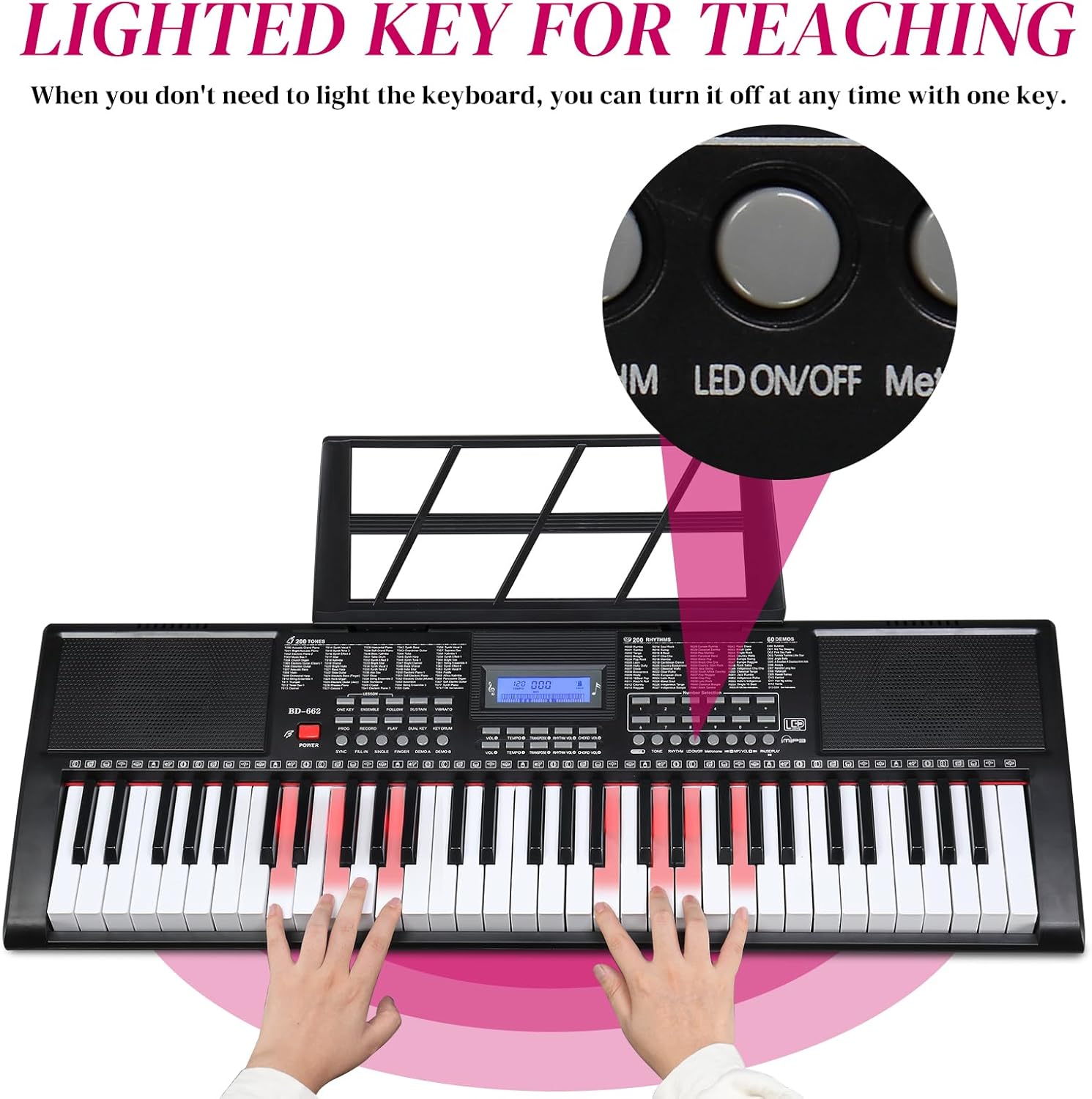
Figure 5: Lighted keys feature and LED ON/OFF button.
2.4 Teaching Modes
Three teaching modes are available to assist learners:
- Single Key Mode: Focuses on individual notes.
- Розширений режим: Guides through more complex melodies.
- Основний режим: For practicing full pieces.
These modes are designed to help users quickly familiarize themselves with the keyboard and learn songs.
2.5 Запис і відтворення
The keyboard includes sound recording and playback functions, allowing you to record your performances and listen back to them.
2.6 Metronome and Other Functions
Utilize the metronome function for timing practice. Additional features include sound volume adjustment, multi-tone selection, split/touch control, sustain, and vibrato.

Малюнок 6: Закінченоview of keyboard functions.
3. Технічне обслуговування
Щоб забезпечити довговічність та оптимальну роботу вашої клавіатури, дотримуйтесь цих рекомендацій щодо технічного обслуговування:
- Прибирання: Використовуйте м’яку суху тканину для протирання поверхні клавіатури. Уникайте абразивних засобів для чищення або розчинників.
- Зберігання: Зберігайте клавіатуру в прохолодному, сухому місці, подалі від прямих сонячних променів, екстремальних температур та високої вологості.
- Обробка: Уникайте падіння клавіатури та сильних ударів. Не ставте на неї важкі предмети.
- Потужність: Disconnect the power adapter when the keyboard is not in use for extended periods. Remove batteries if storing for a long time to prevent leakage.
4. Вирішення проблем
If you encounter any issues with your keyboard, refer to the following common troubleshooting steps:
- Немає живлення: Ensure the power adapter is securely connected to both the keyboard and a working electrical outlet. If using batteries, check that they are inserted correctly and are not depleted.
- Немає звуку: Check the master volume level. Ensure headphones are not plugged in if you intend to use the built-in speakers. Verify that the selected tone is active.
- Клавіші не реагують: Ensure the keyboard is powered on. If specific keys are not responding, check for any obstructions or debris.
- Спотворений звук: Reduce the volume level. Ensure all connections (microphone, headphones) are secure.
Якщо проблема не зникає після виконання цих кроків, зверніться до служби підтримки клієнтів.
5. Технічні характеристики
| Особливість | Специфікація |
|---|---|
| Бренд | GLARRY |
| Номер моделі | GLK447 |
| Кількість клавіш | 61 |
| Tones (Timbres) | 510 |
| Ритми | 300 |
| Демо-пісні | 30 |
| Режими навчання | 3 (Single Key, Advanced, Master) |
| Дисплей | РК-екран |
| Підключення | 3.5mm Jack (Headphones, Microphone, Auxiliary) |
| Джерело живлення | Electric (DC 12V Adapter) |
| Вага товару | 4.11 кілограмів (9.03 фунти) |
| Розміри упаковки | 37.6 x 14 x 5.25 дюймів |
| Колір | чорний |

Рисунок 7: Розміри клавіатури.
6. Гарантія та підтримка
Конкретні деталі гарантії та пряма контактна інформація служби підтримки відсутні в наданих даних про продукт. Будь ласка, зверніться до упаковки продукту або до інструкцій продавця. website for warranty claims and customer service inquiries.