
TYLT QIMEDBK-T
TYLT Medallion Portable Qi Wireless Charging Pad User Manual
Model: QIMEDBK-T
вступ
The TYLT Medallion is a portable Qi-certified wireless charging pad designed to provide convenient and efficient power to your compatible devices. This manual provides essential information for the safe and optimal use of your charging pad.
Інформація про безпеку
- Не піддавайте пристрій впливу екстремальних температур, прямих сонячних променів або вологи.
- Уникайте падіння та сильних ударів пристрою.
- Не розбирайте, не модифікуйте та не намагайтеся ремонтувати пристрій. Це призведе до анулювання гарантії.
- Зберігати в недоступному для дітей місці.
- Забезпечте належну вентиляцію під час використання, щоб запобігти перегріванню.
- Use only the provided or certified compatible USB-C cable and power source.
Вміст упаковки
Перевірте наявність усіх предметів у вашій упаковці:
- 1 x TYLT Medallion Qi-Certified Wireless Charging Pad
- 1 x 3.3ft USB Type-C Cable
- 1 x Посібник користувача (цей документ)

Зображення: Нижня частина view of the TYLT Medallion charging pad, showing the integrated USB-C cable and product information.
Налаштування
- Підключіть зарядну панель: Plug the integrated USB Type-C cable from the TYLT Medallion into a compatible power source. This can be a laptop's USB-C port, a power bank with a USB-C output, or a wall adapter (not included) with a USB-C port.
- Вимоги до джерела живлення: For optimal fast charging, use a power source capable of delivering 5V/2A or 9V/1.8A.
- Розміщення: Place the charging pad on a flat, stable surface, such as a countertop, desk, or bedside table.
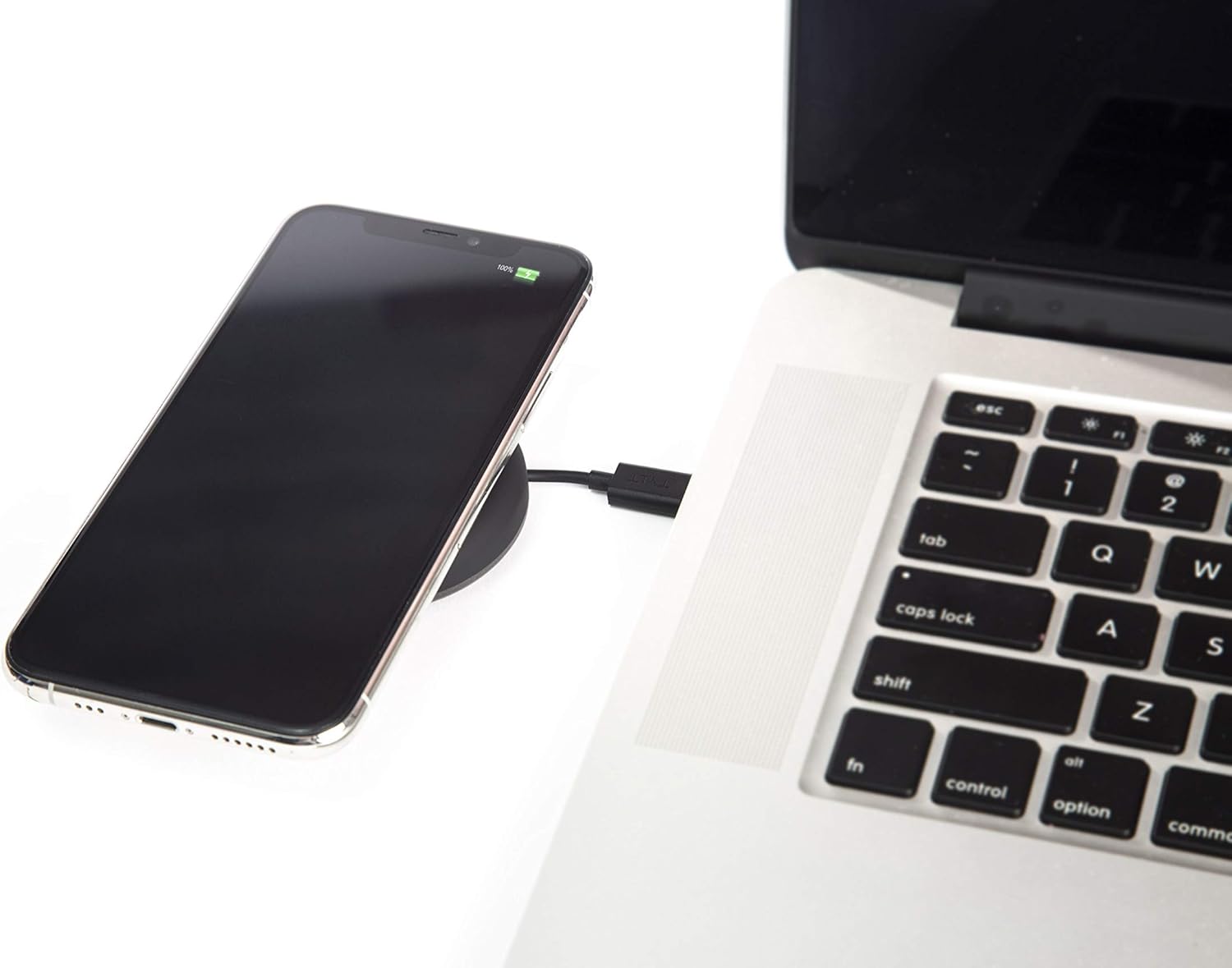
Image: A smartphone wirelessly charging on the TYLT Medallion, which is connected to a laptop via its USB-C cable.
Інструкція з експлуатації
- Розмістіть свій пристрій: Position your Qi-enabled smartphone or wireless earbuds directly onto the center of the TYLT Medallion charging pad. The device grip ring helps secure your device.
- Індикація зарядки: Your device's screen or indicator light will show that it is charging. The TYLT Medallion does not have its own charging indicator light.
- Оптимальна зарядка: Ensure your device is centered on the pad for efficient charging. Charging can occur through most phone cases.
- Вихід зарядки:
- 10W output for compatible Samsung devices.
- 7.5W output for compatible Apple iPhones.
- 5W output for other Qi-enabled devices, including wireless earbuds.
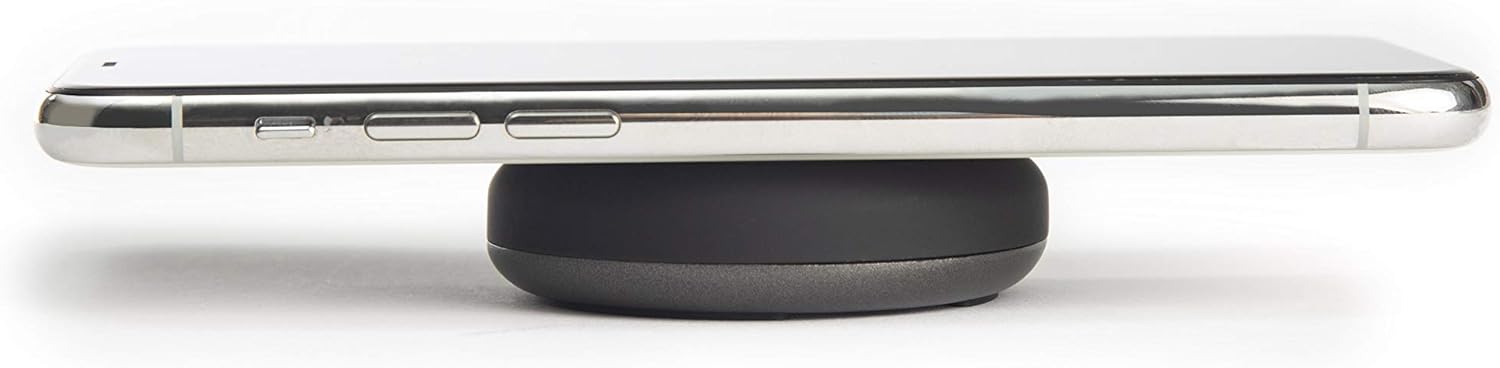
Image: A smartphone placed on the TYLT Medallion charging pad, demonstrating its low profile.
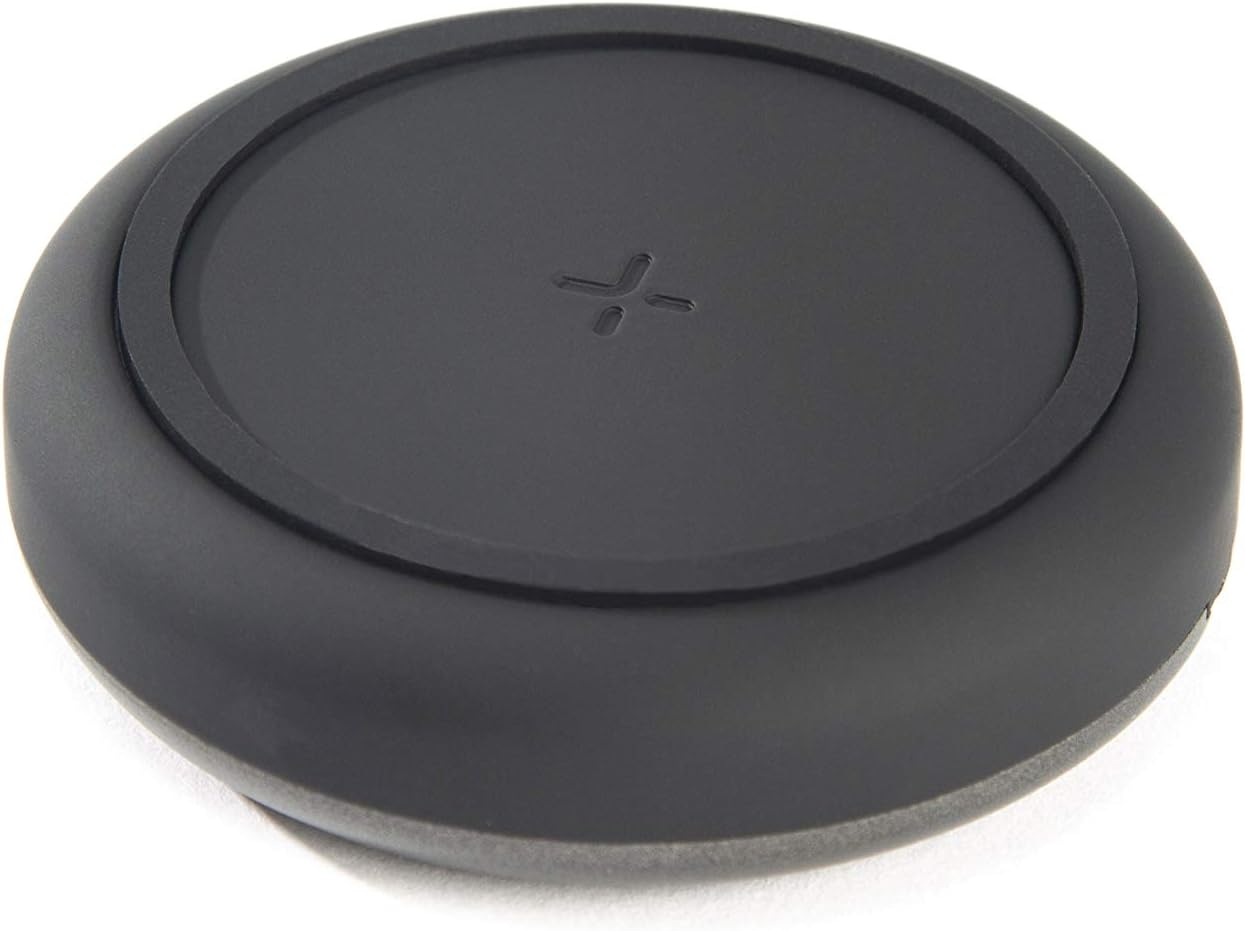
Зображення: Верх view of the TYLT Medallion charging pad, highlighting its compact and minimalist design.
Технічне обслуговування
- Прибирання: Disconnect the charging pad from its power source before cleaning. Use a soft, dry cloth to wipe the surface. Do not use harsh chemicals or abrasive cleaners.
- Зберігання: When not in use, store the charging pad in a cool, dry place away from direct sunlight.
Усунення несправностей
| проблема | Можлива причина | Рішення |
|---|---|---|
| Пристрій не заряджається. |
|
|
| Повільна зарядка. |
|
|
| Charging pad or device gets warm. |
|
|
Технічні характеристики
| Номер моделі | QIMEDBK-T |
| Вхідний об'ємtage | 5V / 2A або 9V / 1.8A |
| Вихідна ватtage | 10 Вт (макс.) |
| Вихід Ampераж | 1A (макс.) |
| Тип роз'єму | USB Type-C (інтегрований) |
| Сумісність | Qi-enabled devices (Apple iPhone, Samsung Galaxy, Microsoft Lumia, Google Nexus, Nokia Lumia, Pixel, LG, wireless earbuds, etc.) |
| Розміри продукту | 4 x 1.5 x 5 дюймів |
| Вага товару | 2.39 унції |
| Особливості | Fast Charging, Qi Certified, Built-in Temperature Control, Voltage Protection, Non-slip Device Grip Ring |
Інформація про гарантію
TYLT products are eligible for a 1-year Global Warranty program з дати покупки. Ця гарантія поширюється на виробничі дефекти та дефекти виготовлення за умов нормального використання. Вона не поширюється на пошкодження, спричинені неправильним використанням, нещасними випадками, несанкціонованими модифікаціями або нормальним зносом.
Зберігайте підтвердження покупки для гарантійних претензій.
Підтримка
For any concerns, technical assistance, or warranty inquiries, please do not hesitate to contact TYLT customer support.
Refer to the official TYLT website for contact details or visit their Amazon store: TYLT Amazon Store
Ask a question about this manual
Ask about setup, troubleshooting, compatibility, parts, safety, or missing instructions. Manuals+ will review the question and use this page’s manual context to help answer it.