
1. Вступ
Thank you for choosing the TYLT Shield Wireless Charger Pad. This Qi-certified wireless charging station is designed to provide convenient and efficient charging for your compatible devices. This manual will guide you through the setup, operation, maintenance, and troubleshooting of your new wireless charger.
The TYLT Shield offers fast wireless charging with a maximum output of 10W for Samsung devices, 7.5W for iPhone, and 5W for other Qi-enabled devices, including wireless earbuds. Its slim design allows for charging through most phone cases up to 5mm thick (excluding cases with magnetic or metal attachments).

Image 1.1: TYLT Shield Wireless Charger Pads and included cable.
2. Налаштування
2.1 Що входить до комплекту
- 2 x TYLT Shield Wireless Charger Pads
- 2 x Micro-USB to USB-A Cables
Please note: A power adapter (wall charger) is not included and must be purchased separately. For optimal fast charging, use a Quick Charge 2.0/3.0 or Power Delivery (PD) compatible wall adapter.
2.2 Підключення зарядного пристрою
- Connect the Micro-USB end of the provided cable into the Micro-USB port on the TYLT Shield Wireless Charger Pad.
- Connect the USB-A end of the cable into a compatible USB wall adapter (not included) or a powered USB port.
- Plug the wall adapter into a power outlet. The charger is now ready for use.
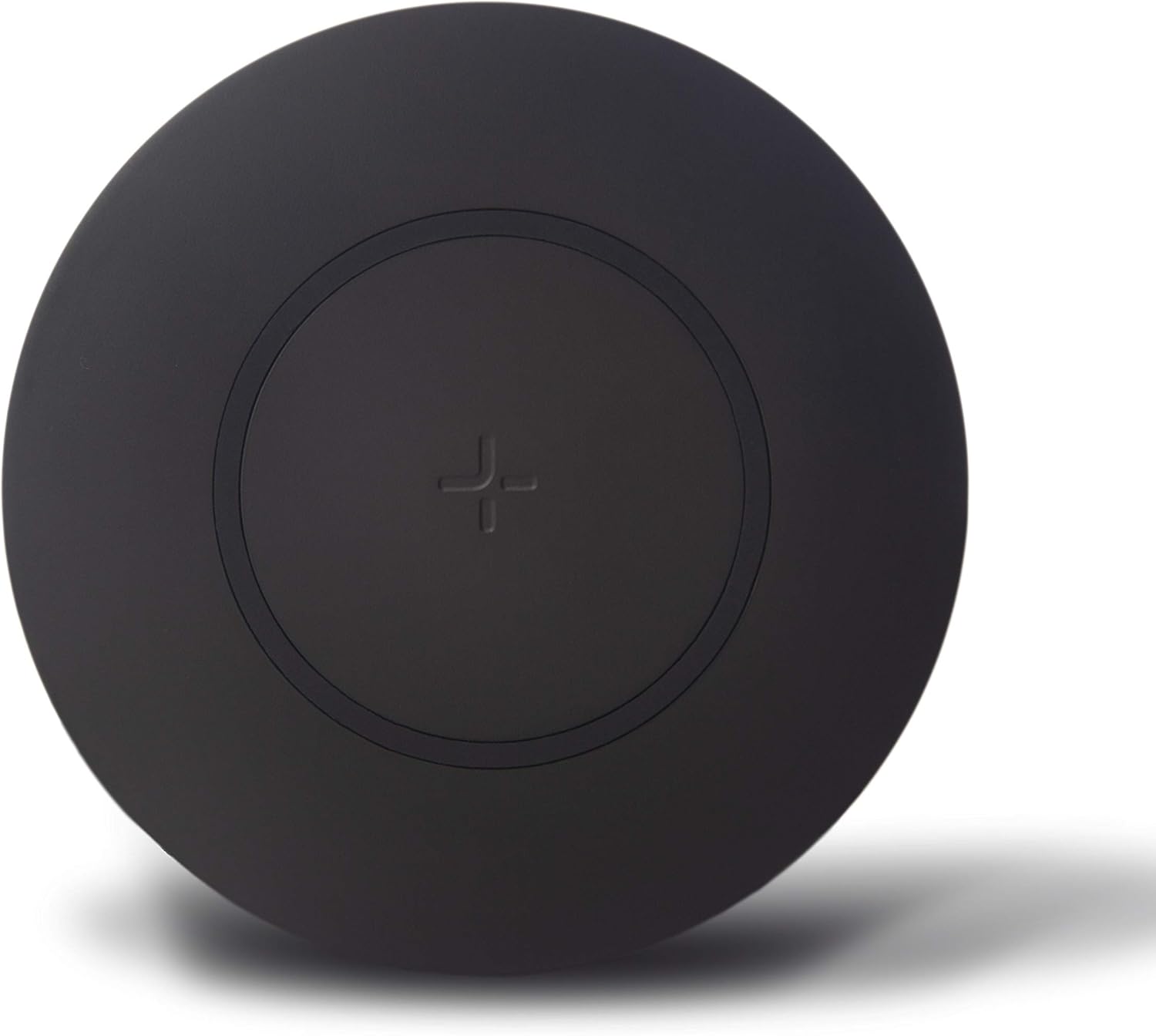
Image 2.1: Slim profile of the TYLT Shield charger.

Image 2.2: Key features of the TYLT Shield Wireless Charger.
3. Інструкція з експлуатації
3.1 Placing Your Device
To begin charging, place your Qi-enabled device directly onto the center of the TYLT Shield Wireless Charger Pad. Ensure the device is centered over the '+' symbol on the pad for optimal charging efficiency. A small white LED indicator light on the side of the pad will illuminate to confirm that charging has begun.
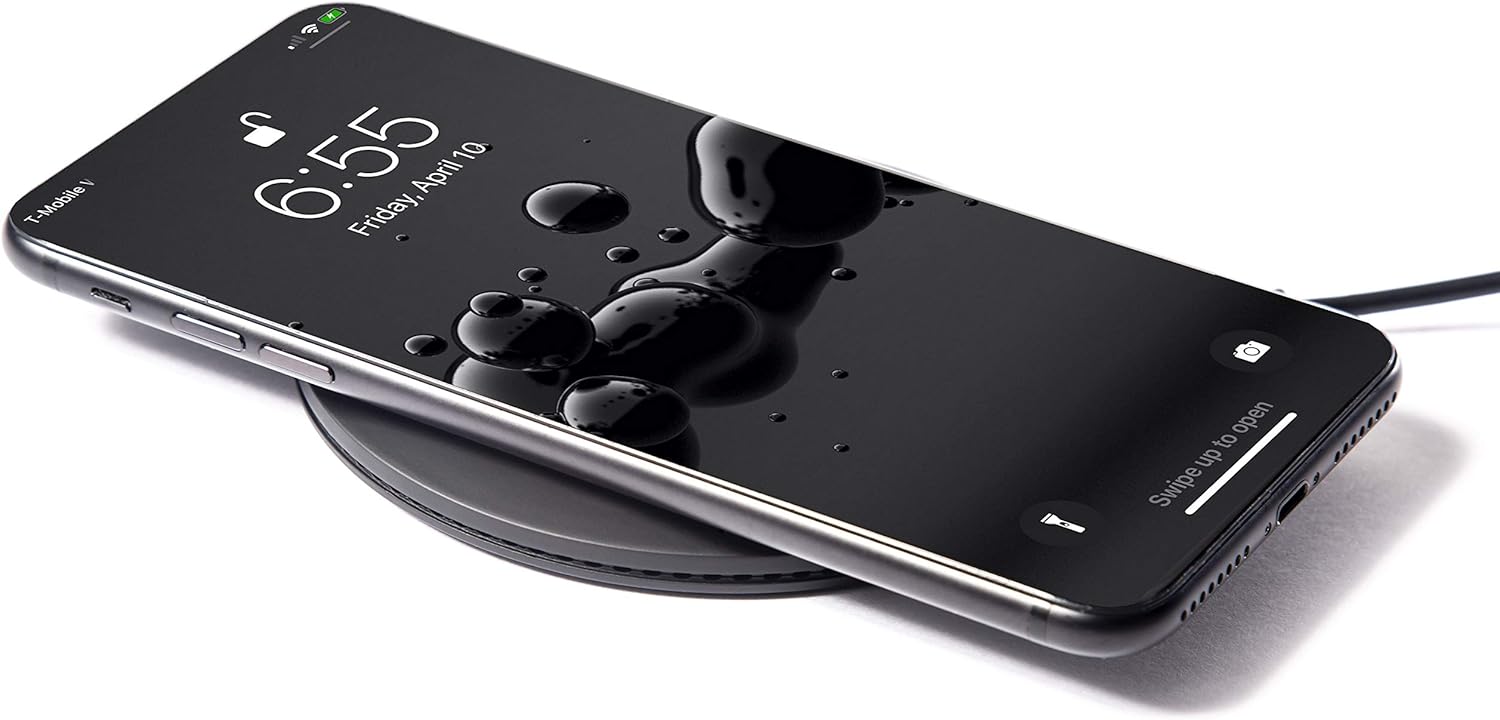
Image 3.1: Device properly placed on the charger.
3.2 Світловий індикатор
- Постійне біле світло: Indicates that the device is charging correctly.
- Миготливе біле світло: Indicates improper device placement or detection of a foreign object (e.g., metal, magnetic attachment) between the charger and the device. Reposition your device or remove any obstructions.
- Світло вимкнено: The charger is not connected to power, or the device is fully charged and has stopped drawing power.
3.3 сумісні пристрої
The TYLT Shield is compatible with all Qi-enabled devices, including but not limited to:
- Apple iPhone 12/12 mini/12 Pro/12 Pro Max/11/11 Pro/11 Pro Max/XS MAX/XR/XS/X/8/8 Plus/SE2
- Samsung Galaxy S20/S20+/S10/S10+/S10E/S9/S9+/S8/S8+, Galaxy Note 20/20+/10/10+
- Google Pixel 4/4XL/3/3XL, Google Nexus 7
- LG G7/6/6 plus/S6/S6 Edge/S6 Edge Plus
- Nokia Lumia 1020/920/928
- MOTO Droid Maxx/Droid Mini
- Wireless charging earbuds (e.g., Apple AirPods, AirPods Pro)
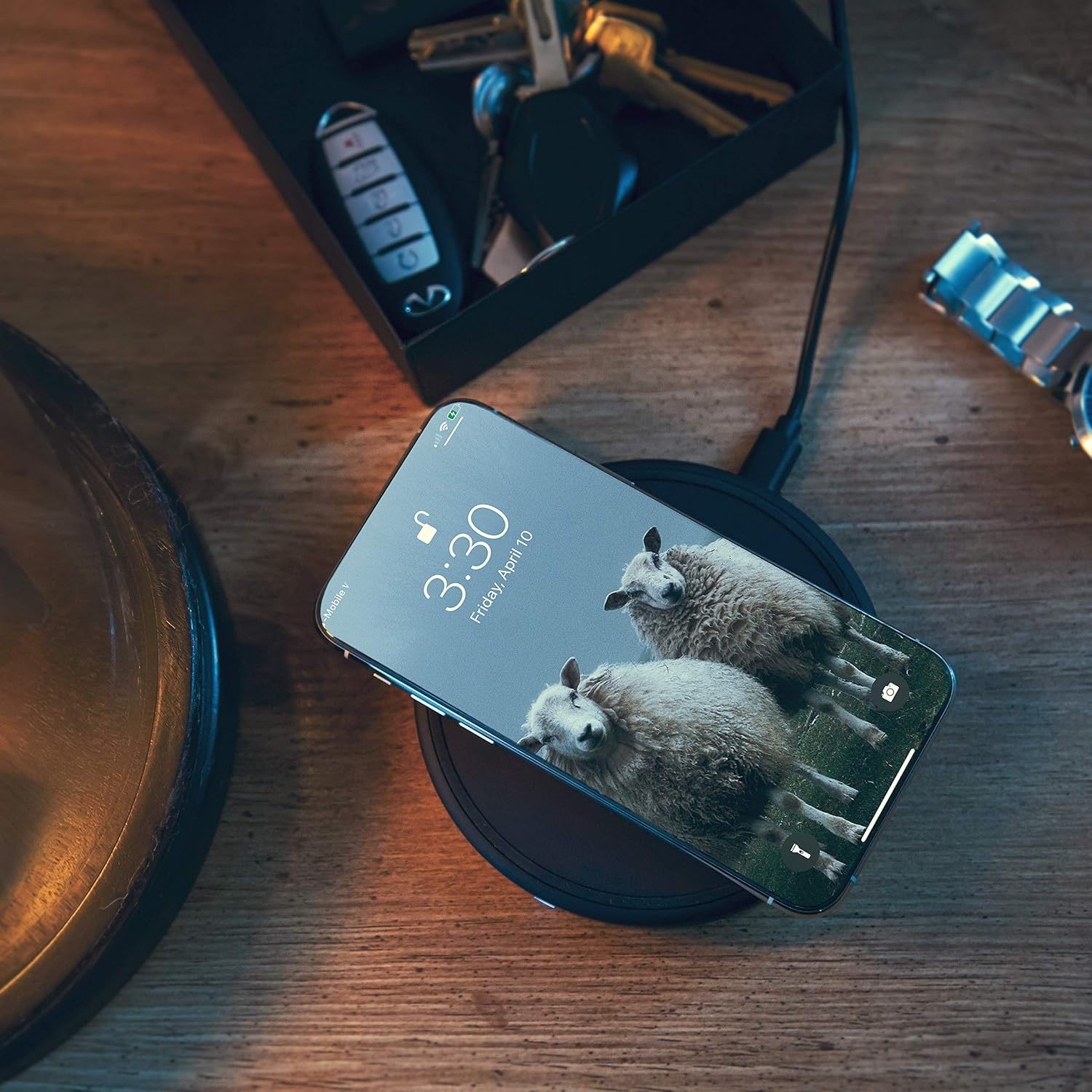
Image 3.2: TYLT Shield in a home environment.
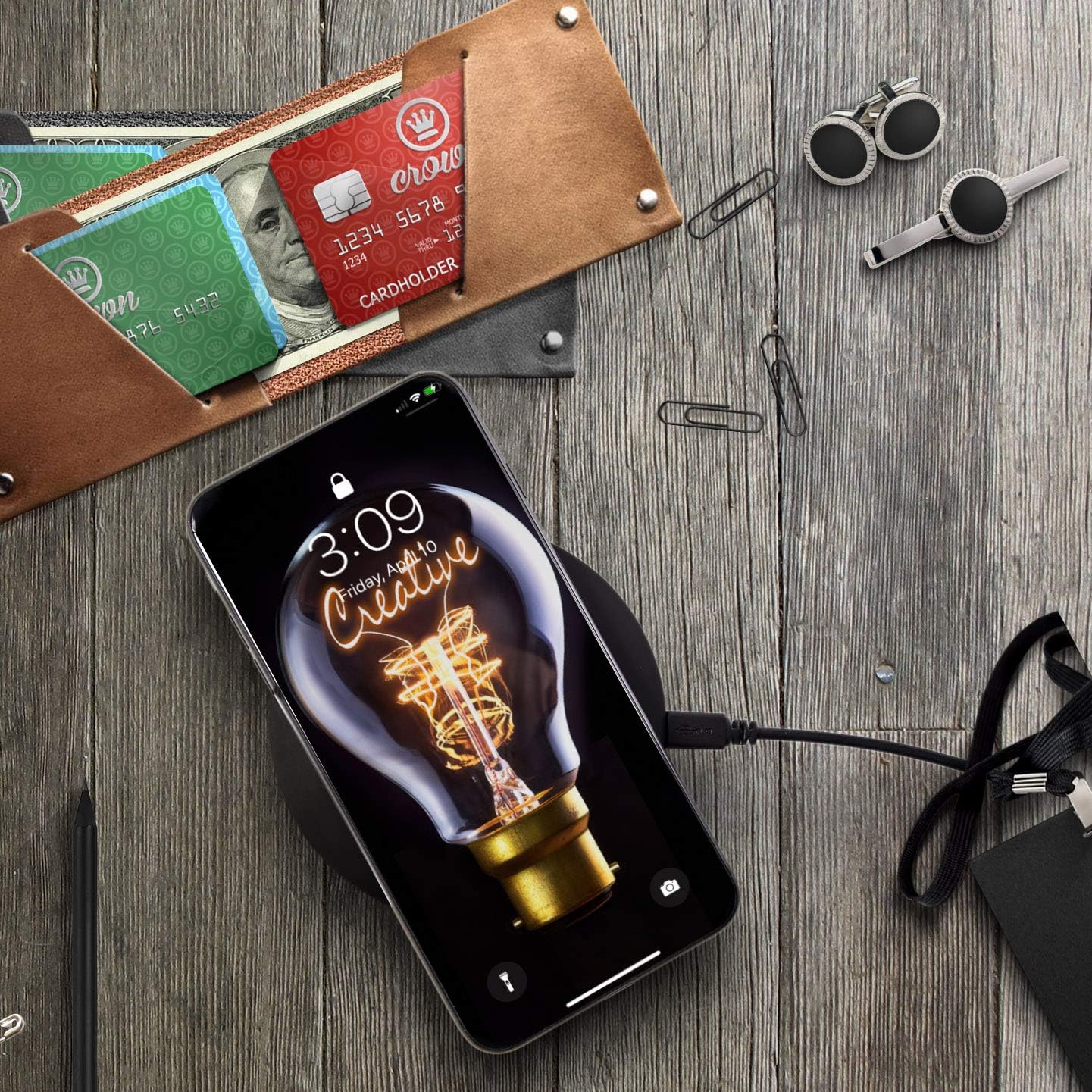
Image 3.3: TYLT Shield in an office or workspace setting.
3.4 Відео з демонстрацією продукту
Video 3.1: Official product video demonstrating the features and usage of the TYLT Shield Wireless Charger. This video highlights the slim design, thermal control, included cable, fast charging capabilities for compatible devices, and its ability to charge through most cases and covers, including wireless earbuds.
4. Технічне обслуговування
To ensure the longevity and optimal performance of your TYLT Shield Wireless Charger Pad, follow these maintenance guidelines:
- Прибирання: Use a soft, dry, lint-free cloth to clean the surface of the charger. Do not use abrasive cleaners, solvents, or aerosol sprays, as these may damage the surface or internal components.
- Зберігання: Коли зарядний пристрій не використовується, зберігайте його в прохолодному сухому місці подалі від прямих сонячних променів і екстремальних температур.
- Обробка: Уникайте падіння зарядного пристрою та сильних ударів. Не розбирайте та не намагайтеся самостійно ремонтувати зарядний пристрій, оскільки це призведе до анулювання гарантії та може призвести до пошкодження або травмування.
- Вплив рідини: Keep the charger away from water and other liquids. If the charger comes into contact with liquid, disconnect it immediately from the power source and allow it to dry completely before attempting to use it again.
5. Вирішення проблем
If you experience issues with your TYLT Shield Wireless Charger Pad, please refer to the following common troubleshooting steps:
5.1 Пристрій не заряджається
- Перевірте підключення живлення: Ensure the Micro-USB cable is securely connected to both the charger pad and the power adapter, and that the power adapter is firmly plugged into a working wall outlet.
- Правильне розміщення: Make sure your device is centered directly on the charging pad, aligning with the '+' symbol. Slight adjustments may be necessary.
- Сумісність пристрою: Confirm that your device supports Qi wireless charging.
- Чохол для телефону: Remove your phone case to see if it interferes with charging. While the charger supports cases up to 5mm thick, some cases (especially those with metal, magnets, or excessive thickness) may prevent charging.
- Сторонні предмети: Ensure there are no foreign objects (e.g., credit cards, metal rings, pop sockets) between your device and the charging pad.
- Перезавантажте пристрій: Sometimes, simply restarting your phone or device can resolve charging issues.
5.2 Повільна зарядка
- Адаптер живлення: Ensure you are using a Quick Charge 2.0/3.0 or Power Delivery (PD) compatible wall adapter for fast charging. Standard 5V/1A USB ports may result in slower charging speeds.
- Фонові програми: Закрийте всі енергоємні програми, що працюють у фоновому режимі на вашому пристрої.
- Використання пристрою: Avoid using your device extensively while it is charging wirelessly, as this can slow down the charging process.
5.3 Indicator Light Issues
- Миготливе світло: As mentioned in Section 3.2, a flashing light indicates improper placement or a foreign object. Adjust your device or remove obstructions.
- Без світла: Verify the power connection. If connected and still no light, try a different cable or power adapter.
5.4 Перегрів
The TYLT Shield has built-in over-heating protection. If the charger or your device becomes excessively hot during charging, charging may temporarily pause or slow down to prevent damage. Ensure the charger is placed on a hard, flat surface with adequate ventilation. Avoid placing it on soft surfaces like blankets or pillows that can trap heat.
6. Технічні характеристики
| Особливість | Деталь |
|---|---|
| Розміри продукту | 4.13 x 1.26 x 5.11 дюймів |
| Вага товару | 7.8 унції |
| Номер моделі товару | QISHLD2PKBK-T |
| Бренд | TYLT |
| Технологія підключення | Wireless Charging Smartphones / Wireless charging Earbuds |
| Тип роз'єму | Wireless, Micro-USB to USB-A |
| Сумісні пристрої | Qi-enabled smartphones (Apple iPhone, Samsung Galaxy, Google Pixel, LG, Nokia, etc.), Wireless charging earbuds |
| Включені компоненти | 2 wireless charging pads, 2 Micro-USB to USB-A cables |
| Особливість | Anti-Slip, Slim, Fast Charging |
| Колір | чорний |
| Вхідний об'ємtage | 120 вольт (перемінний струм) |
| Тип монтажу | Настільне кріплення |
7. Гарантія та підтримка
7.1 Обмежена гарантія
TYLT Shield Wireless Charger Pads come with a limited 1-Year Warranty from the date of purchase. This warranty covers defects in materials and workmanship under normal use. It does not cover damage caused by misuse, accident, unauthorized modification, or external causes.
7.2 Warranty Extension
Customers are eligible to receive a free 1-year warranty extension when you register your product with TYLT. Please visit the official TYLT webсайт для отримання детальної інформації про реєстрацію продукту.
7.3 Підтримка клієнтів
For technical assistance, warranty claims, or general inquiries, please contact TYLT Customer Support through their official webсайт або контактну інформацію, надану на упаковці вашого продукту.