
Hommie L3-ES
Інструкція користувача смарт-годинника Hommie L3-ES
Model: L3-ES
1. Вступ
Thank you for choosing the Hommie Smartwatch L3-ES. This device is designed to help you monitor your health and fitness, stay connected, and manage your daily activities with ease. Please read this manual carefully to understand the functions and proper operation of your new smartwatch.
The Hommie Smartwatch L3-ES features a 1.3-inch full touch IPS screen, continuous 24-hour heart rate monitoring, blood pressure tracking, sleep analysis, pedometer, calorie counter, and various sports modes. It also provides call and SMS notifications, ensuring you never miss important alerts.
2. Вміст упаковки
Upon opening your Hommie Smartwatch L3-ES package, please verify that all the following items are included:
- 1 x Hommie Smartwatch (L3-ES)
- 1 x Leather Strap (pre-installed or separate)
- 1 x Black and Red Silicone Strap
- 1 x Military Green Fabric Strap
- 1 х магнітний зарядний кабель
- 1 х захисний екран
- 1 x Greeting Card
- 1 х посібник користувача

Image: Contents of the Hommie Smartwatch L3-ES package, showing the smartwatch, three interchangeable straps (leather, silicone, fabric), a magnetic charging cable, a screen protector, and the user manual.
3. Налаштування
3.1 Заряджання смарт-годинника
Перед першим використанням повністю зарядіть свій смарт-годинник. Підключіть магнітний зарядний кабель до зарядних точок на задній панелі годинника та підключіть USB-кінець до адаптера живлення (не входить до комплекту) або USB-порту комп’ютера.
3.2 App Installation (Wearhealth)
To unlock the full potential of your Hommie Smartwatch, you need to download and install the Wearhealth application on your smartphone. Scan the QR code provided in the manual or on the packaging, or search for "Wearhealth" in your device's app store.
- Для пристроїв iOS: Download Wearhealth from App Store
- For Android devices: Search "Wearhealth" on Google Play Store.
Image: Close-up of the user manual showing QR codes for downloading the Wearhealth application for both iOS and Android devices.
3.3 Сполучення зі смартфоном
- Переконайтеся, що Bluetooth увімкнено на вашому смартфоні.
- Open the Wearhealth app.
- Follow the in-app instructions to search for and connect to your Hommie Smartwatch (L3-ES).
- Grant all necessary permissions requested by the app for full functionality (e.g., notifications, location, health data).
4. Інструкція з експлуатації
4.1 Основна операція
- Увімкнення/вимкнення живлення: Натисніть і утримуйте бічну кнопку, щоб увімкнути або вимкнути живлення.
- Активація екрана: Raise your wrist or press the side button to wake the screen. The 3D acceleration sensor allows the screen to light up when rotated between 30 to 80 degrees.
- Навігація: Swipe left/right or up/down on the touch screen to navigate through menus and functions. Tap to select.
- Регулювання яскравості: Adjust screen brightness directly on the watch to suit different environments.
4.2 Моніторинг здоров'я
Розумний годинник надає комплексні функції моніторингу здоров'я:
- Монітор серцевого ритму: Безперервне 24-годинне відстеження серцевого ритму. View your real-time heart rate on the watch or detailed data in the app.
- Монітор артеріального тиску: Measure your blood pressure directly from your wrist.
- Монітор сну: Automatically tracks your sleep patterns from 10:00 PM to 8:00 AM, analyzing deep sleep, light sleep, and awake times.
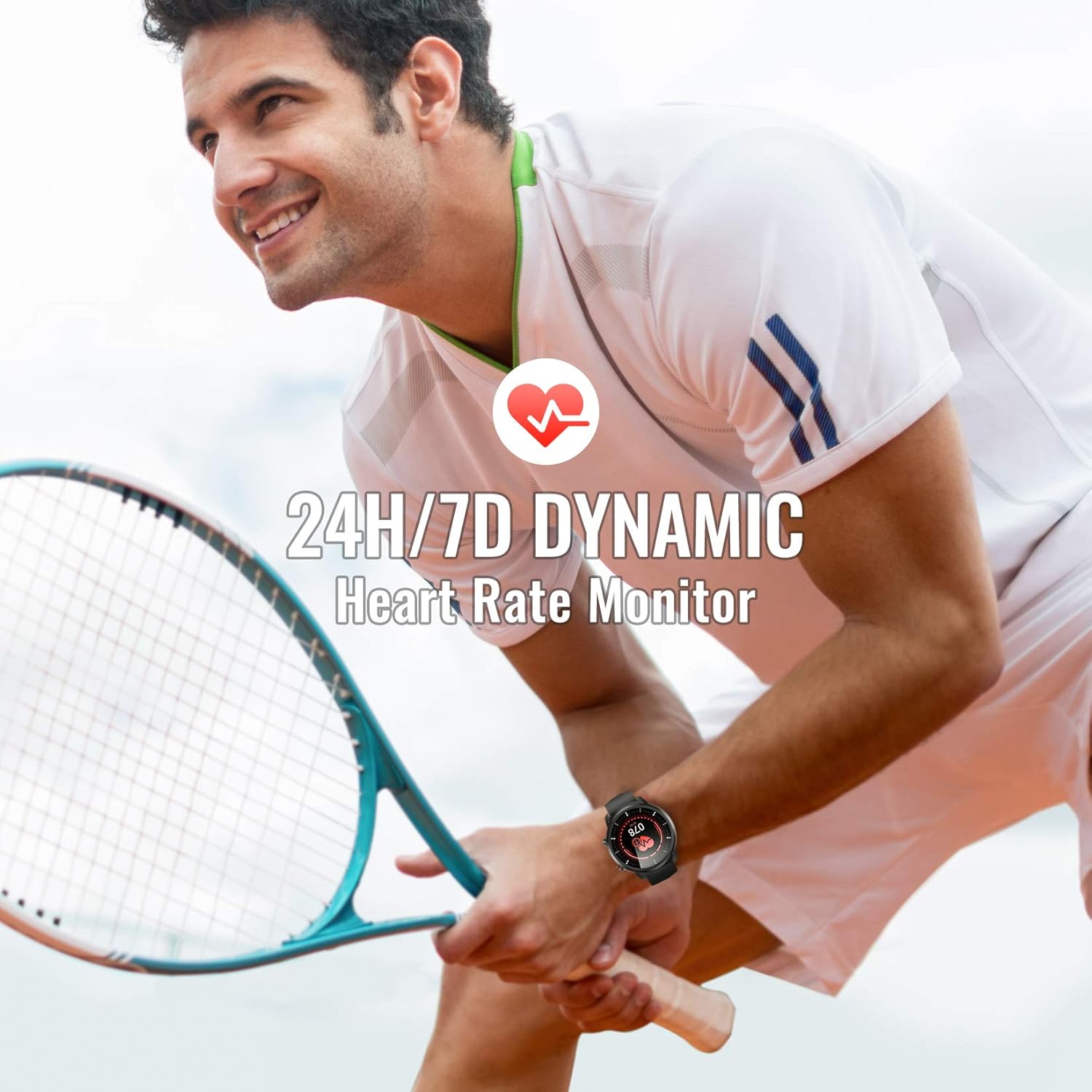
Image: A man playing tennis, wearing the Hommie Smartwatch, highlighting its 24-hour/7-day dynamic heart rate monitoring capability.

Image: A man sleeping, with the Hommie Smartwatch visible on his wrist. The image illustrates the smartwatch's sleep analysis feature, displaying total sleep time, and breakdowns of deep, light, and awake sleep stagес.
4.3 Відстеження активності та спортивні режими
The smartwatch records your daily activities and supports various sports modes:
- Крокомір: Відстежує ваші кроки протягом дня.
- Відстань: Calculates the distance covered based on your steps.
- Калорії: Estimates calories burned during your activities.
- Спортивні режими: Includes 9 different sports modes such as running, basketball, climbing, and more. During sports, the watch records activity data.

Image: A man climbing outdoors, wearing the Hommie Smartwatch. The image highlights the watch's ability to track calories, distance, and steps, along with icons representing various sports modes like running, swimming, and football.
4.4 Сповіщення та нагадування
Stay connected by receiving notifications directly on your wrist:
- Call & SMS Reminders: The watch vibrates to alert you of incoming calls and messages.
- Сповіщення додатків: Receive alerts from social media apps like Facebook, WhatsApp, Instagram, and Twitter when connected to the Wearhealth app.
- Сидячі нагадування: The watch can remind you to move after periods of inactivity.
Note: The smartwatch cannot directly make calls or reply to text messages.
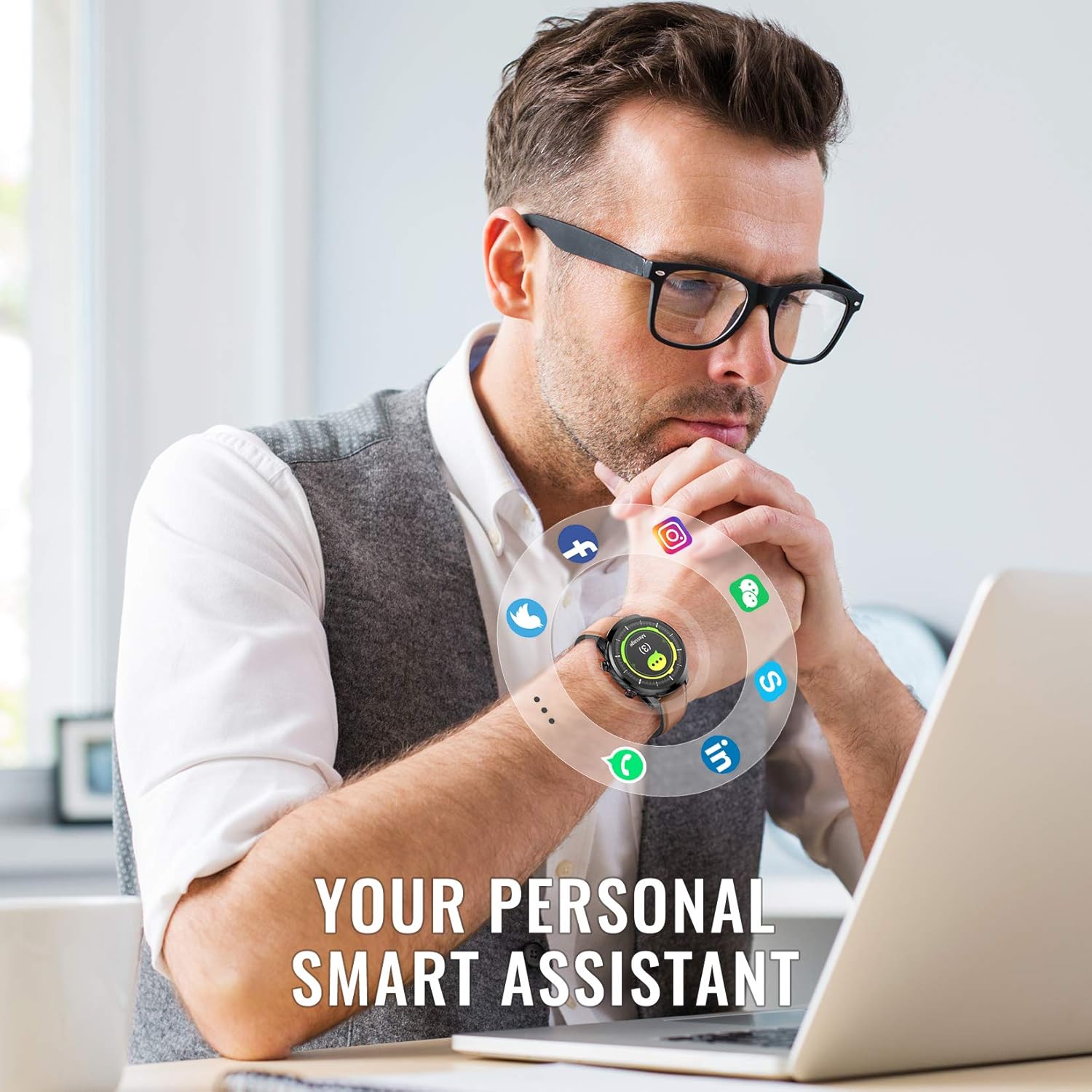
Image: A man working on a laptop, wearing the Hommie Smartwatch. Various social media and communication app icons (Facebook, Instagram, WhatsApp, Twitter, LinkedIn, phone, message) are shown around the watch, illustrating its notification capabilities.
НІКОЛИ не налаштовуючи
- Дивитися обличчя: The Wearhealth app allows you to customize your favorite screen saver with 8 different dial styles.
- Заміна ремінця: Easily change between the included leather, silicone, and fabric straps to match your style or activity.

Image: The Hommie Smartwatch displayed with its three interchangeable straps (leather, military green fabric, and black/red silicone). The image also illustrates the variety of app custom dial options and 8 different watch face interfaces available.
5. Технічне обслуговування
5.1 Водостійкість (IP68)
The Hommie Smartwatch is IP68 waterproof, meaning it can withstand immersion in water up to 10 meters deep. You can wear it for swimming, showering, or daily washing without issues. However, please observe the following precautions:
- Do not expose the watch to high-temperature water (e.g., hot showers, saunas).
- Do not wear it for deep diving (depths greater than 10 meters).
- Avoid contact with chemical solvents, detergents, or soaps, as these can damage the seals.
- After contact with saltwater, rinse the watch with fresh water and dry it thoroughly.
5.2 Заряджання та термін служби акумулятора
The smartwatch offers excellent battery life, lasting up to 10 days on a single charge and up to 20 days in standby mode. Use the provided magnetic charging cable for optimal charging. Avoid using damaged cables or non-certified chargers.
5.3 Очищення
Regularly clean your smartwatch and straps to prevent skin irritation and maintain its appearance. Use a soft, dry cloth to wipe the watch body. For straps, follow specific cleaning instructions based on the material (leather, silicone, fabric).
6. Вирішення проблем
If you encounter issues with your Hommie Smartwatch, please refer to the following common solutions:
- Watch not connecting to app/phone:
- Переконайтеся, що на вашому телефоні ввімкнено Bluetooth, а годинник знаходиться в зоні дії.
- Перезавантажте і смарт-годинник, і телефон.
- Check if the Wearhealth app has all necessary permissions enabled in your phone's settings.
- Try unpairing and re-pairing the device through the Wearhealth app.
- Time/Date not syncing:
- Ensure the watch is successfully connected to the Wearhealth app. The time and date usually sync automatically upon connection.
- Check your phone's time and date settings.
- Сповіщення не відображаються:
- Verify that notification permissions are granted to the Wearhealth app in your phone's settings.
- Ensure the specific app notifications are enabled within the Wearhealth app settings.
- Check if the watch is in Do Not Disturb mode.
- Неточні дані про стан здоров'я:
- Переконайтеся, що годинник щільно прилягає до зап'ястя, приблизно на ширині одного пальця від кісточки зап'ястя.
- Тримайте датчик в чистоті.
- Note that these devices are not medical instruments and data is for reference only.
- Екран не реагує:
- Restart the watch by pressing and holding the side button.
- Переконайтеся, що екран чистий і сухий.
7. Технічні характеристики
| Особливість | Специфікація |
|---|---|
| Бренд | Хоммі |
| Модель | L3-ES |
| Розмір екрана | 1.3 дюймів |
| Тип екрану | Digital IPS Full Touch |
| Підключення | Bluetooth 4.0 або вище |
| Сумісність операційної системи | Android 4.4 і вище, iOS 9.0 і вище |
| Рейтинг водонепроникності | IP68 (до 10 метра) |
| Тип батареї | Літій-полімер |
| Термін служби батареї | Up to 10 days (usage), 20 days (standby) |
| Вага продукту | 200 г |
| Розміри (упаковка) | 18.8 х 11.91 х 2.39 см |
| Особливості | Heart Rate Monitor, Blood Pressure Monitor, Sleep Monitor, Pedometer, Activity Tracker, Call/SMS Reminders, Multiple Sports Modes |
| Сертифікати | CE, RoHS, FCC |
8. Гарантія та підтримка
The Hommie Smartwatch L3-ES has been certified by CE, RoHS, and FCC, ensuring its quality and safety standards. For any product-related inquiries, technical support, or warranty claims, please contact Hommie customer service through the retailer's platform or the official Hommie webсайт.
Будь ласка, збережіть підтвердження покупки для гарантійних цілей.
Пов'язані документи - L3-ES
 |
Інструкція користувача смарт-браслета Hommie Вичерпний посібник користувача для смарт-браслета Hommie з детальним описом налаштування, функцій та інтеграції з додатком. Дізнайтеся, як використовувати смарт-браслет для відстеження фізичної активності, моніторингу серцевого ритму тощо. |
 |
Інструкція користувача смарт-годинника Hommie L3 Інструкція користувача для смарт-годинника Hommie L3, що охоплює налаштування, функції та технічні характеристики. Дізнайтеся, як підключити, використовувати та обслуговувати смарт-годинник L3 для оптимальної роботи. |
 |
Інструкція користувача смарт-годинника Hommie X3: функції, налаштування та посібник з використання Comprehensive user manual for the Hommie X3 Smart Watch. Learn about its features like heart rate monitoring, pedometer, sleep tracking, multi-sport modes, app connectivity, and specifications. Get started with your new smartwatch. |
 |
Посібник з експлуатації смарт-годинника Hommie L12 Вичерпний посібник з експлуатації смарт-годинника Hommie L12, що охоплює налаштування, функції та усунення несправностей. Дізнайтеся, як заряджати, сполучати та використовувати всі функції вашого Hommie L12. |
 |
Hommie Bluetooth 5.0 Adapter (BT-501) User Manual User manual for the Hommie Bluetooth 5.0 Adapter (Model BT-501). Learn how to install drivers, pair devices, and transfer data on Windows systems. |
 |
HOMMIE Bluetooth 5.0 USB Adapter User Manual User manual for the HOMMIE Bluetooth 5.0 USB Adapter, detailing installation, setup, and pairing procedures for Windows and Linux operating systems. |
Ask a question about this manual
Ask about setup, troubleshooting, compatibility, parts, safety, or missing instructions. Manuals+ will review the question and use this page’s manual context to help answer it.