
вступ
The Picun Elite P80S Wireless Headset provides a high-definition audio experience with multidimensional surround sound, extra bass, and noise reduction. Designed for comfort and versatility, it features both wireless and wired connectivity options, a detachable microphone, and intuitive controls. This manual provides detailed instructions for setup, operation, maintenance, and troubleshooting to ensure optimal performance of your headset.
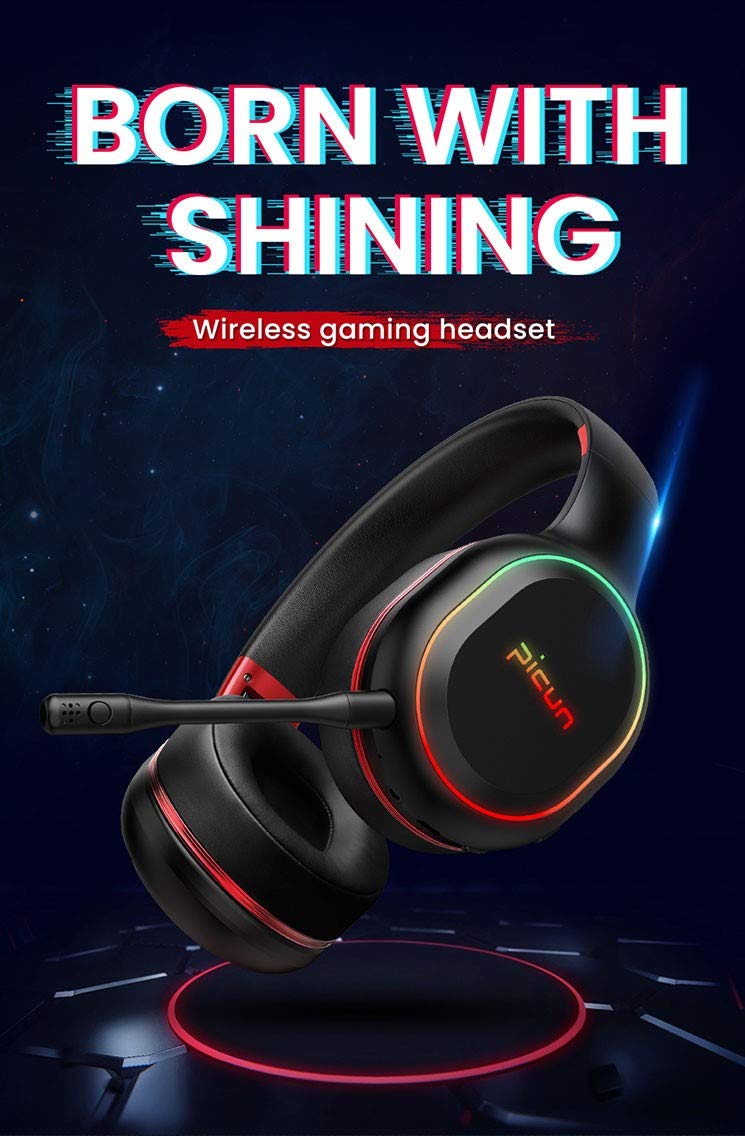
Image: The Picun Elite P80S Wireless Headset, showcasing its design and integrated microphone.
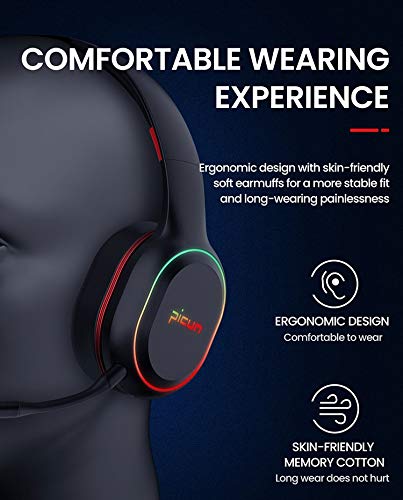
Image: The Picun Elite P80S Headset demonstrating its ergonomic design and comfortable earcups made from skin-friendly memory cotton.
Що в коробці
Будь ласка, перевірте наявність усіх предметів у упаковці:
- Picun Elite P80S Wireless Headset
- Знімний мікрофон
- USB-кабель для зарядки
- Аудіокабель 3.5 мм AUX
- Посібник користувача (цей документ)
Налаштування
1. Заряджання гарнітури
Before initial use, fully charge the headset. Connect the provided USB charging cable to the headset's charging port and to a compatible USB power source (e.g., computer USB port, USB wall adapter). The LED indicator will show charging status and turn off or change color when fully charged.
A full charge provides approximately 40 hours of game time or 60 hours of music/media playback in wireless mode.
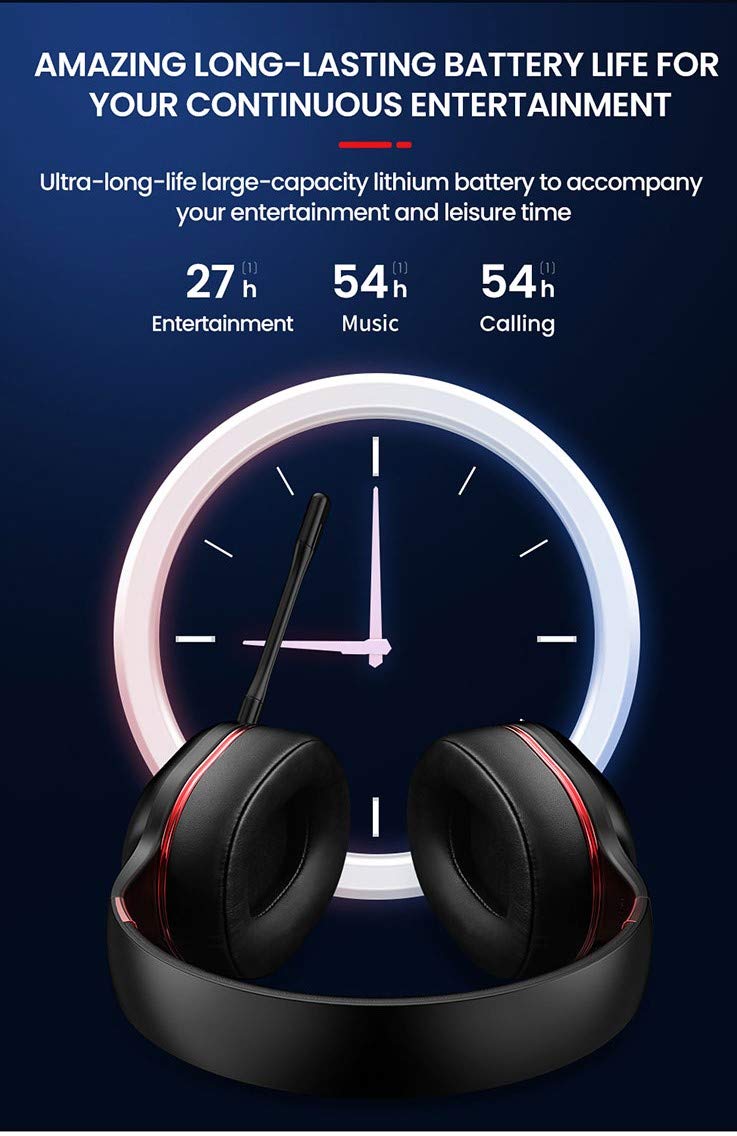
Image: Picun Elite P80S Headset illustrating long battery life for entertainment, music, and calls.
2. Підключення мікрофона
The professional detachable microphone can be inserted into the designated port on the left earcup. Ensure it is securely connected for clear voice communication. The microphone can be rotated 360 degrees for optimal positioning.
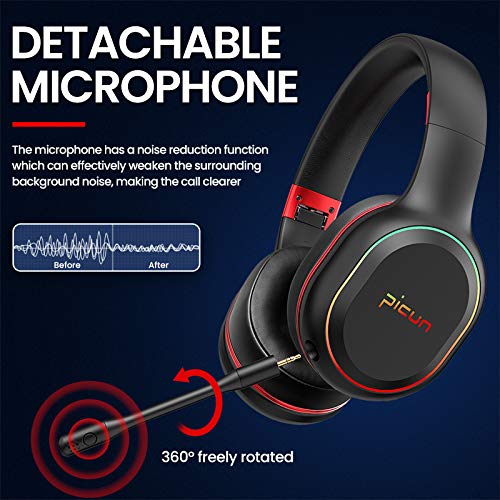
Image: Picun Elite P80S Headset showing the detachable microphone and its 360-degree rotation capability.
Інструкція з експлуатації
1. Увімкнення/вимкнення живлення
- Увімкнення: Натисніть і утримуйте кнопку живлення приблизно 3 секунди, доки не засвітиться світлодіодний індикатор.
- Вимкнення живлення: Натисніть і утримуйте кнопку живлення приблизно 3 секунди, доки світлодіодний індикатор не згасне.
2. Сполучення Bluetooth (бездротовий режим)
After powering on, the headset will automatically enter pairing mode (LED indicator will flash). On your device (smartphone, PC, console), enable Bluetooth and search for "Picun Elite P80S". Select it to connect. A voice prompt will confirm successful pairing. The headset maintains a stable connection up to 10 meters.

Image: Diagram illustrating the stable and instant connection features of the Picun Elite P80S headset, highlighting 10-meter transmission, audio/video synchronization, call stability, and no in-game delay.
3. Wired Mode (AUX Connection)
To use the headset in wired mode, connect the provided 3.5mm AUX audio cable to the headset's AUX port and to your audio source. Wired mode allows for indefinite playback regardless of battery charge. The headset functions as a passive headphone in wired mode.
4. Використання мікрофона
- Detachable Pro Microphone: Provides high-definition vocals and effectively reduces ambient noise for clear communication during gaming or calls.
- Inbuilt Microphone: An additional microphone is integrated for general use, ensuring seamless communication even without the detachable mic.
5. Аудіофункції
The Picun Elite P80S provides omnidirectional stereo sound, allowing for an immersive audio experience, especially beneficial for gaming to detect subtle sound cues.
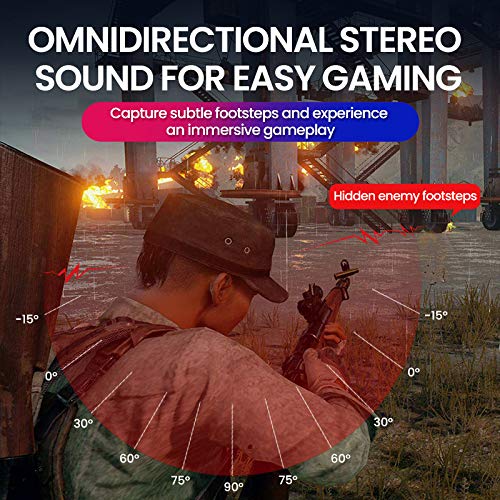
Image: A gaming scenario demonstrating the omnidirectional stereo sound capability, helping users identify sound sources like footsteps from various directions.
6. Media Controls
The headset features integrated buttons for easy control:
- Відтворення/пауза: Press the Multi-function button once to play or pause music/videos.
- Відповісти/закінчити виклик: Press the Multi-function button once to answer an incoming call, and again to end it.
- Регулювання гучності: Використовуйте кнопки збільшення гучності (+) та зменшення гучності (-), щоб налаштувати рівень гучності.
- Наступний / попередній трек: Long press Volume Up (+) for next track, Long press Volume Down (-) for previous track.
7. Dual Shock / Vibration Mode
Activate the Dual Shock / Vibration Mode for an enhanced immersive experience, particularly for deep bass in music and movies, or realistic vibrations during gaming. This mode can be toggled on or off using the dedicated switch on the headset.
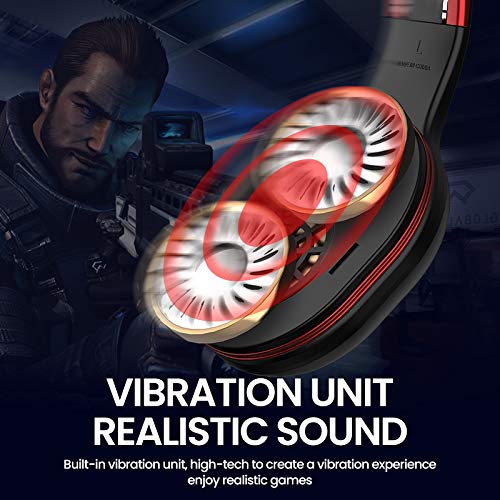
Image: Close-up of the Picun Elite P80S earcup highlighting the built-in vibration unit for realistic sound and gaming experience.
8. LED Light Display
The headset features a gradient colorful breathing light display. To turn the LED lights on or off, press and hold both the Volume Up (+) and Volume Down (-) buttons simultaneously for approximately 3 seconds.

Image: Picun Elite P80S Headset showcasing its gradient colorful breathing light effect, with instructions on how to activate/deactivate it.
Технічне обслуговування
- Прибирання: Використовуйте м’яку суху тканину для очищення гарнітури. Не використовуйте абразивні засоби для чищення або розчинники.
- Зберігання: Зберігайте гарнітуру в прохолодному, сухому місці, подалі від прямих сонячних променів та екстремальних температур. Складана конструкція забезпечує компактне зберігання.
- Догляд за акумулятором: Щоб продовжити термін служби акумулятора, уникайте частого повного розряджання гарнітури. Регулярно заряджайте її, навіть якщо вона не використовується протягом тривалого часу.
- Догляд за кабелем: Обережно поводьтеся з кабелями. Уникайте різких вигинів або надмірного натягування, щоб запобігти пошкодженню.
Усунення несправностей
No Power / Headset Not Turning On
- Ensure the headset is fully charged. Connect it to a power source using the USB charging cable.
- Verify that the power button is pressed and held for the correct duration (approx. 3 seconds).
Не вдається з’єднати пристрій через Bluetooth
- Make sure the headset is in pairing mode (LED flashing). If not, power it off and on again.
- Ensure Bluetooth is enabled on your device and it is within 10 meters of the headset.
- Remove "Picun Elite P80S" from your device's Bluetooth list and attempt to pair again.
- Спробуйте підключитися до іншого пристрою, щоб виключити проблеми, пов’язані з його характеристиками.
Немає звуку / Низька гучність
- Перевірте рівні гучності як на гарнітурі, так і на підключеному пристрої.
- If in wired mode, ensure the 3.5mm AUX cable is fully inserted into both the headset and the audio source.
- If in wireless mode, ensure the headset is properly paired and connected.
- Тестуйте з різними аудіоджерелами або програмами.
Мікрофон не працює
- Ensure the detachable microphone is securely plugged into the headset.
- Check microphone settings on your connected device (e.g., input device selection, volume levels).
- Test the microphone in different applications or communication platforms.
One Earpiece Not Working
- Check audio balance settings on your connected device.
- If using the AUX cable, ensure it is fully inserted and try a different cable if available.
- Перезавантажте гарнітуру та підключений пристрій.
Технічні характеристики
| Бренд | Пікун |
| Назва моделі | Elite P80S |
| колір | чорний |
| Форм-фактор | Над вухом |
| Контроль шуму | Активне шумозаглушення |
| Гніздо для навушників | 3.5 мм джек |
| Матеріал корпусу | Штучна шкіра |
| Сумісні пристрої | Personal Computers/Laptops, Playstations/ X-box/ Nintendo Switch, Smartphones/Pads |
| Особливості кабелю | Роз'ємний |
| Тип бездротової технології | Bluetooth |
| Тип управління | Регулювання гучності |
| Спосіб контролю | Touch (for some functions, e.g., Play/Pause, Answer/End Call via Multi-function button) |
Гарантія та підтримка
For warranty information and technical support, please refer to the warranty card included with your product or contact Picun customer service through their official webсайт. Будь ласка, збережіть підтвердження покупки для будь-яких гарантійних претензій.
For further assistance, please visit the official Picun support page or contact their customer service directly.