
1. Вступ
The Grado Opus3 is a high-fidelity moving iron phono cartridge designed to deliver exceptional analog sound reproduction. Crafted with a maple wood housing and an elliptical diamond stylus, it offers a musical and engaging listening experience. This manual provides essential information for the proper setup, operation, and maintenance of your Opus3 cartridge.
2. Налаштування та встановлення
Proper installation is crucial for optimal performance of your Grado Opus3 cartridge. Please follow these steps carefully.
2.1 Розпакування
Carefully remove the cartridge from its packaging. Retain all packaging materials for future transport or storage.
2.2 Встановлення картриджа
The Opus3 cartridge is designed for standard 1/2-inch mount tonearms. Use the provided mounting screws to attach the cartridge securely to your turntable's headshell. Ensure the screws are tightened sufficiently to prevent movement, but do not overtighten, which could damage the cartridge body.
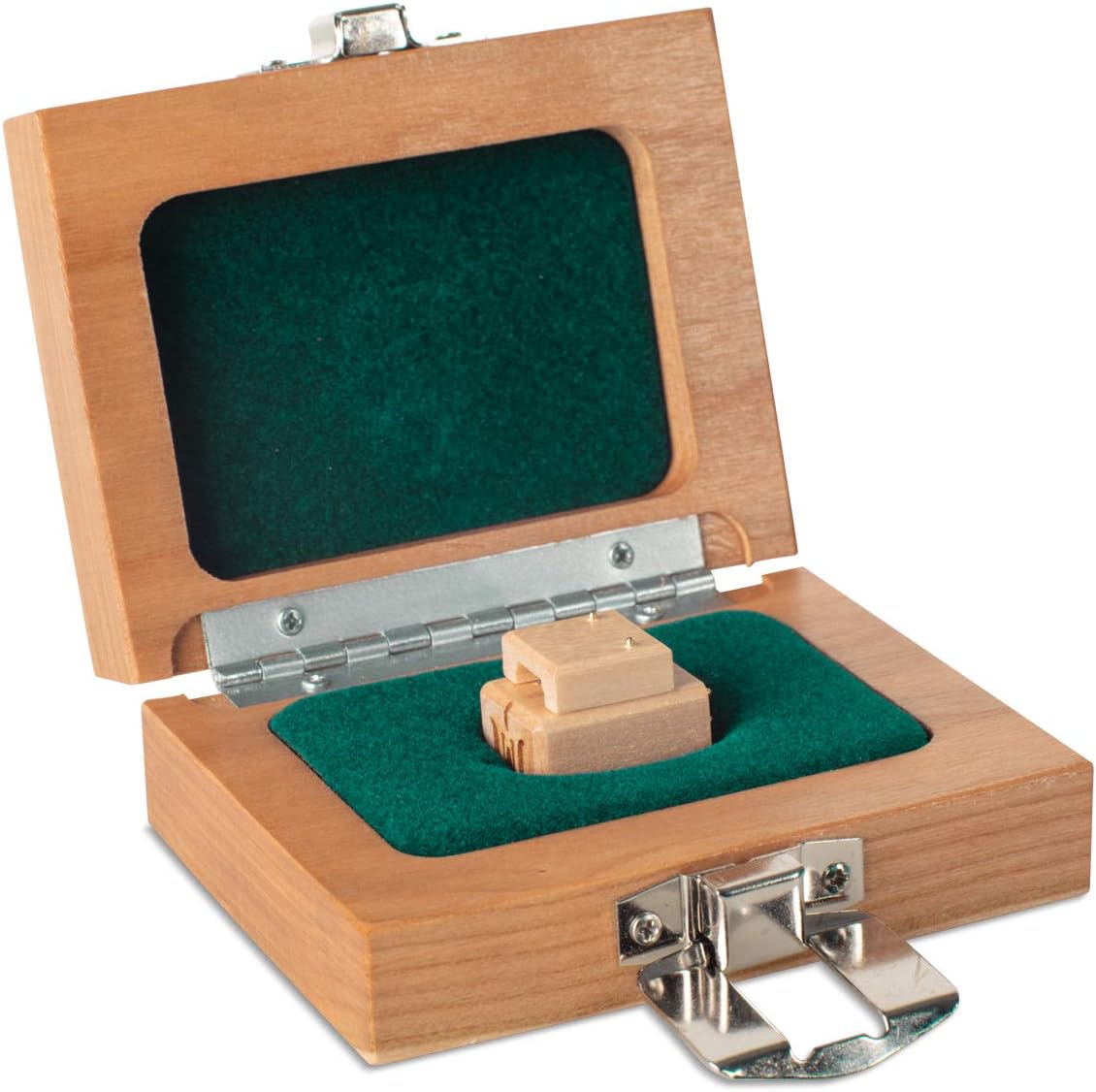
Image: The Grado Opus3 phono cartridge correctly mounted on a turntable's tonearm, ready for alignment.
2.3 Підключення проводів
Connect the tonearm wires to the corresponding pins on the back of the cartridge. Standard color coding is as follows:
- Червоний: Right Channel Hot (R+)
- Зелений: Right Channel Ground (RG-)
- Білий: Left Channel Hot (L+)
- Синій: Left Channel Ground (LG-)
Ensure connections are firm and free from corrosion. Incorrect wiring can lead to channel imbalance or hum.

Зображення: А view of the underside of the Grado Opus3 cartridge, highlighting the four connection pins and the elliptical diamond stylus.
2.4 Alignment, Tracking Force, and Anti-Skate
Accurate alignment, tracking force, and anti-skate settings are critical for optimal sound quality and stylus longevity. Refer to your turntable's instruction manual for specific guidance on these adjustments. A general starting point for tracking force for the Opus3 is typically between 1.5 to 1.9 grams, but consult your turntable's recommendations and adjust for best sound and tracking.
- Вирівнювання: Use a protractor to ensure the stylus is correctly aligned in the record groove.
- Сила відстеження: Set using a reliable stylus force gauge.
- Анти-ковзани: Adjust to prevent the tonearm from drifting inward or outward across the record.
3. Інструкція з експлуатації
Once installed and properly adjusted, operating your Grado Opus3 cartridge is straightforward.
- Підготовка запису: Always ensure your records are clean and free of dust before playing.
- Підказка: Use the tonearm lift mechanism to gently lower and raise the stylus onto and off the record. Avoid dropping the tonearm manually, as this can damage the stylus or record.
- Регулювання гучності: Почніть з amplifier volume at its lowest setting and gradually increase it to your desired listening level.
4. Технічне обслуговування
Regular maintenance will ensure the longevity and optimal performance of your Opus3 cartridge.
4.1 Очищення стилуса
The stylus tip can accumulate dust and debris, affecting sound quality. Clean the stylus regularly using a soft stylus brush, brushing gently from back to front (in the direction of play). For stubborn dirt, a specialized stylus cleaning fluid can be used sparingly, following the product's instructions.
4.2 Cartridge Body Cleaning
Wipe the maple wood body of the cartridge with a soft, dry, lint-free cloth. Avoid using harsh chemicals or abrasive materials, which could damage the wood finish.
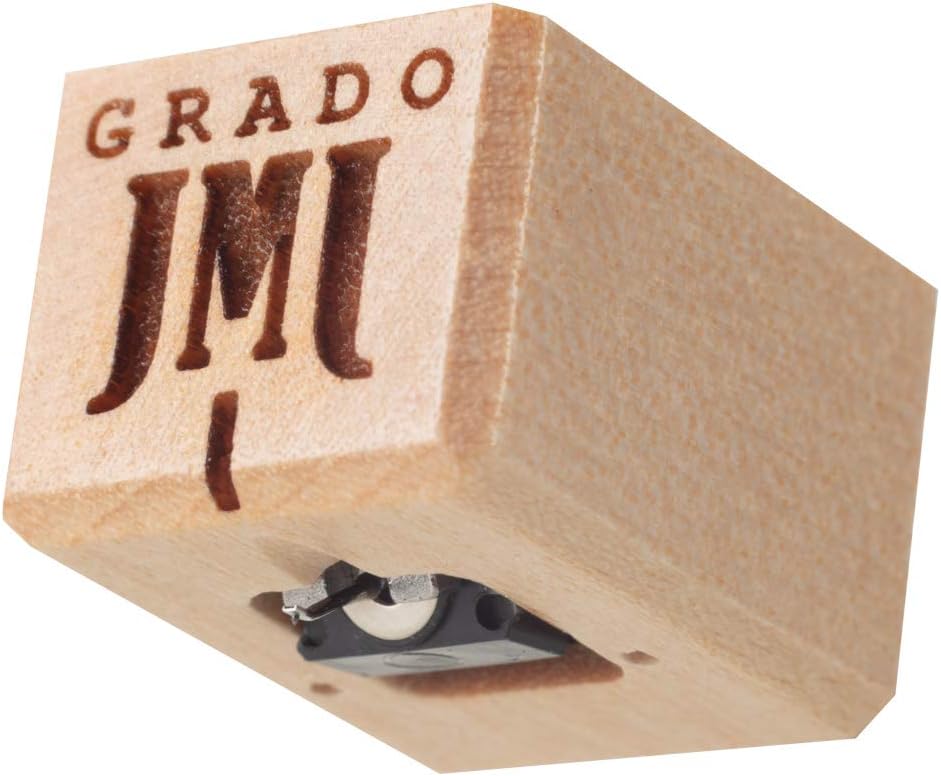
Зображення: Детальний view of the Grado Opus3 phono cartridge, showcasing its maple wood housing and the Grado logo.
4.3 Заміна стилуса
The stylus is a delicate component and will wear over time. The lifespan of a stylus depends on usage and care. If you notice a degradation in sound quality or visible wear on the stylus tip, it may be time for replacement. Contact an authorized Grado dealer for stylus replacement options.
5. Вирішення проблем
If you encounter issues with your Grado Opus3 cartridge, consult the following troubleshooting guide.
- Немає звуку або низький рівень звуку:
- Check all wiring connections from the cartridge to the tonearm and from the turntable to the phono preampліфтер/ampліфірник.
- Ensure the phono input is selected on your ampліфірник.
- Verify the stylus is not damaged or missing.
- Distortion or Poor Sound Quality:
- Re-check tracking force and anti-skate settings. Incorrect settings can cause distortion.
- Verify cartridge alignment using a protractor.
- Clean the stylus thoroughly.
- Ensure records are clean.
- Inspect the stylus for wear or damage.
- Hum or Buzzing Noise:
- Ensure the turntable's ground wire is securely connected to your phono preamplifier або ampзаземлювальний термінал рятувальника.
- Check for loose wiring connections at the cartridge or tonearm.
- Move the turntable away from other electronic devices (e.g., power supplies, Wi-Fi routers) that may cause electromagnetic interference.
- Verify that the phono preamplifier is compatible with a moving iron cartridge and has proper shielding.
- Skipping or Poor Tracking:
- Re-check tracking force and anti-skate settings.
- Переконайтеся, що поворотний стіл рівний.
- Inspect the stylus for damage or debris.
- Check for warped records.
If problems persist after attempting these solutions, contact Grado customer support or an authorized service center.
6. Технічні характеристики
| Вага товару | 6.4 унції |
| Розміри упаковки | 4.3 x 3.6 x 1.7 дюймів |
| ASIN | B08C7LSBLN |
| Дата першої доступності | 2 липня 2020 р |
Примітка: For detailed electrical specifications (e.g., output voltage, frequency response, channel separation), please refer to the official Grado product page or included documentation.
7. Інформація про гарантію
Grado products are manufactured to high standards and are typically covered by a manufacturer's warranty against defects in materials and workmanship. The specific terms and duration of the warranty may vary by region and retailer. Please retain your proof of purchase. For detailed warranty information, refer to the documentation included with your product or visit the official Grado webсайт.
8. Підтримка
For further assistance, technical support, or service inquiries regarding your Grado Opus3 phono cartridge, please contact Grado Labs directly or consult their official webсайт:
- Grado Labs Official Webсайт: gradlabs.com
- Обслуговування клієнтів: Зверніться до розділу контактів на офіційному сайті webсайт для номерів телефонів або адрес електронної пошти.
When contacting support, please have your product model (Opus3) and any relevant purchase information ready.