
вступ
Thank you for choosing the iTouchless 4 Gallon Slim Sensor Trash Can. This automatic wastebasket is designed for convenience and hygiene, featuring touchless operation and an AbsorbX Odor Control System. This manual provides detailed instructions for setup, operation, maintenance, and troubleshooting to ensure optimal performance of your new trash can.

Image: The iTouchless 4 Gallon Slim Sensor Trash Can, showcasing its brushed stainless steel finish and sleek design.
Вміст упаковки
Будь ласка, перевірте наявність усіх предметів у упаковці:
- 1 Sensor Trash Can Lid
- 1 Trash Can Body
- 1 AbsorbX Odor Filter
Налаштування
1. Встановлення батареї
Your sensor trash can requires 4 'C' size batteries (not included). Ensure correct polarity when inserting the batteries.
- Знайдіть батарейний відсік на нижній стороні кришки.
- Відкрийте кришку батарейного відсіку.
- Insert 4 'C' size batteries, matching the positive (+) and negative (-) terminals as indicated.
- Надійно закрийте кришку батарейного відсіку.
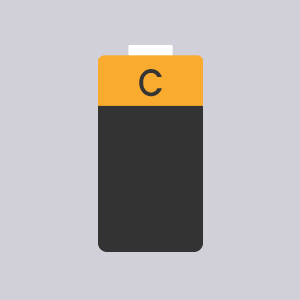
Image: An icon representing a 'C' size battery, indicating the type of batteries required.
2. AbsorbX Odor Filter Installation
The AbsorbX Odor Filter helps neutralize trash odors for a fresh environment.
- Locate the filter compartment on the underside of the lid.
- Insert the AbsorbX odor filter into the designated slot.
- Ensure the filter is seated properly.
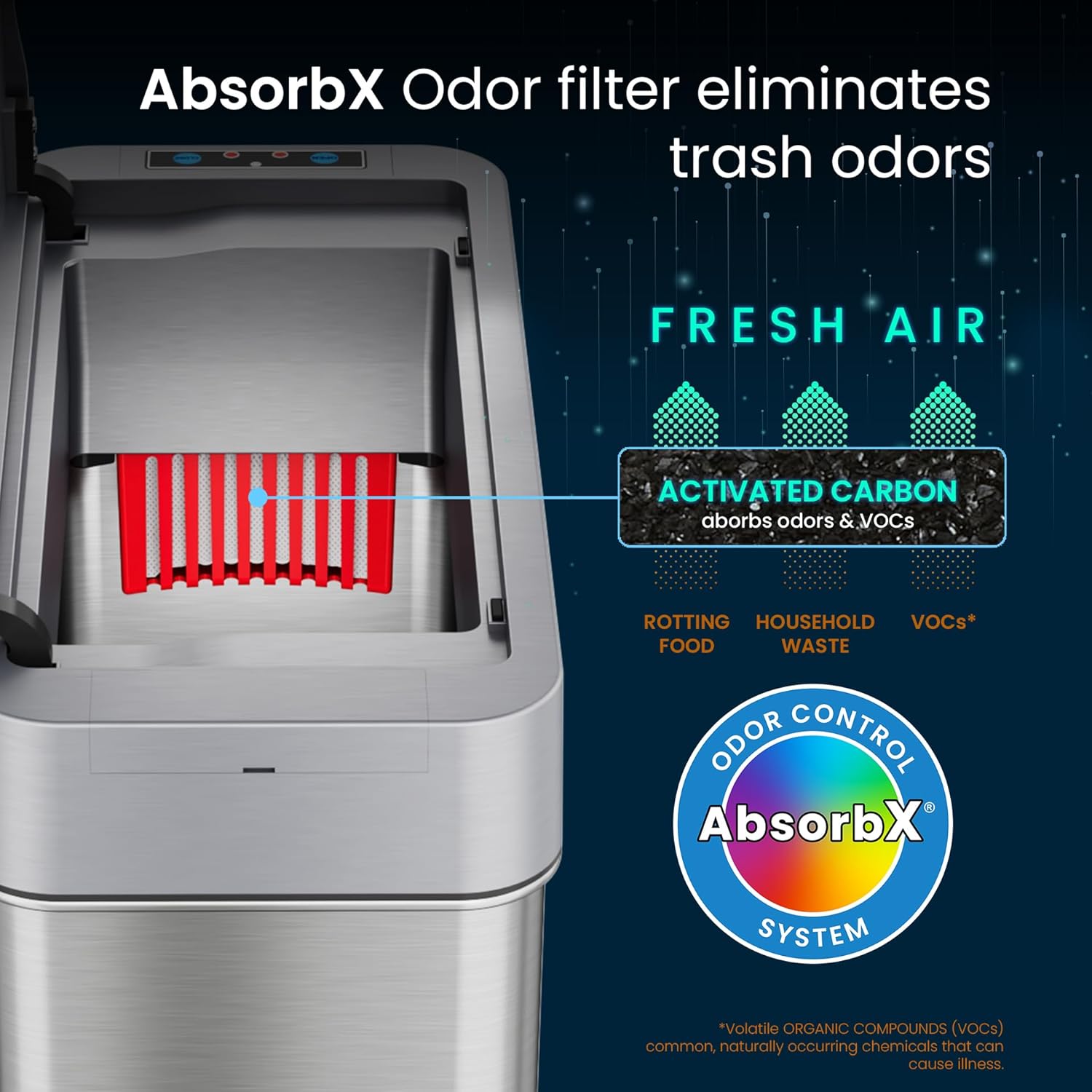
Image: A diagram illustrating the AbsorbX Odor Control System, showing how the activated carbon filter absorbs odors and VOCs.
3. Розміщення
This model features a right-side lid opening, designed for optimal placement next to a toilet or sink where the bin is on the right side when facing the fixture.
- Place the trash can in your desired location, ensuring the sensor is unobstructed.
- Allow sufficient space for the lid to open fully to the right.

Image: The slim sensor trash can positioned neatly between a toilet and a bathroom vanity, demonstrating its space-saving design.

Image: A diagram illustrating the right-side lid opening mechanism, showing the lid pivoting open to the right.
Інструкція з експлуатації
1. Automatic Lid Operation
The trash can features a motion sensor for touchless operation.
- Відкриття кришки: Wave your hand or an object within 6 inches (15 cm) above the sensor eye. The lid will open automatically.
- Закриття кришки: The lid will close automatically after 5 seconds of inactivity.
- VisioSense Technology: If your hand remains within the sensor's range, the lid will stay open for longer clean-ups.
- Reflux Technology: This feature prevents the lid from closing on your hand, ensuring safety during use.

Image: A hand hovering over the sensor of the trash can, with the lid automatically opening, indicated by blue wave icons.
2. Manual Open/Close
For extended open times or manual control, use the buttons on the sensor panel.
- Press the 'OPEN' button to keep the lid open indefinitely.
- Press the 'CLOSE' button to close the lid manually.
3. Управління живленням
The trash can is equipped with an on/off switch, typically located near the battery compartment or on the back of the lid unit.
- Turn the power switch to 'ON' for automatic sensor operation.
- Turn the power switch to 'OFF' to disable the sensor and conserve battery life when not in use for extended periods.
Технічне обслуговування
1. прибирання
The stainless steel surface is fingerprint-proof and easy to clean.
- Протріть зовнішню поверхню м’якою, damp тканиною та м’яким миючим засобом.
- Avoid abrasive cleaners or scouring pads, as these can damage the finish.
- Do not submerge the lid in water.
Image: An icon depicting a fingerprint with a line through it and a hand wiping a surface, symbolizing the fingerprint-proof and easy-to-clean nature of the trash can.
2. AbsorbX Filter Replacement
For continuous odor control, replace the AbsorbX filter every 3 months.
- Open the filter compartment on the underside of the lid.
- Зніміть старий фільтр.
- Insert a new AbsorbX filter.
- Надійно закрийте відділення.
3. Заміна батареї
When the sensor light dims or the lid operation becomes sluggish, it's time to replace the batteries. A set of 4 'C' size batteries can last up to two years with intelligent energy use.
- Вимкніть живлення.
- Відкрийте батарейний відсік.
- Вийміть старі батареї та утилізуйте їх відповідально.
- Insert new 4 'C' size batteries, observing correct polarity.
- Close the compartment and turn the power switch back on.
Усунення несправностей
If you encounter issues with your iTouchless sensor trash can, please refer to the following common solutions:
| проблема | Можлива причина | Рішення |
|---|---|---|
| Кришка не відкривається автоматично. | Low batteries, sensor obstructed, power switch off. | Replace batteries, clean sensor, ensure power switch is ON. |
| Lid opens slowly or makes noise. | Низький заряд батарей. | Замініть батареї. |
| Кришка не закривається. | Sensor continuously triggered, manual open button pressed. | Ensure no objects are near the sensor, press 'CLOSE' button, or turn power off/on. |
| Неприємні запахи зберігаються. | AbsorbX filter needs replacement. | Replace the AbsorbX odor filter. |
Технічні характеристики
| Особливість | Деталь |
|---|---|
| Номер моделі | SG04SSR-2 |
| Ємність | 4 галона (15 літрів) |
| Розміри (Д x Ш x В) | 14 x 6 x 14 дюймів |
| вага | 4 фунта |
| матеріал | Нержавіюча сталь |
| Механізм відкриття | Motion-Sensor (Right Side Open) |
| Джерело живлення | 4 x 'C' Size Batteries (not included) |
| Особливості | AbsorbX Odor Control System, VisioSense, Reflux Technology, Fingerprint-Proof Finish |

Image: A diagram showing the dimensions of the iTouchless Slim Sensor Trash Can, including height, width, and depth measurements in inches and centimeters.
Гарантія та підтримка
Your iTouchless 4 Gallon Slim Sensor Trash Can is backed by a Full-Service Manufacturer's Warranty. For detailed warranty information, please refer to the official iTouchless webсайту або зв’яжіться зі службою підтримки клієнтів.
For any questions, technical assistance, or warranty claims, please contact iTouchless Customer Support. Contact information can typically be found on the product packaging or the official iTouchless webсайт.