
1. Вступ
Thank you for choosing the Tribit FlyBuds C1 True Wireless Earbuds (Model BTH91). This manual provides essential information for setting up, operating, and maintaining your new earbuds. Please read it thoroughly to ensure optimal performance and longevity of your device.

Image: Tribit FlyBuds C1 Wireless Earbuds and Charging Case.
2. Інформація про безпеку
Щоб запобігти пошкодженню навушників або травмуванню себе, дотримуйтесь наступних запобіжних заходів:
- Не розбирайте та не модифікуйте навушники чи зарядний футляр.
- Тримайте пристрій подалі від екстремальних температур, прямих сонячних променів та відкритого вогню.
- Avoid exposing the earbuds to water for prolonged periods, despite their IPX8 rating. Ensure the charging port cover is securely closed before exposure to liquids.
- Do not use abrasive cleaners or harsh chemicals to clean the device.
- Слухайте на помірному рівні гучності, щоб запобігти пошкодженню слуху.
- Зберігати в недоступному для дітей та домашніх тварин місці.
3. Вміст упаковки
The Tribit FlyBuds C1 package includes:
- Tribit FlyBuds C1 Earbuds (Model BTH91)
- Зарядний футляр
- Зарядний кабель USB-C
- Шнурок
- 6 Pairs of Silicone Ear Tips (various sizes)
- Посібник користувача
- Гарантійний талон на 18 місяців
Image: All items included in the Tribit FlyBuds C1 retail package.
4. Налаштування
4.1. Заряджання навушників та кейса
Перед першим використанням повністю зарядіть навушники та зарядний футляр.
- Вставте навушники в зарядний футляр. Переконайтеся, що вони правильно встановлені у відповідних гніздах.
- Connect the USB-C charging cable to the charging port on the case and to a power source. The LED indicators on the case will show charging status. A full charge takes approximately 1.5 hours.
- Зарядний футляр також підтримує бездротову зарядку. Просто помістіть футляр на сумісну бездротову зарядну панель.
The earbuds provide up to 5 hours of playback on a single charge, and the charging case extends total playtime to up to 100 hours.
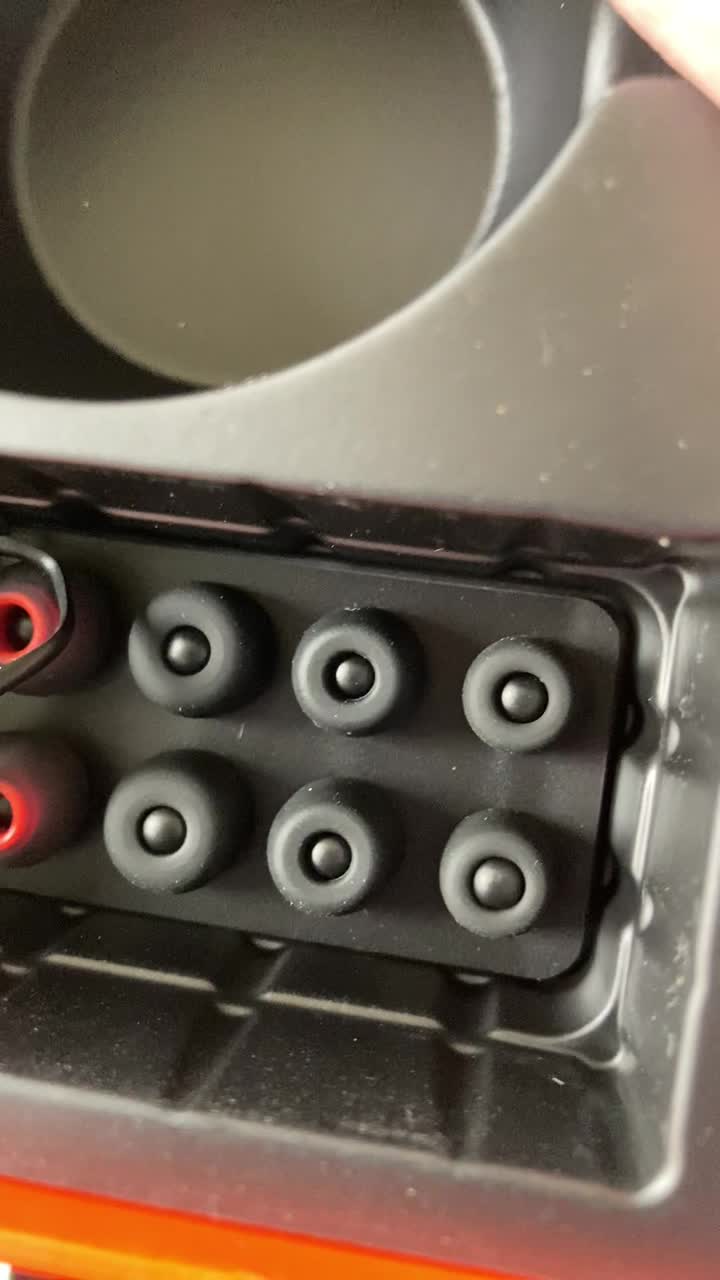
Image: Tribit FlyBuds C1 earbuds charging inside their case, with battery indicator lights visible.
4.2. Сполучення з вашим пристроєм
The Tribit FlyBuds C1 feature one-step pairing for convenience.
- Відкрийте зарядний футляр. Навушники автоматично перейдуть у режим сполучення.
- На вашому пристрої (смартфоні, планшеті, ноутбуці) увімкніть Bluetooth та знайдіть доступні пристрої.
- Select "Tribit FlyBuds C1" from the list of devices. Once connected, a voice prompt will confirm successful pairing.
- The earbuds will automatically connect to the last paired device when the case is opened. To unpair, press and hold the button on the charging case.
4.3. Встановлення навушників
For optimal sound quality and comfort, choose the correct size ear tips.
- Experiment with the 6 included pairs of silicone ear tips to find the best fit for your ears. A snug fit ensures better bass response and noise isolation.
- Обережно вставте навушники у слуховий прохід і злегка поверніть, щоб закріпити їх.
Image: Selection of silicone ear tips for personalized fit.
5. Інструкція з експлуатації
5.1. Увімкнення/вимкнення живлення
- Увімкнення: Відкрийте зарядний футляр, і навушники автоматично ввімкнуться.
- Вимкнення живлення: Помістіть навушники назад у зарядний футляр і закрийте кришку. Вони автоматично вимкнуться та почнуть заряджатися.
5.2. Відтворення музики
The Tribit FlyBuds C1 feature physical buttons for control:
- Відтворення/пауза: Натисніть кнопку на будь-якому навушнику один раз.
- Наступний трек: Двічі натисніть кнопку на правому навушнику.
- Попередній трек: Двічі натисніть кнопку на лівому навушнику.
Note: Volume control is not directly available on the earbuds. Please adjust volume via your connected device.
5.3. Керування викликами
- Відповісти/закінчити виклик: Натисніть кнопку на будь-якому навушнику один раз.
- Відхилити виклик: Натисніть і утримуйте кнопку на будь-якому навушнику протягом 2 секунд.
- Активуйте голосовий помічник (Siri, Google Assistant): Triple-press the button on either earbud.
The earbuds feature 4 microphones with CVC 8.0 Call Noise Reduction for clear calls.
5.4. Single Earbud Mode
Either earbud can be used independently. Simply take one earbud out of the case, and it will automatically connect to your device. The other earbud can remain in the case or be used later.
5.5. Водонепроникність IPX8
The Tribit FlyBuds C1 are IPX8 rated, offering protection against sweat, splashes, and submersion in water up to 1 meter for 30 minutes. This makes them suitable for sports and exercise in various weather conditions.
- Ensure the USB-C charging port cover is securely closed before exposing the earbuds to water.
- Do not charge the earbuds if they are wet. Dry them thoroughly before placing them back in the charging case.
6. Технічне обслуговування
Proper maintenance ensures the longevity and performance of your Tribit FlyBuds C1.
- Прибирання: Regularly clean the earbuds and charging case with a soft, dry, lint-free cloth. For ear tips, remove them and wash with mild soap and water, then dry completely before reattaching.
- Зберігання: Коли навушники не використовуються, зберігайте їх у зарядному футлярі, щоб захистити їх та підтримувати зарядженими. Зберігайте у прохолодному, сухому місці, подалі від екстремальних температур.
- Уникайте пошкоджень: Do not drop, puncture, or expose the device to strong impacts.
7. Вирішення проблем
If you encounter issues with your Tribit FlyBuds C1, try the following solutions:
| проблема | Рішення |
|---|---|
| Навушники не підключаються |
|
| Ні звуку, ні низької гучності |
|
| Навушники не заряджаються |
|
| Переривчасте з'єднання |
|
8. Технічні характеристики
| Особливість | Деталь |
|---|---|
| Назва моделі | BTH91 (FlyBuds C1) |
| Технологія підключення | Бездротовий (Bluetooth) |
| Версія Bluetooth | 5.2 |
| Діапазон Bluetooth | 10 метрів |
| Термін служби батареї (навушники) | До 5 годин заряду |
| Загальний час відтворення (із зарядним футляром) | До 100 годин |
| Час зарядки | Приблизно 1.5 години (футляр) |
| Рівень водонепроникності | IPX8 (водонепроникний) |
| Функції контролю шуму | CVC 8.0 Call Noise Reduction, Sound Isolation |
| Спосіб контролю | Фізична кнопка |
| Порт зарядки | USB-C, Wireless Charging (Qi-compatible) |
| Вага товару | 2.4 унції |
| Розміри продукту | 2.4 x 2.4 x 1.2 дюймів |
9. Гарантія та підтримка
Tribit provides an 18-month warranty for the FlyBuds C1 (Model BTH91) from the date of purchase. This warranty covers manufacturing defects and ensures your product is free from material and workmanship flaws under normal use.
For warranty claims, technical support, or any questions regarding your product, please contact Tribit customer service:
- Електронна пошта: support@tribitaudio.com
- Квиток на підтримку: Відвідайте tribitaudio.com/support
- телефон: 1-888-232-3138 (Mon-Fri, 9:00-6:00 PST [US])
Please have your purchase receipt and product model number (BTH91) ready when contacting support.