
Divoom ACDIVDITPNK
Divoom Ditoo Retro Pixel Art Game Bluetooth Speaker Instruction Manual
Model: ACDIVDITPNK
1. Вступ
The Divoom Ditoo is a versatile retro-styled pixel art Bluetooth speaker designed to enhance your daily life with its unique blend of audio quality and interactive visual display. It features a 16x16 LED screen for pixel art, a powerful 10W DSP speaker, and a range of smart functions controlled via a dedicated mobile application. This manual provides detailed instructions for setting up, operating, maintaining, and troubleshooting your Divoom Ditoo speaker.

2. Посібник із налаштування
2.1. Що входить до комплекту
Upon unboxing your Divoom Ditoo, please ensure all the following items are present:
- DitooPro Speaker
- Подарункова коробка
- Зарядний кабель USB-C
- Короткий посібник
- Cute Sticker

2.2. Зарядка пристрою
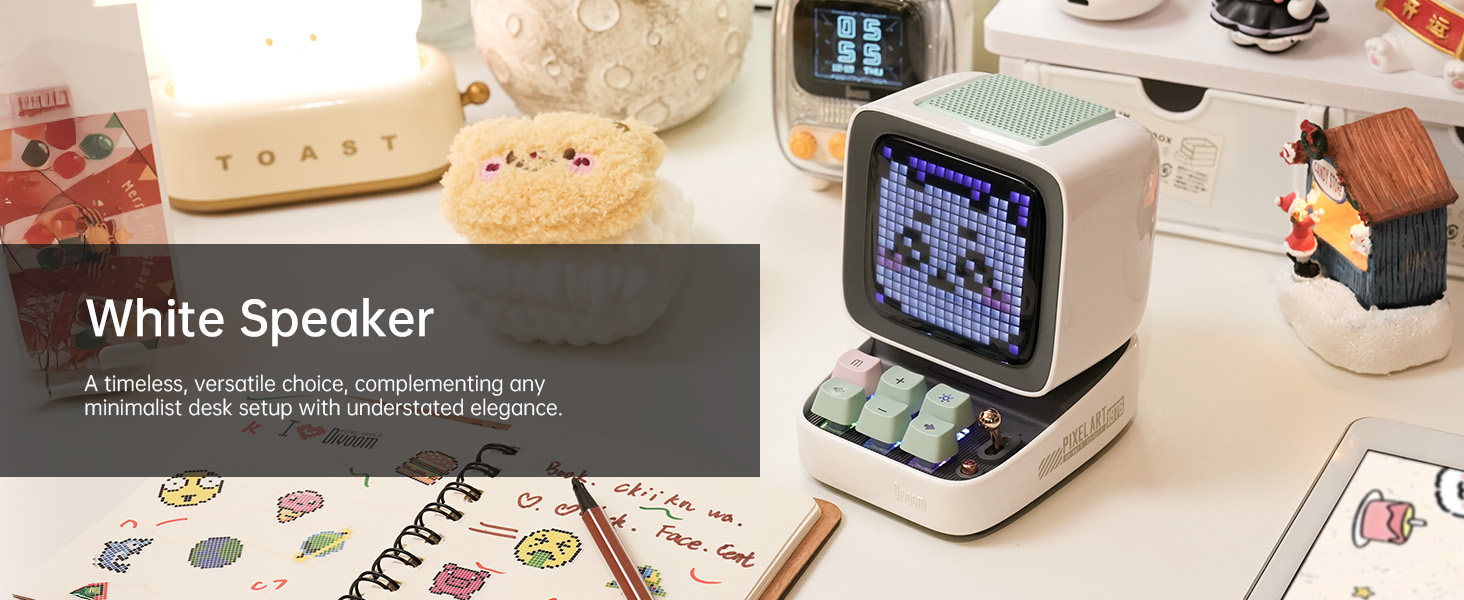
Before first use, fully charge your Divoom Ditoo speaker. Connect the provided USB-C charging cable to the USB-C charging port (13) located on the back of the device and plug the other end into a compatible USB power adapter (not included). The battery indicator (9) will show charging status. A full charge provides approximately 8 hours of playback, though this may vary based on display brightness and image complexity.
2.3. Початкове увімкнення
To power on the Divoom Ditoo, press and hold the ON/OFF button (14) located on the back of the device until the screen illuminates.
2.4. Встановлення програми
For full functionality and customization, download the Divoom app on your smartphone or tablet. Scan the QR code on the product packaging or visit the official Divoom webсайт: http://www.divoom.com/AppDownLoad
2.5. Підключення Bluetooth
Once the app is installed and the Ditoo is powered on, open the Divoom app on your device. The app will guide you through the Bluetooth pairing process. Ensure Bluetooth is enabled on your smartphone/tablet. Select 'Ditoo' from the list of available devices to connect.
3. Операція
3.1. Контрольview
The Divoom Ditoo features a set of physical buttons and a lever for direct control, in addition to app control. Refer to the diagram and table below for button functions:

| немає | Кнопка/порт | Function (Press) | Function (Hold) |
|---|---|---|---|
| 1 | "m" button | Система меню входу/виходу | Увімкнути/вимкнути підсвічування клавіатури |
| 2 | Кнопка «+» | Збільшити гучність | Зміна світлових ефектів |
| 3 | "*" Lighting button | Змінити функцію освітлення | Зміна світлових ефектів |
| 4 | кнопка «-» | Попередня пісня | Останній світловий ефект |
| 5 | "---" Lower key | Зменшити гучність | Нижча яскравість |
| 6 | Кнопка «+» | Наступна пісня | Наступний світловий ефект |
| 7 | Важіль | Short pull: Play/Pause | Long pull: Start voice memo recording |
| 8 | Кнопка джерела звуку | Перемикання між різними джерелами аудіо | Double press: Disconnect Bluetooth connection |
| 9 | Індикатор заряду батареї | Натисніть будь-яку кнопку, щоб перевірити стан батареї | N/A |
| 10 | Басовий порт | N/A | N/A |
| 11 | Клапан заднього порту | N/A | N/A |
| 12 | Скиньте отвір для шпильки | N/A | N/A |
| 13 | Порт для зарядки USB Type-C | N/A | N/A |
| 14 | Кнопка ON/OFF | N/A | Утримання: увімкнення/вимкнення динаміка |
| 15 | Слот для карти TF | Відтворення музики з TF-карти | N/A |
3.2. Pixel Art Creation & Gallery
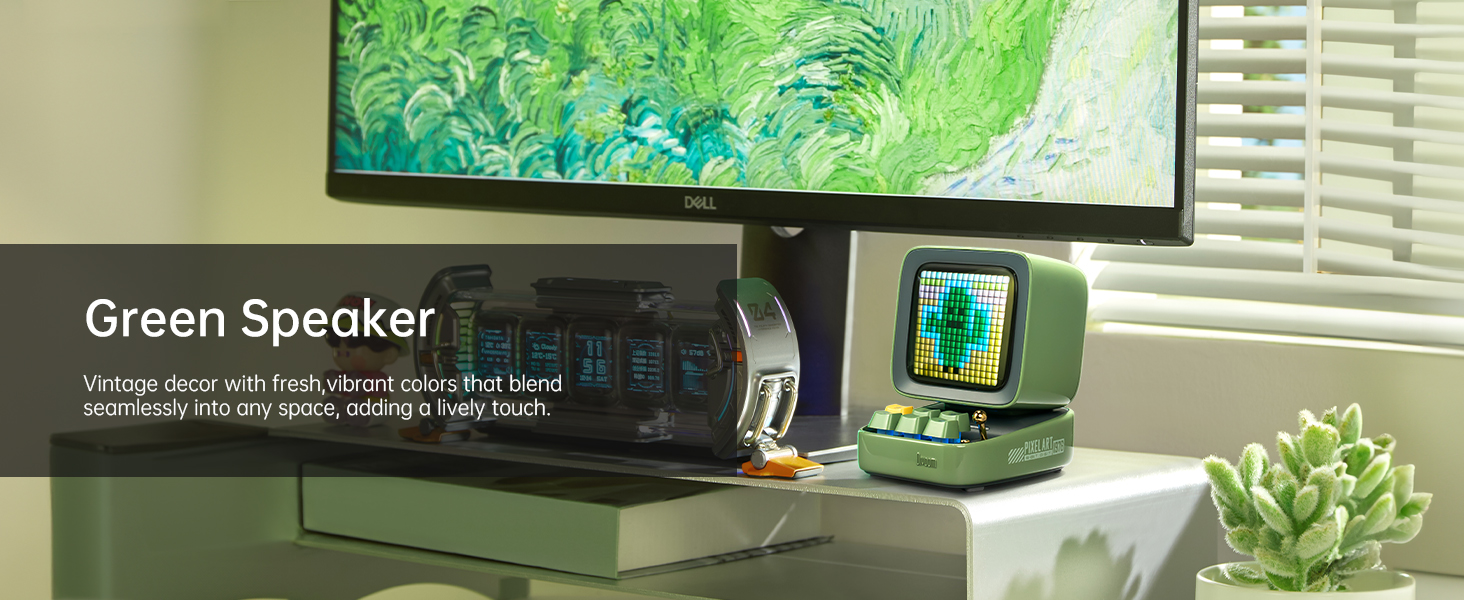
The Divoom Ditoo's standout feature is its pixel art display. Use the Divoom app to create your own pixel art designs or browse a vast online gallery of user-generated content. You can display static images, animations, or even text messages on the screen.


3.3. Відтворення музики
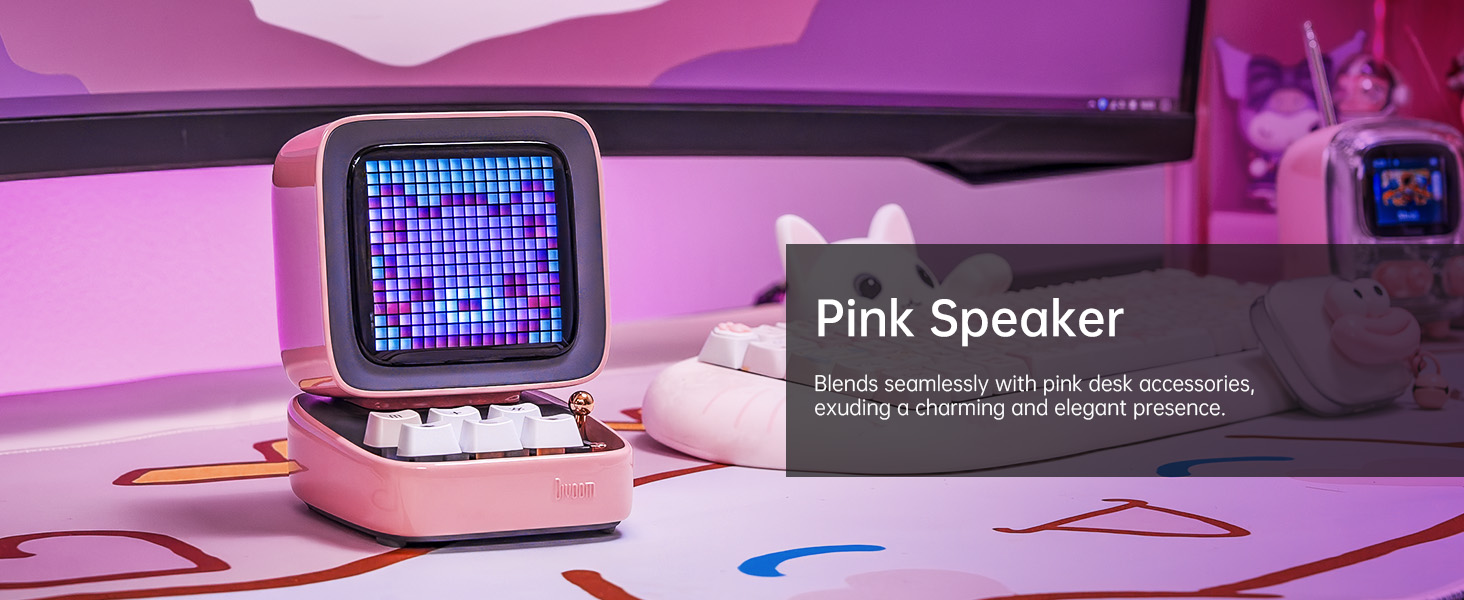
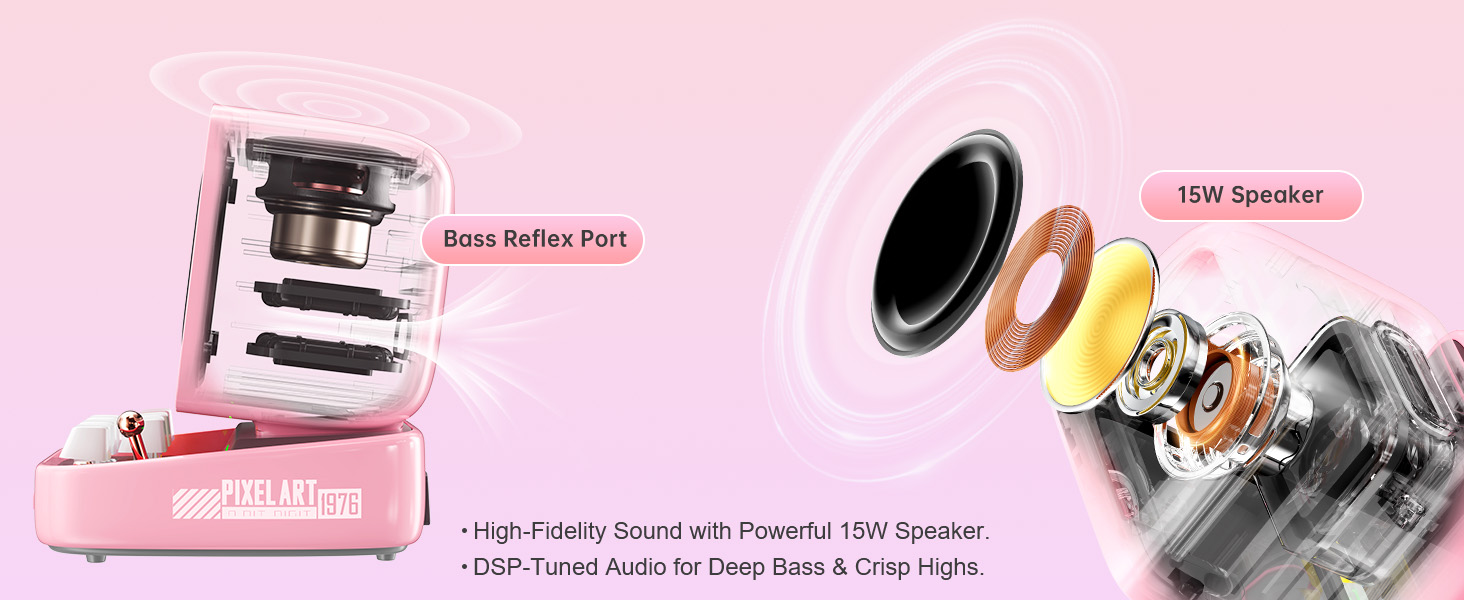
Connect your Ditoo via Bluetooth to stream music from your smartphone or tablet. The 10W DSP-tuned speaker delivers clear audio with deep bass and crisp highs. The pixel display can also visualize the music with dynamic equalizer effects.
3.4. Smart Alarm & Sleep Aid
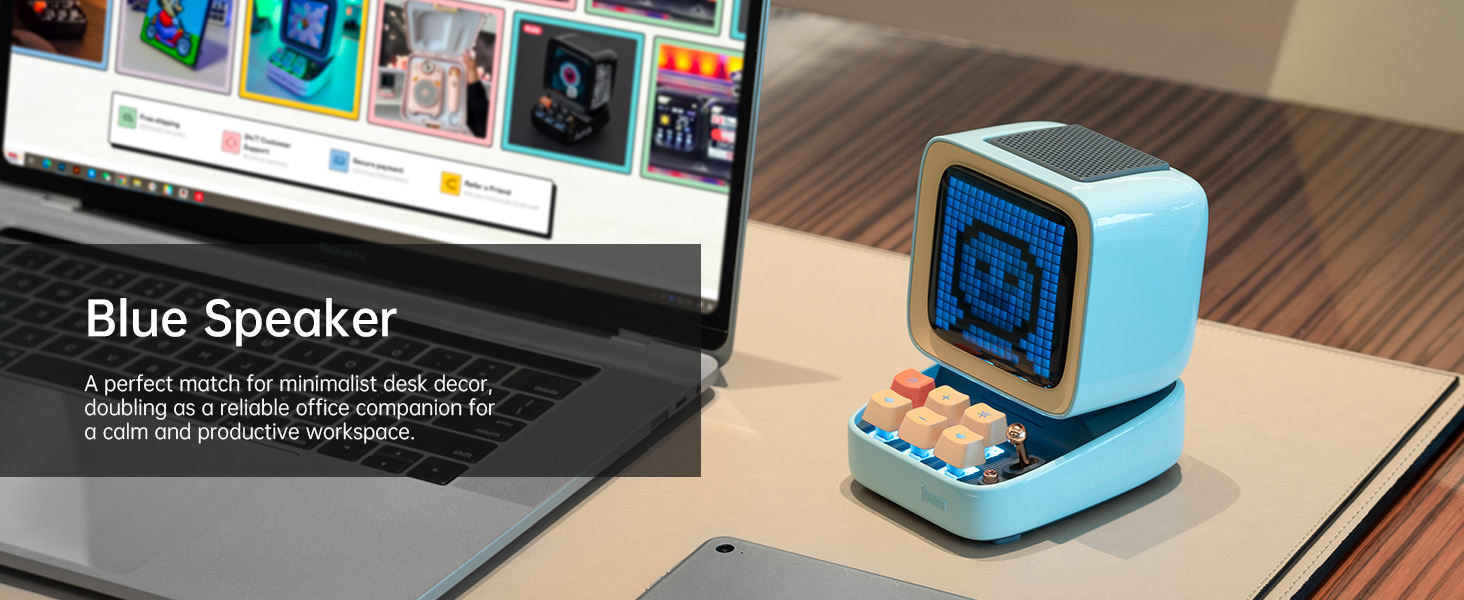
Utilize the Divoom Ditoo as a smart alarm clock with customizable wake-up sounds. The app also offers a sleep aid function with 24 soothing white noise sounds to help you relax and fall asleep.
3.5. Інші функції
The Divoom Ditoo offers a variety of additional features:
- Онлайн-радіо: Access various internet radio stations through the app.
- Сповіщення: Receive social media notifications displayed on the screen.
- Міні-ігри: Play classic pixel games like Tetris and Snake directly on the device.
- Голосове нагадування: Record short voice messages.
- Time Planner: Organize your schedule and set reminders.
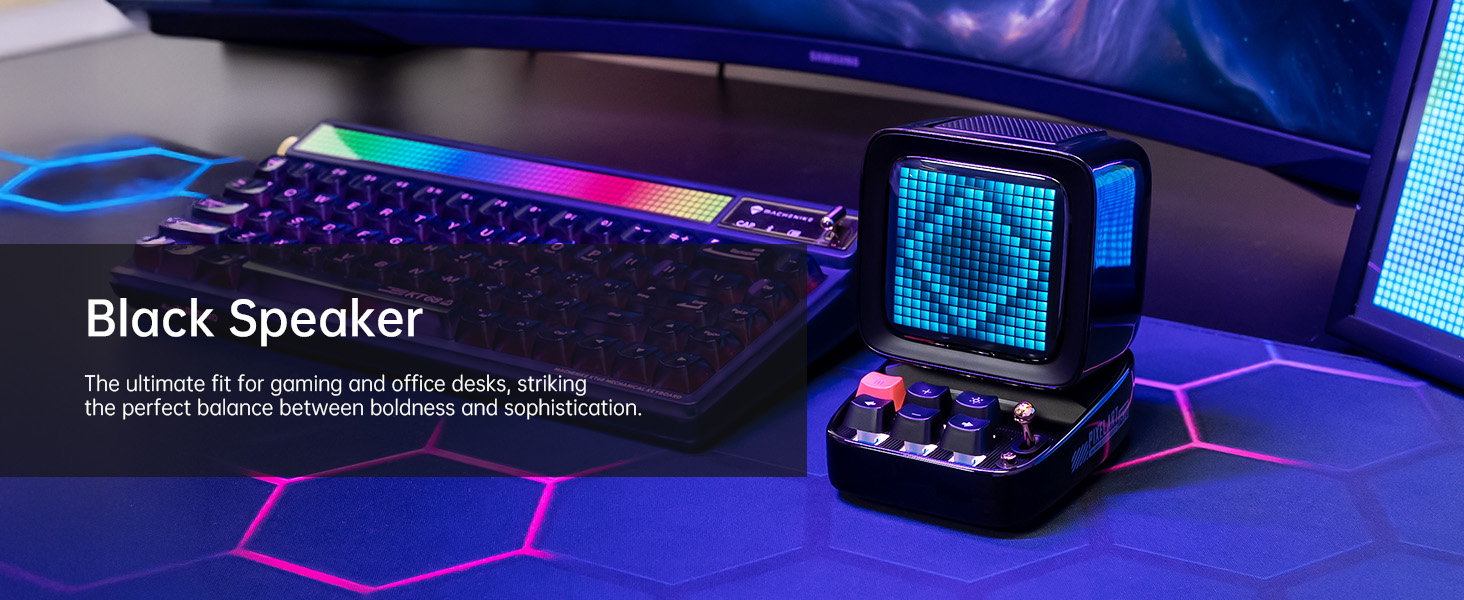
- RGB освітлення: Customize the keyboard backlight with a wide range of colors.
4. Технічне обслуговування
4.1. прибирання
To clean your Divoom Ditoo, gently wipe the exterior surfaces with a soft, dry, lint-free cloth. Avoid using abrasive cleaners, solvents, or spray cleaners directly on the device. Do not expose the device to excessive moisture.
4.2. Догляд за акумулятором
To prolong battery life, avoid fully discharging the device frequently. If storing the device for an extended period, charge it to approximately 50% before storage and recharge every few months to prevent deep discharge.
5. Вирішення проблем
If you encounter issues with your Divoom Ditoo, please refer to the following common troubleshooting steps:
- Пристрій не вмикається: Ensure the device is fully charged. Connect it to a power source using the USB-C cable and try again.
- Проблеми з підключенням Bluetooth:
- Переконайтеся, що Bluetooth увімкнено на вашому смартфоні/планшеті.
- Make sure the Ditoo is within the 10-meter Bluetooth range.
- Try disconnecting and re-pairing the device via the Divoom app or your device's Bluetooth settings.
- Restart both the Ditoo speaker and your connected device.
- Дисплей працює неправильно:
- Check the brightness settings using the "---" lower key button (5) or through the app.
- If the display appears washed out, especially with light colors, this can be a characteristic of the pixel screen; try designs with stronger contrast.
- Проблеми з якістю звуку:
- Ensure the volume is adjusted on both the Ditoo and your connected device.
- Check for any obstructions around the speaker or bass port (10).
- High-Pitched Buzzing Sound (when plugged in with high brightness): If you experience a high-pitched buzzing sound when the device is plugged in and brightness is high, try reducing the display brightness or operating the device on battery power.
- Проблеми з функціональністю програми: Ensure your Divoom app is updated to the latest version. Try restarting the app or reinstalling it if problems persist.
- Пристрій не відповідає: Locate the reset pin hole (12) on the back of the device. Use a small pin or paperclip to press the reset button inside. This will restart the device without erasinдані g.
If these steps do not resolve your issue, please contact Divoom customer support for further assistance.
6. Технічні характеристики
Below are the detailed technical specifications for the Divoom Ditoo speaker:
| Специфікація | Значення |
|---|---|
| Назва моделі | Так само |
| Номер моделі товару | АКДИВДІТПНК |
| Розміри продукту | 2.64 дюйма (Г) x 2.48 дюйма (Ш) x 2.64 дюйма (В) (67 мм x 63 мм x 67 мм) |
| Вага товару | 1.76 фунта (800 грам) |
| Колір | Рожевий |
| Розмір динаміка | 48 міліметрів |
| Максимальна вихідна потужність динаміка | 15 Вт |
| АЧХ | 20000 Гц |
| Технологія підключення | Bluetooth (бездротовий) |
| Діапазон Bluetooth | 10 метрів |
| Ємність акумулятора | 5000 міліamp години |
| Термін служби батареї (відтворення) | До 8 годин (залежить від використання) |
| Джерело живлення | Працює від батареї |
| Спосіб контролю | Контроль програми |
| Особливості | Pixel Art Creation, Alarm Clock, Online Radio, Game, Voice Memo, Notification, Wireless Bluetooth |
| Сумісні пристрої | Ноутбук, персональний комп'ютер, смартфон |
| Країна походження | Китай |
7. Гарантія та підтримка
For warranty information and customer support, please refer to the official Divoom website or the contact details provided in your product packaging. You can also find a digital version of the user manual (PDF) at: https://manuals.plus/m/3cf8fd57ae4f3f798dc4eeb47cfd5a619d8060411270294fb558812758a969b7
Divoom is committed to providing quality products and support. If you have any questions or require assistance, do not hesitate to reach out to their customer service team.
Ask a question about this manual
Ask about setup, troubleshooting, compatibility, parts, safety, or missing instructions. Manuals+ will review the question and use this page’s manual context to help answer it.