
Ematic EMP-720
Ematic LED Projector (EMP-720)
Інструкція користувача
1. Вступ
Дякуємо за покупкуasing the Ematic LED Projector. This manual provides essential information for setting up, operating, and maintaining your projector to ensure optimal performance and longevity. Please read this manual thoroughly before using the product and retain it for future reference.
2. Інформація про безпеку
Щоб запобігти пожежі або ураженню електричним струмом, не піддавайте цей прилад впливу дощу або вологи. Щоб уникнути ураження електричним струмом, не відкривайте корпус. Звертайтеся до кваліфікованого персоналу для обслуговування.
- Не дивіться безпосередньо в об'єктив проектора, коли він увімкнений.amp увімкнено.
- Забезпечте належну вентиляцію навколо проектора. Не блокуйте вентиляційні отвори.
- Використовуйте лише адаптер живлення, що постачається з проектором.
- Тримайте проектор подалі від води або будь-яких рідин.
- Не ставте проектор на нестійку поверхню.
- Від’єднуйте проектор від розетки під час грози або якщо він не використовується протягом тривалого часу.
3. Вміст упаковки
- Ematic LED Projector
- Пульт дистанційного керування
- Адаптер живлення
- Посібник користувача
- AV-кабель (якщо входить до комплекту)
4. Продукт закінчивсяview
4.1 Спереду View
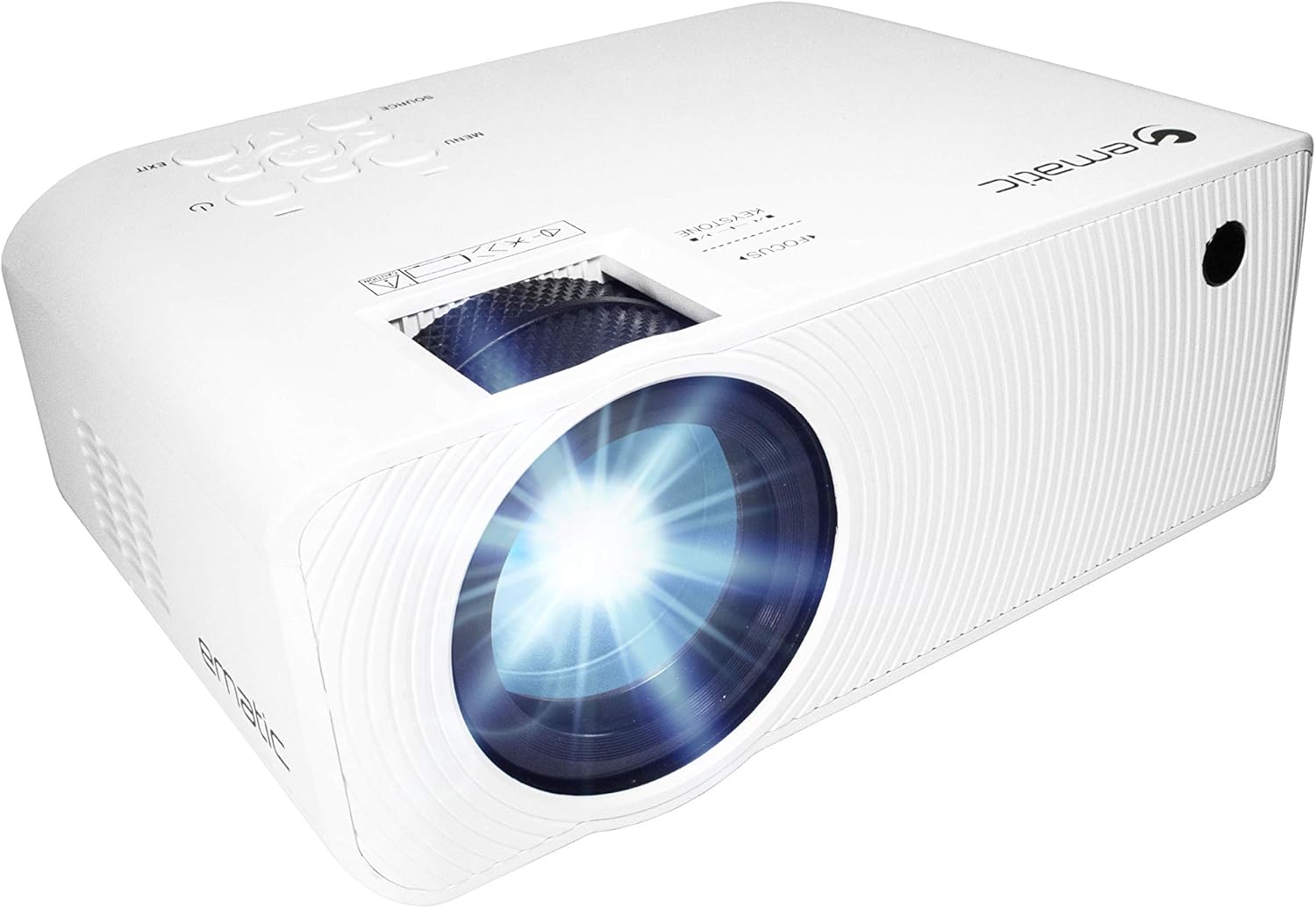
Малюнок 4.1: Спереду view of the Ematic LED Projector, highlighting the projection lens.
4.2 Верх View та елементи керування

Малюнок 4.2: Верх view of the projector showing the control panel (Menu, Source, Exit, Navigation buttons) and the Focus and Keystone correction dials. A remote control is also visible.
- Кільце фокусування: Регулює чіткість зображення.
- Корекція трапецеїдальних спотворень: Виправляє трапецієподібне спотворення зображення.
- Панель керування: Buttons for Menu, Source selection, Exit, and navigation.
4.3 Задня та бічна частини Viewз портами

Figure 4.3: Rear panel of the projector displaying the connectivity options: AUX audio output, AV input, MicroSD card slot, two HDMI inputs, USB port, and DC power input.

Малюнок 4.4: Сторона view of the projector, highlighting the VGA input port and the infrared (IR) receiver for the remote control.
- AUX: 3.5mm audio output for external speakers or headphones.
- AV: Композитний відеовхід та стереоаудіовхід.
- MicroSD: Slot for MicroSD memory cards.
- HDMI 1 / HDMI 2: High-Definition Multimedia Interface inputs for digital audio/video.
- USB: USB port for media playback from USB drives.
- DC IN: Вхідне живлення для проектора.
- VGA: Video Graphics Array input for computer connection.
5. Налаштування
- Розміщення: Розмістіть проектор на стійкій, рівній поверхні. Переконайтеся, що навколо проектора достатньо місця для вентиляції. Для оптимальної viewing, position the projector perpendicular to the projection screen or wall.
- Підключення живлення: Connect the supplied power adapter to the DC IN port on the projector and then plug the adapter into a power outlet.
- Початкове ввімкнення: Натисніть кнопку живлення на проекторі або пульті дистанційного керування, щоб увімкнути пристрій. Індикатор живлення засвітиться.
- Регулювання фокусу: Once the projector is on, rotate the Focus Ring (refer to Figure 4.2) until the projected image is clear and sharp.
- Корекція трапецеїдальних спотворень: If the image appears trapezoidal (wider at the top or bottom), adjust the Keystone Correction dial (refer to Figure 4.2) until the image is rectangular.
6. Інструкція з експлуатації
- Увімкнення/вимкнення: Press the power button on the projector or remote control. Press again to turn off.
- Вибір джерела вхідного сигналу: Press the "Source" button on the projector or remote control to cycle through available input sources (HDMI 1, HDMI 2, AV, VGA, USB, MicroSD). Select the desired input.
- Навігація по меню: Press the "Menu" button to access the projector's settings. Use the navigation buttons on the projector or remote to browse options and the "OK" button to confirm selections.
- Media Playback (USB/MicroSD): Insert a USB drive or MicroSD card into the respective port. Select "USB" or "MicroSD" as the input source. The projector will display a file browser. Navigate to your desired media file (video, photo, music, text) and press "OK" to play.
- Аудіовихід: The projector has built-in speakers (refer to Figure 6.1). For external audio, connect headphones or external speakers to the AUX port (3.5mm audio jack).
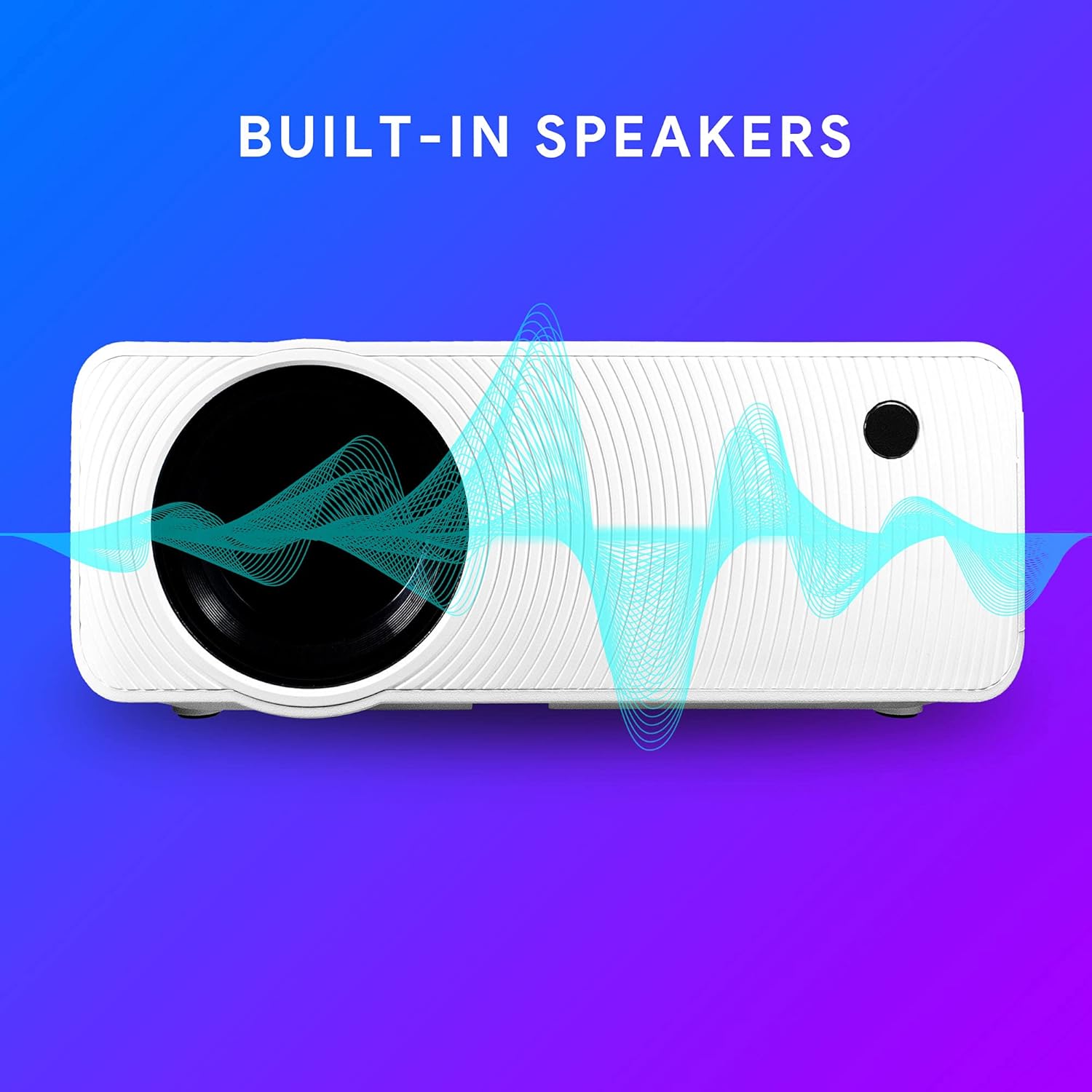
Figure 6.1: Projector highlighting its built-in speaker functionality.
7. Підключення
The Ematic LED Projector offers multiple connection options to various devices, ensuring versatility for your entertainment and presentation needs.

Figure 7.1: Multimedia device compatibility chart for the projector.

Малюнок 7.2: Впрamples of projector connections to a laptop and smartphone, highlighting supported input types.
- HDMI: Connect Blu-ray players, game consoles (PS4, Xbox), streaming devices (Amazon Fire TV Stick, Chromecast), laptops, and other HDMI-enabled devices.
- USB: Відтворювати медіа files (videos, photos, music) directly from USB flash drives.
- MicroSD: Відтворювати медіа files directly from MicroSD memory cards.
- AV: Connect older devices like DVD players or VCRs using the included AV cable.
- VGA: Connect desktop computers or older laptops.
- Audio Out (AUX): Connect external speakers or headphones for enhanced audio experience.
8. Технічне обслуговування
- Очищення лінз: Використовуйте м’яку тканину без ворсу, спеціально призначену для оптичних лінз, щоб обережно протерти об’єктив проектора. Не використовуйте абразивні засоби для чищення та не докладайте надмірних зусиль.
- Видалення пилу: Regularly clean the ventilation grilles with a soft brush or compressed air to prevent dust buildup, which can affect performance and lifespan.
- Зовнішнє очищення: Протріть зовнішню частину проектора м’якою тканиноюamp тканина. Уникайте використання агресивних хімікатів.
- Зберігання: When not in use for extended periods, store the projector in a cool, dry place, ideally in its original packaging or a protective case, to prevent dust accumulation and damage.
9. Вирішення проблем
| проблема | Можлива причина | Рішення |
|---|---|---|
| Зображення не проєктується | No power; Incorrect input source; Cable not connected properly. | Check power connection; Select correct input source; Reconnect cables securely. |
| Зображення розмите | Фокус не налаштовано; проектор розташований занадто далеко/близько до екрана. | Adjust the Focus Ring; Adjust projection distance. |
| Зображення має трапецієподібну форму | Keystone not adjusted; Projector not level. | Adjust the Keystone Correction dial; Ensure projector is on a flat surface. |
| Ні звуку | Volume too low; Muted; External speakers not connected or off. | Increase volume; Unmute; Check external speaker connection and power. |
| Пульт не працює | Batteries dead; Obstruction between remote and IR receiver. | Замініть батарейки; Усуньте перешкоди; Направте пульт дистанційного керування безпосередньо на ІЧ-приймач проектора. |
10. Технічні характеристики
| Особливість | Деталь |
|---|---|
| Бренд | Ematic |
| Модель | EMP-720 (Generic) |
| Роздільна здатність дисплея | 1280 x 720 (оригінальна) |
| Технологія підключення | HDMI, USB, AV, VGA, MicroSD, AUX |
| Особливість | Portable, Built-in Speakers |
| Вага товару | 3.5 фунта |
| Розміри продукту | 13.85 x 5 x 8.8 дюймів |
| Lamp життя | До 20,000 годин (звичайний режим) |
11. Гарантія та підтримка
For warranty information and technical support, please refer to the warranty card included with your product or visit the official Ematic webсайт. Зберігайте чек про покупку для гарантійних претензій.
Ematic Customer Support: www.ematic.us/support (Вихampпосилання)
Ask a question about this manual
Ask about setup, troubleshooting, compatibility, parts, safety, or missing instructions. Manuals+ will review the question and use this page’s manual context to help answer it.