
Altice SBDV01
Альтіс Amplify Smart Speaker User Manual
Model: SBDV01
1. Вступ
The Altice Amplify is an intelligent, high-fidelity smart speaker designed to enhance your home entertainment experience. Powered by Devialet technologies, it delivers exceptional sound quality with rich detail. Integrated with Alexa Voice Control, it allows for hands-free operation, music playback, smart home control, and seamless connection to various streaming services.

Ключові особливості:
- Devialet sound processing technologies for extraordinary audio quality through 5 speakers.
- Far-field AI voice assistant powered by Alexa for convenient hands-free control.
- Multiple connectivity options: Wi-Fi, Bluetooth, and Optical audio input for TV playback.
- Native streaming music support for popular services like Spotify, Pandora, Amazon Music, Apple Music, Audible, TuneIn, Tidal, and iHeartRadio.
- Control of smart home accessories leveraging Alexa skills.
Офіційне відео-шоуasing the features and design of the Altice Amplify Smart Speaker.
2. Продукт закінчивсяview
2.1. Що в коробці
- Альтіс Amplify Smart Speaker
- Оптичний кабель
- Блок живлення
2.2. Компоненти динаміка


3. Налаштування
3.1. Розміщення
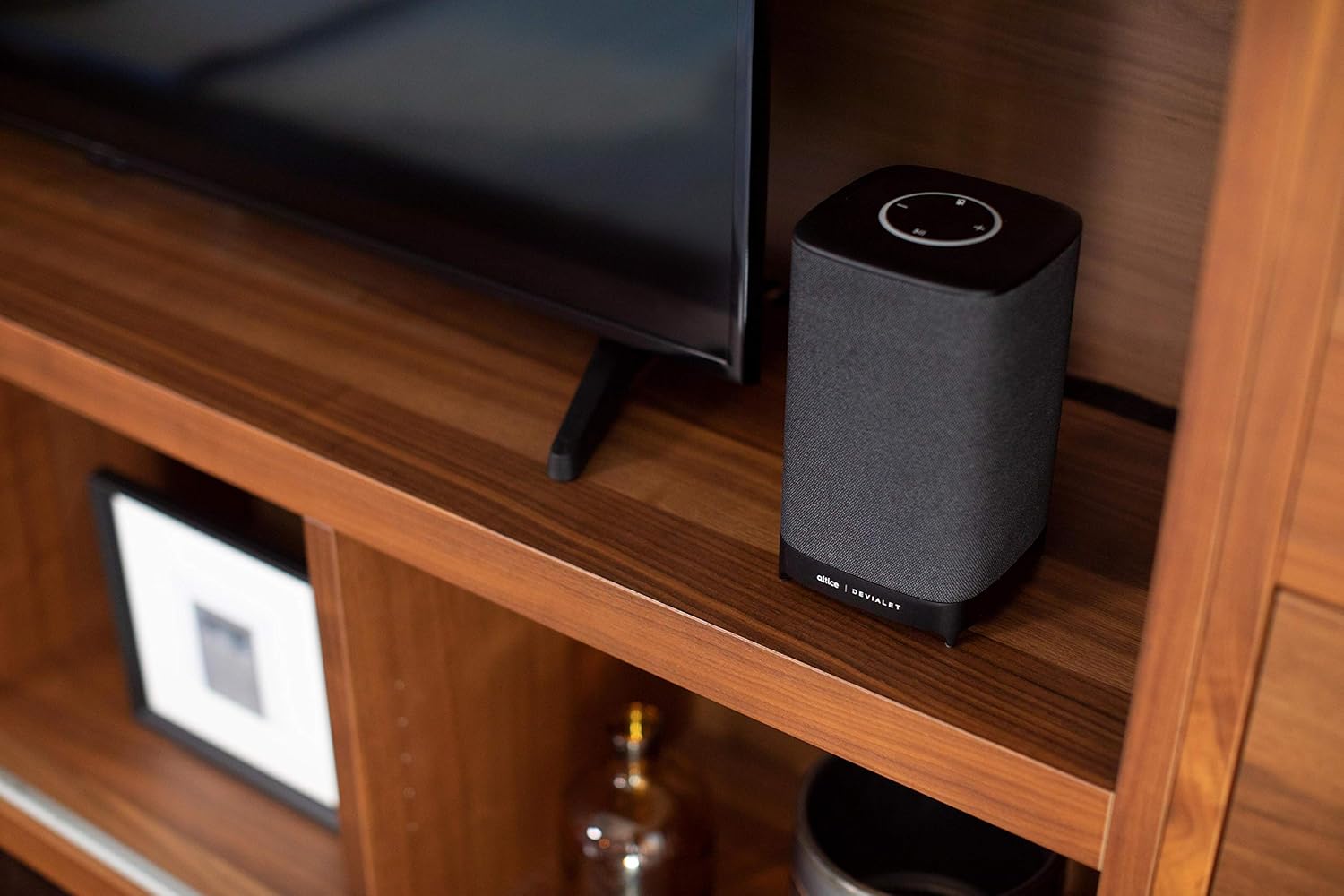
Place your Altice Amplify speaker indoors on a stable, flat surface such as a tabletop or floor. Ensure it is positioned to provide optimal sound distribution in your desired listening area.
3.2. Підключення живлення
Connect the provided power supply unit to the speaker's power input port and then plug it into a wall outlet. The speaker will power on automatically.
3.3. Підключення до телевізора
For TV audio, use the included optical cable to connect the speaker's optical input to your TV's optical audio output. To switch to the optical input, press and hold the play/pause button on the speaker's top panel until the input changes.
3.4. Network and App Setup
To utilize smart features and streaming services, connect the speaker to your Wi-Fi network. Download the Altice Amplify companion app on your smartphone or tablet. Follow the in-app instructions for initial setup, including Wi-Fi configuration and linking your Alexa account. The app facilitates the setup process and allows for management of speaker settings.
4. Керування динаміком
4.1. Голосове керування за допомогою Alexa
With Alexa built-in, you can control your speaker and smart home devices using voice commands. Simply say "Alexa" followed by your request. For example, "Alexa, play music," "Alexa, what's the weather?" or "Alexa, turn off the lights."
4.2. Потокове аудіо
The Altice Amplify supports premier audio streaming from various services. Once connected to Wi-Fi, you can stream directly from Spotify, Amazon Music, Apple Music, Pandora, Audible, TuneIn, Tidal, and iHeartRadio. You can also stream audio via Bluetooth from any compatible device.
4.3. Adjusting Volume and Sources
Volume can be adjusted using the touch controls on the top of the speaker (plus and minus symbols) or via voice commands through Alexa. To switch between audio sources (Optical, Bluetooth, Wi-Fi), press and hold the play/pause button on the top panel. Note that the volume control may not be highly incremental, so adjust carefully.
5. Технічне обслуговування
To maintain the performance and appearance of your Altice Amplify speaker, follow these guidelines:
- Прибирання: Use a soft, dry cloth to wipe the exterior surfaces. Avoid using liquid cleaners, aerosols, or abrasive materials.
- Розміщення: Keep the speaker away from direct sunlight, heat sources, and areas with high humidity or dust.
- Вентиляція: Ensure proper airflow around the speaker to prevent overheating. Do not block any ventilation openings.
- Потужність: Disconnect the power supply during electrical storms or when unused for long periods.
6. Вирішення проблем
If you encounter issues with your Altice Amplify speaker, refer to the following common problems and solutions:
- Немає живлення: Ensure the power supply unit is securely connected to both the speaker and a working electrical outlet.
- Немає аудіовиходу:
- Verify the correct audio source is selected (Optical, Bluetooth, Wi-Fi) by pressing and holding the play/pause button to cycle through inputs.
- Перевірте рівень гучності як на динаміку, так і на підключеному пристрої.
- If using optical, ensure the optical cable is securely connected and your TV's audio output is set to PCM/Stereo (not Bitstream or Dolby Digital).
- Проблеми з підключенням до Wi-Fi:
- Переконайтеся, що динамік знаходиться в зоні дії вашого Wi-Fi роутера.
- Restart your Wi-Fi router and the speaker.
- If the speaker loses contact with the Wi-Fi network and cannot reconnect, try resetting the speaker (refer to the app or online resources for specific reset instructions).
- Some users have reported difficulties with the Android app for setup; ensure your app is updated to the latest version.
- Проблеми підключення Bluetooth:
- Переконайтеся, що динамік перебуває в режимі сполучення Bluetooth.
- Make sure Bluetooth is enabled on your device and it is discoverable.
- Видаліть попередні сполучення на своєму пристрої та спробуйте знову.
- Алекса не відповідає:
- Check if the microphone is muted on the speaker (indicated by a specific light pattern or button).
- Ensure the speaker has a stable internet connection.
- Verify your Alexa account is properly linked in the companion app.
For persistent issues, consult the Altice support webсайту або зв’яжіться з їхньою службою обслуговування клієнтів.
7. Технічні характеристики
| Особливість | Специфікація |
|---|---|
| Назва моделі | Альтіс Ampоживляти |
| Тип динаміка | Smart Speaker, 3D/Atmospheric, Soundbar, Subwoofer |
| Особливість | Devialet Sound Processing Technology |
| Рекомендоване використання продукту | Music, home entertainment, parties, or background music |
| Сумісні пристрої | Смартфон, планшет, ноутбук |
| Тип контролера | віра, Amazon Alexa |
| Конфігурація каналу об’ємного звуку | 2.1 |
| Колір | чорний |
| Включені компоненти | Optical cable, Power supply unit |
| Вага товару | 5.73 фунта |
| Є водонепроникним | НЕПРАВДА |
| Тип гарантії | Обмежена гарантія |
| Кількість предметів | 1 |
| Спосіб контролю | Голос |
| Технологія бездротового зв'язку | Bluetooth, WiFi |
| Джерело живлення | Провідний електричний |
| Співвідношення сигнал-шум | 5 дБ |
| Тип пакету клієнта | Стандартна упаковка |
| Тип аудіо драйвера | Динамічний драйвер |
| Діапазон Bluetooth | 10 метрів |
| Технологія підключення сабвуфера | Бездротовий |
| Протокол підключення | Bluetooth, WiFi |
| Включає MP3-плеєр? | немає |
| UPC | 810038290003 |
| Використання в приміщенні/зовні | закритий |
| Глобальний торговий ідентифікаційний номер | 00810038290003 |
| Виробник | Altice, Devialet |
| Розміри упаковки | 12.2 x 8.6 x 7 дюймів |
| Номер моделі товару | SBDV01 |
| Дата першої доступності | 4 листопада 2019 р |
| Максимальна вихідна потужність динаміка | 5 Вт |
| Режим аудіовиходу | Стерео |
| Тип монтажу | Floor Standing, Tabletop Mount |
8. Гарантія та підтримка
The Altice Amplify Smart Speaker comes with a Limited Warranty. For detailed information regarding warranty coverage, terms, and conditions, please refer to the documentation included with your product or visit the official Altice support webсайт.
For technical support, troubleshooting assistance beyond this manual, or to inquire about service, please contact Altice customer support through their official channels. Keep your product model number (SBDV01) and proof of purchase ready when contacting support.
Ask a question about this manual
Ask about setup, troubleshooting, compatibility, parts, safety, or missing instructions. Manuals+ will review the question and use this page’s manual context to help answer it.