
1. Вступ
This manual provides comprehensive instructions for the Microsoft Surface Laptop 3, Model VGY-00001. Designed for productivity and portability, this device features a 13.5-inch touchscreen, Intel Core i5 processor, 8GB RAM, and a 128GB Solid State Drive. Please read this manual thoroughly to ensure proper setup, operation, and maintenance of your device.
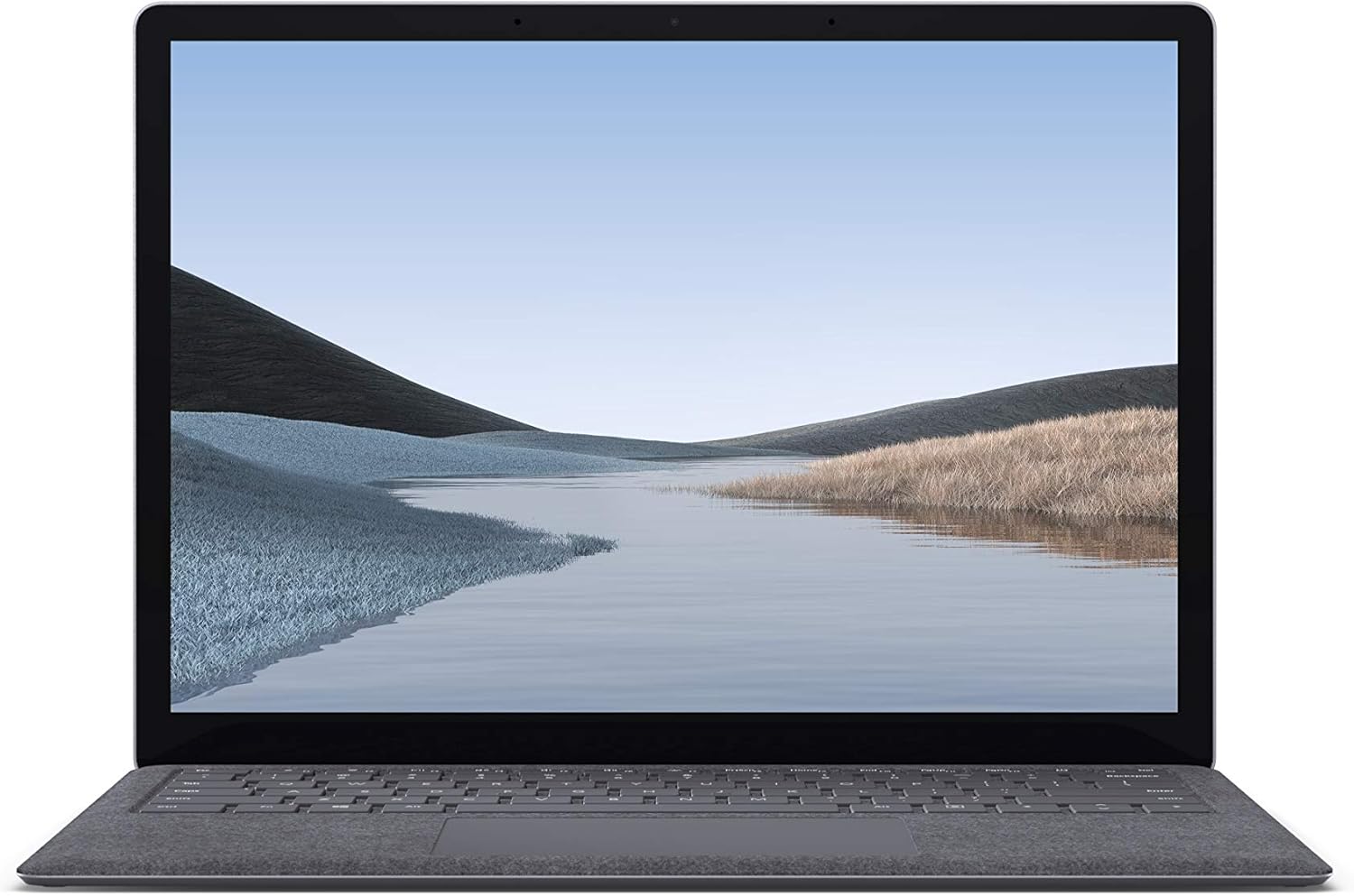
Зображення 1.1: спереду view of the Microsoft Surface Laptop 3 with its display active.
The Surface Laptop 3 offers a clean, elegant design, weighing approximately 2.79 pounds, making it easy to carry. It features improved speed and performance with its 10th Gen Intel Core processors, offering up to two times faster performance than previous models. Connectivity options include USB-C and USB-A ports for connecting to displays, docking stations, and accessories. The device provides up to 11.5 hours of battery life and supports fast charging, reaching up to 80% in about one hour.
2. Що в коробці
Upon unboxing your Microsoft Surface Laptop 3, verify that all the following items are present:
- Microsoft Surface Laptop 3 (Model VGY-00001)
- Короткий посібник (QSG)
- Блок живлення (адаптер змінного струму)
3. Налаштування
3.1 Початкове ввімкнення
- Підключіть живлення: Plug the power supply into a wall outlet and connect the magnetic Surface Connect port to your laptop. The LED indicator on the connector will light up when properly connected.
- Увімкнення: Відкрийте кришку ноутбука або натисніть кнопку живлення, розташовану на клавіатурі.
- Налаштування Windows: Дотримуйтесь інструкцій на екрані, щоб завершити налаштування Windows 10 Home. Це включає вибір регіону, підключення до мережі Wi-Fi та створення облікового запису користувача.
- Привіт Windows: Configure Windows Hello for secure and fast login using facial recognition.
3.2 Підключення периферійних пристроїв
Your Surface Laptop 3 includes various ports for connecting external devices:
- Порт USB-C: For data transfer, video output, and charging compatible devices.
- Порт USB-A: For connecting traditional USB devices like mice, keyboards, and external storage.
- 3.5-мм роз'єм для навушників: Для виведення звуку на навушники або зовнішні динаміки.
- Порт Surface Connect: For the power supply and compatible Surface docking stations.

Зображення 3.1: Збоку view illustrating the available ports on the Surface Laptop 3.
4. Operating Your Surface Laptop 3
4.1 Дисплей та сенсорний екран
The 13.5-inch PixelSense touchscreen display offers a resolution of 2256 x 1504 pixels. It supports multi-touch gestures and is compatible with the Surface Pen (sold separately) for writing and drawing directly on the screen.
4.2 Клавіатура та сенсорна панель
The full-size ergonomic keyboard features backlighting for comfortable typing in various lighting conditions. The large precision touchpad supports multi-finger gestures for navigation and control.
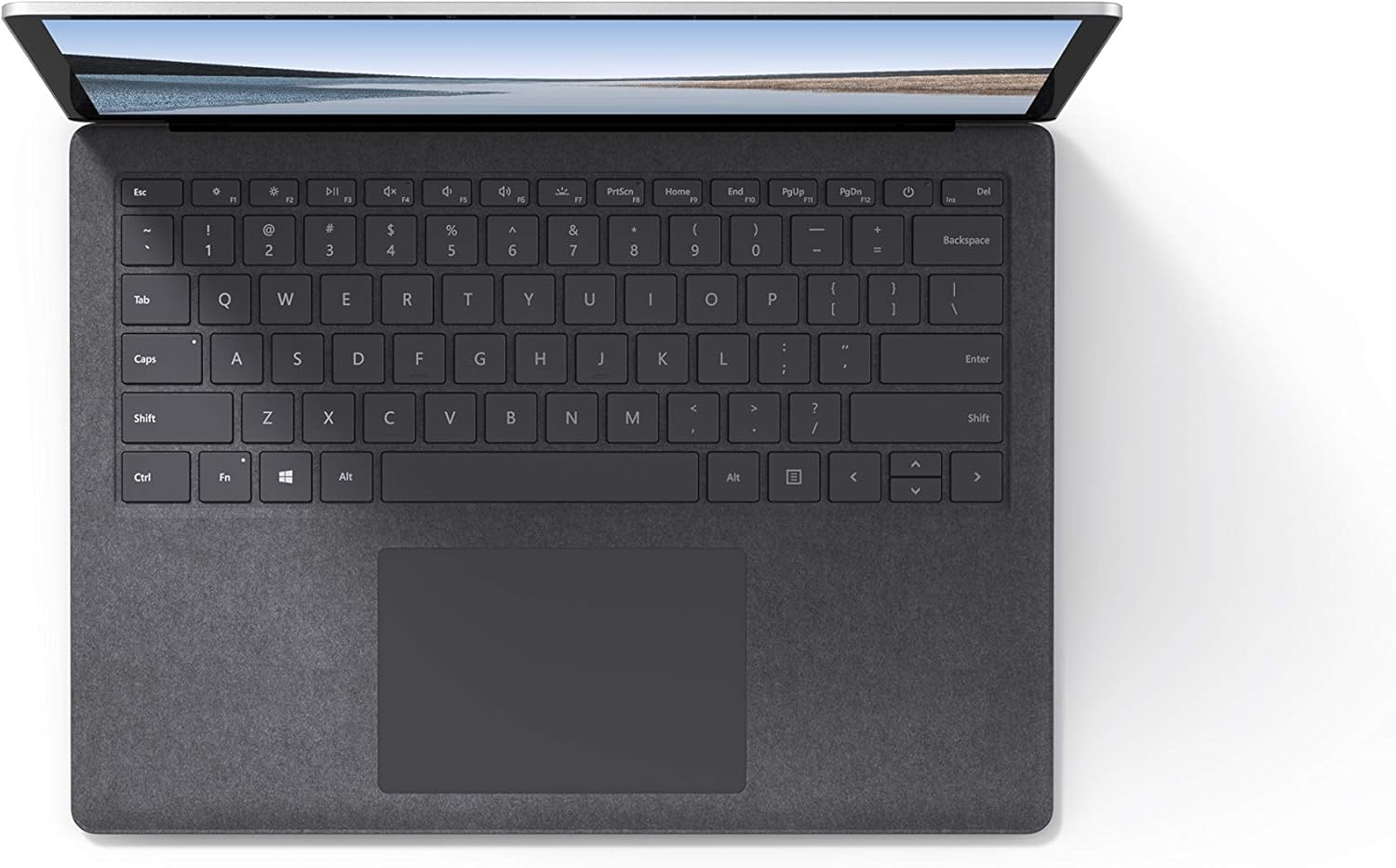
Зображення 4.1: Зверху вниз view області клавіатури та сенсорної панелі.
4.3 Аудіо та камера
The laptop is equipped with Omnisonic Speakers with Dolby Audio Premium for clear sound. Dual far-field Studio Mics enhance voice clarity for calls and recordings. A front-facing 720p HD camera supports video conferencing and Windows Hello facial authentication.
4.4 Бездротове підключення
The Surface Laptop 3 supports Wi-Fi 6 (802.11ax) for fast and reliable internet access, and Bluetooth 5.0 for connecting wireless accessories.
Video 4.1: Official Microsoft video showcasing the Surface Laptop 3's features and design.
5. Технічне обслуговування
5.1 Очищення пристрою
- Використовуйте м’яку безворсову тканину dampened with water or an approved screen cleaner to clean the display.
- Для клавіатури та корпусу використовуйте м’яку суху тканину. Уникайте використання агресивних хімікатів або абразивних матеріалів.
- Тримайте порти чистими від пилу та сміття.
5.2 Оновлення програмного забезпечення
Регулярно перевіряйте наявність оновлень Windows та встановлюйте їх, щоб забезпечити оптимальну продуктивність, безпеку та доступ до найновіших функцій. Перейдіть до Налаштування > Оновлення та безпека > Центр оновлення Windows.
5.3 Догляд за акумулятором
- Уникайте екстремальних температур.
- Для оптимального терміну служби акумулятора уникайте постійного розряду акумулятора до 0% або тривалого утримання його на 100%.
- Використовуйте лише джерело живлення, що входить до комплекту постачання.
6. Вирішення проблем
6.1 Проблеми з живленням
- Пристрій не включається: Ensure the power supply is securely connected and the outlet is functional. Try a forced shutdown by holding the power button for 30 seconds, then release and press again briefly to restart.
- Акумулятор не заряджається: Verify the Surface Connect cable is properly attached. Check for any damage to the cable or port.
6.2 Проблеми з продуктивністю
- Повільна продуктивність: Close unnecessary applications. Check Task Manager for resource-intensive processes. Ensure Windows is up to date.
- Перегрів: Ensure ventilation vents are not blocked. Avoid using the laptop on soft surfaces that can obstruct airflow.
6.3 Проблеми з підключенням
- Wi-Fi не підключається: Restart your router and the laptop. Check Wi-Fi settings and ensure the correct network is selected and password entered.
- Пристрій Bluetooth не підключається: Переконайтеся, що пристрій Bluetooth перебуває в режимі сполучення та в межах досяжності. Перевірте налаштування Bluetooth на вашому ноутбуці.
7. Технічні характеристики
| Особливість | Деталь |
|---|---|
| Бренд | Microsoft |
| Назва моделі | Surface Laptop 3 |
| Номер моделі | VGY-00001 |
| Розмір екрана | 13.5 дюймів |
| роздільна здатність | 2256 x 1504 пікселів |
| Модель процесора | Intel Core i5 (10th Generation) |
| Швидкість процесора | 1.2 GHz (up to 3.7 GHz with Turbo Boost) |
| Розмір встановленої оперативної пам'яті | 8 ГБ LPDDR4 |
| Розмір жорсткого диска | 128 ГБ SSD |
| Операційна система | Windows 10 Home (Free Upgrade to Windows 11 when available) |
| Графічний співпроцесор | Intel Iris Plus |
| Технологія підключення | 1 x USB-C, 1 x USB-A, 3.5 mm headphone jack, 1 x Surface Connect port |
| Бездротова технологія | Wi-Fi 6 (802.11ax), Bluetooth 5.0 |
| Термін служби батареї | До 11.5 годин |
| Вага товару | 2.79 фунта |
| Dimensions (L x W x Thickness) | 8.8 дюйма (довжина) x 12.1 дюйма (ширина) x 0.57 дюймів (довжина) |
| Камера | Front-facing 720p HD camera with Windows Hello face authentication |
| Аудіо | Omnisonic Speakers with Dolby Audio Premium, Dual far-field Studio Mics |
8. Гарантія та підтримка
8.1 Гарантія на виріб
The Microsoft Surface Laptop 3 (Model VGY-00001) comes with a 1-річна обмежена гарантія виробника. This warranty covers defects in materials and workmanship under normal use. For specific terms and conditions, please refer to the warranty documentation included with your product or visit the official Microsoft support webсайт.
8.2 Підтримка клієнтів
For technical assistance, troubleshooting, or warranty claims, please contact Microsoft Support. You can find contact information and additional resources on the official Microsoft Surface support website. Keep your proof of purchase and product serial number readily available when contacting support.
Інтернет-підтримка: Відвідайте support.microsoft.com/surface for FAQs, drivers, and software downloads.