
1. Вступ
Welcome to the FIYAPOO VR1 Virtual Reality Headset. This device is designed to provide an immersive virtual reality experience using your compatible smartphone. Please read this manual carefully to ensure proper setup and optimal use of your VR headset.

Image 1.1: The FIYAPOO VR1 Virtual Reality Headset.
2. Вміст упаковки
Будь ласка, перевірте, чи всі наступні предмети входять до вашої упаковки:
- FIYAPOO VR Headset x 1
- Посібник користувача x 1
- Wipe Cloth x 1
- Adjustable Headstrap (pre-attached or separate)

Image 2.1: Contents of the FIYAPOO VR1 package, including the headset, manual, and cleaning cloth.
3. Особливості продукту
The FIYAPOO VR1 Headset offers several features designed to enhance your virtual reality experience:
- Immersive 3D VR View: Забезпечує широке поле view for an engaging virtual reality experience.
- Anti-Blue Light HD Lenses: Equipped with eye-protected lenses designed for clarity and to reduce eye strain.
- Ергономічний дизайн: Features T-shaped adjustable straps to distribute weight and reduce pressure around your eyes, face, and head for comfortable use.
- Wide Smartphone Compatibility: Supports smartphones with screen sizes ranging from 4.7 to 6.53 inches, including various iPhone and Android models.
- Регульовані лінзи: Allows for independent adjustment of object distance (focus) and interpupillary distance (distance between lenses) to optimize visual clarity for individual users.
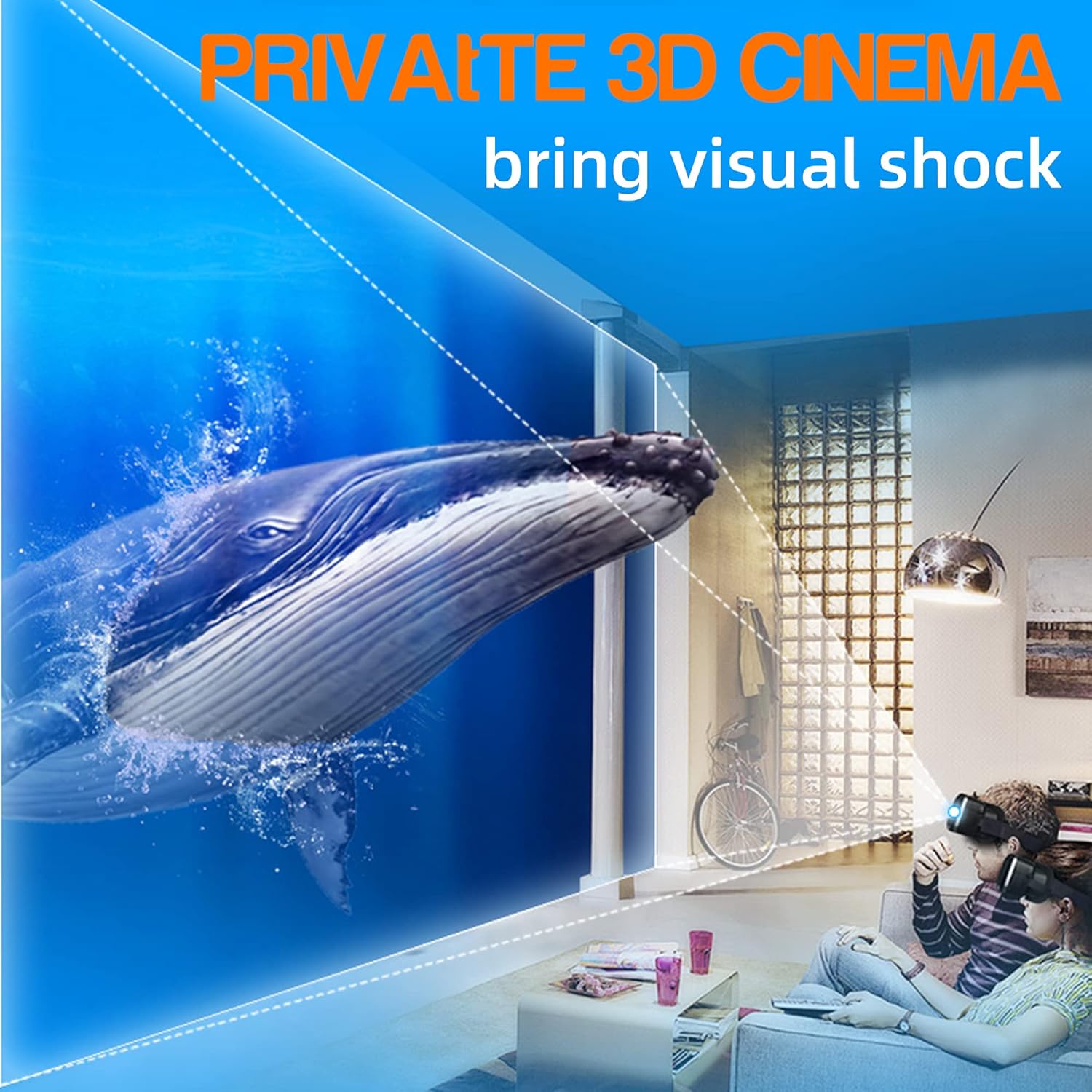
Image 3.1: Illustration of an immersive 3D cinema experience provided by the VR headset.

Image 3.2: Depiction of a large screen cinema effect achievable with the VR headset at home.

Image 3.3: Diagram illustrating the anti-blue light lens technology used in the headset.
4. Інструкції з налаштування
- Розпакування: Carefully remove the FIYAPOO VR1 Headset and all accessories from its packaging.
- Smartphone Insertion:
Open the front cover of the VR headset. Securely place your smartphone into the designated holder. Ensure the phone is centered for optimal viewing. The headset supports smartphones with screen sizes between 4.7 and 6.53 inches.

Image 4.1: Illustration of compatible smartphone sizes and how to insert a smartphone into the headset.
- Headstrap Adjustment:
Place the headset on your head. Adjust the T-shaped headstraps to achieve a comfortable and secure fit. It is recommended to adjust the headband to provide upward strength to reduce pressure on the nose during use.

Image 4.2: The VR headset worn on a head, demonstrating the ergonomic design and adjustable straps.
- Lens Protective Film: Before first use, carefully check for and remove any protective film present on the lenses. This film can significantly impair visual clarity.
- Очищення лінз: Use the provided soft wipe cloth to gently clean the lenses before each use to ensure a clear and optimal viewнабутий досвід.
5. Інструкція з експлуатації
- Вибір контенту: On your smartphone, open a VR-compatible application or select a high-definition VR video. For the best experience, choose content with 4K resolution if available. The clarity of your VR experience is directly influenced by your phone's screen resolution and the quality of the video content.
- Adjusting Focus (Object Distance): Locate the top knob on the headset. Adjust this knob to fine-tune the focus for each eye independently until the image appears clear and sharp.
- Регулювання міжзіничної відстані: Locate the other top knob. Adjust this knob to change the distance between the lenses to match your eye spacing. This ensures a single, comfortable, and clear image.
- Оптимальний Viewing: Experiment with all three adjustment knobs on the top of the headset to achieve your personal best viewефект.

Image 5.1: Diagram showing the independent lens adjustment controls for object distance and interpupillary distance.
Важливі зауваження:
- This FIYAPOO VR headset does not feature integrated touch screen buttons.
- The headset does not require a QR code for operation.
- Compatibility with all VR applications is not guaranteed.
6. Технічне обслуговування
- Очищення лінз: Regularly clean the lenses using only the provided soft wipe cloth. Avoid using abrasive materials, paper towels, or chemical cleaners, as these can scratch or damage the lens coatings.
- Headset Exterior: Wipe the exterior surfaces of the headset with a soft, dry cloth to remove dust and smudges.
- Зберігання: When not in use, store the VR headset in a cool, dry place, away from direct sunlight and extreme temperatures, to prevent damage.
7. Вирішення проблем
- Розмите зображення:
- Переконайтеся, що ви viewing high-definition VR content, preferably 4K.
- Verify that your smartphone screen has a high resolution.
- Adjust all three knobs on the top of the headset (object distance and interpupillary distance) until the image is clear for both eyes.
- Confirm that any protective film has been removed from the lenses.
- Clean the lenses thoroughly with the provided wipe cloth.
- Discomfort or Headaches:
- Adjust the headstraps to ensure a comfortable and balanced fit, reducing pressure on your nose and face.
- Consider using the VR headset while lying flat or semi-reclined to further alleviate pressure.
- Take regular breaks during extended use to prevent eye strain and discomfort.
- Smartphone Not Fitting or Securing Properly:
- Ensure your smartphone's screen size is within the supported range of 4.7 to 6.53 inches.
- Verify that the phone is correctly positioned and securely held within the headset's smartphone tray.
8. Технічні характеристики
| Особливість | Деталь |
|---|---|
| Бренд | FIYAPOO |
| Модель | VR1 |
| Розміри продукту | 17.78 х 12.7 х 10.16 см |
| Вага товару | 358 г |
| Сумісні пристрої | Смартфони (з екранами 4.7-6.53 дюйма) |
| Сумісність операційної системи | Android, iOS |
| Поле оф View | 90 градусів |
| Монтажне обладнання | Головний ремінь |
| Бездротовий тип | Bluetooth (for compatible accessories) |
| Тип роз'єму | Bluetooth (for compatible accessories) |
9. Гарантія та підтримка
Гарантія: This FIYAPOO VR1 Virtual Reality Headset comes with a 30-day quality guarantee. If you encounter any quality-related issues with your product within this period, please contact FIYAPOO customer support for assistance.
підтримка: For further assistance, technical inquiries, or to report any issues, please refer to the contact information provided with your original purchase documentation or visit the official FIYAPOO webсайт для ресурсів підтримки.