
Business Source 37533
Business Source Value Highlighters User Manual
Модель: 37533
вступ
Welcome to the user manual for your Business Source Value Highlighters. This guide provides essential information on the proper use, care, and maintenance of your highlighters to ensure optimal performance and longevity.
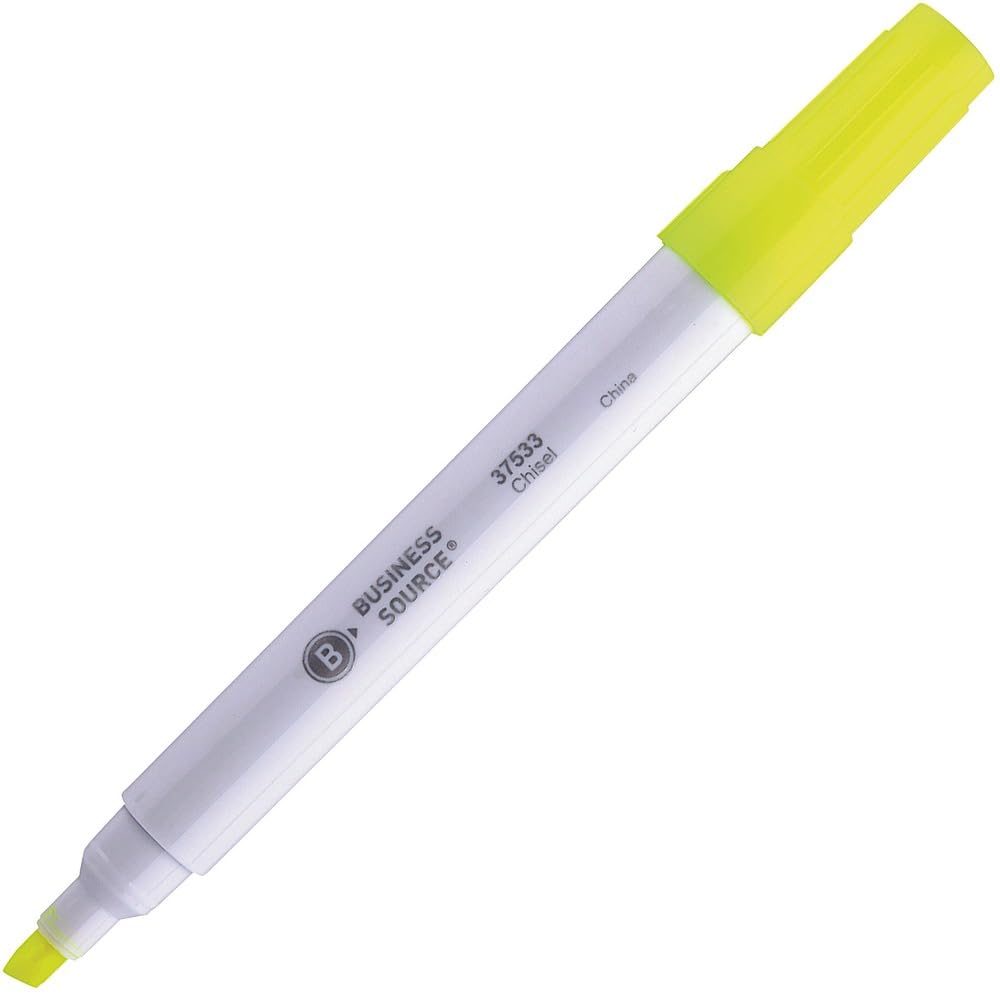
Image: A single Business Source chisel tip highlighter with a white barrel and yellow ink, shown with its cap on.
Налаштування
The Business Source Value Highlighters are designed for immediate use. No assembly or special preparation is required.
- Remove the highlighter from its packaging.
- Ensure the cap is securely in place when not in use to prevent ink from drying.
Інструкція з експлуатації
These highlighters feature a chisel tip for versatile highlighting.
Basic Highlighting
- Remove the cap from the highlighter.
- Position the chisel tip over the text you wish to highlight.
- For a broad line, use the flat edge of the chisel tip.
- For a fine line, use the pointed edge of the chisel tip.
- Glide the highlighter smoothly over the text.
- Replace the cap firmly after each use to prevent the ink from drying out.
Ink Properties
- The transparent yellow ink is designed to stay bright and resist fading.
- It allows for clear readability of underlying text, especially dark-colored print.
Догляд та обслуговування
- Безпека ковпачка: Always replace the cap firmly after use to prevent the ink from drying. A dried tip may not function correctly.
- Зберігання: Store highlighters horizontally at room temperature to ensure even ink distribution and prevent leakage. Avoid extreme temperatures.
- Прибирання: If the barrel or cap becomes dirty, wipe it with a dry, soft cloth. Do not use harsh chemicals or abrasive cleaners.
- Ink Life: The ink supply is designed for extended use. When the ink appears faint or stops flowing, the highlighter has reached the end of its life.
Усунення несправностей
Highlighter Not Marking
- Випуск: Ink flow is inconsistent or absent.
- рішення: Ensure the cap was securely replaced after the last use. If the tip is dry, it may indicate the ink has dried out or the highlighter is empty.
Ink Appears Faint
- Випуск: Highlighted text is not vibrant.
- рішення: This typically indicates a low ink supply. Replace the highlighter with a new one.
Технічні характеристики продукту
| Особливість | Деталь |
|---|---|
| Бренд | Бізнес Джерело |
| Номер моделі | 37533 |
| Тип точки | Стамеска |
| Колір чорнила | Жовтий |
| Barrel Color | Білий |
| Тип матеріалу | Папір |
| Вага товару | 0.01 унції |
| Розміри продукту | 5.59 x 4.13 x 1.26 дюймів |
| Кількість предметів | 1 (per highlighter) |
| Країна походження | Зроблено в Китаї |
Гарантія та підтримка
Business Source highlighters are designed for reliability and performance. Specific warranty details are not provided in this manual. For product support, inquiries, or to report any issues, please contact your retailer or the Business Source customer service department.
Please refer to the product packaging or the official Business Source webсайт для отримання найактуальнішої контактної інформації.
Ask a question about this manual
Ask about setup, troubleshooting, compatibility, parts, safety, or missing instructions. Manuals+ will review the question and use this page’s manual context to help answer it.