
1. Вступ
Welcome to the user manual for your Genius Manticore Gaming Keyboard. This guide provides essential information for setting up, operating, maintaining, and troubleshooting your new gaming keyboard. Please read these instructions carefully to ensure optimal performance and longevity of your device.
2. Продукт закінчивсяview
The Genius Manticore Gaming Keyboard is designed for an enhanced gaming experience, featuring a durable build and responsive keys. It connects via USB and is compatible with a wide range of devices. The keyboard includes 104 keys with a standard QWERTY layout, complemented by additional gaming-specific features.
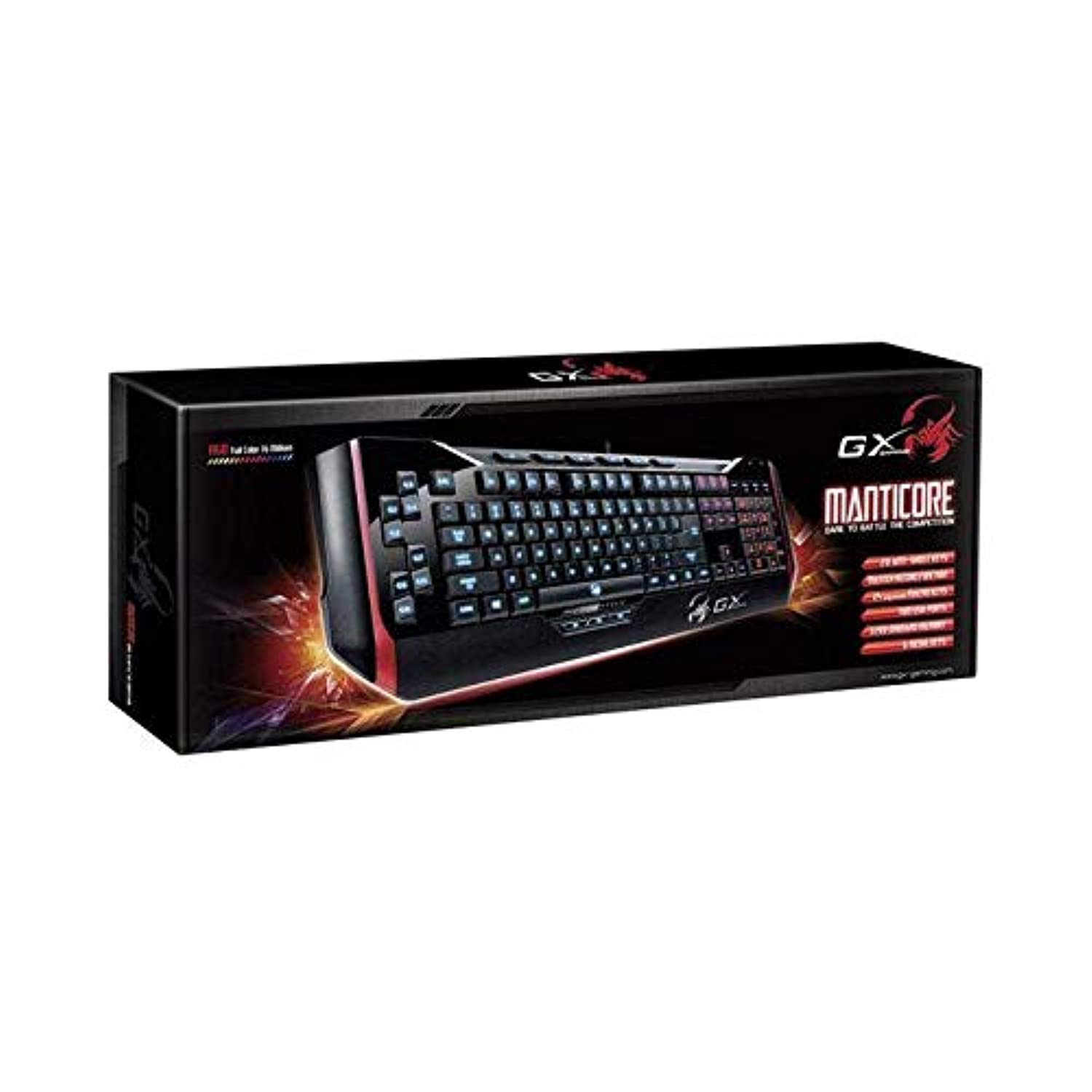
малюнок 1: Genius Manticore Gaming Keyboard. This image displays the Genius Manticore Gaming Keyboard, featuring a black body with red accents on the sides. The keys are illuminated, indicating its gaming functionality. The keyboard has a standard QWERTY layout with additional keys on the left side, likely for macros, and a numeric keypad on the right.
3. Налаштування
- Розпакуйте клавіатуру: Carefully remove the Genius Manticore Gaming Keyboard from its packaging. Ensure all components are present.
- Підключіться до свого пристрою: Locate an available USB port on your computer or compatible device. Insert the USB connector of the keyboard firmly into the USB port.
- Установка драйвера (при необхідності): For most modern operating systems, the keyboard will be recognized automatically, and standard drivers will be installed. If prompted, follow the on-screen instructions to complete any driver installation.
- Тест функціональності: Відкрийте текстовий редактор або web browser and test the keys to ensure they are responding correctly.
4. Інструкція з експлуатації
The Genius Manticore Gaming Keyboard offers a standard QWERTY layout for general typing and dedicated features for gaming.
- Стандартні ключові функції: All standard alphanumeric, symbol, and function keys operate as expected on a typical QWERTY keyboard.
- Особливості гри: The keyboard is designed for gaming. Specific gaming features, such as customizable backlighting or programmable macro keys (if available on your model), can typically be configured through dedicated software provided by Genius or through specific key combinations. Refer to the Genius website for any available software downloads or advanced feature guides.
- Джерело живлення: The keyboard is powered directly via the USB connection to your device. No external power supply or batteries are required.
5. Технічне обслуговування
Правильне обслуговування забезпечує довговічність та продуктивність вашої клавіатури.
- Прибирання: Використовуйте м’яку суху тканину для протирання поверхні клавіатури. Для видалення пилу та сміття між клавішами використовуйте стиснене повітря. Уникайте використання агресивних хімікатів або абразивних матеріалів.
- Вплив рідини: This keyboard is не водостійкий. Avoid spilling liquids on the keyboard, as this can cause permanent damage. If liquid exposure occurs, immediately disconnect the keyboard from your device and allow it to dry completely before attempting to use it again.
- Зберігання: Коли клавіатура не використовується, зберігайте її в чистому, сухому місці, подалі від екстремальних температур та прямих сонячних променів.
6. Вирішення проблем
Якщо у вас виникли проблеми з клавіатурою, спробуйте такі рішення:
- Клавіатура не реагує:
- Переконайтеся, що USB-кабель надійно підключено як до клавіатури, так і до комп’ютера.
- Спробуйте підключити клавіатуру до іншого USB-порту на комп'ютері.
- Перевірте клавіатуру на іншому комп’ютері, щоб визначити, чи проблема в клавіатурі, чи в оригінальному комп’ютері.
- Перезавантажте комп'ютер.
- Певні клавіші не працюють:
- Check for any physical obstructions under the non-functional keys.
- Очистіть клавіатуру, як описано в розділі «Технічне обслуговування».
- Ensure no software conflicts are present (e.g., macro software interfering with standard key functions).
- Проблеми з підсвічуванням:
- If your model features adjustable backlighting, ensure it is not turned off or set to the lowest brightness level. Consult the Genius website for specific key combinations to control backlighting.
If these steps do not resolve the issue, please contact Genius customer support for further assistance.
7. Технічні характеристики
| Особливість | Деталь |
|---|---|
| Торгова марка | геній |
| Номер моделі | GE31310058108 |
| Сумісні пристрої | всі |
| Технологія підключення | USB |
| Опис клавіатури | Ігри |
| Особливості | Ігри |
| Колір | Multi-color (Black and Red) |
| Стиль | Сучасний |
| матеріал | Кілька матеріалів |
| Тема | Ігри |
| Джерело живлення | USB живлення |
| Кількість клавіш | 104 |
| Розкладка клавіатури | Клавіатура QWERTY |
| Орієнтація руки | Амбідекстр |
| Кількість кнопок | 104 |
| Рівень водонепроникності | Не водостійкий |
| Виробник | геній |
| ASIN | B07MQMXJS9 |
8. Гарантія та підтримка
Your Genius Manticore Gaming Keyboard is covered by a standard manufacturer's warranty. For detailed information regarding warranty terms, registration, or to access technical support, please visit the official Genius webсайт або зверніться до їхнього відділу обслуговування клієнтів. Зберігайте чек про покупку як підтвердження покупки.
Для отримання додаткової допомоги ви можете відвідати Офіційний геній Webсайт.