
1. Вступ
The Viotek GN32DB is a 32-inch curved gaming monitor designed to deliver an immersive visual experience. It features a WQHD (2560x1440p) resolution, a 144Hz refresh rate, and AMD FreeSync technology, ensuring smooth and responsive gameplay. This manual provides essential information for setting up, operating, maintaining, and troubleshooting your monitor.

Image: The Viotek GN32DB monitor showcasing its 144Hz WQHD display capabilities.
2. Налаштування
2.1 Розпакування та складання
Carefully remove the monitor and all components from the packaging. Ensure all parts are present before proceeding with assembly. Attach the stand base to the stand neck, then secure the assembled stand to the back of the monitor using the provided screws. The monitor also supports VESA mounting (75x75mm) for alternative installation options.
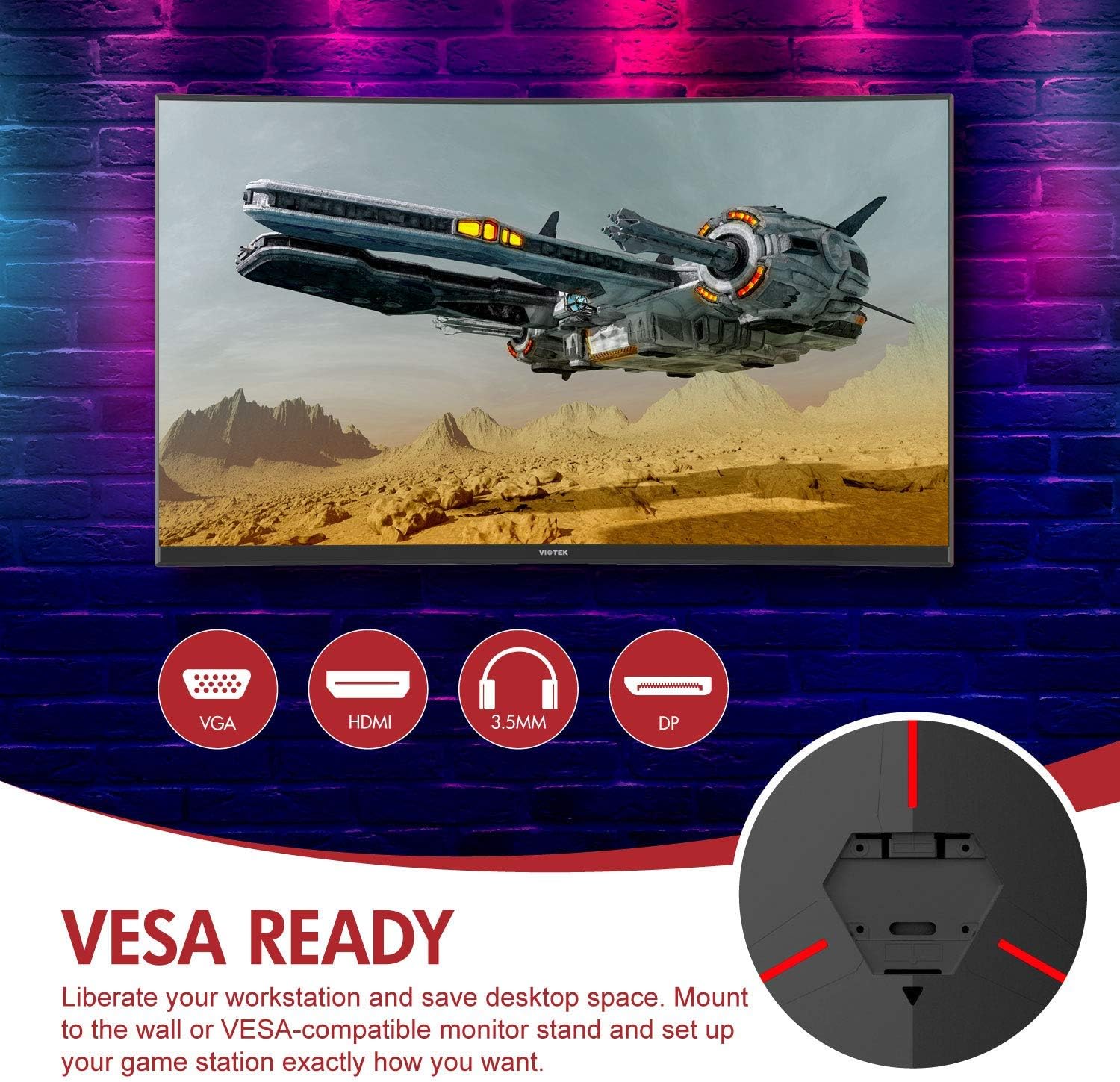
Зображення: Задня частина view of the monitor highlighting VESA compatibility and available ports.
2.2 Підключення до пристрою
Connect your computer or gaming console to the monitor using one of the available input ports:
- DisplayPort (DP 1.2): For optimal performance, including 144Hz refresh rate and FreeSync.
- HDMI (HDMI 2.0): Supports high-resolution and refresh rates.
- DVI: Для сумісних пристроїв.
Connect the power adapter to the monitor and then to a power outlet. The monitor also features a 3.5mm audio output jack for external sound systems.

Зображення: Детальне view of the monitor's rear panel with input ports.
3. Експлуатація монітора
3.1 Увімкнення/вимкнення живлення
Натисніть кнопку живлення, розташовану на моніторі, щоб увімкнути або вимкнути його. Індикатор живлення показуватиме стан монітора.
3.2 Екранне меню (OSD)
Navigate the OSD menu using the buttons or joystick (if present) on the monitor. The OSD allows you to adjust various settings:
- Параметри зображення: Налаштуйте яскравість, контрастність, різкість та колірну температуру.
- Кольорові режими: Виберіть із попередньо визначених кольорових професіоналівfiles або налаштуйте власний.
- Джерело введення: Manually select the active input (DP, HDMI, DVI).
- Аудіо: Adjust volume for the 3.5mm audio output.
3.3 Ігрові функції
- AMD FreeSync: This technology synchronizes the monitor's refresh rate with your GPU's frame rate to eliminate screen tearing and stuttering. Ensure FreeSync is enabled in both the monitor's OSD and your graphics card settings.
- FPS/RTS Modes: Optimize display settings for specific game genres.
- Гра Плюс: Activate on-screen crosshairs for improved aiming accuracy.

Image: Visual demonstration of AMD FreeSync technology in action.
3.4 Режим низького рівня синього світла
Activate the Low Blue Light mode to reduce blue light emissions, which can help minimize eye strain during extended use.
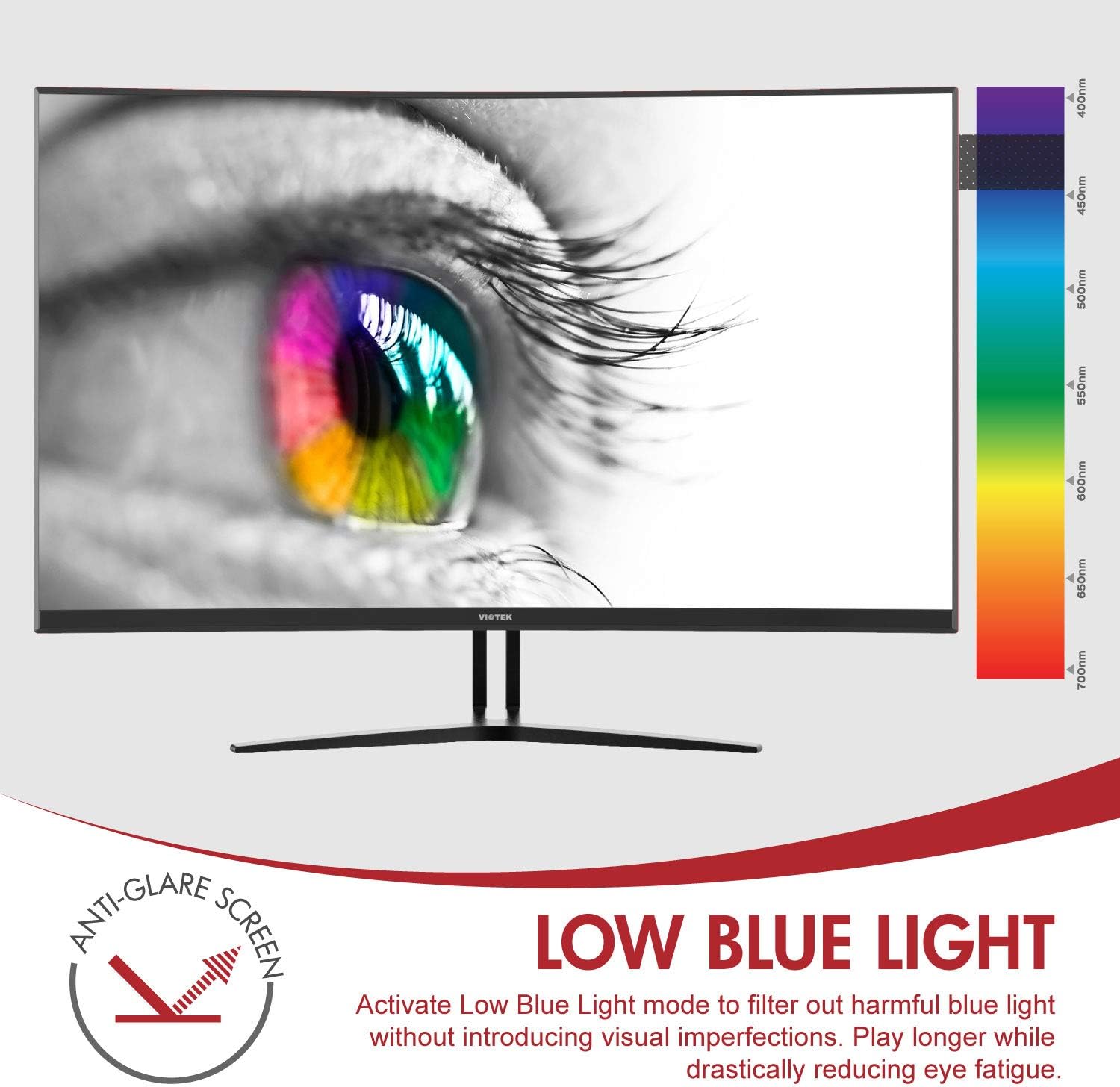
Image: The monitor's Low Blue Light feature for eye comfort.
3.5 Console Compatibility
The GN32DB is compatible with various gaming consoles, including Xbox One S/X and PlayStation 4, via DP 1.2 or HDMI connections. Enjoy FreeSync compatibility with supported Xbox consoles for smoother gameplay.

Image: Monitor compatibility with gaming consoles and adjustable tilt angle.
4. Технічне обслуговування
To ensure the longevity and optimal performance of your Viotek GN32DB monitor, follow these maintenance guidelines:
- Очищення екрану: Обережно протріть екран м’якою тканиною без ворсу. Для стійких плям злегка протрітьampПротріть тканину водою або спеціальним розчином для чищення екранів. Уникайте використання агресивних хімікатів або абразивних матеріалів.
- Генеральне прибирання: Використовуйте м’яку суху тканину для очищення монітора casinг і стояти.
- Вентиляція: Переконайтеся, що вентиляційні отвори монітора не заблоковані, щоб запобігти перегріву.
- Зберігання: Якщо монітор не використовується протягом тривалого часу, зберігайте його в прохолодному, сухому місці, в ідеалі в оригінальній упаковці.
5. Вирішення проблем
Якщо у вас виникли проблеми з монітором, зверніться до наступних поширених проблем та способів їх вирішення:
| проблема | Можлива причина | Рішення |
|---|---|---|
| На екрані немає зображення | Power cable disconnected, incorrect input source, faulty video cable. | Check power connections. Select correct input source via OSD. Replace video cable. |
| Мерехтіння або спотворене зображення | Loose video cable, incorrect resolution/refresh rate, FreeSync issue. | Ensure video cable is secure. Adjust display settings on your device. Verify FreeSync settings. |
| No sound from 3.5mm audio out | Volume too low, external speakers not connected, audio source issue. | Increase monitor volume. Connect speakers correctly. Check audio settings on your device. |
| Монітор не вмикається | Power supply issue, faulty power button. | Verify power outlet and adapter. Contact support if issue persists. |
If the problem persists after attempting these solutions, please contact Viotek customer support.
6. Технічні характеристики
| Особливість | Деталь |
|---|---|
| Бренд | Віотек |
| Номер моделі | GN32DB |
| Розмір екрана | 31.5 дюймів |
| роздільна здатність | QHD Wide 1440p (2560x1440) |
| Співвідношення сторін | 16:9 |
| Частота оновлення | 144 Гц |
| Час відгуку | 4 Milliseconds (with Automatic Overdrive) |
| Тип дисплея | LED (Samsung VA Panel) |
| Кривизна | 1800R |
| Колірна гамма | 115% sRGB / 85% NTSC |
| Коефіцієнт контрастності | 3000:1 (Статичний), 2 500 000:1 (Динамічний) |
| Яскравість | 250 кд/м² |
| Viewкут нахилу | 178 градусів |
| Адаптивна синхронізація | FreeSync |
| Підключення | 1x DisplayPort 1.2, 1x HDMI 2.0, 1x DVI, 1x 3.5mm Audio Output |
| Тип монтажу | Кріплення VESA (75x75 мм) |
| Додаткові функції | Anti-Glare Screen, Low Blue Light, FPS/RTS Modes, Game Plus |
| Вага товару | 17.2 фунта |
7. Гарантія
The Viotek GN32DB monitor is protected by a 3-річна обмежена гарантія. This warranty includes a Zero-Tolerance Dead Pixel Policy, ensuring that your monitor is free from dead pixels upon purchase. For detailed terms and conditions, please refer to the official Viotek warranty documentation.

Image: Viotek's 3-Year Limited Warranty and Zero-Tolerance Dead Pixel Policy.
8. Підтримка
For any questions, technical assistance, or warranty claims, please contact Viotek's customer service. Our 100% U.S.-based customer service team is available 7 days a week to provide support.
Contact information can be found on the official Viotek webсайті або в упаковці вашого продукту.