
Zerone H980
Zerone Mini Portable LED Projector User Manual
Модель: H980
вступ
Дякуємо за покупкуasing the Zerone Mini Portable LED Projector. This compact and versatile projector is designed to provide an immersive home theater experience, allowing you to enjoy movies, videos, and games in a dark environment, whether at home or outdoors. With its multiple input interfaces and long-life LED light source, it offers a convenient and environmentally friendly solution for your entertainment needs.
This manual provides essential information on setting up, operating, and maintaining your projector to ensure optimal performance and longevity. Please read it thoroughly before use and keep it for future reference.
Вміст упаковки
Після відкриття упаковки, будь ласка, перевірте наявність та стан усіх перелічених нижче предметів:
- 1 x Zerone Mini Portable LED Projector
- 1 х пульт дистанційного керування (батарейки не входять до комплекту)
- 1 x адаптер живлення (вилка США)
- 1 x AV кабель
- 1 x Посібник користувача (цей документ)

Figure 1: Zerone Mini Portable LED Projector and its accessories. The image shows the compact white and yellow projector, a black remote control, a black power adapter with a US plug, and a black AV cable with red, white, and yellow connectors.
Продукт закінченийview
The Zerone Mini Portable LED Projector is designed for ease of use and portability. It features a compact form factor, making it suitable for various environments. Below is an overview його ключових компонентів та характеристик.

Рисунок 2: Зверху вниз view of the projector's input and control panel. Visible ports include MicroSD, AV, and a 3.5mm earphone port. Control buttons are also visible on the top surface.
Ключові характеристики:
- 1500lm High Brightness: Delivers clear and vibrant images.
- Рідна роздільна здатність: 320 x 240P, supporting up to 1080P HD input.
- Long-Life LED Light Source: 30,000 hours of operation, environmentally friendly.
- Multiple Input Interfaces: HDMI, USB, AV, VGA, Micro Secure Digital, 3.5mm Earphone Port.
- Портативний дизайн: Small and lightweight for easy transport.

Figure 3: Connectivity options for the projector. This diagram illustrates how various devices such as laptops, desktop PCs, U disks/TF cards, DVD/VCD players, game consoles, TV boxes, and HDMI players can connect to the projector via its HDMI, AV, USB, VGA, and Micro SD inputs.
Налаштування
1. Підключення живлення:
- Connect the provided power adapter to the "DC IN" port on the projector.
- Підключіть адаптер живлення до стандартної електричної розетки.
- Індикатор живлення на проекторі засвітиться.
2. Positioning the Projector:
Place the projector on a stable, flat surface. Ensure there is adequate ventilation around the unit to prevent overheating. The ideal projection distance ranges from 1.0 to 2.8 meters (approximately 3.3 to 9.2 feet) to achieve a screen size of 24 to 60 inches.
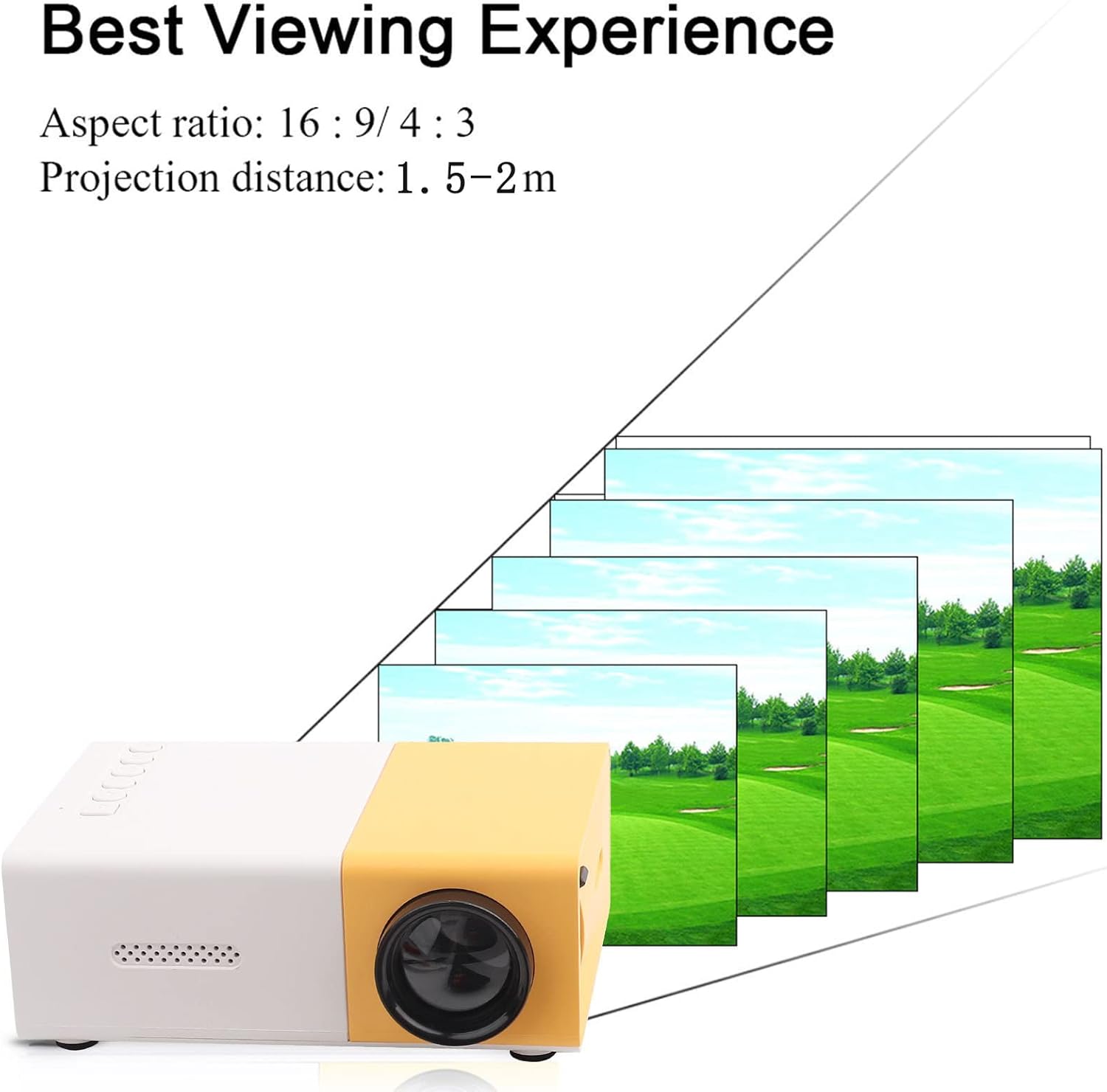
Рисунок 4: Найкраще Viewing Experience. This image shows the projector projecting onto a screen, with text indicating an aspect ratio of 16:9/4:3 and a projection distance of 1.0-2.8m. It visually represents how the image size changes with distance.
3. Підключення пристроїв введення:
Connect your desired media device (e.g., laptop, TV box, game console, USB drive) to the appropriate port on the projector:
- HDMI: Для відео та аудіо високої чіткості.
- USB: Для відтворення медіа files безпосередньо з флеш-накопичувача USB.
- AV: For connecting devices using the included AV cable (e.g., older DVD players).
- VGA: Для підключення комп'ютерів.
- Micro Secure Digital (MicroSD): Для відтворення медіа files directly from a MicroSD card.
- 3.5-мм роз'єм для навушників: Для підключення зовнішніх навушників або динаміків.
Інструкція з експлуатації
1. Увімкнення/вимкнення:
Натисніть кнопку живлення на проекторі або пульті дистанційного керування, щоб увімкнути або вимкнути пристрій.
2. Focusing the Image:
The projector features manual focusing. Rotate the focus ring on the lens until the projected image appears clear and sharp on the screen.
3. Selecting Input Source:
Use the "Source" button on the projector or remote control to cycle through the available input sources (HDMI, USB, AV, VGA, MicroSD) until your connected device's content is displayed.
4. Adjusting Aspect Ratio:
The projector supports aspect ratios of 16:9 and 4:3. You can adjust this setting via the projector's menu or remote control to best suit your content.
5. Відтворення медіа:
When playing media from USB or MicroSD, navigate through files using the remote control's directional buttons and "OK" button. The projector supports a wide range of formats:
- Аудіо Files: MP3, WMA, OGG, AAG, FLAC, APE, WAV
- Зображення Files: JPEG, BMP, PNG
- відео Files: Supports Full Format Files
- текст Files: TXT
Технічне обслуговування
1. Очищення лінзи:
Використовуйте м’яку тканину без ворсу, спеціально розроблену для оптичних лінз, щоб обережно протерти об’єктив проектора. Уникайте використання абразивних засобів для чищення або надмірного зусилля, оскільки це може подряпати об’єктив.
2. Cleaning the Projector Body:
Wipe the exterior of the projector with a soft, dry cloth. Do not use liquid cleaners or solvents.
3. Вентиляція:
Ensure that the ventilation vents on the projector are not blocked. Proper airflow is crucial to prevent overheating and maintain the lifespan of the LED light source.
4. Зберігання:
Якщо проектор не використовується протягом тривалого часу, зберігайте його в прохолодному, сухому місці, подалі від прямих сонячних променів та надмірного пилу. Рекомендується використовувати оригінальну упаковку або захисний футляр.
Усунення несправностей
| проблема | Можлива причина | Рішення |
|---|---|---|
| Зображення не проєктується. |
|
|
| Зображення розмите. |
|
|
| Ні звуку. |
|
|
| Projector overheats or shuts down. |
|
|
Технічні характеристики
| Особливість | Деталь |
|---|---|
| Джерело світла | LED, 30,000 hours lifespan |
| Рідна роздільна здатність | 320 x 240P |
| Яскравість | 1500лм |
| Коефіцієнт контрастності | 800:1 |
| Режим фокусування | Ручне фокусування |
| Відображаються кольори | 1.67M |
| Співвідношення сторін | 16:9 / 4:3 |
| Відстань проекції | 1.0 - 2.8 м |
| Розмір проекційного екрана | 24 - 60 дюймів |
| Вхідна потужність | DC12V-2A |
| Розміри | Приблизно 127 x 81.5 x 48.5 мм (5 x 3.2 x 1.9 дюйма) |
| вага | Приблизно 500 г (1.1 фунта) |
| Інтерфейси | 1 x HDMI, 1 x USB, 1 x AV, 1 x VGA, 1 x Micro Secure Digital, 1 x 3.5mm Earphone Port |
Гарантія та підтримка
For warranty information and technical support, please refer to the purchase documentation or contact your retailer. Keep your proof of purchase for any warranty claims.
For further assistance, you may also visit the official Zerone store on Amazon: Zerone Store.
Ask a question about this manual
Ask about setup, troubleshooting, compatibility, parts, safety, or missing instructions. Manuals+ will review the question and use this page’s manual context to help answer it.