
Viotek NB24CW
Viotek NB24CW 24-Inch Curved Monitor User Manual
Model: NB24CW
вступ
This manual provides essential information for the safe and efficient operation of your Viotek NB24CW 24-Inch LED Curved Monitor. Please read this guide thoroughly before using the product and retain it for future reference.
The Viotek NB24CW is a 24-inch curved LED monitor featuring a 1920x1080p Full-HD resolution, 75Hz refresh rate, and FreeSync technology. It includes built-in speakers, VGA and HDMI 1.4 ports, and is VESA mount compatible. Its bezel-less design offers an immersive viewдосвід як для роботи, так і для розваг.
Інформація про безпеку
Для забезпечення безпечної роботи та запобігання пошкодженням дотримуйтесь наступних запобіжних заходів:
- Не піддавайте монітор впливу дощу, вологи або екстремальних температур.
- Уникайте розміщення монітора поблизу джерел тепла або під прямими сонячними променями.
- Використовуйте лише адаптер живлення, що постачається з монітором.
- Не перекривайте вентиляційні отвори.
- Протирайте екран м’якою тканиною без ворсу. Уникайте абразивних засобів для чищення.
- If any issues arise, disconnect the power cable and contact customer support.
Вміст упаковки
Перевірте наявність усіх елементів в упаковці:
- Viotek NB24CW Monitor
- Підставка для монітора (основа та шия)
- Адаптер живлення
- Кабель HDMI
- VESA Adapter (75x75mm)
- Посібник користувача (цей документ)
Налаштування
1. Збірка підставки
- Обережно вийміть монітор з упаковки.
- Прикріпіть шийку підставки до панелі монітора за допомогою наданих гвинтів.
- Закріпіть основу підставки на шийці підставки.
- Помістіть зібраний монітор на стійку, рівну поверхню.
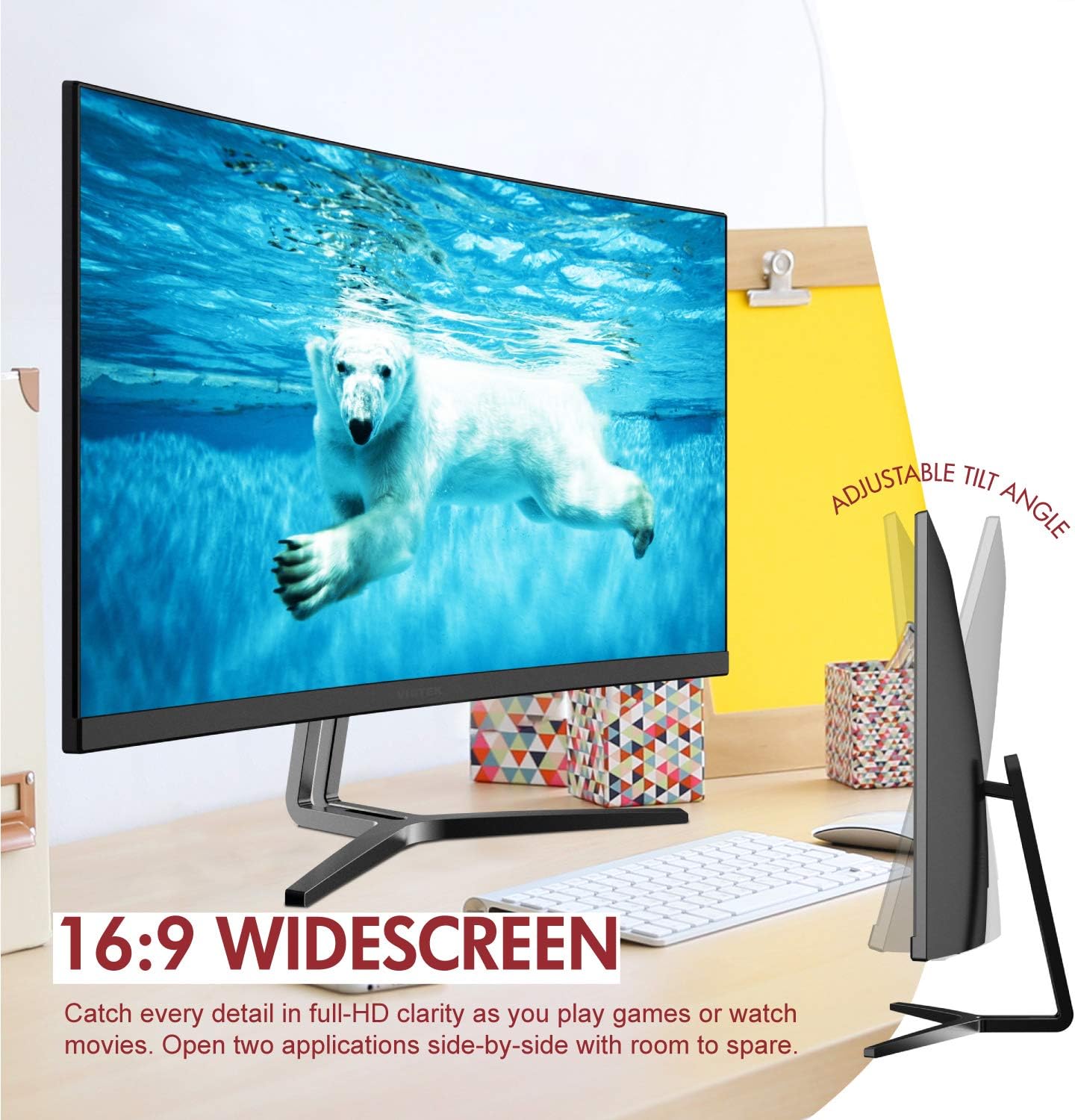
Image: The Viotek NB24CW monitor with its stand, highlighting the 16:9 widescreen aspect ratio and adjustable tilt angle. The monitor is shown displaying a polar bear underwater.
2. Підключення до пристрою
The monitor supports HDMI and VGA connections.
- Підключення HDMI: Connect one end of the HDMI cable (included) to the HDMI port on your computer or gaming console, and the other end to the HDMI 1.4 port on the monitor.
- Підключення VGA: Connect one end of the VGA cable (not included) to the VGA port on your computer, and the other end to the VGA port on the monitor.

Зображення: Детальний view of the monitor's rear panel, illustrating the HDMI 1.4 and VGA input ports for connecting to various devices.
3. Підключення живлення
Підключіть адаптер живлення до входу живлення монітора, а потім увімкніть адаптер у розетку.
4. Кріплення VESA (додатково)
The monitor is VESA 75x75mm compatible. Use the included VESA adapter to mount the monitor to a wall or compatible monitor arm.

Image: The back of the Viotek NB24CW monitor, highlighting its VESA mounting capability, integrated speakers, and connectivity options including VGA and HDMI.
Інструкція з експлуатації
1. Увімкнення/вимкнення живлення
Натисніть кнопку живлення, розташовану в правому нижньому куті монітора, щоб увімкнути або вимкнути його.
2. Екранне меню (OSD).
Use the buttons next to the power button to navigate the OSD menu. This menu allows you to adjust various settings such as brightness, contrast, color temperature, input source, and audio volume.
3. Налаштування параметрів дисплея
- Яскравість/Контрастність: Adjust these settings for optimal visual comfort.
- Параметри кольору: Select from preset color modes or customize RGB values.
- Джерело введення: Manually select between HDMI and VGA inputs if auto-detection fails.
- Низьке синє світло: Activate this feature to reduce eye strain during prolonged use.
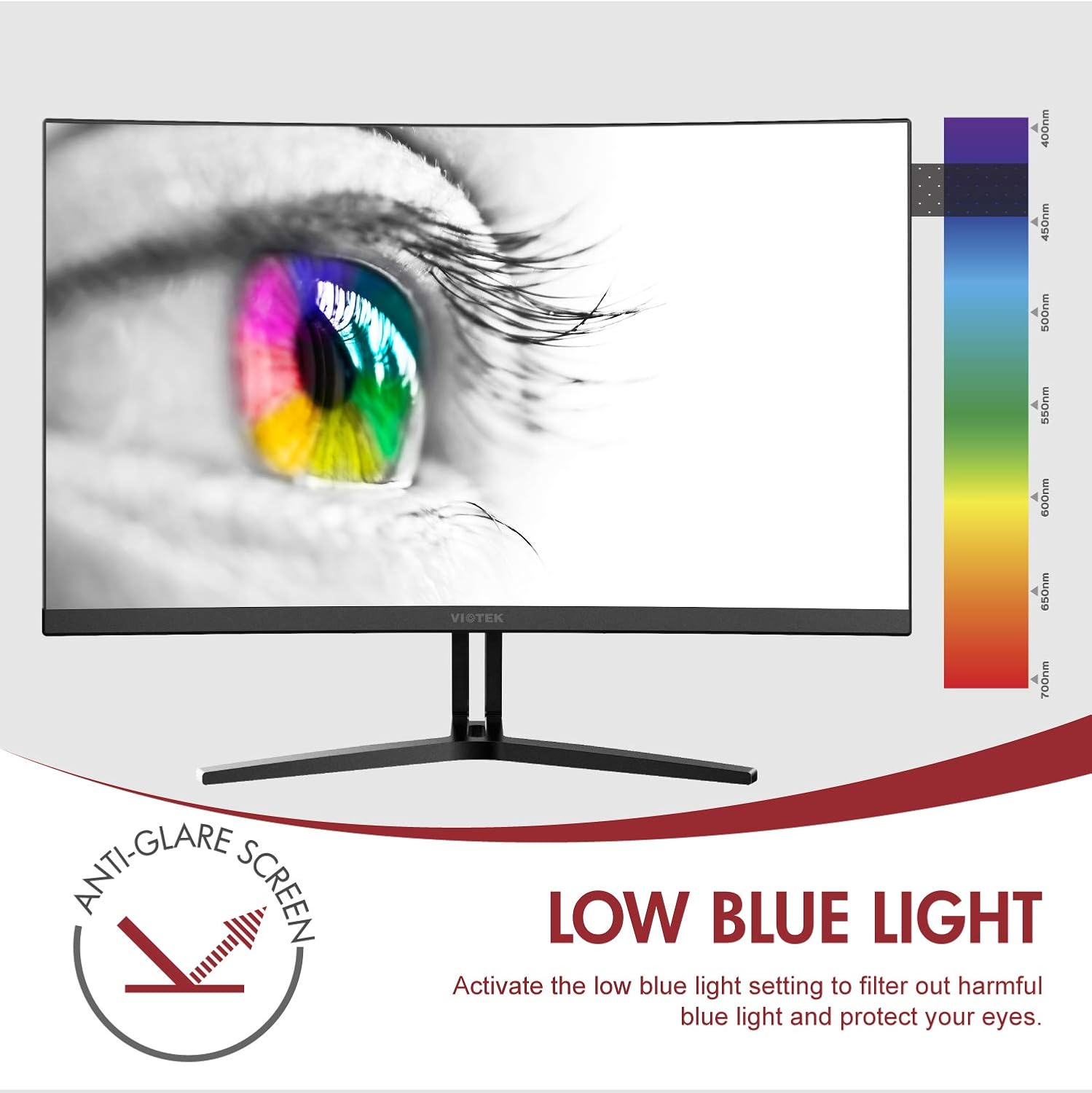
Image: The monitor screen showing an eye with a color spectrum, indicating the Low Blue Light feature designed to protect vision.
4. Ігрові функції
The NB24CW monitor includes features optimized for gaming:
- FreeSync: Enable FreeSync in the OSD menu and on your compatible graphics card to eliminate screen tearing and stuttering.
- GamePlus: Access GamePlus features like integrated crosshairs for improved aiming in FPS/RTS games.
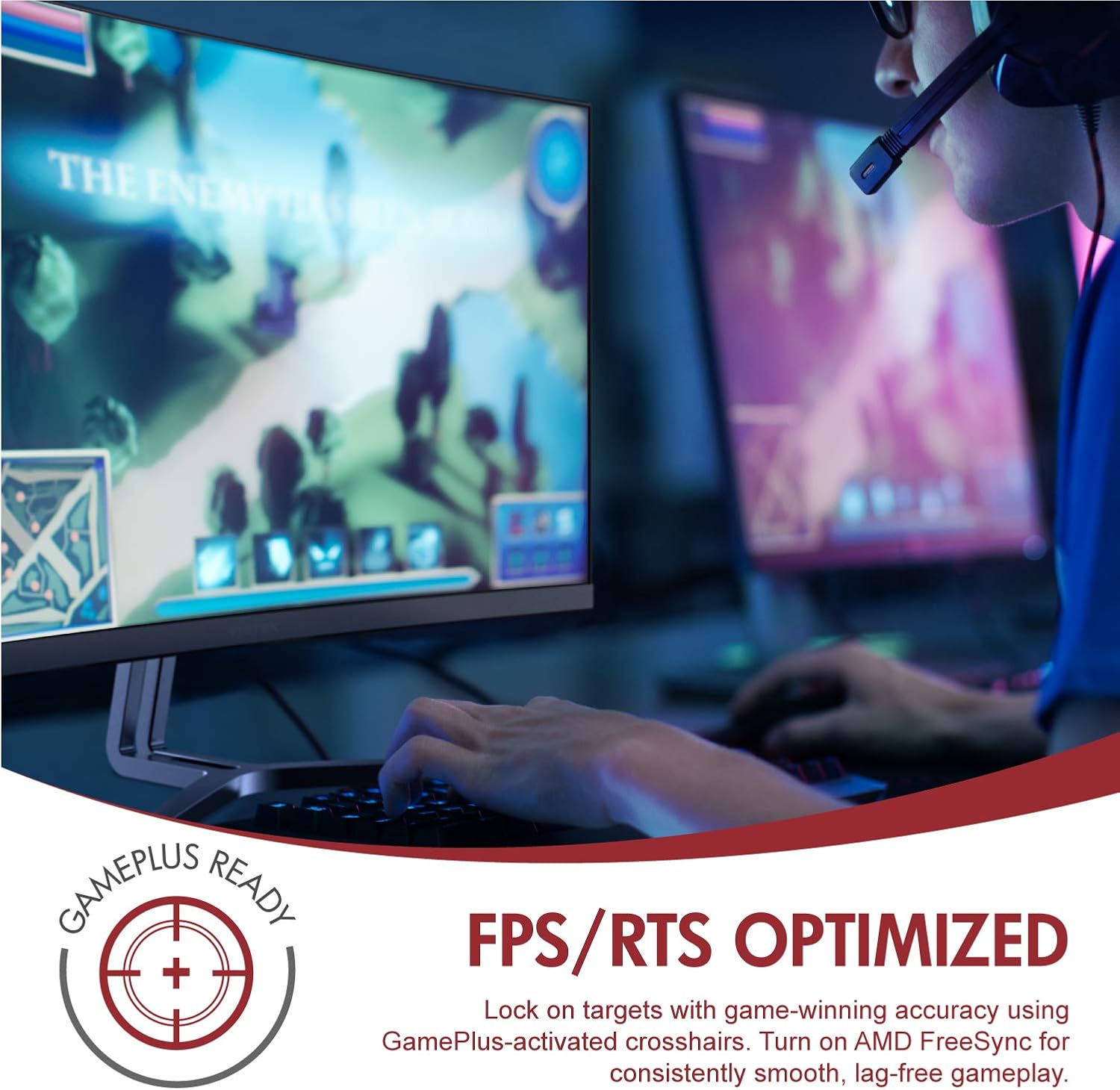
Image: A user engaged in gaming on the Viotek NB24CW monitor, highlighting its FPS/RTS optimized features and GamePlus functionality for enhanced gameplay.
Технічне обслуговування
- Очищення екрану: Обережно протріть екран м’якою, сухою тканиною без ворсу. Для стійких плям злегка протрітьampПротріть тканину водою або спеціальним розчином для чищення екранів. Не розпилюйте рідину безпосередньо на екран.
- Очищення Casing: Використовуйте м’яку суху тканину для очищення монітораasing. Уникайте використання агресивних хімікатів або абразивних матеріалів.
- Зберігання: If storing the monitor for an extended period, disconnect it from power, pack it in its original packaging, and store in a cool, dry place.
Усунення несправностей
| проблема | Можлива причина | Рішення |
|---|---|---|
| На екрані немає зображення | Power cable disconnected, incorrect input source, video cable loose. | Check power connections, select correct input source via OSD, ensure video cable is securely connected. |
| Зображення розмите або спотворене | Неправильна роздільна здатність, несправний відеокабель. | Set display resolution to 1920x1080p, try a different HDMI cable. |
| Немає звуку з динаміків | Volume too low, audio source not selected, external speakers connected. | Increase volume in OSD and computer settings, ensure audio is routed to monitor, disconnect external speakers if not needed. |
| Мерехтіння екрана | Refresh rate mismatch, faulty cable, FreeSync issue. | Ensure refresh rate is set to 75Hz, try a different video cable, disable FreeSync temporarily to diagnose. |
Технічні характеристики
| Особливість | Деталь |
|---|---|
| Модель | NB24CW |
| Розмір екрана | 24 дюймів |
| Тип панелі | LED Curved |
| Кривизна | 1800R |
| роздільна здатність | 1920 x 1080 (Full HD) |
| Співвідношення сторін | 16:9 |
| Частота оновлення | 75 Гц |
| Час відгуку | 5 мс |
| Viewкут нахилу | 178° |
| Коефіцієнт контрастності | 1,000,000:1 (динамічний) |
| Підтримка кольорів | 16.7 мільйонів кольорів, 96% sRGB |
| Підключення | 1x HDMI 1.4, 1x VGA |
| Аудіо | Built-in Speakers (2x4Ω/3W) |
| Сумісність VESA | 75x75mm (Adapter Included) |
| Адаптивна синхронізація | FreeSync |
| Регулювання нахилу | від -5° до 15° |
| Особливості | Bezel-less design, GamePlus, FPS/RTS modes, Low Blue Light, Anti-glare screen |

Image: The Viotek NB24CW monitor showcasing its key performance specifications: 1080p resolution, 1800R curvature, 75Hz refresh rate, and 5ms response time.
Інформація про гарантію
Your Viotek NB24CW monitor is covered by a 3-річна обмежена гарантія виробника. This warranty covers defects in materials and workmanship under normal use. Additionally, Viotek offers an industry-leading Zero-Tolerance Dead Pixel Policy, ensuring your display is free from dead pixels.
For full warranty terms and conditions, please refer to the official Viotek webсайту або зв’яжіться зі службою підтримки клієнтів.

Image: A visual representation of Viotek's commitment to quality, featuring a "3 Year Warranty" and "Zero Dead Pixel - Parts & Labor" guarantee.
Підтримка клієнтів
For technical assistance, warranty claims, or general inquiries, please contact our 100% U.S.-based Customer Support Team. They are available 7 days a week via live-chat, email, and social media support.
- Webсайт: www.viotek.com
- Електронна пошта: Refer to the Viotek webсайт для конкретного контакту електронною поштою.
- Живий чат: Available on the official Viotek webсайт.
Продукт закінченийview відео
Відео: Офіційний продукт завершеноview video for the Viotek NB24CB (similar model to NB24CW) monitor, showcasing its curved display, thin design, connectivity ports, and key features like 75Hz refresh rate, FreeSync, and built-in speakers. This video provides a visual guide to the monitor's design and capabilities.
Ask a question about this manual
Ask about setup, troubleshooting, compatibility, parts, safety, or missing instructions. Manuals+ will review the question and use this page’s manual context to help answer it.