
вступ
The FosPower Emergency Weather Radio (Model A1) is engineered to provide reliable communication, power, and illumination during emergencies. With multiple power sources and essential features, it's an indispensable tool for any emergency kit, camping trip, or outdoor adventure.
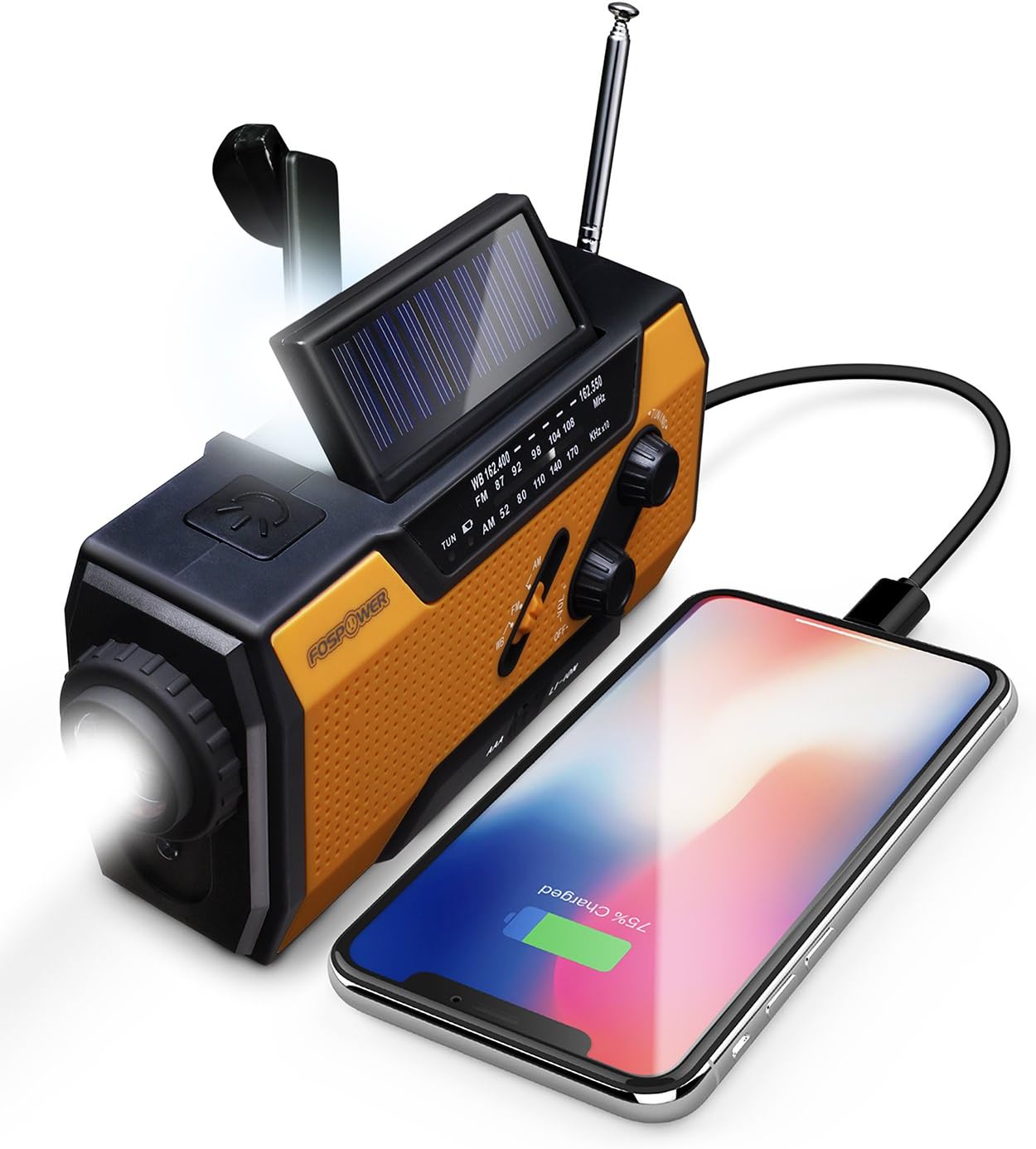
The FosPower Emergency Weather Radio, shown charging a smartphone via its USB port, highlighting its power bank capability.
Налаштування та перше використання
Battery Installation and Selection
The radio operates on a built-in Lithium-Ion battery or 3 AAA batteries (not included). To use AAA batteries, open the battery compartment on the back and insert them according to polarity. Ensure the battery selector switch (located near the AAA compartment) is set to 'AAA' for AAA battery use or 'LI-ION' for the internal Lithium-Ion battery.
Зарядка внутрішньої батареї
- USB зарядка: Connect the included USB cable to the radio's Micro USB port and to a USB power source (e.g., wall adapter, computer). The 'Charge' indicator light will illuminate during charging.
- Сонячна зарядка: Place the radio with its solar panel facing direct sunlight. The solar panel will slowly charge the internal battery. This method is ideal for maintaining charge or for emergency top-ups.
- Зарядка рукоятки: Extend the hand crank handle from the back of the radio. Rotate the crank clockwise or counter-clockwise at a steady pace (approx. 130-150 RPM) to generate power. A red indicator light will show when power is being generated. One minute of cranking can provide approximately 20 minutes of light or 15 minutes of radio use.
Інструкція з експлуатації
Робота радіо (AM/FM/NOAA)
To turn on the radio, rotate the 'Volume' knob clockwise. Select your desired band (AM, FM, or WB for Weather Band) using the selector switch. Extend the telescopic antenna for better reception. Rotate the 'Tuning' knob to find your desired station or NOAA weather broadcast. The 'Tune' indicator light will illuminate when a strong signal is received.

The radio provides access to AM/FM and NOAA Weather Radio broadcasts, crucial for staying informed during emergencies.
Джерела світла
- Ліхтарик: Press the flashlight button on the front of the radio to turn it on/off. The flashlight features an adjustable beam; rotate the lens bezel to switch between a broad floodlight and a focused spotlight.
- Світло для читання: Lift the solar panel to reveal the 4-LED reading light. This provides a broader, softer illumination suitable for reading or general area lighting.

Equipped with a powerful 1W LED flashlight and a 4-LED reading light for versatile illumination.
Портативний банк живлення
The radio features a 7400mWh (2000mAh) power bank. To charge external devices, connect your device's USB charging cable to the radio's USB output port. Ensure the SOS/Charge selector switch (on the side) is set to the 'Charge' position (downwards, indicated by a battery icon). This feature is designed for emergency power to small tablets or phones.
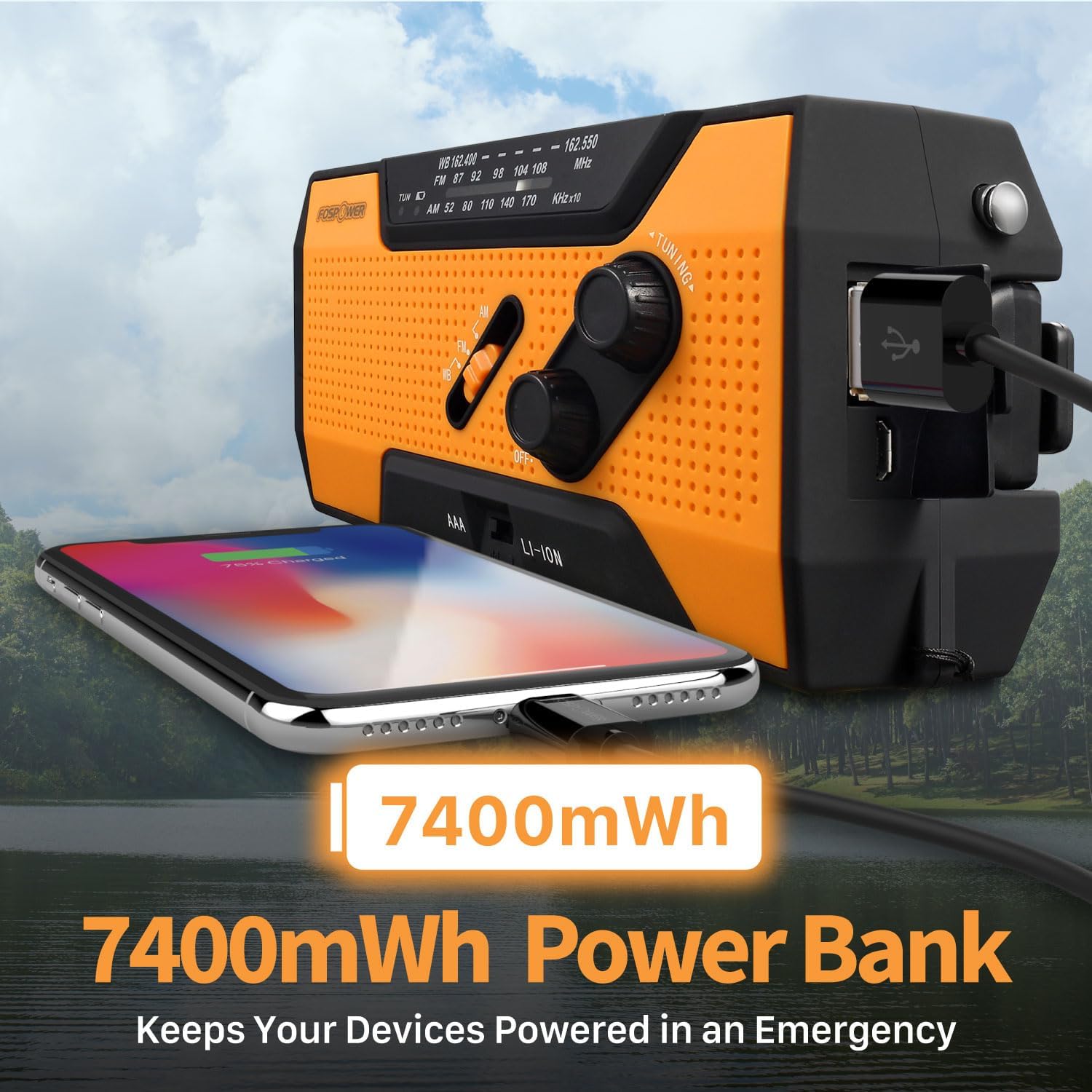
The built-in 7400mWh power bank provides emergency charging for your mobile devices.
Функція сигналізації SOS
In an emergency, slide the SOS/Charge selector switch to the 'SOS' position (upwards). This will activate a loud 115dB alarm and a flashing light to attract attention. To deactivate, slide the switch back to the middle (off) or 'Charge' position.
Activate the loud 115dB SOS alarm and flashing light for emergency signaling.
Технічне обслуговування
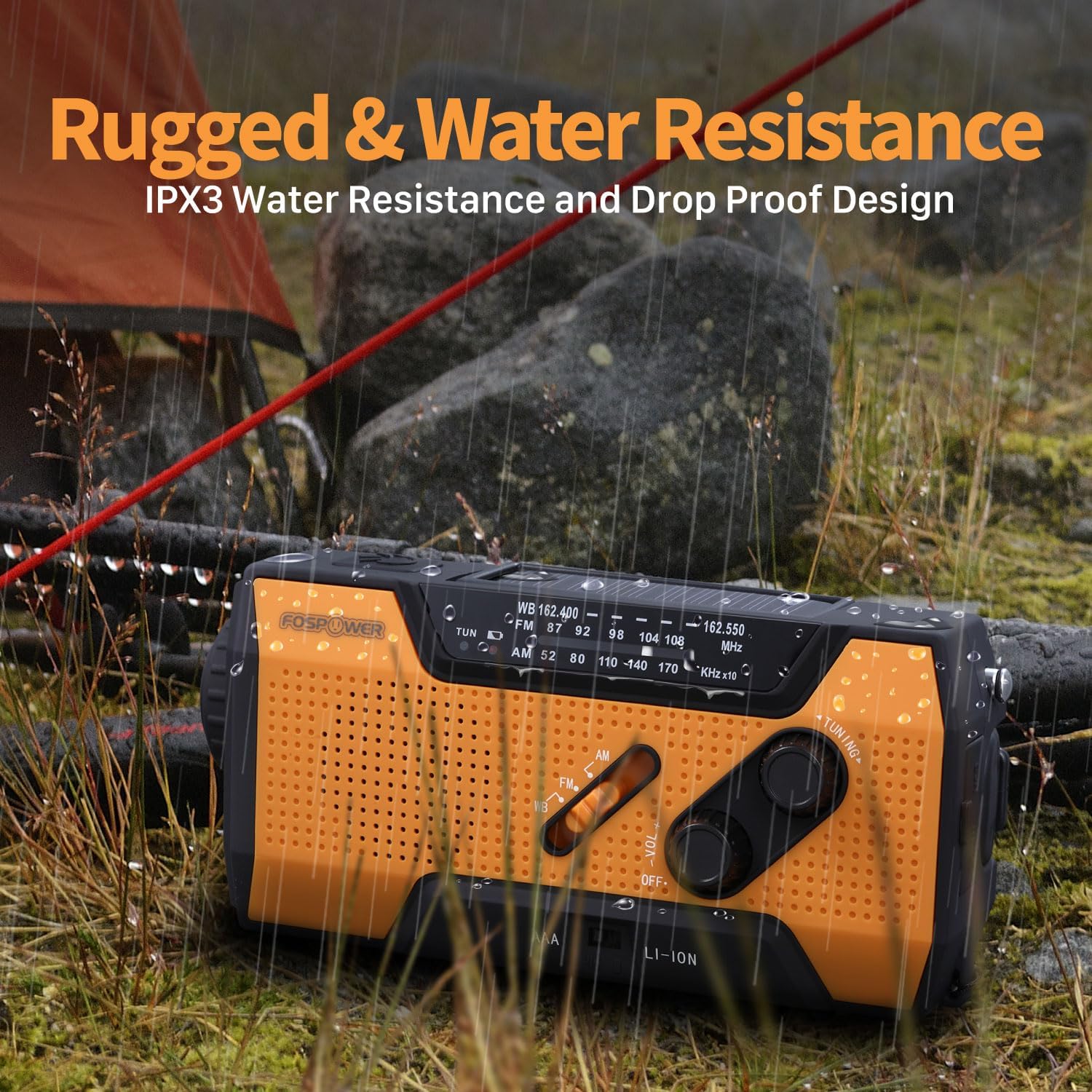
Keep the radio clean by wiping it with a soft, dry cloth. Avoid using harsh chemicals or abrasive cleaners. Store the radio in a cool, dry place away from direct sunlight and extreme temperatures when not in use. For long-term storage, ensure the internal Lithium-Ion battery is partially charged (around 50%) to prolong its lifespan. The radio features an IPX3 water resistance rating, meaning it can withstand light rain or splashes, but it is not designed for submersion.

The radio's rugged and IPX3 water-resistant design ensures durability in various outdoor conditions.
Усунення несправностей
- Немає живлення: Check the battery selector switch is set correctly (AAA or LI-ION). Ensure AAA batteries are inserted with correct polarity and are not depleted. If using the internal battery, try charging via USB, solar, or hand crank.
- Поганий радіоприйом: Fully extend the telescopic antenna. Try repositioning the radio for a clearer signal. Adjust the tuning knob slowly.
- Зовнішній пристрій не заряджається: Ensure the SOS/Charge switch is set to the 'Charge' position. Verify your device's charging cable is properly connected. Check if the radio's internal battery has sufficient charge.
- Сигналізація SOS не активується: Ensure the SOS/Charge switch is fully slid to the 'SOS' position.
Технічні характеристики
| Особливість | Деталь |
|---|---|
| Розміри продукту | 6.2 x 2.9 x 2.1 дюйми (6.2 дюймів Д x 2.1 дюймів Ш x 2.9 дюйми В) |
| Вага товару | 14.8 унції |
| Номер моделі | FOSPWB-2376 |
| Джерело живлення | Solar, Battery (Internal Li-Ion, 3xAAA), Handcrank |
| Ємність внутрішньої батареї | 7400mWh (2000mAh) |
| Підтримувані радіодіапазони | FM, WB (NOAA Weather Band), AM |
| Технологія тюнера | AM/FM/WB |
| Технологія підключення | USB C (for charging radio) |
| Особливість | Portable, SOS Alarm, Flashlight, Reading Light |
| Водонепроникність | IPX3 |
Гарантія та підтримка
The FosPower Emergency Weather Radio comes with a Обмежена довічна гарантія. For more information regarding warranty claims or product support, please visit the official FosPower webсайт або зверніться безпосередньо до служби підтримки клієнтів.
An Owner's Manual is included with your purchase for detailed instructions and information.