
1. Вступ
The Rocketek TFU3R is a compact and portable USB 3.0 card reader designed for Micro SD (TF) cards. It allows for high-speed data transfer between your Micro SD card and USB-enabled devices such as laptops and tablets. This device supports plug-and-play functionality and hot-swapping, making it convenient for various applications.
Ключові характеристики:
- Маленький та портативний: Designed for easy portability, fitting conveniently in a wallet or pocket.
- Plug and Play: Для більшості операційних систем драйвери не потрібні.
- Гаряча заміна: Allows insertion and removal of the device without restarting the computer.
- Живлення від USB: Operates without external power or batteries.
- Надшвидкісний USB 3.0: Забезпечує швидкість передачі даних до 5 Гбіт/с, зворотно сумісний з USB 2.0/1.1.
- Міцний дизайн: Constructed with an aluminum case for enhanced durability and efficient heat dissipation.
2. Інструкції з налаштування
Follow these steps to set up and begin using your Rocketek TFU3R Micro SD Card Reader.
2.1 Вставлення карти Micro SD
- Locate the Micro SD card slot on the Rocketek TFU3R card reader.
- Gently insert your Micro SD (TF) card into the slot until it clicks into place. Ensure the card is oriented correctly to avoid damage.
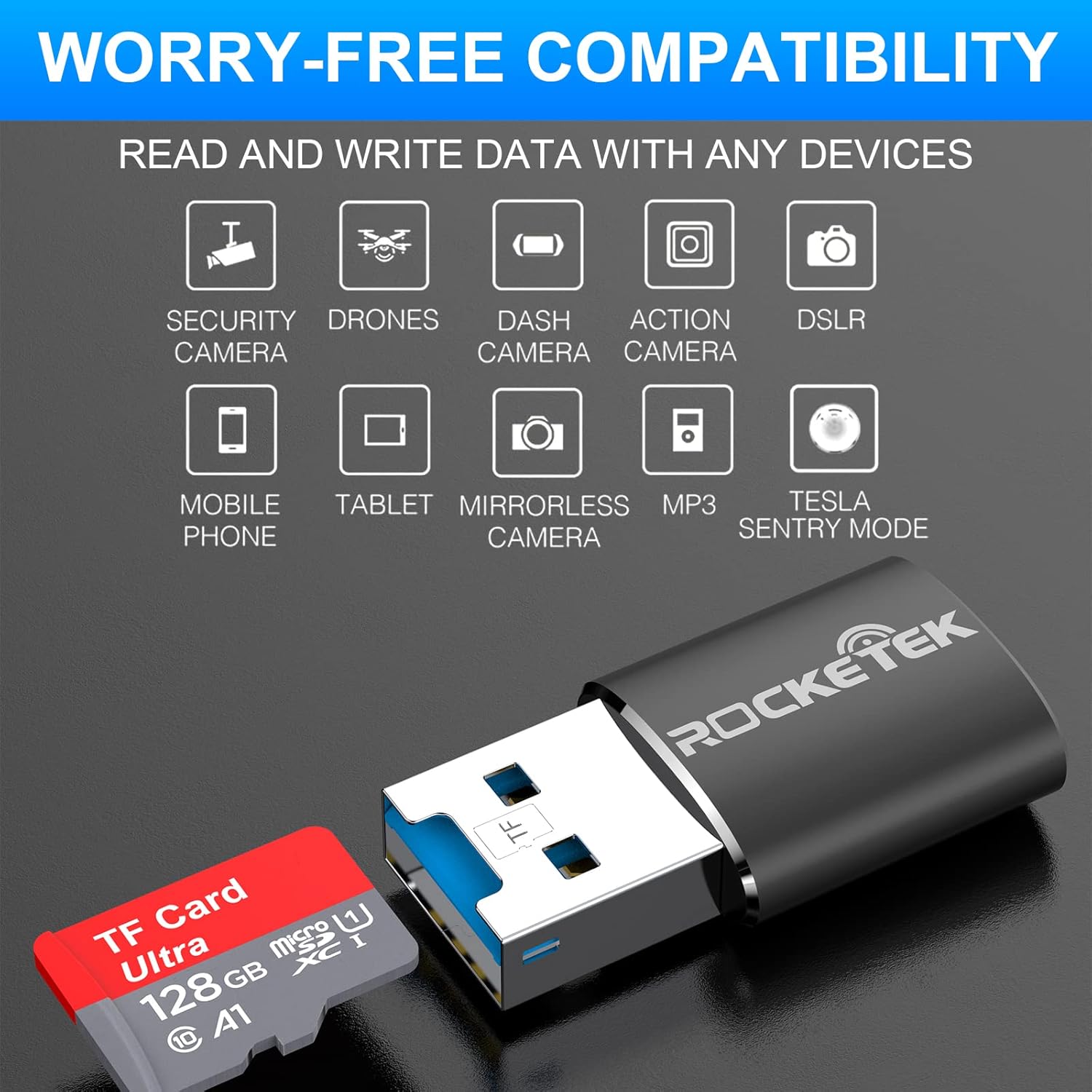
Image: Hands inserting a Micro SD card into the Rocketek TFU3R USB 3.0 card reader.
2.2 Підключення до вашого пристрою
- Locate an available USB 3.0 or USB 2.0 port on your computer, laptop, or tablet.
- Plug the Rocketek TFU3R card reader, with the Micro SD card inserted, into the USB port.
- The device is plug-and-play; your operating system should automatically detect it and install any necessary generic drivers.
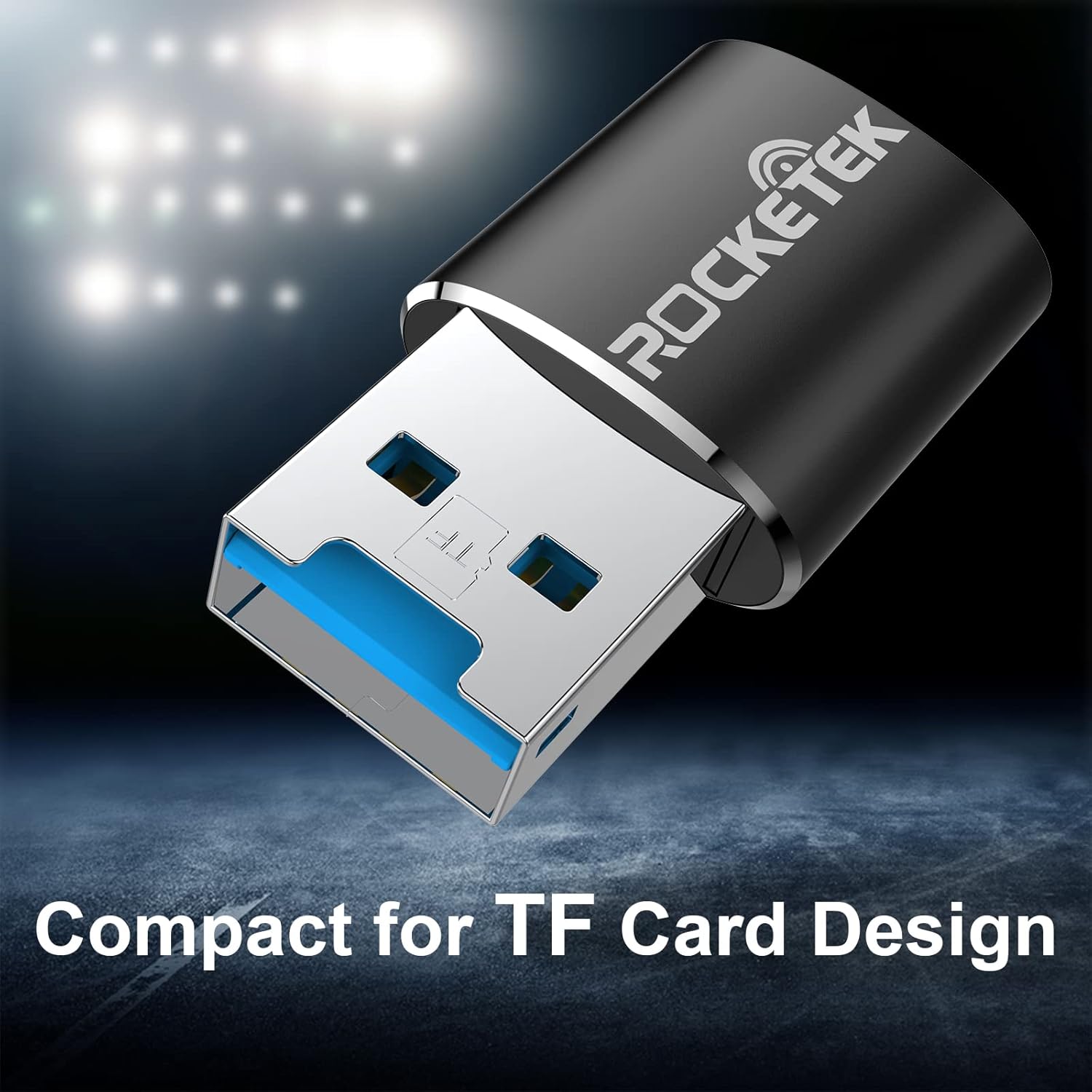
Image: Rocketek TFU3R USB 3.0 card reader plugged into a laptop's USB port, displaying 'Plug & Play'.
Video: A short demonstration showing how to insert a TF card into the Rocketek reader and connect it to a laptop for immediate use, highlighting its portability and plug-and-play functionality.
3. Інструкція з експлуатації
Once connected, the Rocketek TFU3R functions like any standard external storage device.
3.1 Передача даних
- After connecting the card reader to your device, open your computer's file explorer (Windows) or Finder (Mac OS).
- The Micro SD card will appear as a removable drive.
- Тепер ви можете перетягувати files to and from the Micro SD card, or use copy/paste functions to transfer data.
- The USB 3.0 interface provides SuperSpeed data transfer up to 5 Gbps, ensuring quick transfers of large files.
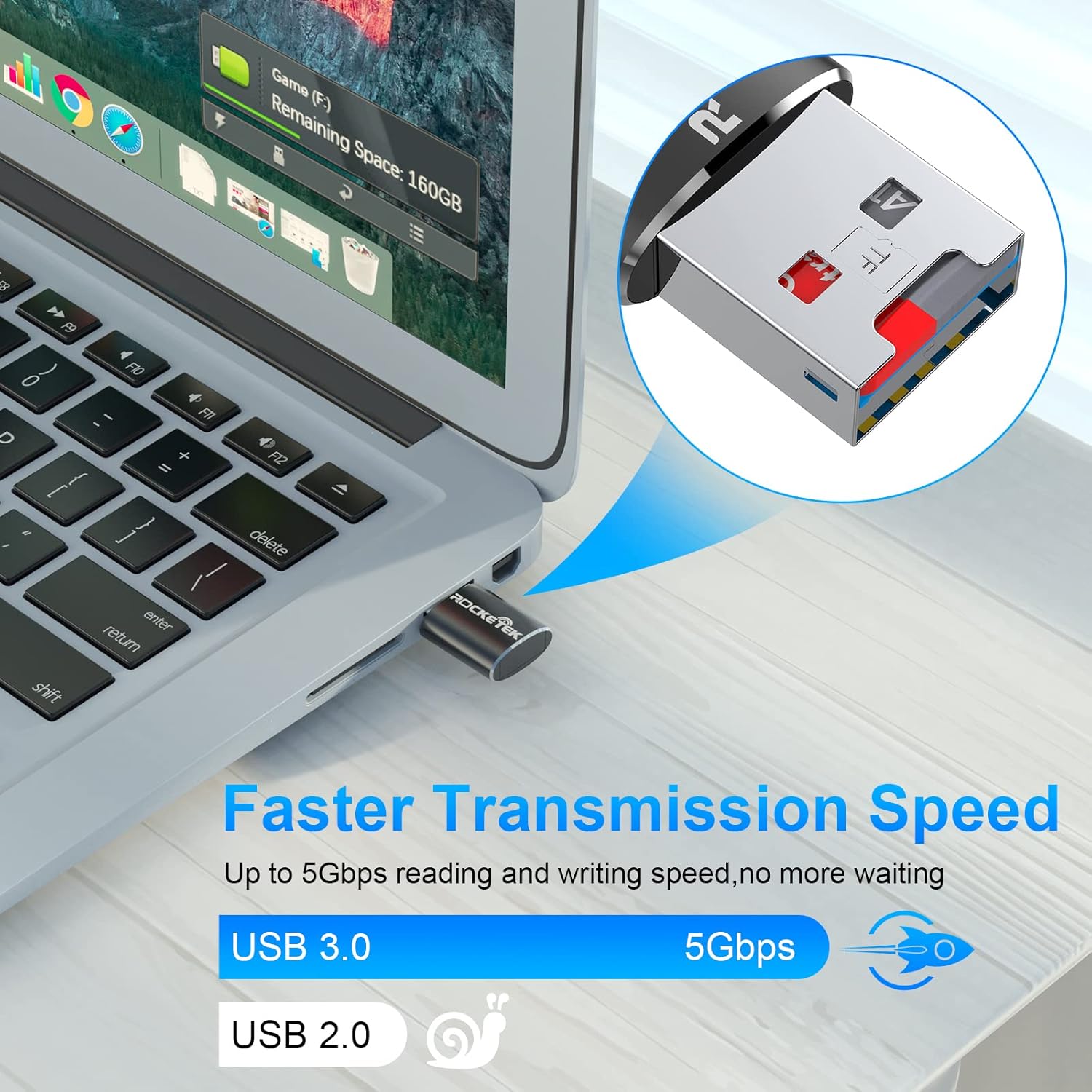
Image: Laptop screen showing file transfer with the Rocketek TFU3R plugged in, indicating 'Faster Transmission Speed' and 'USB 3.0 5Gbps'.
3.2 Безпечне видалення
To prevent data corruption, always safely remove the card reader before unplugging it from your computer.
- Windows: Right-click on the drive icon in 'This PC' or the taskbar's 'Safely Remove Hardware' icon, then select 'Eject'.
- MacOS: Drag the drive icon to the Trash or click the Eject button next to the drive name in Finder.
4. Сумісність
The Rocketek TFU3R card reader offers broad compatibility with various devices and operating systems.
4.1 Підтримувані пристрої
- Ноутбуки
- Таблетки
- Настільні комп'ютери
- Other USB-enabled devices

Image: Diagram illustrating the Rocketek TFU3R's compatibility with tablets and laptops, showing a Micro SD card being inserted.
4.2 Підтримувані операційні системи
- Windows 7 / 8 / 8.1 / 10+
- Mac OS
- Linux

Image: The Rocketek TFU3R is compatible with a wide range of devices, including security cameras, drones, dash cameras, action cameras, DSLRs, mobile phones, tablets, mirrorless cameras, MP3 players, and for Tesla Sentry Mode.
5. Технічні характеристики
| Особливість | Деталь |
|---|---|
| Номер моделі | TFU3R (RT-TFU3R-B) |
| Бренд | Rocketek |
| Тип носія | Micro SD (TF) |
| Технологія підключення | USB |
| Апаратний інтерфейс | USB 3.0 (зворотно сумісний з USB 2.0/1.1) |
| Швидкість передачі даних | До 5 гігабіт на секунду (USB 3.0) |
| Slot Count | 1 (for Micro SD/TF cards) |
| Особливість | Portable, Plug & Play, Hot Swapping |
| матеріал | Алюмінієвий корпус |
| Сумісність операційної системи | Windows 7/8/8.1/10+, Mac OS, Linux |
6. Вирішення проблем
If you encounter issues with your Rocketek TFU3R, refer to the following common troubleshooting steps.
6.1 Пристрій не розпізнано
- Перевірити підключення: Ensure the card reader is fully inserted into the USB port.
- Спробуйте інший порт USB: Connect the card reader to a different USB port on your computer.
- Спробуйте інший пристрій: Test the card reader on another computer or compatible device to rule out a port issue.
- Check Micro SD Card: Ensure the Micro SD card is properly inserted into the card reader and is not damaged. Test the Micro SD card in another device if possible.
- Перезавантажте комп'ютер: Іноді простий перезапуск може вирішити проблеми з виявленням.
6.2 Повільна швидкість передачі даних
- Використання порту USB 3.0: For optimal speeds (up to 5 Gbps), ensure the card reader is plugged into a USB 3.0 port (often identified by a blue interior). Connecting to a USB 2.0 port will result in slower speeds.
- Check Micro SD Card Speed Class: The actual transfer speed is also limited by the speed class of your Micro SD card. Use a high-speed card for better performance.
- Avoid Other USB Devices: Disconnect other high-bandwidth USB devices if you are experiencing unusually slow speeds.
6.3 Card Not Reading
- Reinsert Card: Remove and reinsert the Micro SD card, ensuring it is seated correctly.
- Чисті контакти: Gently clean the metal contacts on the Micro SD card with a soft, dry cloth.
- Check Card Format: Ensure the Micro SD card is formatted in a file system compatible with your operating system (e.g., FAT32, exFAT, NTFS).
7. Технічне обслуговування
Proper care and maintenance will extend the lifespan of your Rocketek TFU3R card reader.
- Зберігати сухим: Уникайте впливу вологи або рідин на пристрій.
- Обережно очищайте: Використовуйте м’яку суху тканину для очищення зовнішньої частини. Не використовуйте агресивні хімікати або абразивні матеріали.
- Зберігайте належним чином: Коли зчитувач карток не використовується, зберігайте його в прохолодному, сухому місці, подалі від прямих сонячних променів та екстремальних температур.
- Обережно поводьтеся: Уникайте падіння та сильних ударів пристрою.
8. Гарантія та підтримка
Rocketek stands behind the quality of its products.
8.1 Інформація про гарантію
The Rocketek TFU3R USB 3.0 Micro SD Card Reader comes with a hassle-free 24-month warranty from the date of purchase. This warranty covers manufacturing defects and ensures reliable performance under normal use. Please retain your proof of purchase for warranty claims.
8.2 Підтримка клієнтів
For technical assistance, warranty claims, or any questions regarding your Rocketek TFU3R, please contact our customer support team:
- Електронна пошта: support@rocketek.com (Вихample email, please refer to product packaging for actual contact)
- Webсайт: Visit the official Rocketek webсайт із поширеними запитаннями та додатковими ресурсами.