
1. Вступ
This manual provides detailed instructions for the assembly, operation, and maintenance of your Sauder Costa 2 Drawer Lateral File Cabinet. Please read all instructions carefully before beginning assembly and retain this manual for future reference.

Image: The Sauder Costa 2 Drawer Lateral File Cabinet in Chalked Chestnut finish.
The Sauder Costa Lateral File Cabinet is designed to provide secure and organized storage for your documents in a home or work office environment. It features two lockable drawers that accommodate both letter and legal-size hanging files, along with a durable top surface suitable for displaying items.
2. Інформація про безпеку
- Пропозиція 65 Попередження: Цей продукт може містити хімічні речовини, відомі штату Каліфорнія, що спричиняють рак та вроджені вади або інший репродуктивний шкоду.
- Блокувальний механізм безпеки: The cabinet is equipped with a patented interlocking safety mechanism that allows only one drawer to open at a time. This feature is designed to prevent tipping and enhance stability.
- Безпечне зберігання: Drawers are lockable for secure storage of important documents.
- Стабільність: Ensure the unit is placed on a level surface. A properly attached back panel (during assembly) is crucial for assuring squareness, stability, and strength of your unit.
- Вага: Do not exceed the maximum weight capacity of 40 pounds for the top surface.
3. Parts & Hardware
Your Sauder Costa Lateral File Cabinet includes all necessary hardware and materials for assembly. A user manual is also provided within the packaging. Please verify all components are present before beginning assembly.
Включені компоненти:
- Металеві вироби (гвинти, замки з ексцентриком, шканти тощо)
- Engineered Wood Panels
- Направляючі та рейки для шухляд
- Ручки ящиків
- Keys for Locks
- Посібник користувача (цей документ)
4. Налаштування та складання
Assembly is required for this product. Please follow the step-by-step instructions provided in your physical assembly booklet. The following videos offer additional guidance for specific assembly steps.
4.1. Прикріплення задньої панелі
The back panel is essential for the structural integrity and squareness of your unit. Ensure the unit is squared up before fastening the back.
Video: Instructions on how to properly attach the back panel to your Sauder unit, ensuring stability and squareness.
4.2. Attaching Twist-Lock Fasteners
Some Sauder units utilize Twist-Lock fasteners for secure panel connections. Refer to this video for proper installation.
Video: A guide to attaching the Sauder Twist-Lock fasteners during assembly for secure connections.
4.3. Separating and Inserting Drawer Slides
Proper installation of drawer slides is crucial for smooth drawer operation. This video demonstrates how to separate the slides from extension rails, and how to insert and remove drawers.
Video: Detailed instructions on separating drawer slides from extension rails, and the process for inserting and removing drawers.
5. Інструкція з експлуатації
5.1. Функціональність висувної панелі
The file cabinet features two drawers with full extension slides, allowing complete access to the contents. The drawers are designed to hold both letter and legal-size hanging files.

Image: An open drawer showing the internal structure designed for hanging files, accommodating both letter and legal sizes.
5.2. Механізм блокування
Each drawer is equipped with a lock for securing your documents. Insert the key into the lock and turn to secure or unlock the drawer. Remember the interlocking safety mechanism allows only one drawer to be open at a time.
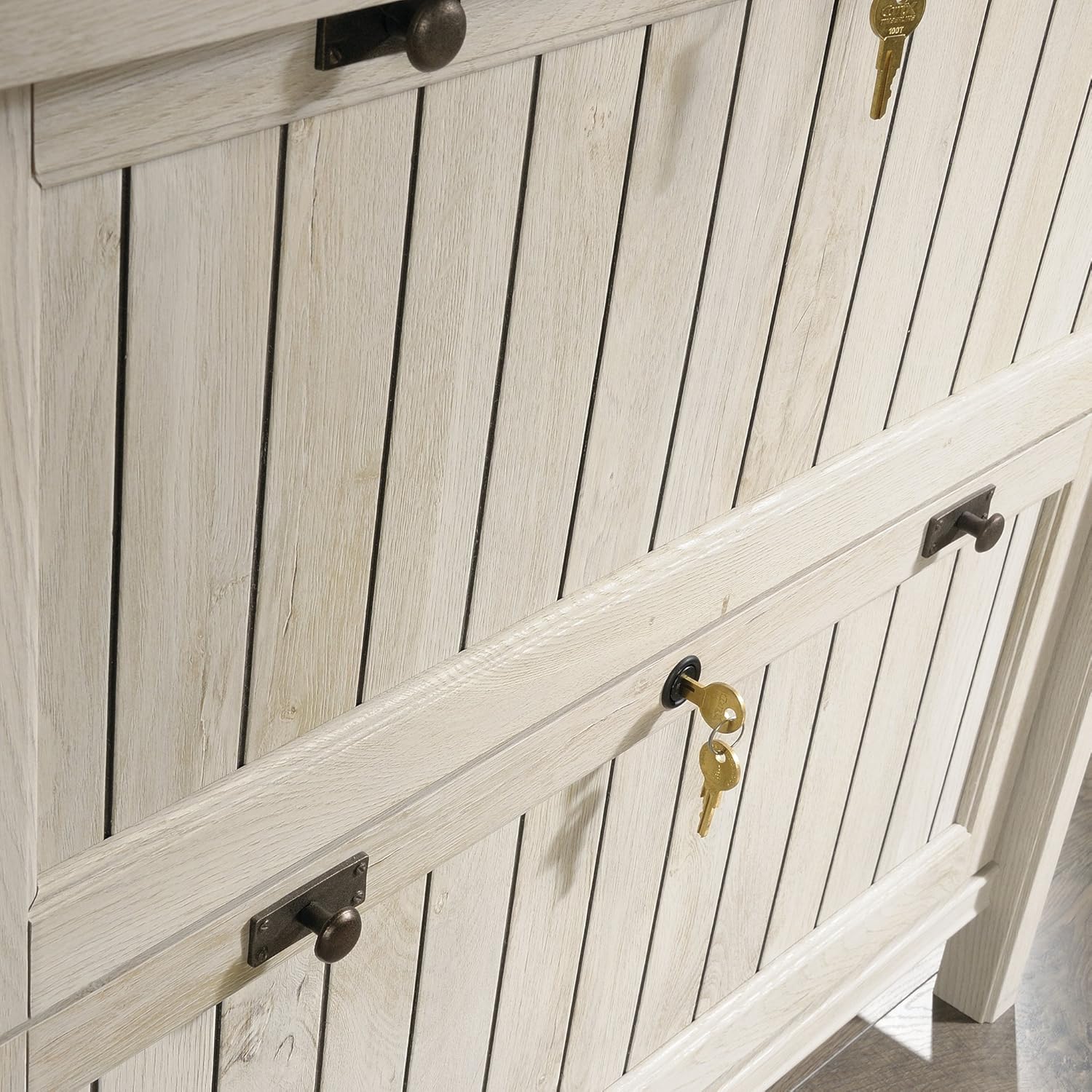
Зображення: Крупний план view of the drawer front, highlighting the lock and decorative handles.
5.3. Використання верхньої поверхні
The robust 1-inch thick top surface is suitable for placing decorative items, books, or a printer, with a maximum weight capacity of 40 pounds.
6. Технічне обслуговування
To clean your Sauder Costa Lateral File Cabinet, simply wipe it with a damp тканиною. Уникайте використання агресивних хімікатів або абразивних засобів для чищення, оскільки вони можуть пошкодити покриття.
7. Вирішення проблем
7.1. Drawers Not Closing Smoothly
If drawers are not closing or opening smoothly, ensure that the drawer slides are correctly aligned and free from obstructions. Refer to the "Separating and Inserting Drawer Slides" video in Section 4.3 for guidance on re-seating the slides.
7.2. Unit Instability
If the unit feels unstable, verify that the back panel is securely attached and that the unit is placed on a level surface. Ensure all fasteners used during assembly are tightened appropriately.
8. Технічні характеристики
| Особливість | Деталь |
|---|---|
| Бренд | Sauder |
| Номер моделі | 420040 |
| Колір | Chalked Chestnut |
| матеріал | Інженерна деревина |
| Розміри продукту (Д x Ш x В) | 21.88" Г x 33.38" Ш x 30" В |
| Вага товару | 109 фунта |
| Кількість ящиків | 2 |
| Тип замка | ключ |
| Шухляда File Сумісність | Letter or Legal-size hanging files |
| Вантажопідйомність верхньої поверхні | 40 фунта |
| Потрібна збірка | так |

Image: Dimensional diagram of the Sauder Costa Lateral File Cabinet, including external and internal drawer measurements.
9. Гарантія та підтримка
9.1. Гарантія виробника
На цей продукт поширюється 5-річна гарантія виробника. Будь ласка, збережіть чек про покупку для пред'явлення претензій за гарантією.
9.2. Підтримка клієнтів
For additional assistance with assembly, replacement parts, or any other inquiries, please utilize the following resources:
- Живий чат: Access on-demand support for immediate assistance.
- Assembly Tip Videos: Find helpful visual guides for complex assembly steps.
- Запасні частини: Easily order any necessary replacement components.
- Domestic Call Center: Contact our ready-to-assist call center for personalized support.