
1. Вступ
This manual provides detailed instructions for the SF Xtreme Gear Analog-Digital Watch, model NP77070PP02. This timepiece features both analog and digital displays, quartz movement, and a durable plastic strap. Please read this manual thoroughly to ensure proper use and maintenance of your watch.
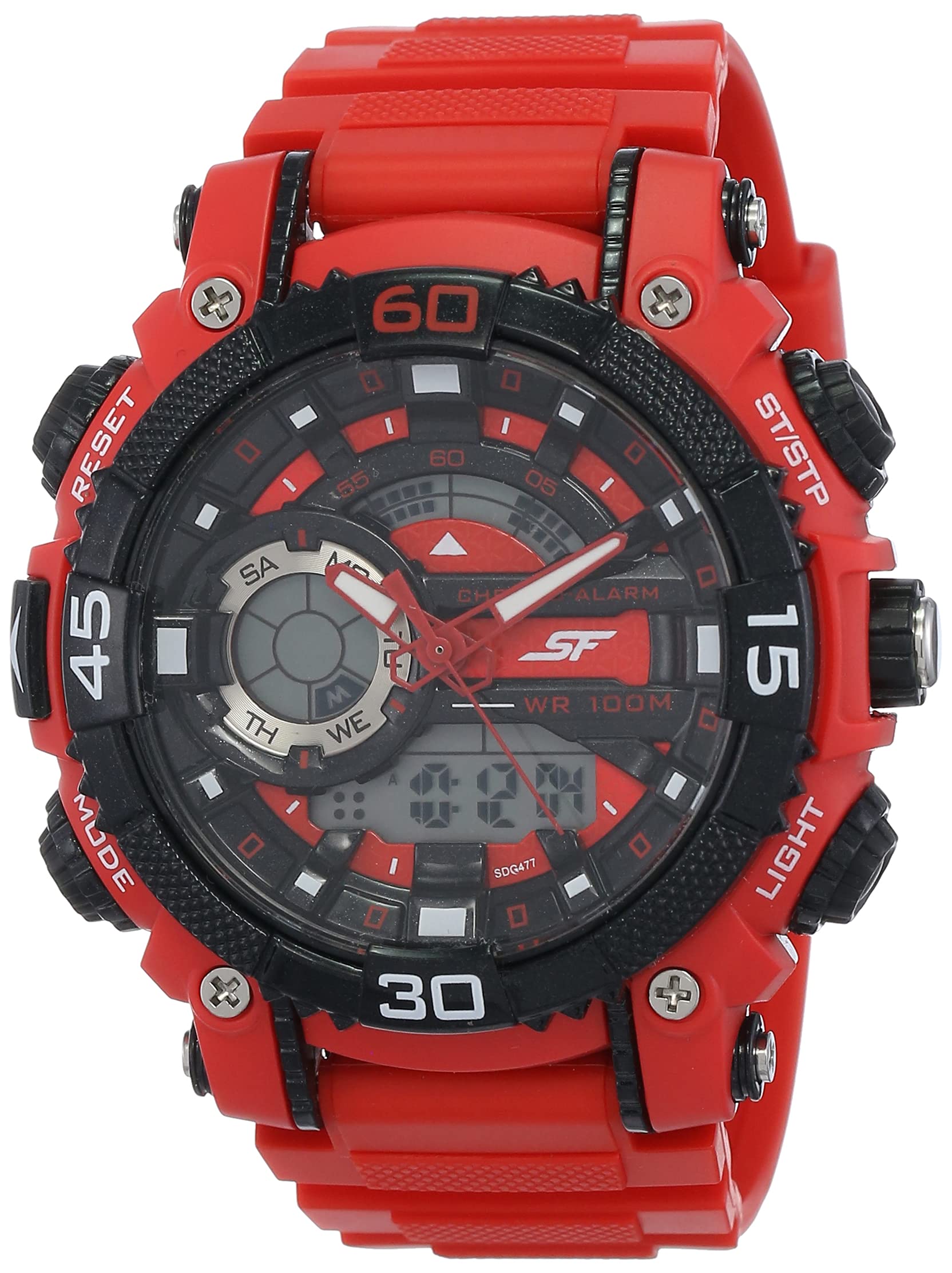
Малюнок 1: Спереду view of the SF Xtreme Gear Analog-Digital Watch.
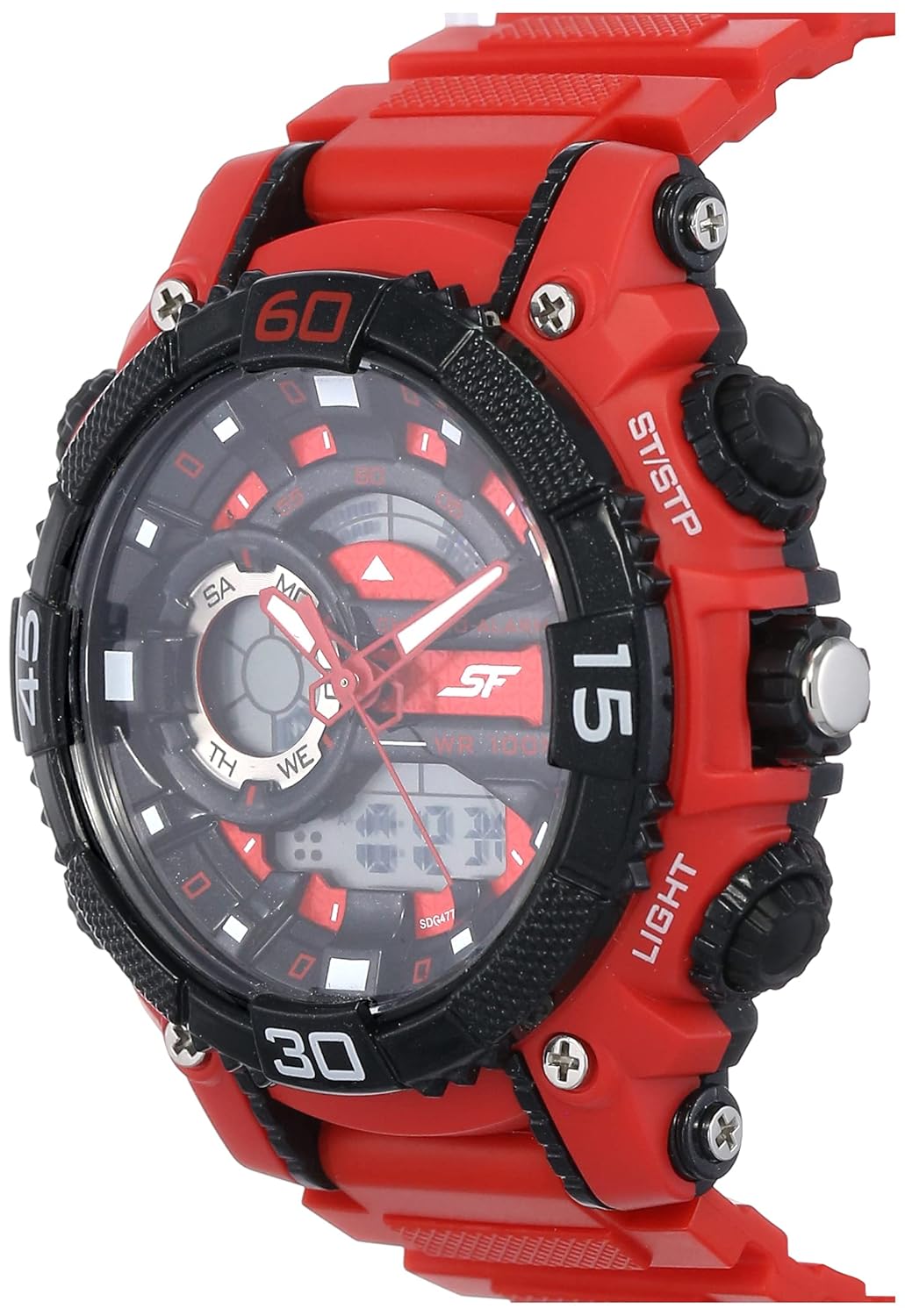
Figure 2: The SF Xtreme Gear watch as worn on a wrist.
2. Компоненти годинника
Ознайомтеся з основними компонентами вашого годинника:
- Аналоговий дисплей: Традиційні годинникова, хвилинна та секундна стрілки.
- Цифровий дисплей: Shows time, date, and other digital functions.
- Корона: Використовується для встановлення аналогового часу.
- Buttons (Mode, Reset, ST/STP, Light): Used for operating digital functions and backlight.
- Пластиковий ремінець: Міцні та зручні для щоденного носіння.

Малюнок 3: Сторона view illustrating watch buttons and crown.
3. Налаштування та початкова конфігурація
3.1 Налаштування аналогового часу
- Витягніть коронку в перше положення.
- Обертайте заводну головку, щоб налаштувати годинну та хвилинну стрілки на правильний час.
- Поверніть заводну головку у нормальне положення, щоб запустити аналоговий відлік часу.
3.2 Налаштування цифрового часу та дати
- Натисніть РЕЖИМ кілька разів, доки цифровий дисплей часу не почне блимати.
- Використовуйте СКИДАННЯ button to select the digit or setting you wish to change (e.g., hours, minutes, month, day).
- Використовуйте ST / STP кнопку для налаштування вибраного значення.
- Продовжуйте натискати РЕЖИМ to cycle through settings (12/24-hour format, year, month, date).
- Після того, як усі налаштування правильні, натисніть кнопку РЕЖИМ кнопку ще раз, щоб вийти з режиму налаштування.
4. Інструкція з експлуатації
4.1 Вибір режиму
Натисніть РЕЖИМ button to cycle through the different digital functions:
- Відображення часу (година, хвилина, секунда, день, дата)
- Функція сигналізації
- Функція секундоміра
4.2 Використання будильника
- Прес РЕЖИМ until the alarm display appears.
- Прес СКИДАННЯ щоб вибрати налаштування годин або хвилин.
- використання ST / STP щоб налаштувати час будильника.
- Прес РЕЖИМ для підтвердження та виходу.
- Щоб увімкнути/вимкнути будильник, натисніть ST / STP while in alarm mode. An alarm icon will indicate activation.
4.3 Використання секундоміра
- Прес РЕЖИМ until the stopwatch display appears (00:00:00).
- Прес ST / STP щоб запустити секундомір.
- Прес ST / STP ще раз, щоб призупинити/відновити.
- Прес СКИДАННЯ щоб скинути секундомір на нуль.
4.4 Використання підсвічування
Натисніть СВІТЛО кнопку, щоб підсвічувати цифровий дисплей на кілька секунд в умовах слабкого освітлення.
4.5 Водонепроникність
This watch is rated for 30 meters (3 ATM) water resistance. It is suitable for everyday use and can withstand splashes or brief immersion in water. It is not recommended for swimming, diving, or prolonged water exposure. Do not operate buttons while the watch is wet.
5. Технічне обслуговування
5.1 Очищення
Протріть корпус і ремінець годинника м’якою сухою тканиною. Для стійкого бруду злегкаamp cloth can be used, followed by immediate drying. Avoid using chemical cleaners or solvents, as these can damage the watch materials.
5.2 Заміна батареї
The watch requires one product-specific battery. When the display dims or functions become erratic, the battery may need replacement. Battery replacement should be performed by a qualified watch technician to ensure proper sealing and water resistance.
5.3 Зберігання
Зберігайте годинник у прохолодному, сухому місці, подалі від прямих сонячних променів, екстремальних температур та сильних магнітних полів, коли він не використовується.
6. Вирішення проблем
- Аналогові стрілки не рухаються: Check if the crown is pushed in completely. If not, pull out and reset. If the issue persists, the battery may need replacement or there could be a mechanical issue.
- Цифровий дисплей порожній або тьмяний: Можливо, батарея розряджена або розряджена. Замініть батарею.
- Digital time is incorrect: Follow the "Setting Digital Time and Date" instructions in Section 3.2.
- Кнопки не реагують: Ensure the watch is dry. If wet, dry thoroughly. If the issue persists, there may be internal damage.
7. Технічні характеристики
| Особливість | Специфікація |
|---|---|
| Номер моделі | NP77070PP02 |
| Тип руху | Кварц |
| Тип дисплея | Аналого-цифровий |
| Діаметр корпусу | 49.59 міліметрів |
| Матеріал стрічки | пластик |
| Колір стрічки | Червоний |
| Водонепроникність | 30 метрів (3 атм) |
| Вага товару | 122 грамів |
| Вимоги до батареї | 1 спеціальний акумулятор |
| Виробник | Компанія Titan Limited |
| Країна походження | Індія |

Figure 4: Watch dimensions compared to common objects.
8. Інформація про гарантію
This SF Xtreme Gear watch comes with a Обмежена гарантія. A limited warranty typically covers manufacturing defects in materials and workmanship under normal use for a specified period from the date of purchase. It generally does not cover:
- Пошкодження, спричинені неправильним поводженням, відсутністю догляду, нещасними випадками або нормальним зносом.
- Water damage if the watch was used beyond its specified water resistance rating or if buttons were operated underwater.
- Заміна батареї.
- Несанкціонований ремонт або модифікація.
For specific terms and conditions of your warranty, please refer to the warranty card included with your purchase or contact customer support.
9. Підтримка клієнтів
If you require further assistance or have questions not covered in this manual, please contact SF customer support or visit the official brand store.
- Виробник: Titan Company Limited, Sipcot Industrial Complex, Hosur, Tamil Nadu - 635129, India
- SF Brand Store: Visit the SF Store on Amazon
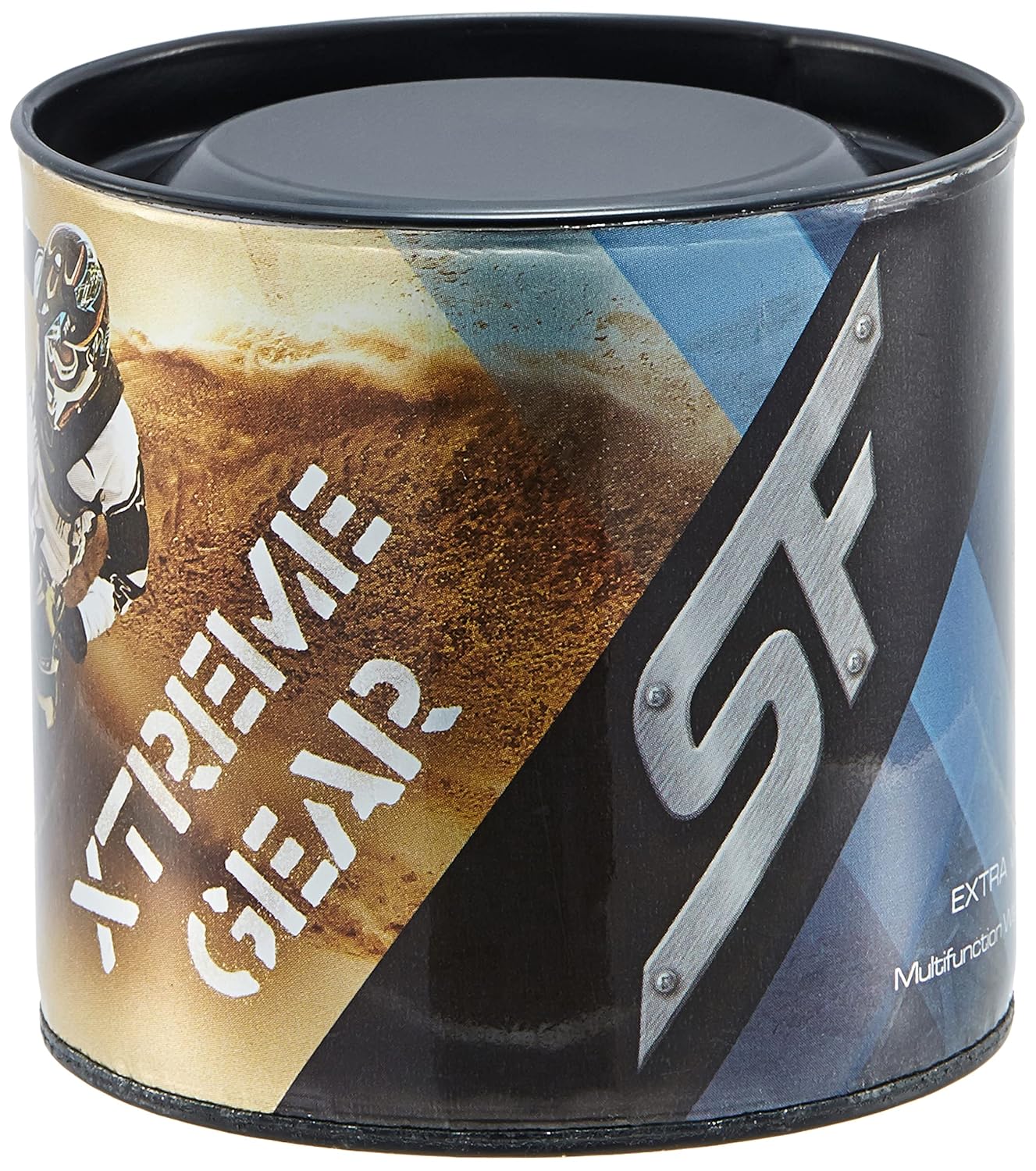
Figure 5: Product packaging for the SF Xtreme Gear watch.