
вступ
This manual provides essential instructions for the proper installation, operation, and maintenance of your Samsung BN07-01044A LCD-Panel. Please read this manual thoroughly before attempting to install or use the product to ensure safe and efficient operation. Keep this manual for future reference.
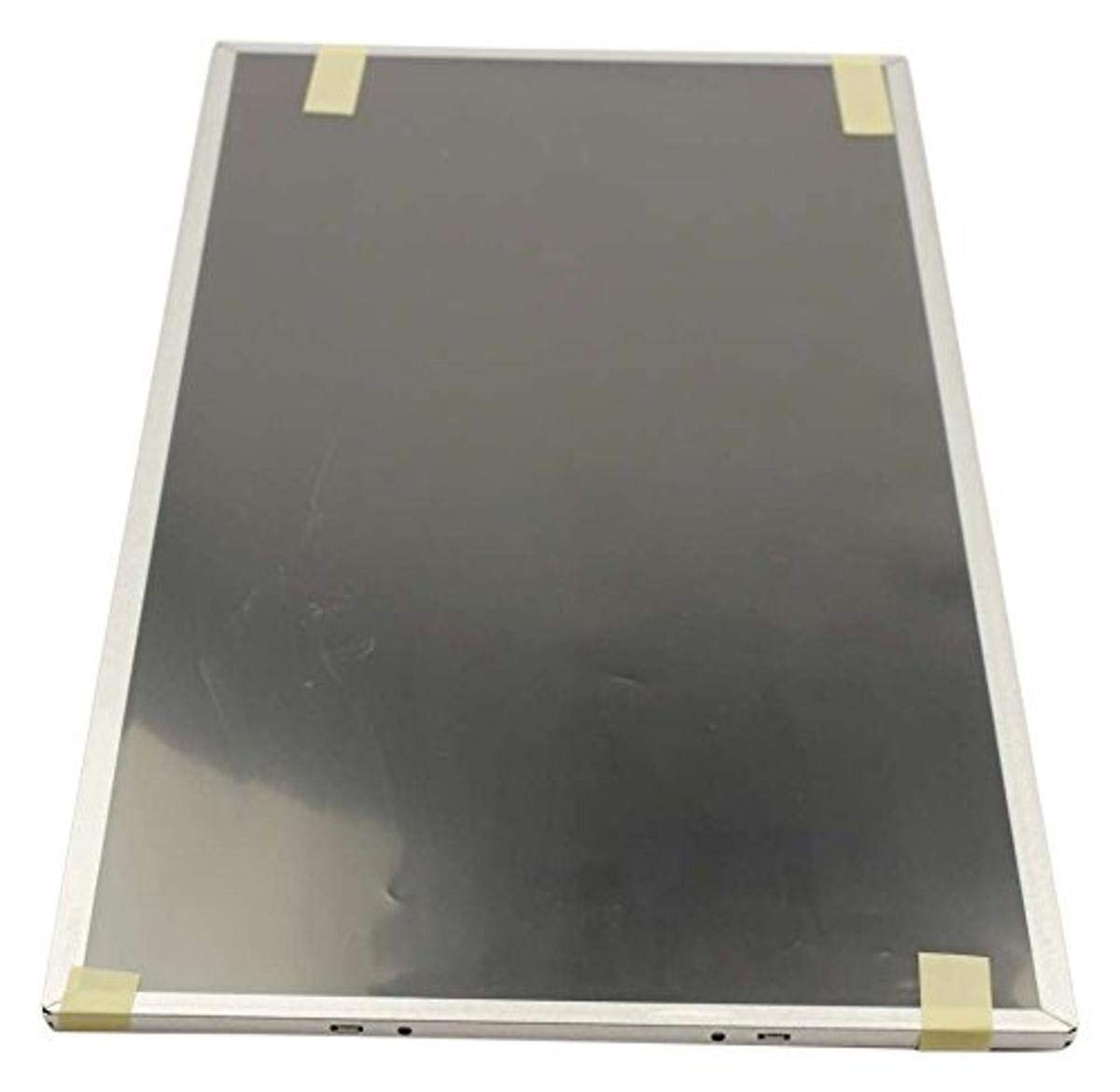
Figure 1: Samsung BN07-01044A LCD-Panel. This image displays the Samsung BN07-01044A LCD-Panel, showing its general form factor and connectors.
Інформація про безпеку
Завжди дотримуйтесь наступних запобіжних заходів, щоб запобігти пошкодженню виробу або травмуванню себе:
- Disconnect power from the device before installation or removal of the LCD panel.
- Handle the LCD panel with care. Avoid touching the screen surface directly.
- Wear anti-static gloves to prevent electrostatic discharge (ESD) damage.
- Перед відновленням живлення переконайтеся, що всі з’єднання надійні.
- Не піддавайте панель впливу вологи або екстремальних температур.
- Якщо ви не впевнені щодо якогось кроку, зверніться до кваліфікованого техніка.
Вміст упаковки
Переконайтеся, що ваш пакет містить такі елементи:
- 1 x Samsung BN07-01044A LCD-Panel
- (Additional components, if any, will be listed on the product packaging.)
Налаштування та встановлення
This LCD panel is an OEM authorized replacement part. Installation typically involves replacing an existing panel within a compatible Samsung device. The following steps are general guidelines; refer to your specific device's service manual for detailed instructions.
- Приготування: Power off the device completely and disconnect it from all power sources. Remove the battery if applicable.
- Розбирання: Carefully disassemble the device to access the existing LCD panel. This may involve removing bezels, hinges, and screws.
- Від’єднайте стару панель: Gently disconnect the video cable (e.g., LVDS or eDP) and any backlight cables from the old panel. Note their orientation.
- Видалити стару панель: Remove the old LCD panel from its housing.
- Встановлення нової панелі: Position the new Samsung BN07-01044A LCD-Panel into the housing. Ensure it fits securely.
- Підключіть кабелі: Reconnect the video cable and backlight cables to the new panel. Ensure connections are firm and correctly oriented.
- Повторне складання: Carefully reassemble the device, ensuring no cables are pinched and all screws are tightened appropriately.
- Початковий тест: Before fully closing the device, connect power and briefly test the display to ensure it functions correctly.
Примітка: Professional installation is recommended for this component to avoid damage to the panel or the host device.
Експлуатація РК-панелі
Once installed, the Samsung BN07-01044A LCD-Panel operates as the primary display for your compatible device. Its functionality is managed by the device's operating system and graphics hardware.
- Увімкнення: Turn on your device as usual. The LCD panel should display the boot sequence and operating system interface.
- Налаштування дисплею: Adjust display settings (e.g., resolution, brightness, contrast) through your device's operating system display preferences. Ensure the native resolution of the panel is selected for optimal clarity.
- Драйвери графіки: Ensure your device has the latest graphics drivers installed for proper display performance.
Технічне обслуговування та догляд
Proper care will extend the lifespan and maintain the performance of your LCD panel.
- Очищення екрану: Використовуйте м’яку тканину без ворсу, спеціально призначену для електроніки. Злегка протрітьampen the cloth with water or a screen-cleaning solution (avoid ammonia-based cleaners). Gently wipe the screen in one direction.
- Уникайте тиску: Do not press firmly on the screen, as this can damage the LCD matrix.
- Умови навколишнього середовища: Keep the device and panel away from direct sunlight, excessive heat, cold, or humidity.
- Пил: Regularly dust the screen and surrounding areas with a soft brush or compressed air.
Усунення несправностей
If you encounter issues with your LCD panel, refer to the following common problems and solutions:
| проблема | Можлива причина | Рішення |
|---|---|---|
| Немає дисплея/чорний екран | Loose video cable, incorrect installation, faulty panel. |
|
| Мерехтіння або спотворене зображення | Loose cable, incompatible drivers, panel defect. |
|
| Incorrect colors or brightness | Display settings, graphics driver issues. |
|
If these steps do not resolve the issue, contact Samsung customer support or a qualified service technician.
Технічні характеристики
| Особливість | Деталь |
|---|---|
| Виробник | Samsung |
| Номер деталі | BN07-01044A |
| Номер моделі товару | BN07-01044A |
| Розміри продукту | 21 x 15 x 3 дюймів |
| Вага товару | 5.71 фунта |
| Кількість товару в упаковці | 1 |
| Включені компоненти | appliance-replacement-parts |
| ASIN | B01GSLDALU |
| Дата першої доступності | 8 червня 2016 р |
Гарантія та підтримка
As an OEM authorized part, this Samsung BN07-01044A LCD-Panel is typically covered by the warranty terms provided by Samsung for their replacement parts. Please refer to the official Samsung website or contact Samsung customer service for detailed warranty information specific to replacement components.
For technical support or service inquiries, please visit the official Підтримка Samsung webсайт або зверніться безпосередньо до їхнього відділу обслуговування клієнтів.