
1. Вступ
This manual provides detailed instructions for the safe and efficient operation of your UNIC UC50 Mini Projector. Please read this manual thoroughly before using the device and retain it for future reference.
The UNIC UC50 is a compact DLP projector designed for various multimedia applications, offering portability and ease of use.
2. Вміст упаковки
Перевірте, чи всі перелічені нижче предмети входять до вашої упаковки. Якщо будь-які предмети відсутні або пошкоджені, зверніться до продавця.
- 1x UNIC UC50 Projector
- 1x Посібник користувача (цей документ)
- 1x адаптер живлення
- 1x кабель
- 1x пульт дистанційного керування

малюнок 2.1: UNIC UC50 Mini Projector and included accessories. The image displays the compact projector unit along with its power adapter, remote control, and connecting cables, all neatly arranged.
3. Продукт закінчивсяview
Familiarize yourself with the various components and ports of your UNIC UC50 Mini Projector.
3.1 Спереду View

малюнок 3.1.1: Фронт view of the UNIC UC50 Mini Projector with the lens cover open. This view highlights the projection lens and the sliding lens cover mechanism.

малюнок 3.1.2: Фронт view of the UNIC UC50 Mini Projector with the lens cover closed. The sliding cover protects the lens when the projector is not in use.
3.2 Сторона Views (Input/Output Ports)

малюнок 3.2.1: сторона view of the UNIC UC50 Mini Projector, displaying the USB port and SD card slot for media input.

малюнок 3.2.2: Протилежна сторона view of the UNIC UC50 Mini Projector, featuring the HDMI input, AV input, and 3.5mm earphone output jack.
3.3 Задня частина View

малюнок 3.3.1: Задня view of the UNIC UC50 Mini Projector. This side includes the focus adjustment wheel and the DC 5V 2A power input port.
3.4 Верх View
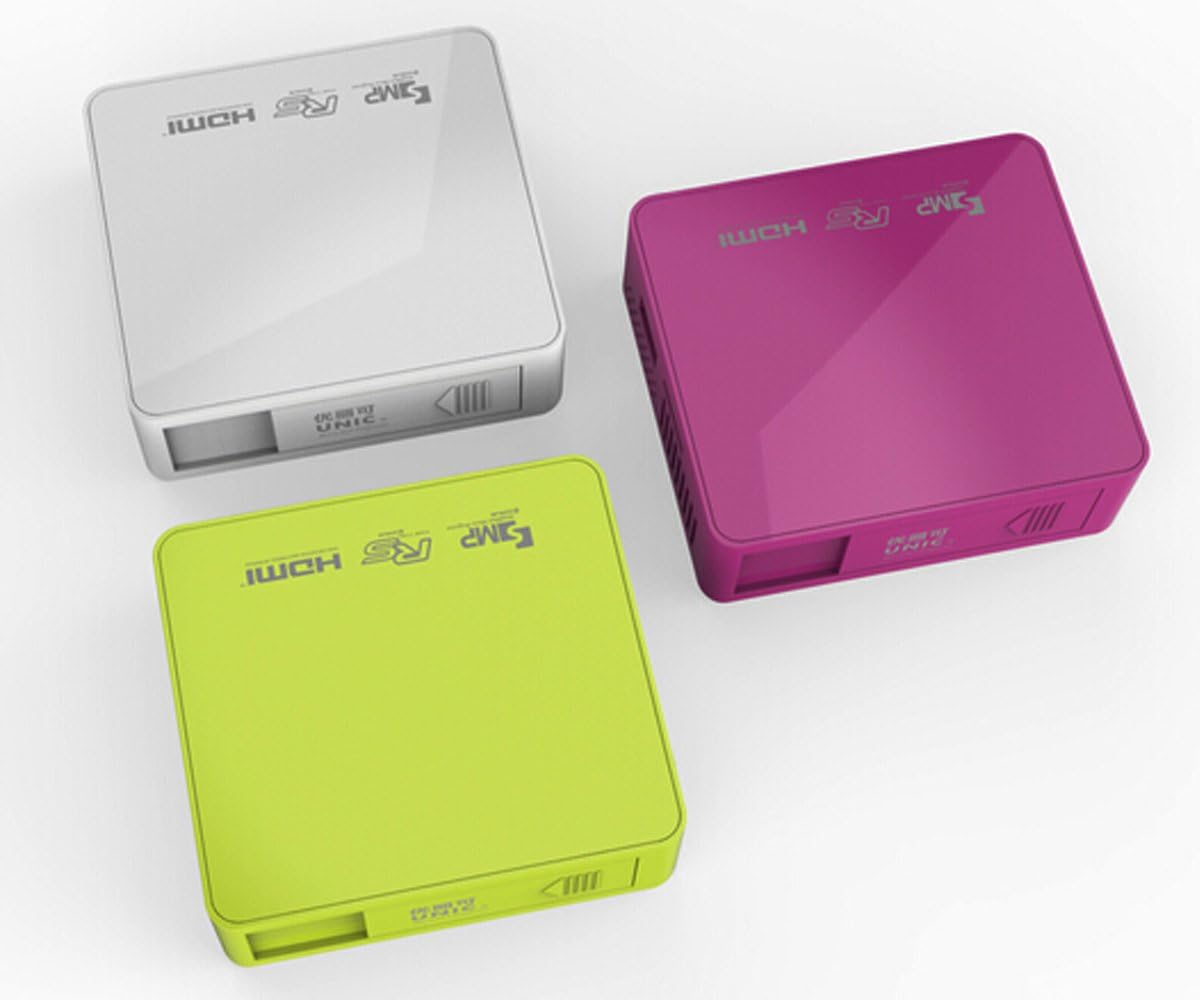
малюнок 3.4.1: Топ view of the UNIC UC50 Mini Projector, showing the minimalist design and branding.
4. Налаштування
4.1 Підключення живлення
- Connect the provided power adaptor to the DC 5V 2A input port on the rear of the projector.
- Plug the power adaptor into a standard electrical outlet (AC 100-240V, 50/60Hz).
- The projector will power on automatically or can be turned on using the remote control.
4.2 Розміщення та проекція
- Розмістіть проектор на стійкій, рівній поверхні.
- Ensure the projection surface (screen or wall) is clean and smooth.
- Adjust the projection distance between 35.5 cm and 430 cm to achieve the desired image size (14-150 inches).
- Для оптимального viewing, operate the projector in a dimly lit room.
5. Інструкція з експлуатації
5.1 Налаштування фокусу
Rotate the focus adjustment wheel located on the rear of the projector until the projected image appears clear and sharp.
5.2 Вибір джерела вхідного сигналу
The UNIC UC50 supports multiple input sources:
- USB: Вставте флеш-накопичувач USB у порт USB.
- SD: Вставте SD-карту у гніздо для SD-картки.
- AV: Connect an AV cable to the AV input port.
- HDMI: Connect an HDMI cable to the HDMI input port.
Use the remote control to navigate the on-screen menu and select the desired input source.
5.3 Відтворення мультимедіа
When a USB drive or SD card is inserted, the projector's UNIC Multimedia OS will allow you to browse and play supported file формати:
- Формати відео: MP4, AVI, MOV, VOB, DAT, MPEG, MPG, RM, RMVB (Video encoding: MPEG1/MPEG2/MPEG4/DivX/Xvid)
- Аудіоформати: MP3, WMA, WAV, AAC, OGG, ASF
- Формати зображень: JPG, BMP, PNG
- Document Format: TXT
Переміщайтеся по files using the remote control and select the desired content for playback.
5.4 Аудіовихід
The projector has built-in speakers (1.0W *2). For private listening or connecting external audio systems, use the 3.5mm earphone output jack.
6. Технічне обслуговування
6.1 Очищення об'єктива
Використовуйте м’яку тканину без ворсу, спеціально розроблену для оптичних лінз, щоб обережно протерти об’єктив проектора. Уникайте використання абразивних засобів для чищення або надмірного зусилля, оскільки це може подряпати об’єктив.
6.2 Очищення корпусу проектора
Wipe the exterior of the projector with a soft, dry cloth. Do not use liquid cleaners or solvents.
6.3 Зберігання
When not in use, store the projector in a cool, dry place, away from direct sunlight and extreme temperatures. Ensure the lens cover is closed to protect the lens from dust.
7. Вирішення проблем
| проблема | Можлива причина | Рішення |
|---|---|---|
| Зображення не проєктується |
|
|
| Зображення розмите |
|
|
| Ні звуку |
|
|
| Пульт не працює |
|
|
8. Технічні характеристики
| Особливість | Деталь |
|---|---|
| Система зображення | DLP |
| Lamp Тип | LED |
| Рідна роздільна здатність | 854 x 480 пікселів |
| Підтримувана роздільна здатність | До 1920 x 1080 пікселів (1080P) |
| Співвідношення сторін | 4:3 / 16:9 |
| Операційна система | UNIC Multimedia OS |
| Яскравість | 800 люменів |
| Коефіцієнт контрастності | 800:1 |
| Об'єктив | F=125 |
| Фокус | Інструкція |
| Lamp Години роботи | 20,000 години |
| Розмір зображення | 14-150 дюймів |
| Відстань проекції | 35.5 см - 430 см |
| Режим проекції | Фронтальна проекція |
| Режим роботи | Ручне / Дистанційне керування |
| Вихідні порти | 3.5 мм навушники |
| Вхідні порти | USB, SD, AV, HDMI, IR |
| Вхідна потужність | 100-240 В змінного струму, 50/60 Гц |
| Вихідна потужність | Постійний струм 5 В 2 А |
| Споживана потужність | 10 Вт |
| Спікер | 1.0W x 2 |
| вага | 130г |
| Розміри (Д x Ш x В) | 78 x 71 x 24.5 мм |
| Мова ОС | English, Polski, Russian, Deutsch, Spanish, Czech, etc. (23 Languages) |
| Особливості | 3D-готовий |
9. Гарантія та підтримка
The UNIC UC50 Mini Projector comes with a standard manufacturer's warranty. Please refer to the warranty card included in your package for specific terms and conditions, including warranty period and coverage details.
For technical support, troubleshooting assistance beyond this manual, or warranty claims, please contact your original point of purchase or visit the official UNIC support webсайту (за наявності).
Note: Specific warranty details and support contact information may vary by region and retailer.