вступ
Дякуємо за покупкуasing the SoundSOUL Water Dancing Speakers. These speakers combine audio playback with a dynamic water fountain and LED light show, enhancing your listening experience. The speakers are made of durable acrylic, are lightweight, and feature non-toxic internal materials. Please read this manual carefully before using the product to ensure proper operation and longevity.
Важлива інформація з безпеки
- Do not disassemble or attempt to repair the speakers yourself. This may void the warranty and cause damage.
- Keep the speakers away from direct sunlight, heat sources, and extreme temperatures.
- Avoid exposing the speakers to excessive moisture or submerging them in water. This product is not waterproof.
- Use only the provided power cable and audio cable.
- Ensure the speakers are placed on a stable, flat surface to prevent tipping.
- Keep out of reach of small children to prevent accidental ingestion of small parts or contact with electrical components.
Вміст упаковки
Перевірте наявність усіх елементів в упаковці:
- 2 x SoundSOUL Water Dancing Speakers
- 1 x кабель живлення USB
- 1 х 3.5 мм аудіокабель
- 1 x Інструкція з експлуатації (цей документ)

Інструкції з налаштування
-
Розміщення: Place the two SoundSOUL Water Dancing Speakers on a stable, flat surface. For optimal stereo sound, position them to the left and right of your listening area.

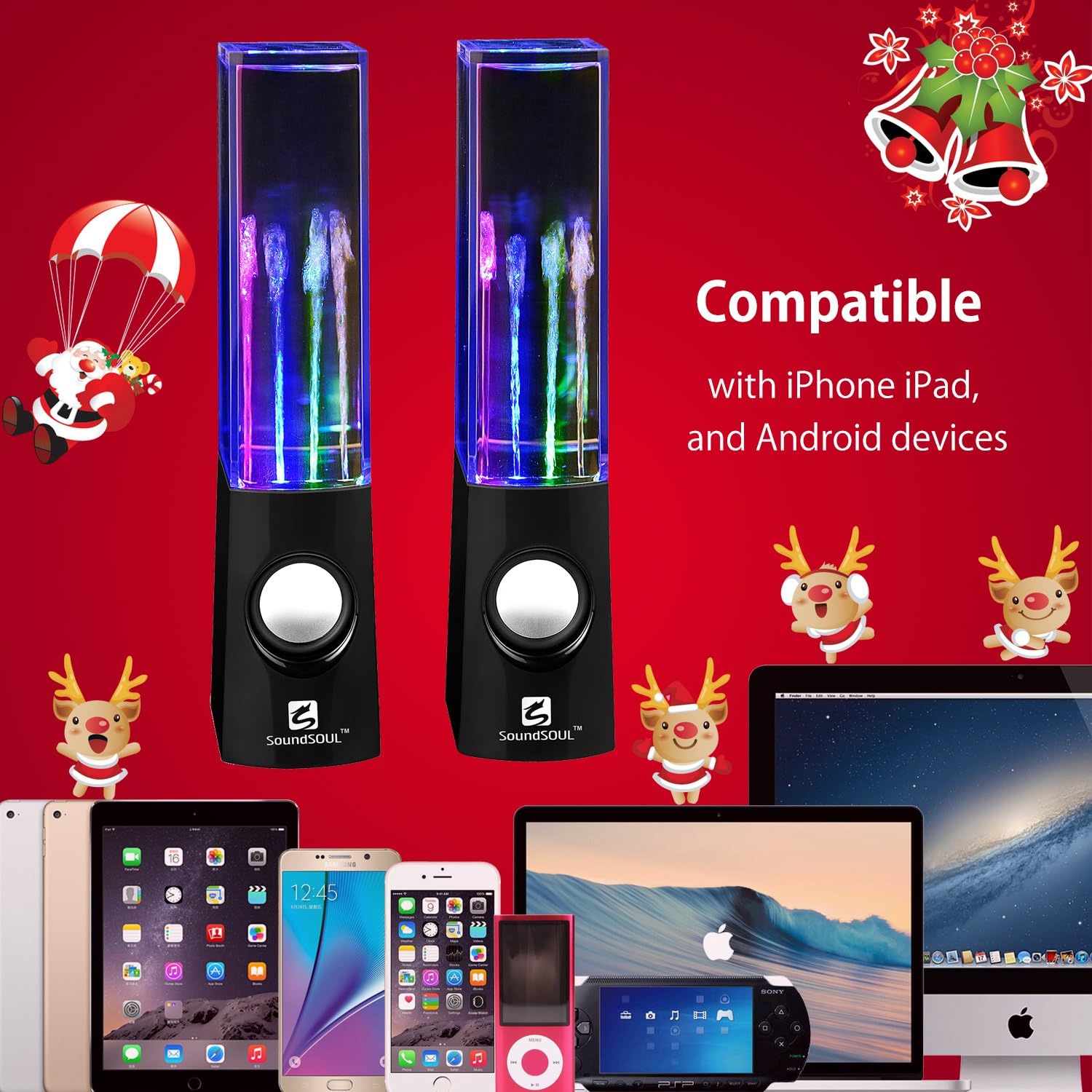
Image: A pair of SoundSOUL Water Dancing Speakers, showcasing their illuminated water fountains, ready for setup. -
Підключення аудіокабелю: Connect one end of the included 3.5mm audio cable to the audio output jack of your device (e.g., smartphone, tablet, computer, MP3 player). Connect the other end of the 3.5mm audio cable to the audio input port on one of the SoundSOUL speakers.
Note: The speakers are designed to work as a pair. The audio signal will be passed from the first speaker to the second.
-
Підключіть кабель живлення: Connect the USB power cable to the power input port on one of the speakers. Plug the other end of the USB cable into a USB power source (e.g., computer USB port, USB wall adapter, power bank).
Note: Both speakers receive power and audio from the primary connected speaker.
- Увімкнення: Once connected, the speakers should automatically power on. The LED lights and water fountains will activate when audio is played.
Інструкція з експлуатації
- Відтворення аудіо: Once connected and powered, begin playing audio from your connected device. The built-in amplifier speakers will deliver clear sound.
-
Water Dancing and LED Lights: The integrated water fountains and multi-colored LED lights (4 distinct colors) will synchronize with the audio playback. The height of the water jets will vary with the volume and intensity of the music, providing a visual display.

Зображення: Детальний view of the SoundSOUL Water Dancing Speakers in action, with vibrant multi-colored LED lights illuminating the dancing water fountains against a dark background. - Регулювання гучності: Adjust the volume directly from your connected audio device. The speakers do not have independent volume controls.
Технічне обслуговування та догляд
- Прибирання: Use a soft, dry cloth to clean the exterior of the speakers. Do not use abrasive cleaners or solvents.
- Зберігання: When not in use for extended periods, disconnect the speakers from power and store them in a cool, dry place.
- Рівень води: The water inside the speakers is sealed. Do not attempt to open the speakers to adjust or refill the water.
Усунення несправностей
| проблема | Можлива причина | Рішення |
|---|---|---|
| Немає звуку з динаміків. |
|
|
| Water fountains or LED lights are not working. |
|
|
| Спотворений звук. |
|
|
Технічні характеристики
- Бренд: SoundSOUL
- Максимальна вихідна потужність динаміка: 3 Watts (per speaker, 6W total for the pair)
- Технологія підключення: Auxiliary (3.5mm audio jack)
- Режим аудіовиходу: Об'ємний
- Тип монтажу: Окремо стоячий, кріплення до розетки
- Світлодіодні ліхтарі: 4 Colored LEDs
- Джерело живлення: USB (5 В)
- Розміри: Approximately 9 inches (height)
Гарантія та підтримка
For warranty information or technical support, please refer to the documentation provided at the time of purchase or contact SoundSOUL customer service through their official channels. Keep your purchase receipt for warranty claims.