
вступ
The TYLT VU Solo is a single-coil Qi wireless charging pad designed to provide convenient and efficient wireless charging for compatible smartphones and devices. This manual provides instructions for setting up, operating, maintaining, and troubleshooting your VU Solo charging pad.
Ключові особливості:
- Бездротова зарядка Qi: Wirelessly charges any Qi-enabled phone without the need for direct cable connections to the device.
- Alignment Ledge: Features an adjustable alignment ledge to ensure optimal device placement for consistent charging.
- Дизайн проти ковзання: A vibrant silicone surface prevents your phone from slipping, and a micro-suction base secures the pad to surfaces.
- Сумісність корпусу: Designed to charge through most phone cases and covers.
Вміст упаковки
- TYLT VU Solo Qi Wireless Charging Pad
- USB-кабель для зарядки
- Посібник користувача (цей документ)
Note: A wall power adapter (USB-A to AC) is not included and must be supplied by the user. For optimal performance, a 2.0A or higher output USB power adapter is recommended.
Інструкції з налаштування
- Підключіть зарядну панель: Insert the micro USB end of the provided USB charging cable into the port on the back of the TYLT VU Solo charging pad.

Image: TYLT VU Solo charging pad connected to its USB cable.
- Підключення до живлення: Plug the standard USB-A end of the cable into a compatible USB power adapter (not included) and then plug the adapter into a wall outlet. Alternatively, you can plug the USB-A end into a powered USB port on a computer or other device, though charging speed may vary.
- Розміщення: Place the TYLT VU Solo on a flat, stable surface. The micro-suction base will help secure it.
Інструкція з експлуатації
- Initial Device Alignment: For the first use with a new device, place your Qi-enabled smartphone or device onto the charging pad. Adjust its position until the charging indicator on your phone activates.
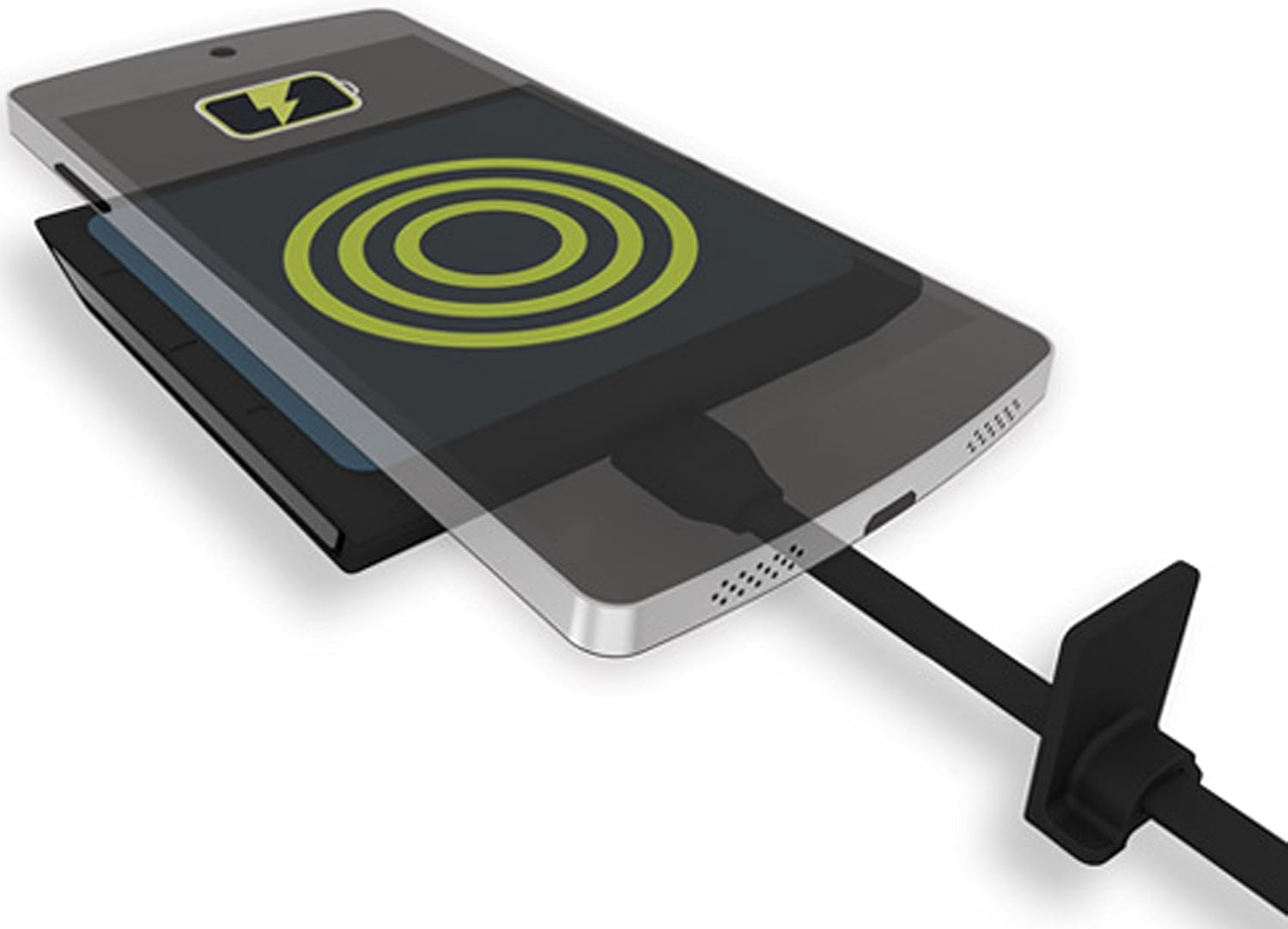
Image: A smartphone wirelessly charging on the TYLT VU Solo pad, indicated by a charging icon.
- Set Alignment Ledge: Once optimal charging is achieved, slide the adjustable alignment ledge on the charging pad to touch the top edge of your device. This will help ensure consistent placement for future charging sessions.
- Індикація зарядки: The TYLT VU Solo features an LED indicator. A solid green light indicates that the device is charging at full capacity. A blinking light may indicate charging below capacity or an alignment issue.
- Charging Through Cases: The VU Solo is designed to charge through most non-metallic phone cases. If charging is inconsistent, try removing your phone case.
Технічне обслуговування
- Прибирання: Disconnect the charging pad from power before cleaning. Use a soft, dry, or slightly damp тканину для протирання поверхні. Не використовуйте агресивні хімікати або абразивні засоби для чищення.
- Зберігання: Store the charging pad in a cool, dry place when not in use.
- Уникайте пошкоджень: Do not drop the device or expose it to extreme temperatures or moisture.
Усунення несправностей
- Пристрій не заряджається або заряджається повільно:
- Переконайтеся, що ваш пристрій підтримує стандарт Qi.
- Verify the charging pad is properly connected to a working power source.
- Adjust the device's position on the pad to ensure proper coil alignment. Use the alignment ledge.
- Зніміть будь-які товсті або металеві чохли для телефону, які можуть перешкоджати бездротовій зарядці.
- Ensure your power adapter provides sufficient output (recommended 2.0A or higher). Lower amperage adapters may result in slower charging.
- Avoid placing metal objects (e.g., credit cards, keys) between your phone and the charging pad.
- LED indicator is blinking:
- A blinking light often indicates an issue with device alignment or insufficient power input. Re-position your device or check your power adapter.
- Device or charging pad feels warm during charging:
- It is normal for wireless charging to generate some heat. If the device or pad becomes excessively hot, discontinue use and contact support.
Технічні характеристики
| Номер моделі: | VUSOLOGY-T |
| Розміри продукту: | 3.36 x 0.54 x 3.39 дюймів |
| Вага товару: | 2.56 унції |
| Вхідний об'ємtage: | 9 Volts (via USB) |
| Wattage: | 5 Вт |
| Підключення: | Wireless (Qi Standard) |
| Сумісні пристрої: | Qi-enabled Cellular Phones (e.g., iPhone 8/X/later, Samsung Galaxy S7/S8/S9/later, Google Nexus, LG G6) |

Image: Detailed compatibility chart for the TYLT VU Solo, listing various manufacturers and models with integrated Qi or requiring a back shell.
Гарантія та підтримка
TYLT warrants this product to be free of defects in design, assembly, material, or workmanship for a period of один рік з дати покупки.
During the warranty period, TYLT will repair or replace, at its option, any defective product free of charge, excluding shipping charges for the product.
For warranty claims or technical support, please refer to the official TYLT webсайт або зверніться безпосередньо до служби підтримки клієнтів. Зберігайте чек про покупку для підтвердження гарантії.