
Важлива інформація з безпеки
Please read these instructions carefully before using the shredder. Keep this manual for future reference.
- Тримайте дітей і домашніх тварин подалі від шредера.
- Keep loose clothing, jewelry, hair, and other foreign objects away from the shredder opening.
- Do not insert fingers or hands into the shredder opening.
- Від’єднуйте подрібнювач від мережі, коли він не використовується або перед чищенням.
- Do not shred metal objects, large paper clips, or hard plastic (except credit cards as specified).
- Не використовуйте аерозольні продукти, мастила на нафтовій основі або інші легкозаймисті речовини на шредере або поблизу нього.
- Не використовуйте шредер, якщо шнур живлення пошкоджений.
- The shredder is equipped with overheat protection. If it overheats, it will automatically shut off. Allow it to cool down before resuming operation.
Вміст упаковки
Переконайтеся, що всі елементи присутні:
- Amazon Basics AS665C Paper Shredder Unit
- Відро для сміття
- Інструкція з експлуатації (цей документ)
Налаштування
- Розпакуйте шредер: Акуратно вийміть усі компоненти з упаковки.
-
Position the Waste Bin: Place the shredder head securely on top of the provided waste bin. Ensure it is properly seated.
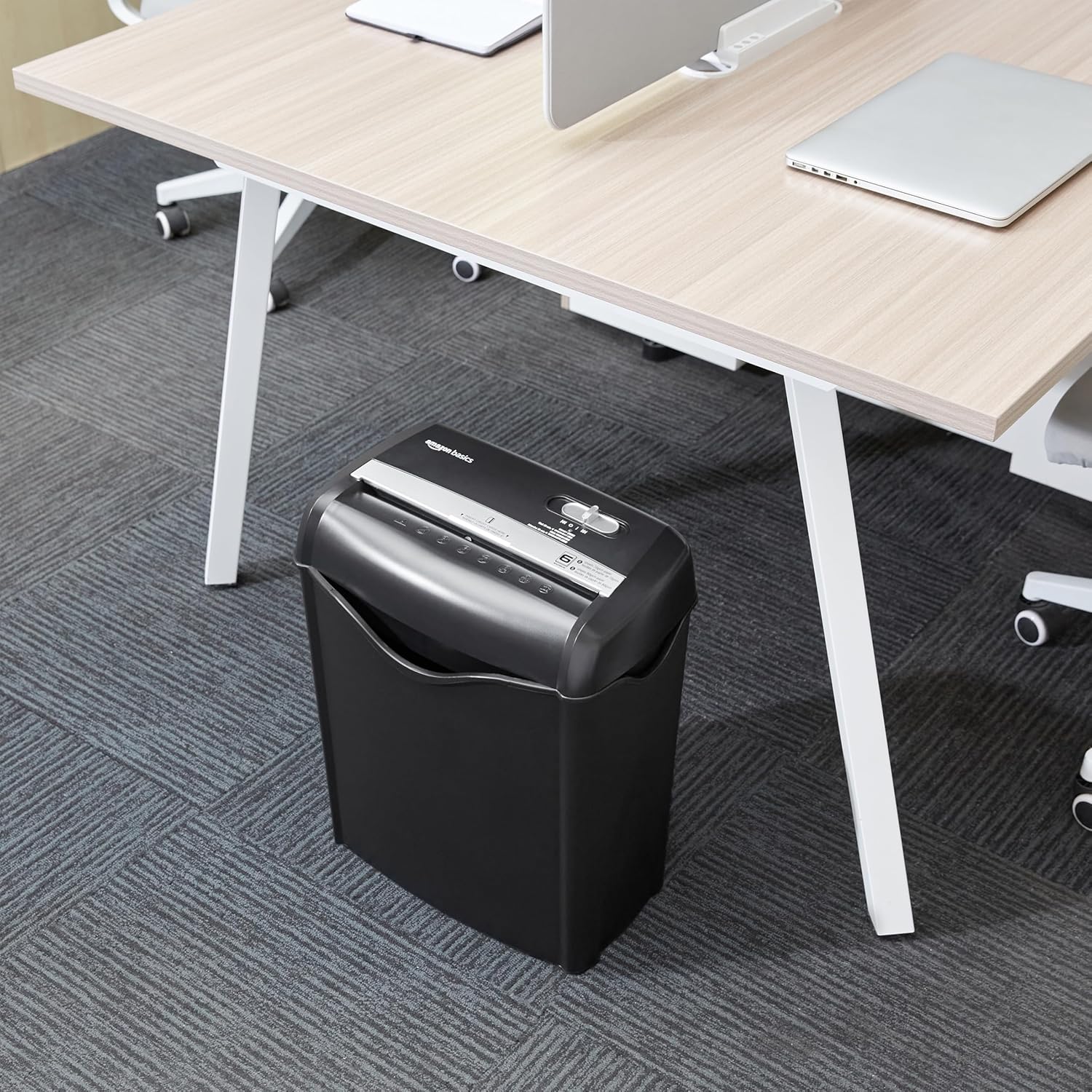
Image: The Amazon Basics AS665C Paper Shredder positioned under a desk, demonstrating its compact size and ease of placement in an office or home environment.
- Підключіть живлення: Підключіть шнур живлення до стандартної електричної розетки.
Інструкція з експлуатації
Перемикач керування
The shredder features a slide switch with three positions:
- AUTO (I): The shredder will automatically start when paper is inserted and stop when shredding is complete.
- ВИМК. (O): Шредер вимкнено.
- REV (<<): Активує функцію реверсу для усунення застрягання паперу.

Зображення: Детальний view of the shredder's control switch, showing the "AUTO", "OFF", and "REV" settings, along with the "READY" (green) and "OVERHEAT" (red) indicator lights.
Знищення документів
- Виберіть режим: Встановіть перемикач керування в положення AUTO (I) position. The "READY" indicator light (green) will illuminate.
-
Вставити папір: Insert up to 6 sheets of 70gsm paper (or 5 sheets of 80gsm paper) straight into the paper entry slot. The shredder will automatically start and stop.
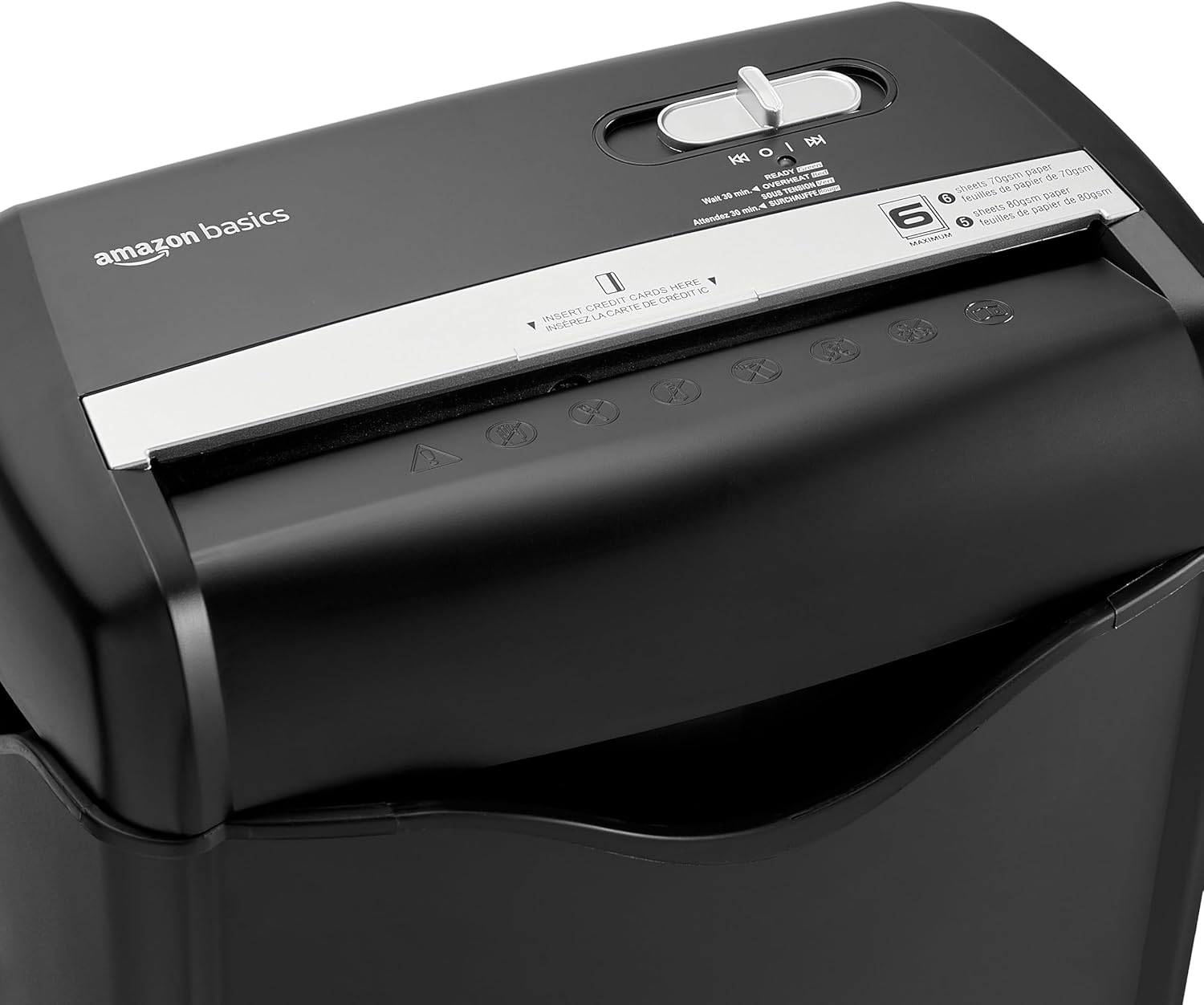
Зображення: Верх view of the shredder, highlighting the paper entry slot, the control switch, and the "MAXIMUM" sheet capacity label.

Image: A close-up of the shredder's label indicating the maximum sheet capacity: 6 sheets of 70gsm paper or 5 sheets of 80gsm paper.
-
Shredding Credit Cards: Insert one credit card at a time into the dedicated credit card slot.

Зображення: Крупний план view of the shredder's dedicated slot for inserting credit cards, clearly labeled "INSERT CREDIT CARDS HERE".
- Захист від перегріву: The shredder will automatically shut off if it runs continuously for too long or if the motor overheats. The "OVERHEAT" indicator light (red) will illuminate. Allow the shredder to cool down for approximately 30 minutes before resuming operation.

Image: A pile of cross-cut shredded paper, demonstrating the small particle size for enhanced security. A quarter coin is placed next to it for scale.
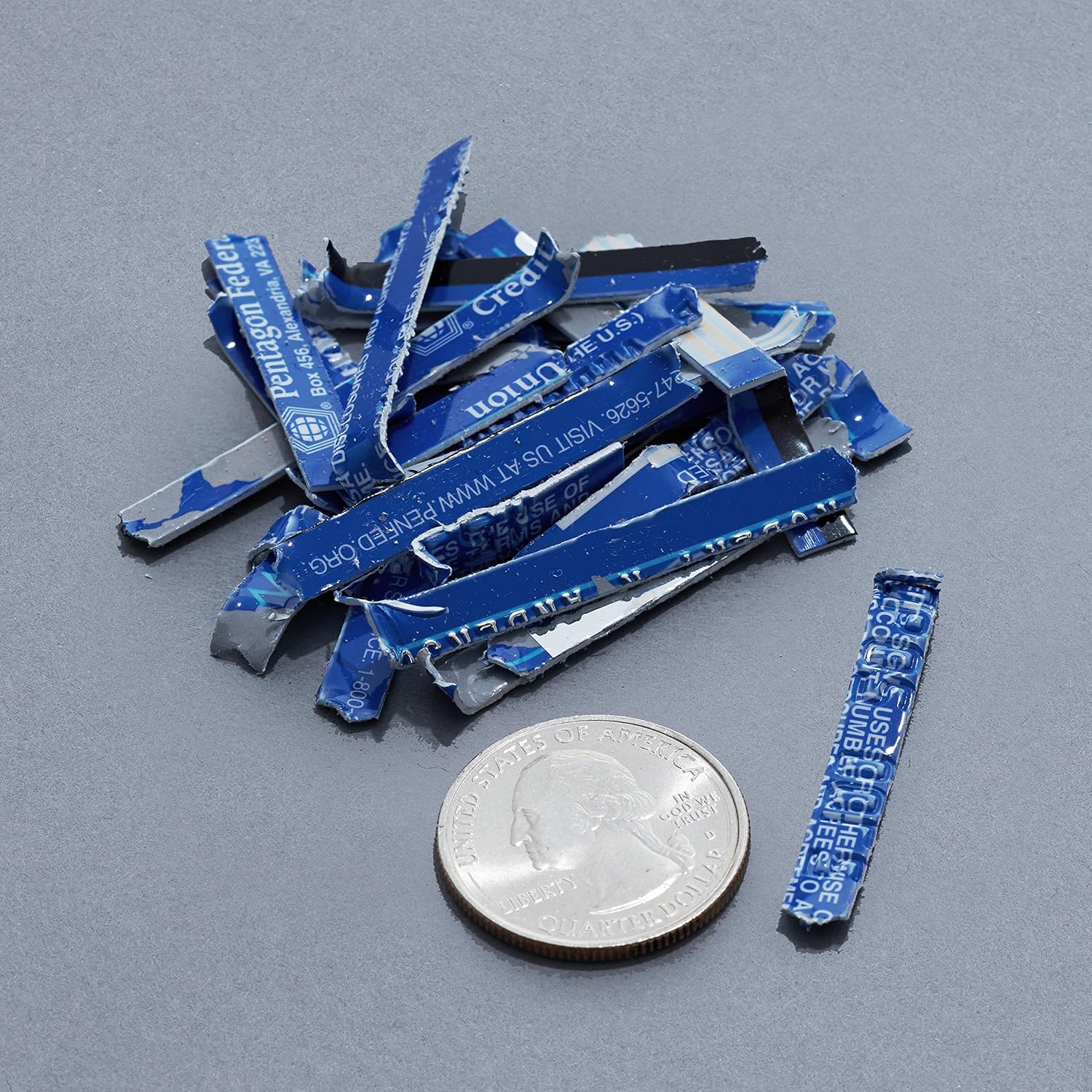
Image: A collection of shredded credit card pieces, illustrating the secure destruction of plastic cards. A quarter coin is included for size reference.
Технічне обслуговування
Опорожнення контейнера для сміття
Regularly empty the waste bin to prevent paper jams and ensure optimal performance. Unplug the shredder before removing the head to empty the bin.
прибирання
- Від’єднайте подрібнювач від мережі перед чищенням.
- Протріть зовнішню частину шредера м’якою сухою тканиною.
- Не використовуйте абразивні засоби чи розчинники.
- For optimal performance, periodically oil the shredder blades with shredder oil sheets or liquid shredder oil. Follow the oil product's instructions.
Усунення несправностей
| проблема | Можлива причина | Рішення |
|---|---|---|
| Шредер не запускається. |
|
|
| Зминання паперу. |
|
|
| Шредер зупиняється під час роботи. |
|
|
Технічні характеристики
| Особливість | Деталь |
|---|---|
| Бренд | Основи Amazon |
| Номер моделі | AS665C (Manufacturer Model: AS662C-EU) |
| Тип подрібнення | Поперечний надріз |
| Листова місткість | 6 sheets (70gsm paper) / 5 sheets (80gsm paper) |
| Клаптики | Папір, кредитні картки |
| Джерело живлення | Провідний електричний |
| Особливості | Portable, Overheat Protection, Manual Reverse |
| Розміри продукту (Д x Ш x В) | 30.7 x 19.6 x 38.1 см (12.1 x 7.7 x 15 дюйма) |
| Вага продукту | 3.72 кг (8.2 фунта) |
| матеріал | Пластик і метал |
Гарантія та підтримка
For warranty information and customer support, please refer to the Amazon Basics webсайт або зверніться безпосередньо до служби підтримки клієнтів Amazon. Зберігайте чек про покупку для гарантійних претензій.