
вступ
This manual provides essential information for the safe and efficient operation of your Samsung HT-E6500W 5.1 Channel 3D Blu-Ray Home Theater System. Please read this manual thoroughly before using the product and retain it for future reference. This system integrates a 3D Blu-ray player with a 5.1 channel audio system, offering a comprehensive home entertainment solution.
Важлива інформація з безпеки
Always follow basic safety precautions when using this product to reduce the risk of fire, electric shock, and injury to persons. Keep this manual in a safe place for future reference.
- Не піддавайте цей пристрій дії дощу або вологи.
- Не блокуйте вентиляційні отвори. Встановлюйте відповідно до інструкцій виробника.
- Не встановлюйте поблизу будь-яких джерел тепла, таких як радіатори, обігрівачі, печі або інші пристрої (включаючи ampліфікатори), які виробляють тепло.
- Захищайте шнур живлення від наступання або защемлення, особливо біля вилок, розеток і в місці виходу з пристрою.
- Використовуйте лише насадки/аксесуари, зазначені виробником.
- Зверніть усі послуги до кваліфікованого обслуговуючого персоналу. Технічне обслуговування вимагається, якщо прилад будь -яким чином пошкоджений.
Вміст упаковки
Перевірте наявність усіх компонентів в упаковці:
- Основний блок (програвач/ресивер Blu-Ray)
- Сабвуфер
- Центральний динамік
- Фронтальні динаміки (2)
- Surround Speakers (2)
- Пульт дистанційного керування з батарейками
- iPod Cradle
- Акустичні кабелі
- FM антена
- Посібник користувача (цей документ)
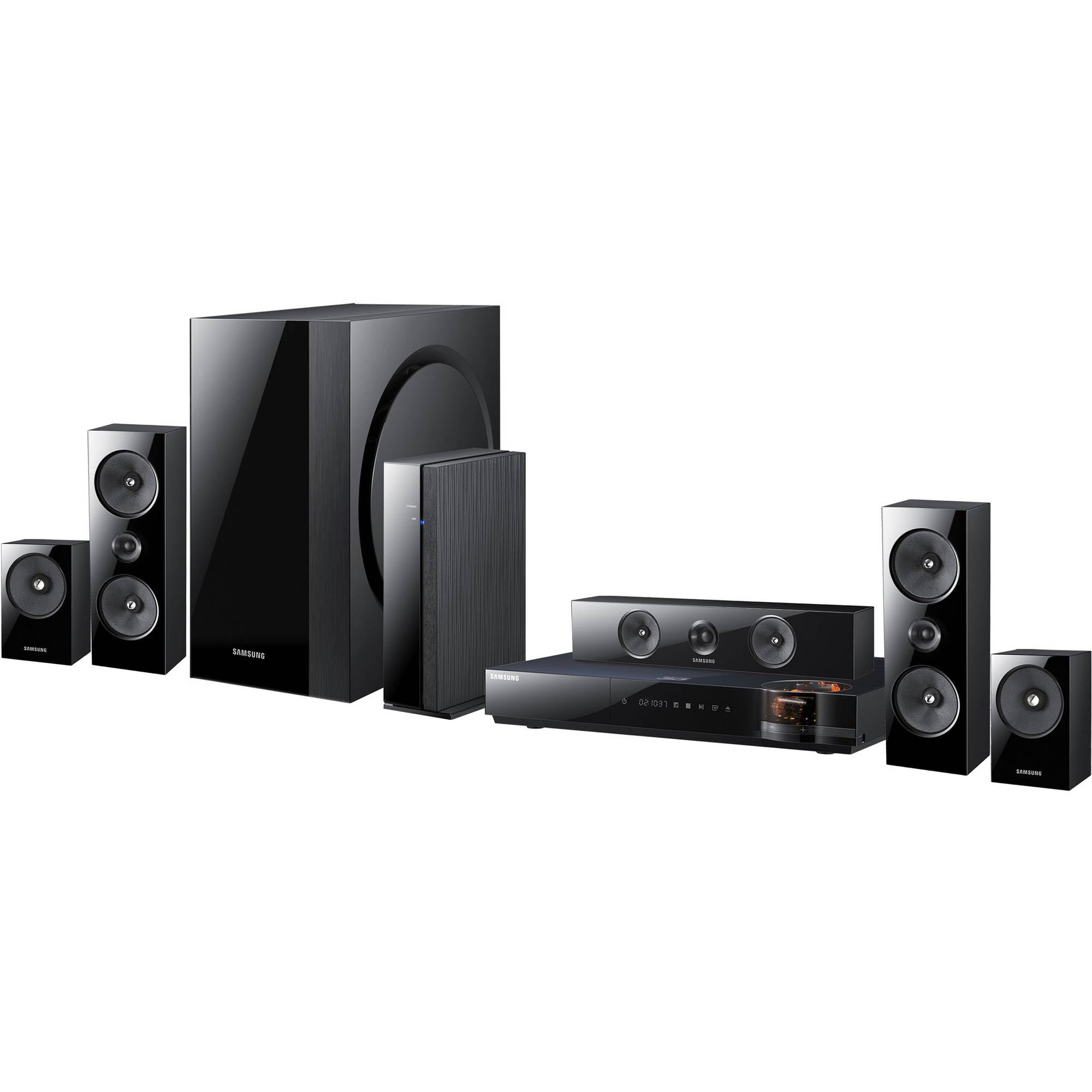
Зображення: Оверview of the Samsung HT-E6500W 5.1 Channel Home Theater System components.
Налаштування
1. Розміщення динаміків
Proper speaker placement is crucial for optimal surround sound experience. Position speakers as follows:
- Фронтальні динаміки: Place to the left and right of your television, equidistant from the viewположення.
- Центральний спікер: Position directly above or below the center of your television.
- Об'ємні динаміки: Place to the sides or slightly behind the main listening area, at ear level when seated. The HT-E6500W features wireless rear speakers for easier setup.
- Сабвуфер: Can be placed anywhere in the room, preferably near a wall or corner for enhanced bass response.
2. Підключення динаміків
Connect the speaker cables from each speaker to the corresponding terminals on the main unit. Ensure correct polarity (positive to positive, negative to negative) for each connection. The wireless rear speakers connect to a separate wireless receiver module, which then communicates with the main unit.
3. Підключення до телевізора та інших пристроїв
Use an HDMI cable to connect the HDMI OUT port on the home theater system to an HDMI IN port on your television. For other devices like gaming consoles or set-top boxes, connect them to the HDMI IN ports on the home theater system.
4. Підключення живлення
Plug the power cord into the main unit and then into a wall outlet. Ensure all connections are secure before powering on the system.
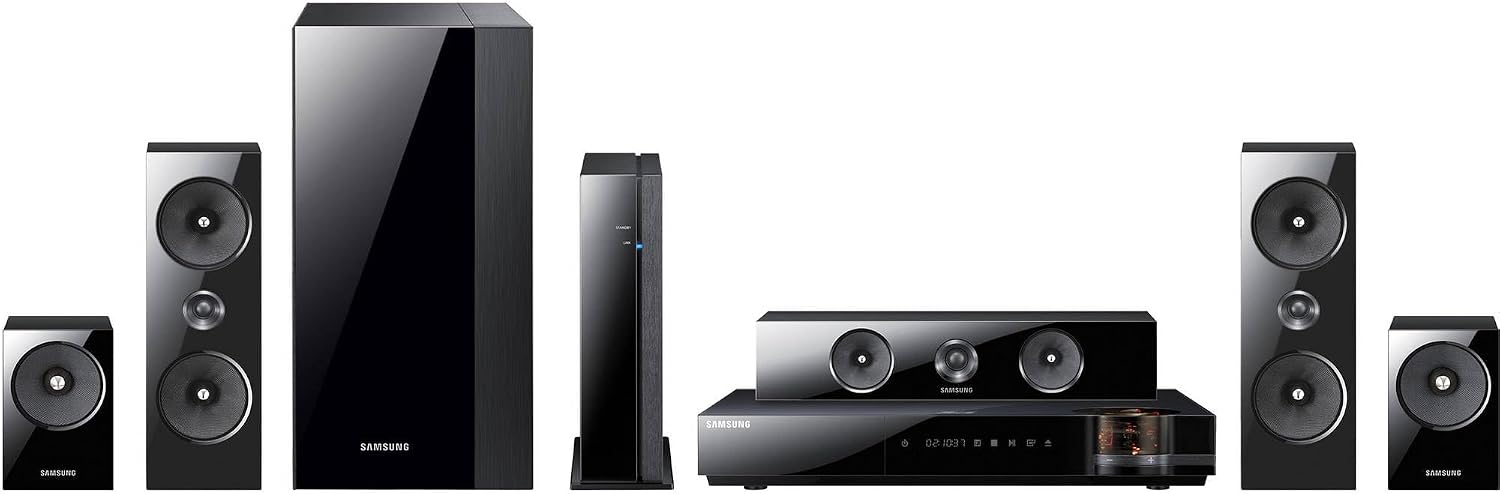
Зображення: Детальне view of the main unit and center speaker, illustrating connectivity points.
Інструкція з експлуатації
1. Основні функції
- Увімкнення/вимкнення живлення: Press the Power button on the remote control or the main unit.
- Регулювання гучності: Використовуйте кнопки збільшення/зменшення гучності на пульті дистанційного керування.
- Вибір входу: Press the Function button on the remote to cycle through available inputs (e.g., Blu-ray, HDMI 1, HDMI 2, AUX, Digital In).
2. 3D Blu-ray Playback
Insert a 3D Blu-ray disc into the disc tray. The system will automatically detect the disc and begin playback. Ensure your television is 3D compatible and 3D glasses are worn for the 3D effect.
3. Smart Hub and Network Features
The system features built-in Wi-Fi for network connectivity. Connect to your home network to access Smart Hub, which provides various online services and applications. Navigate Smart Hub using the remote control.
4. iPod Cradle Usage
Connect your iPod to the provided iPod cradle. The system will detect the device, allowing you to play audio through the home theater speakers. Control playback using the system's remote or the iPod itself.
5. Режими звуку
Select various sound modes (e.g., Stereo, Surround Sound, Dolby Digital) to optimize audio for different content types. Refer to the remote control for specific sound mode buttons or menu options.
Технічне обслуговування
- Прибирання: Use a soft, dry cloth to clean the exterior surfaces of the main unit and speakers. Do not use liquid cleaners or abrasive materials.
- Вентиляція: Ensure that the ventilation openings on the main unit are not blocked to prevent overheating.
- Догляд за дисками: Handle Blu-ray discs by their edges. Store discs in their cases to prevent scratches and dust accumulation.
Усунення несправностей
| проблема | Можливе рішення |
|---|---|
| Немає живлення | Check if the power cord is securely connected to the unit and the wall outlet. Ensure the outlet is functional. |
| Ні звуку | Verify speaker connections. Check the volume level and mute status. Ensure the correct input source is selected. |
| No picture from Blu-ray | Check the HDMI cable connection between the system and the TV. Ensure the TV is set to the correct HDMI input. Try a different disc. |
| Пульт не працює | Replace the batteries in the remote control. Ensure there are no obstructions between the remote and the main unit's sensor. |
| Wireless rear speakers not connecting | Ensure the wireless receiver module is powered on and within range of the main unit. Refer to the wireless module's specific pairing instructions. |
Технічні характеристики
- Назва моделі: HT-E6500W
- Аудіоканали: 5.1 канал
- Загальна вихідна потужність: 1000 Вт
- Сумісність дисків: 3D Blu-ray, Blu-ray, DVD, CD
- Підключення: HDMI (Input/Output), Built-in Wi-Fi, USB, Optical Digital Audio In
- Особливості: Smart Hub, iPod Cradle, Wireless Rear Speakers
- колір: чорний
- Вага товару: Approximately 8.5 pounds (main unit)
Інформація про гарантію
This product is covered by a limited warranty. For specific terms and conditions, please refer to the warranty card included with your product or visit the official Samsung webсайт. Зберігайте чек про покупку як підтвердження покупки для гарантійних претензій.
Підтримка клієнтів
For technical assistance, service, or product inquiries, please contact Samsung Customer Service. Contact information can be found on the official Samsung webсайті або в документації, що надається разом із вашим продуктом.
Інтернет-підтримка: www.samsung.com/us/support/


