
1. Вступ
This manual provides essential information for setting up, operating, and maintaining your Disney's Magical Mirror game for the Nintendo GameCube console. Please read this manual thoroughly before use to ensure proper operation and to maximize your gaming experience.
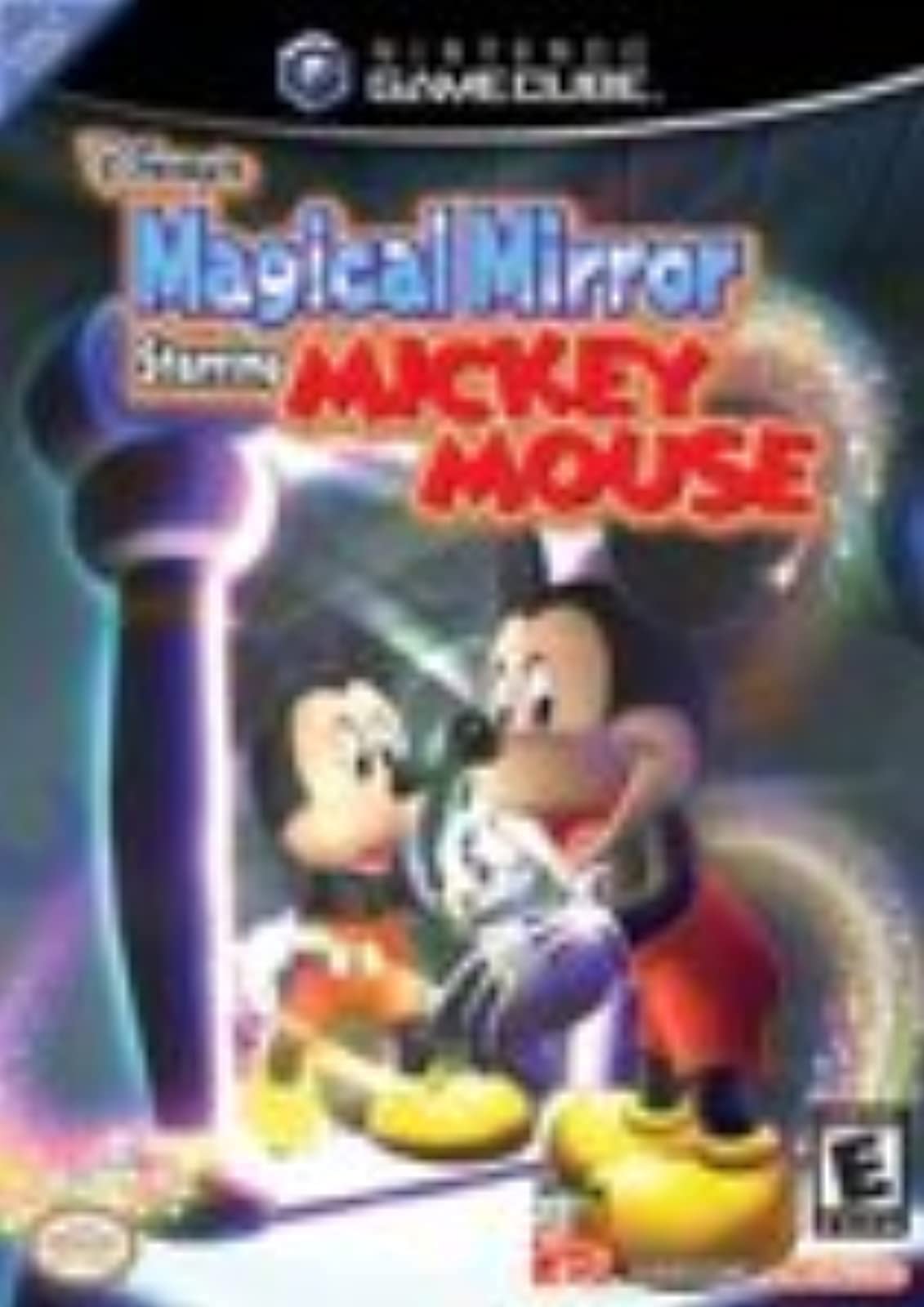
Image: The game case for Disney's Magical Mirror on Nintendo GameCube.
2. Налаштування
2.1 Системні вимоги
- Nintendo GameCube console
- Контролер Nintendo GameCube
- Television with AV input
2.2 Початкове встановлення
- Переконайтеся, що ваша консоль Nintendo GameCube правильно підключена до телевізора та джерела живлення.
- Open the GameCube disc tray.
- Insert the Disney's Magical Mirror game disc, label side up, into the disc tray.
- Закрийте лоток для диска.
- Connect a Nintendo GameCube controller to one of the controller ports on the front of the console.
- Turn on the GameCube console and your television.
- Select the appropriate input channel on your television for the GameCube.
2.3 Game Boy Advance Link (Optional)
For additional in-game assistance, you may connect a Game Boy Advance system with Disney's Magical Quest Starring Mickey and Minnie using a GameCube/Game Boy Advance link cable (sold separately). Refer to the Game Boy Advance game manual for specific connection and gameplay instructions.
3. Інструкція з експлуатації
3.1 Мета гри
In Disney's Magical Mirror, Mickey Mouse is trapped in an alternate universe by a mischievous ghost. Your goal is to help Mickey recover the broken mirror pieces scattered throughout his house to allow him to return to his own world.
3.2 Основні елементи керування
The game utilizes a point-and-click control scheme. You will control a magical glove on screen to interact with the environment and guide Mickey.
- Ручка керування: Move the magical glove cursor.
- Кнопка: Select, interact with objects, or guide Mickey to a location.
- B Кнопка: Cancel action or return to previous screen.
- Кнопка Пуск/Пауза: Access the in-game menu.
3.3 Механіка ігрового процесу
- Guiding Mickey: Point the glove to a location and press the A button to direct Mickey there.
- Interacting with Objects: Use the glove to click on various objects in the environment. Some objects may reveal hidden items, trigger events, or allow Mickey to perform